7 AI Chatbot Apps for Small Business Options Ranked for 2026

- The list opens with HubSpot, aimed at CRM linked chat.
- A fair warning about Crisp: AI features sit on higher priced plans.
- The cheapest monthly starting price in the list is $15 per month, offered by ManyChat.
- Free plans exist at 5 of 7 tools (HubSpot, Freshchat, Crisp, Tidio, ManyChat).
- Intercom is the one to check for AI first support teams.
Direct answer
Our first pick is HubSpot, best for CRM linked chat. For a different need, Freshchat covers freshworks users and LiveChat covers live chat with bot add on. The other 4 tools in the list cover narrower or pricier cases.
Quick comparison
| Product | Ideal for | Price from | Free version | |
|---|---|---|---|---|
 HubSpot | CRM linked chat | See website | Yes | Visit |
 Freshchat | Freshworks users | $19 per agent/month | Yes | Visit |
 LiveChat | Live chat with bot add on | $19 per agent/month | Free trial (14 days) | Visit |
 Crisp | Flat price small teams | See website | Yes | Visit |
 Tidio | Small online keeps | $29 per month | Yes | Visit |
 ManyChat | Instagram and Messenger | $15 a month | Yes | Visit |
 Intercom | AI first support teams | $29 per seat/month | Free trial (14 days) | Visit |
Tool-by-tool breakdown
If you are comparing AI chatbot apps for small business, this page covers 7 tools in one place: what each is best for, what it costs to start, whether it has a free plan, and the main limit to know about.
HubSpot
Ideal for: CRM linked chat
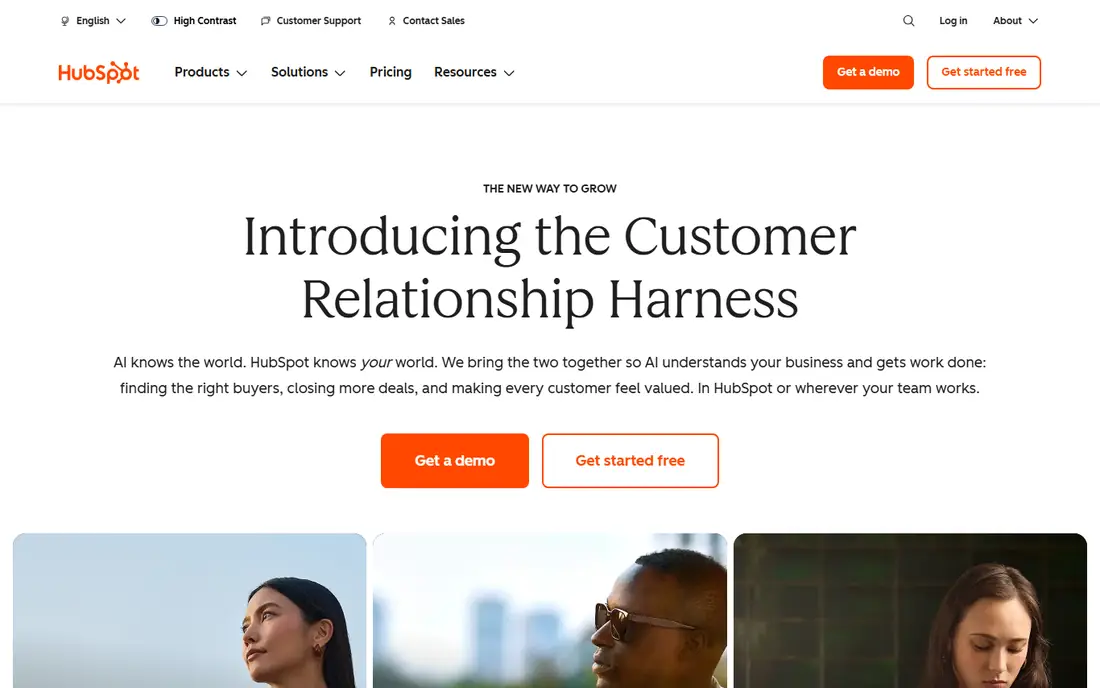
HubSpot serves CRM linked chat. Advanced AI, deeper automation and reporting need premium Service Hub or other Hub plans, and prices rise with seats and features.
Where it is weaker: Setup grows complicated as HubSpot use grows.
Check the vendor site for HubSpot pricing; none is listed in this comparison. HubSpot offers a free plan.
- Free chat and bot tools linked to CRM records
- Visitor history in one place
- Advanced AI and automation need premium Hubs
Freshchat
Ideal for: Freshworks users
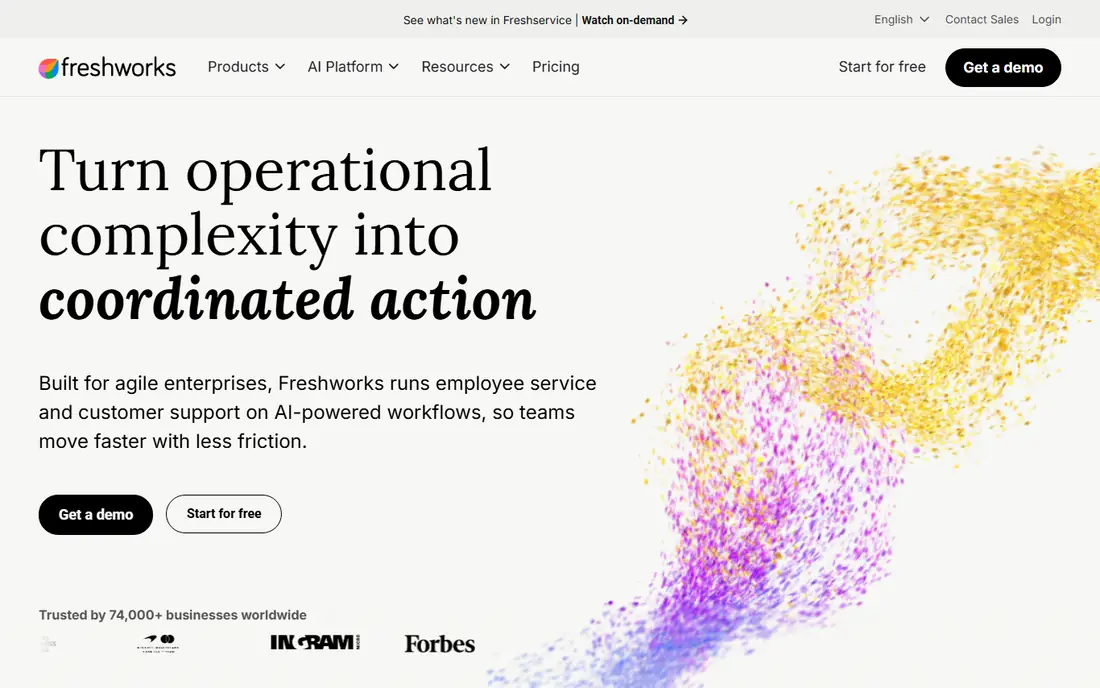
Freshchat is a good fit for freshworks users. Also, the free plan handles entry-level live chat for a small team, and premium plans from $19 per agent a month add more automation and reporting. Freddy sessions carry a per session charge on top of seat fees in many plans, so a team should estimate monthly bot sessions before choosing a plan.
For everyday use, for a business already using Freshdesk or other Freshworks tools, the shared data and single login make Freshchat a simple choice. The detail to check is AI billing. Freshchat starts at: $19 per agent/month. Freshchat has a free plan.
Highlights: Freddy AI for intent and handoff. Honest limits: Freddy sessions are billed separately.
- WhatsApp and Instagram channels
- Web
- Advanced automation sits on higher plans
LiveChat
Ideal for: Live chat with bot add on
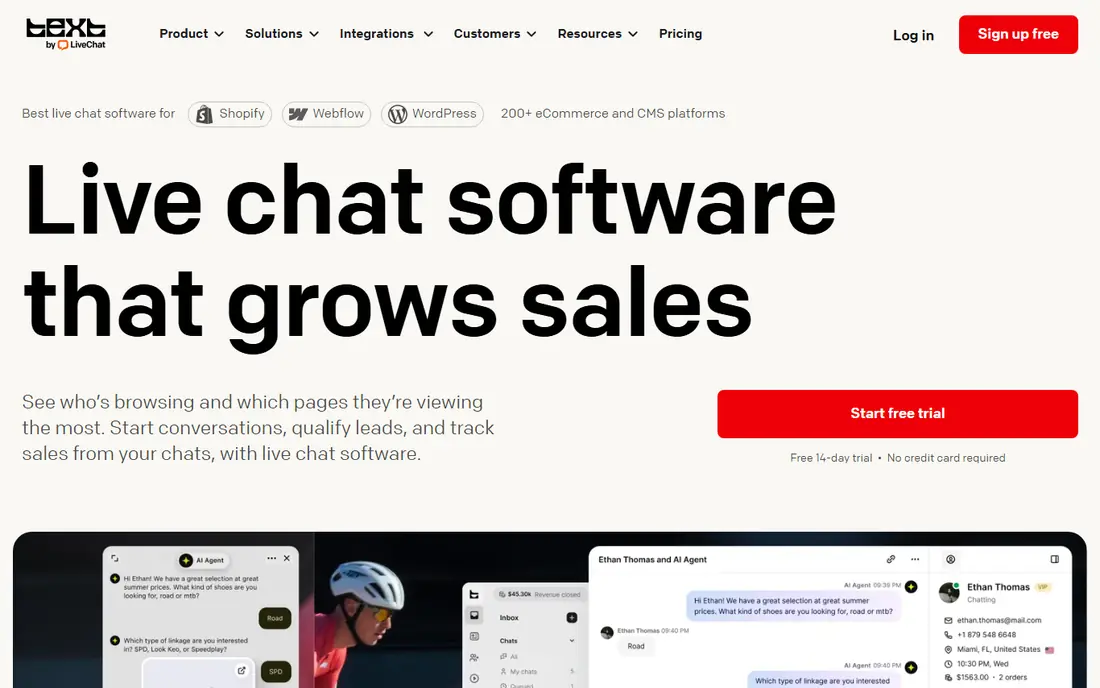
LiveChat targets live chat with bot add on. LiveChat is the pick for a team whose primary job is answering chats well, with a bot as a helper instead of the entire system. That split keeps live chat quality high whereas still automating the simple work.
LiveChat begins at $19 per agent a month, and the chatbot product is priced separately. So the combined cost is higher than the headline figure. As for the details, there is a 14 day trial but no permanent free plan. On top of that, for a team that lives in live chat, the quality justifies the price. LiveChat cost at the entry level: $19 per agent/month. Free options: Free trial (14 days).
Where it is weaker: AI chatbot is a separate product with its own price.
- ChatBot product for automation
- Quick agent tools and canned replies
- No permanent free plan
Crisp
Ideal for: Flat price small teams
In short, Crisp is for flat price small teams. AI is the limit. The more capable AI tools sit on higher plans.
So a team that wants capable automation may pay more than the entry price recommends. Also, Crisp appeals to small teams that dislike per agent maths. Crisp is still a decent pick for a team of two to four people who want a clean inbox, predictable pricing and a straightforward setup, without the weight of a full helpdesk. No starting price is listed for Crisp here; confirm pricing on the vendor site. Crisp includes a free tier.
Trade-offs to know: Smaller integration range than Zendesk or Intercom.
- Flat workspace pricing rather than per agent on numerous plans
- Built in knowledge base
- AI features sit on higher priced plans
Tidio
Ideal for: Small online keeps
Pick Tidio if this describes you: small online keeps. Tidio is aimed at the small store owner who answers the same questions every day: shipping times, returns, order status and product details. Its Lyro AI agent learns from your help pages and store content, and its visual builder lets a non technical owner set up flows for greetings, discounts and abandoned carts.
What to check first: Higher volumes need the Growth plan.
On top of that, the price to watch is AI usage. Even with that caveat, Tidio remains the easiest balance of price, setup speed and e-commerce features for a team of one to five people. Tidio pricing: $29 per month. A free plan is available with Tidio.
- Solid Shopify and WooCommerce links
- Lyro AI trained on store content
- AI conversations are billed on top of the base plan
ManyChat
Ideal for: Instagram and Messenger
ManyChat works best for Instagram and Messenger. ManyChat is not a website chatbot, and that distinction is the entire point. In practice, AI replies need an add on, and website visitors still need a separate chat tool like Tidio or Crisp.
What to check first: No website live chat inbox.
More specifically, use ManyChat when social is your central channel. For everyday use, the free plan includes up to 1,000 contacts, and premium plans start at $15 a month. Entry price for ManyChat: $15 per month. Free access exists with ManyChat.
- Solid Instagram comment to DM and Messenger flows
- Visual flow builder
- AI features need a premium add on
Intercom
Ideal for: AI first support teams
Pick Intercom if this describes you: AI first support teams. Essential seats start at $29 per seat per month when billed yearly, and Fin outcomes are $0.99 each on top. From a buyer's view, cost is the honest limit.
Watch-outs: Setup needs more care than a straightforward widget.
Worth adding: Fin, its AI agent, answers from your help centre and support content, hands over to a human with full context when it cannot help, and only charges an outcome fee when a conversation counts as resolved. A team with steady tickets and a clear help centre will get more value from Intercom, since each resolved conversation is one a human did not have to manage. Price to start with Intercom: $29 per seat/month. Free access: Free trial (14 days).
- Shared inbox
- Help centre and automation in one place
- Seat fees plus $0.99 per Fin outcome add up
How we chose
Each tool was reviewed on what its vendor publishes: price, plan limits, core features and stated drawbacks. We did not run hands-on tests. Plan names, prices and limits change often. Treat the figures here as a starting point and verify them with the vendor. The ranking is editorial: typical fit first, then clear pricing, then free access. If your needs are unusual, read the profiles rather than relying on position.
Before you commit
- Confirm the entry price on the vendor page. For HubSpot and Crisp that means a quote rather than a fixed price.
- Look at free plan limits closely: HubSpot, Freshchat, Crisp and others have one, and the caps decide whether it is usable for real work.
- Use real work to test the free trial from LiveChat and Intercom, rather than a demo project.
- Read the limits listed for HubSpot first: advanced AI and automation need premium Hubs.
- Get the contract term, renewal terms and any onboarding fees from LiveChat in writing.
- Check how data leaves Tidio: formats, limits and whether exports are available on every plan.
Frequently asked questions
Do these tools publish their prices?
Not all of them. HubSpot and Crisp publish no starting price, so expect a quote request for those. The rest, Freshchat included, show a starting price, though seats and billing terms still change the final cost.
Do I still need staff for support?
Yes. A bot takes care of routine questions and out of hours enquiries, but refunds, complaints and complicated cases still need people. The goal is fewer repetitive tickets, not zero staff.
Is HubSpot the right pick for everyone comparing AI chatbot apps for small business?
No single tool suits every team. HubSpot comes first because it fits CRM linked chat, while Freshchat suits freshworks users and LiveChat suits live chat with bot add on. Match the tool to your own size, budget and workflow before deciding.
How are the tools for AI chatbot apps for small business ordered?
HubSpot sits first and Intercom last because the order follows typical fit for AI chatbot apps for small business, then price clarity and free access. It is a judgement call, so read each profile for fit and limits.
Can I try these tools before paying?
Often, yes. HubSpot, Freshchat, Crisp and others have a free plan and LiveChat and Intercom offer a free trial. Use your own data and a real task during the test, and check what the free tier or trial limits before you rely on it.