Best AI Classroom Tools in 2026: 8 Tools Compared

- 1
 KhanmigoGuided tutoringVisit
- 2
 MagicSchoolAll-round teacher toolkitVisit
- 3
 CuripodInteractive whole-class lessonsVisit
- 4
 DiffitDifferentiated reading materialsVisit
- 5
 Brisk TeachingFeedback and differentiationVisit
- MagicSchool and Brisk cover the widest range of teacher tasks, from lesson plans to feedback on student writing.
- Khanmigo and SchoolAI focus on guided student learning, with teachers setting the boundaries for AI help.
- Curipod and Diffit help teachers reach every reading level in the same class with differentiated materials.
- Safety features matter more than speed: check FERPA and COPPA handling, student data rules, and admin controls before rollout.
Quick comparison
| Product | Ideal for | Price from | Free version | |
|---|---|---|---|---|
| Khanmigo | Guided tutoring | See website | No | Visit |
| MagicSchool | All-round teacher toolkit | See website | Yes | Visit |
| Curipod | Interactive whole-class lessons | See website | Free trial | Visit |
| Diffit | Differentiated reading materials | See website | Free trial | Visit |
| Brisk Teaching | Feedback and differentiation | See website | Yes | Visit |
 SchoolAI | Teacher-controlled AI spaces | See website | Yes | Visit |
 Eduaide | Lesson materials and assessments | See website | Yes | Visit |
 Twee | Language lesson creation | See website | Free trial | Visit |
The best AI classroom tools
We compared official feature pages, pricing pages, and privacy pages for AI tools built for classrooms and available in October 2026. The list favors tools with clear school privacy practices and teacher controls, rather than general chatbots dressed up for education.
Khanmigo
Ideal for: Guided tutoring
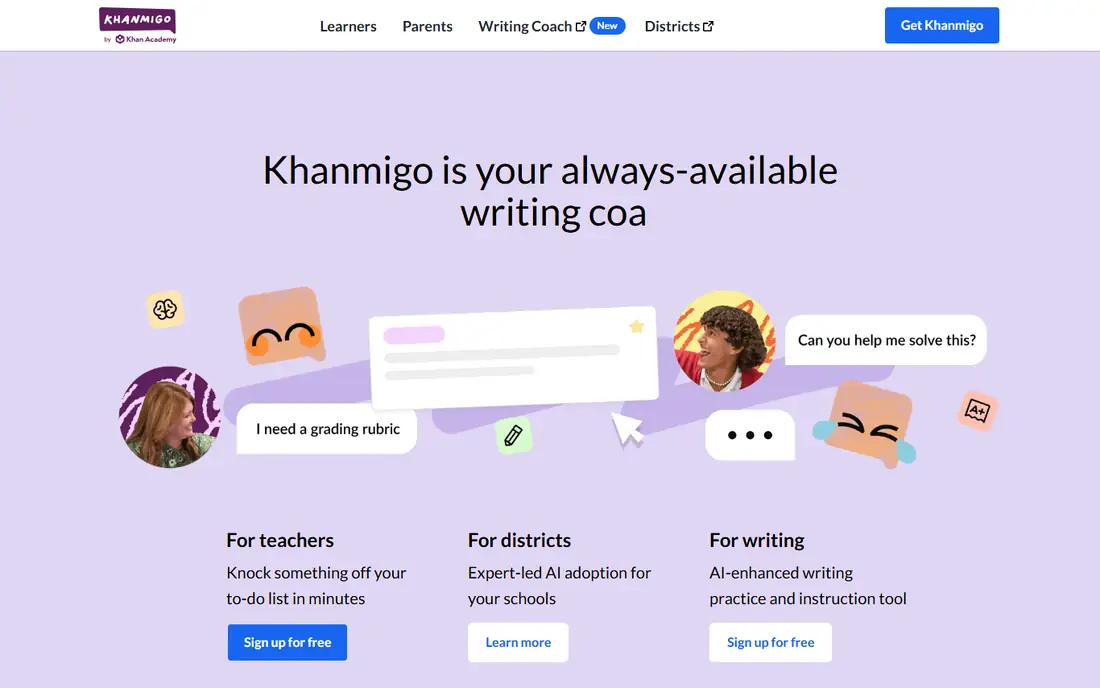
Khanmigo is Khan Academy's AI tutor and teaching assistant. For learners, it asks questions and nudges them toward the answer instead of handing it over, which fits homework help and practice. For teachers, it can draft lesson plans, rubrics, and class materials, and it ties into Khan Academy's library of math, science, and humanities content.
Access is the main limit. Full use requires payment, and students under 18 need a parent or guardian account, according to Khanmigo's own FAQ. For a school that already uses Khan Academy, Khanmigo adds a guided AI layer with a nonprofit behind it and a clear learning focus.
- Tutoring that guides rather than giving answers
- Built on Khan Academy content
- Teacher tools included
- Paid access for full use
- Student access runs through adult accounts
MagicSchool
Ideal for: All-round teacher toolkit
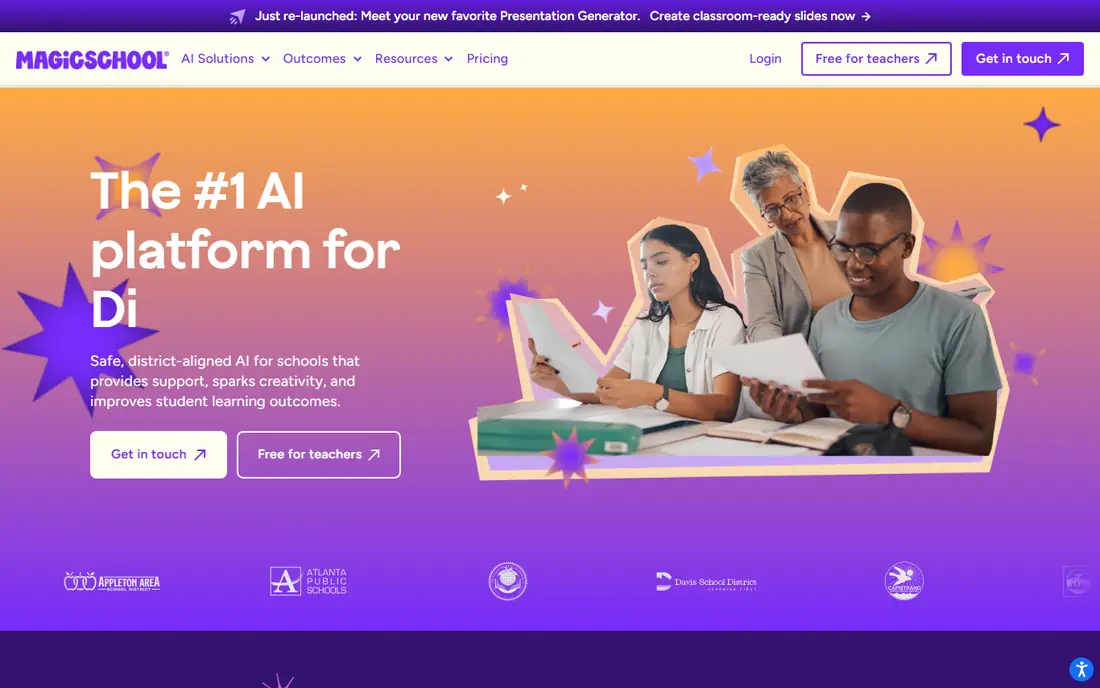
MagicSchool is an AI platform built for schools, with tools for lesson plans, quizzes, rubrics, report card comments, IEP drafts, and more. Teachers pick a tool, enter a topic, and get a draft to edit, which cuts planning time on routine work. A separate student mode lets learners use AI inside teacher-set boundaries.
Safety is a selling point here. MagicSchool lists FERPA, COPPA, and SOC compliance badges on its site and integrates with Google Classroom, Canvas, and Clever. The sheer number of tools can feel like a lot at first, so start with two or three and expand. For a district-wide rollout, MagicSchool's admin controls and training support are a good fit.
- Dozens of teacher tools in one place
- District safety and privacy badges
- Student-facing MagicStudent mode
- The tool list can overwhelm new users
- District plans need a sales conversation
Curipod
Ideal for: Interactive whole-class lessons
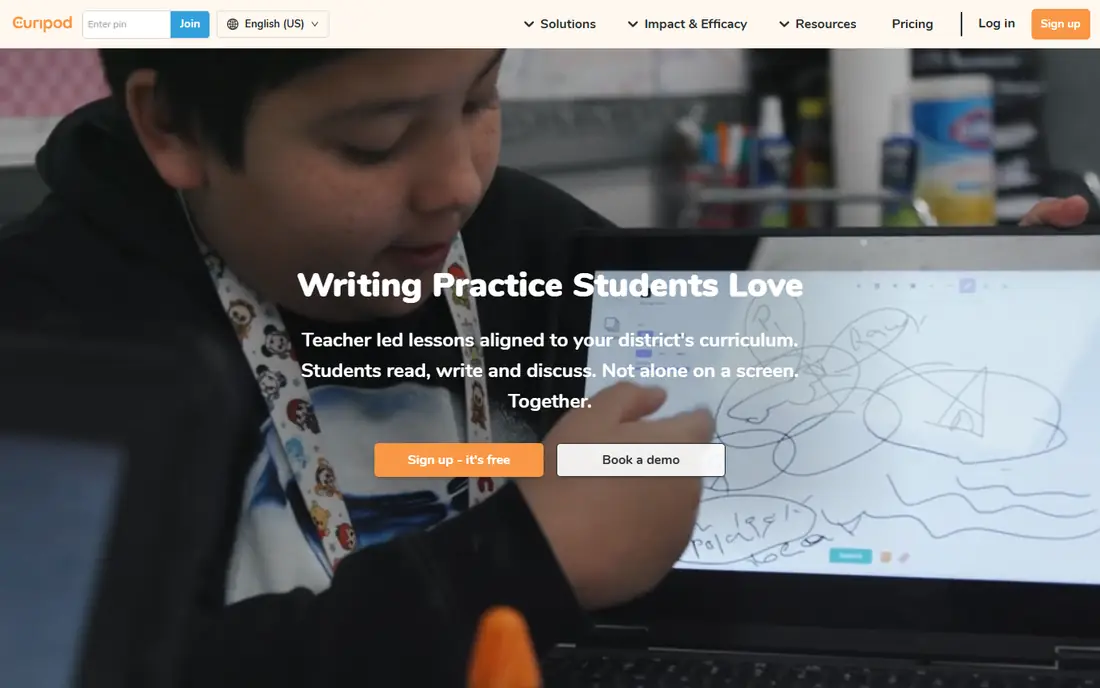
Curipod builds teacher-led lessons where students read, write, and discuss together instead of working alone on screens. Teachers run polls, open responses, and writing tasks, and students get AI feedback during the lesson so they can revise in the same class period. Reports from each lesson show who understood the material and who needs more help.
The design choice matters: Curipod states that students do not have accounts, which simplifies privacy for schools. The trade-off is scope. Curipod is a lesson platform, not a general tutor or planning toolkit, so it pairs best with a planning tool such as MagicSchool or Brisk rather than replacing one.
- Teacher-led interactive lessons
- Real-time AI feedback on writing
- No student accounts needed
- Focused on whole-class lessons rather than individual tutoring
- Pricing is quote-based
Diffit
Ideal for: Differentiated reading materials
Diffit helps teachers adapt content to different reading levels. Paste an article, a topic, or a link, and Diffit produces leveled texts plus summaries, vocabulary, and questions. That makes it easier to give the same class the same topic at several reading levels without writing each version by hand.
The tool is deliberately narrow. It does not plan full lessons or tutor students, and teachers should still check AI output for errors before handing it out. For differentiation, though, Diffit is one of the fastest ways to make grade-level content reachable for every learner in the room.
- Adapts any text to reading levels
- Builds resources and questions fast
- Simple interface
- Narrower scope than all-round platforms
- Relies on teacher review for accuracy
Brisk Teaching
Ideal for: Feedback and differentiation
Brisk Teaching is a browser extension and web tool that works where teachers already work, especially Google Docs. It can generate lesson materials, adjust reading levels, translate content, and leave targeted comments on student writing. Teachers report that feedback stays in their own voice, which matters for trust with students.
Privacy is a strength: Brisk cites a high Common Sense Privacy rating and lists district trust credentials on its site. The tool fits best in Google Workspace schools, since much of its value sits inside Docs. For a teacher who grades a lot of writing, Brisk's feedback workflow is the standout feature.
- Works inside Google Docs and the browser
- Strong writing feedback
- High privacy rating
- Best inside Google Workspace
- Some features need a paid school plan
SchoolAI
Ideal for: Teacher-controlled AI spaces
SchoolAI lets teachers build "Spaces" where students interact with AI inside limits the teacher sets. A Space might tutor a topic, run a debate, or guide a writing task, while the teacher watches progress on a Mission Control dashboard. The design keeps the teacher in charge of what the AI can say and do.
That control requires setup time. A Space built in a hurry may not guide students as well as a thoughtfully designed one, so schools should budget training time. SchoolAI also emphasizes student protection, including crisis flagging and data rules that bar training on student data. For guided classroom AI, it is one of the most teacher-centered options.
- Teachers design the AI experience
- Progress dashboard for teachers
- Strong student safety design
- Setup takes thought to do well
- District pricing needs a conversation
Eduaide
Ideal for: Lesson materials and assessments
Eduaide helps teachers create worksheets, graphic organizers, games, lesson plans, and assessments from a topic, objective, or source document. Rather than asking teachers to write long prompts, it uses guided workflows with standards from many jurisdictions. Finished work exports to Google Docs, Google Forms, DOCX, or PDF.
The scope is materials, not tutoring or grading, so it pairs well with a feedback tool such as Brisk. Teachers who want structured, standards-aligned resources without learning prompt engineering will find Eduaide easy to pick up, and the free tier covers real classroom use.
- Guided workflows instead of blank prompts
- Standards alignment
- Exports to Docs, Forms, and PDF
- Smaller community than MagicSchool
- Some tools need a paid plan
Twee
Ideal for: Language lesson creation
Twee is made for language teachers. It generates texts, dialogues, gap-fill exercises, discussion questions, and vocabulary work at CEFR levels from A1 to C2, and it can assess student answers, including open-ended ones. Teachers can share interactive exercises with students and track their work in one place.
The focus is also the limit. Outside language teaching, Twee has little to offer, so a general classroom toolkit is still needed for other subjects. For an English or world language teacher, though, Twee's level-matched exercises and grading help save hours each week.
- Built for language teachers
- CEFR-aligned exercises
- Grading help for open answers
- Focused on language teaching
- Less useful outside that subject
How we picked these
We compared official feature pages, pricing pages, and privacy pages for AI tools built for K-12 classrooms in October 2026. We favored tools with teacher controls, school privacy practices, and a clear classroom purpose, and we left out general chatbots that lack school safeguards. We did not include our own product in this list.
How to choose an AI tool for your classroom
Start with the job you do most. If planning eats your time, a toolkit such as MagicSchool or Eduaide helps most. If feedback on writing is the bottleneck, Brisk fits better. If you want students to work with AI directly, pick a guided option such as Khanmigo or SchoolAI, where the teacher sets the boundaries.
Then check the privacy details before any school-wide rollout. Ask how student data is stored, whether it trains models, and what admin controls exist for teachers and districts. Run a small pilot with one class, review AI output for errors with students, and set a class rule that AI drafts get checked before they count. The best tool is the one teachers actually trust enough to use every week.
Frequently asked questions
Which AI tool is best for teachers?
MagicSchool suits most teachers because it covers lesson planning, quizzes, rubrics, and feedback in one platform. Brisk is better for writing feedback inside Google Docs, while Khanmigo and SchoolAI are better when students will use AI directly.
Are AI classroom tools safe for students?
Safety depends on the tool's design and the school's rules. Tools built for schools usually offer FERPA and COPPA compliance, admin controls, and limits on student data use. Teachers should still review AI output, set clear class rules, and avoid sharing sensitive student details with any AI tool.
Can AI replace lesson planning?
No. AI tools draft plans, materials, and questions quickly, but teachers must check accuracy, fit for their students, and alignment with standards. The best use is a first draft that a teacher edits, not a finished plan used without review.
What is the difference between Khanmigo and MagicSchool?
Khanmigo focuses on guided tutoring for learners plus teacher tools, built on Khan Academy content. MagicSchool is a broader teacher toolkit with dozens of planning and grading tools and a separate student mode. Many teachers use both for different jobs.
Do these tools work outside the US?
Most of these tools work internationally, but pricing, privacy rules, and standards alignment vary by country. Twee covers many languages for language teaching, while Eduaide lists standards from many jurisdictions. Check the vendor's site for your region before buying.