Start with JetBrains AI Assistant if you need documentation help inside JetBrains IDEs. Look at Amazon Q Developer for IDE-native code and documentation assistance, and at Google Gemini Code Assist for AI assistance across build and operations. The remaining 3 options are covered below with prices and limits.
This Ainotely guide covers 6 options for AI code documentation tools for enterprise. Each profile lists a starting price, free plan details, strengths and drawbacks, so you can drop poor fits quickly.
Key takeaways
The list opens with JetBrains AI Assistant, aimed at documentation help inside JetBrains IDEs.
What to know about Google Gemini Code Assist first: deepest value inside Google Cloud.
No starting price is shown for any of the 6 tools, JetBrains AI Assistant and Swimm included, so plan time for sales calls.
Swimm suits agent-ready codebase modernization and docs.
A permanent free plan is missing from all 6 tools, JetBrains AI Assistant and Swimm included; plan for a trial or a premium start.
Best for: Documentation help inside JetBrains IDEs
Choose JetBrains AI Assistant for documentation help inside JetBrains IDEs. Documentation is one part of a broader agent system instead of a standalone publishing feature.
The main drawbacks: Documentation features vary by IDE context.
In daily use, for documentation, it can assist with explanations and code-adjacent writing inside JetBrains tools. The agent-compatible approach also provides teams adaptability in how they wire up assistance. JetBrains AI Assistant shows no starting price here, so confirm the cost on the vendor site. Free plan details: Not stated.
Best for: IDE-native code and documentation assistance
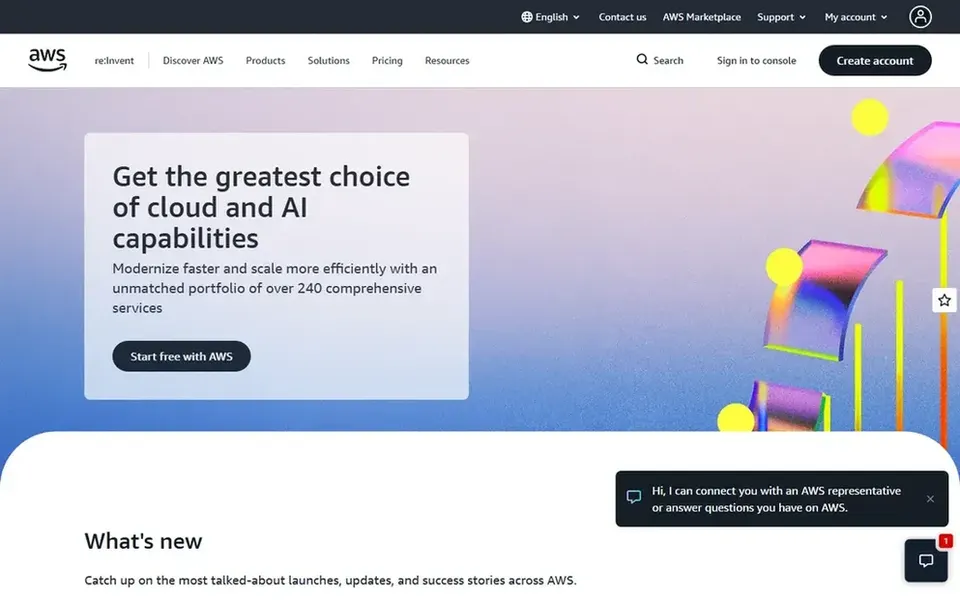
Think of Amazon Q Developer for IDE-native code and documentation assistance. Amazon Q Developer is an AI coding assistant that writes, debugs, and refactors code natively in the IDE. Teams building on AWS will find the surrounding context particularly relevant.
Its value is highest for teams already invested in AWS tooling. In practice, for documentation, that means it can help create and update inline comments, docstrings, and explanations as code changes. It is a practical choice for enterprise teams that want documentation assistance embedded in everyday development instead of handled in a separate tool. If you need a standalone documentation system with publishing and versioning, look at a tool designed for that purpose. Amazon Q Developer shows no starting price here, so confirm the cost on the vendor site. On free options: Not stated.
Downsides: Most natural inside the AWS ecosystem. What users get: Suits AWS-centered development teams.
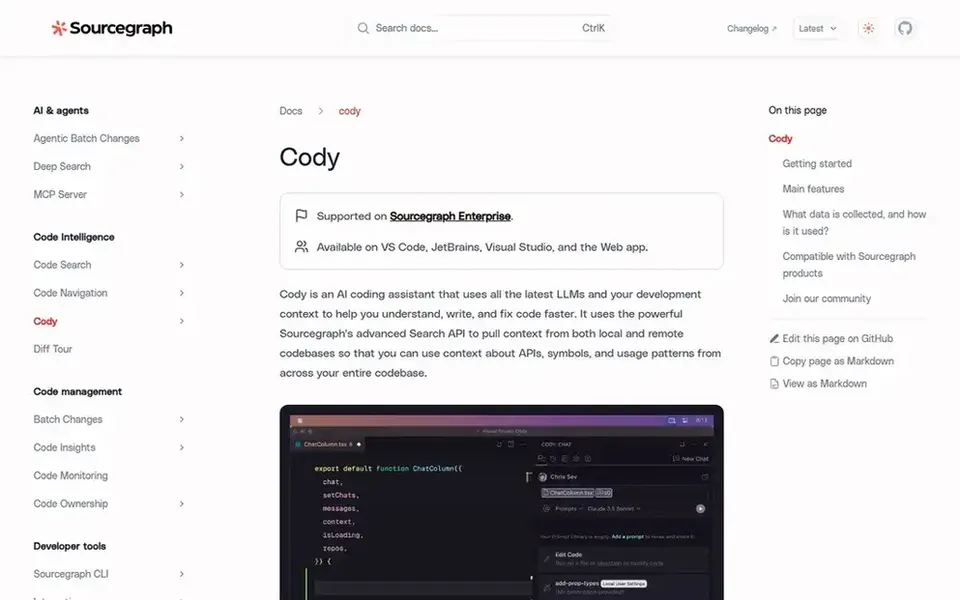
For Codebase-aware documentation at scale, Sourcegraph Cody is a natural candidate. Sourcegraph Cody is documented as part of the Sourcegraph code intelligence platform. That background makes it a natural fit for enterprises that require documentation grounded in how code is actually structured across plenty of repositories.
On top of that, teams can use it to explain unfamiliar code, draft internal guides, and keep onboarding material aligned with the codebase. Consider other choices if your central need is a refined developer portal instead of code-aware assistance. Pricing for Sourcegraph Cody is not stated here, so ask the vendor for current figures. On free options: Not stated.
Best for: End-to-end documentation in the GitHub workflow
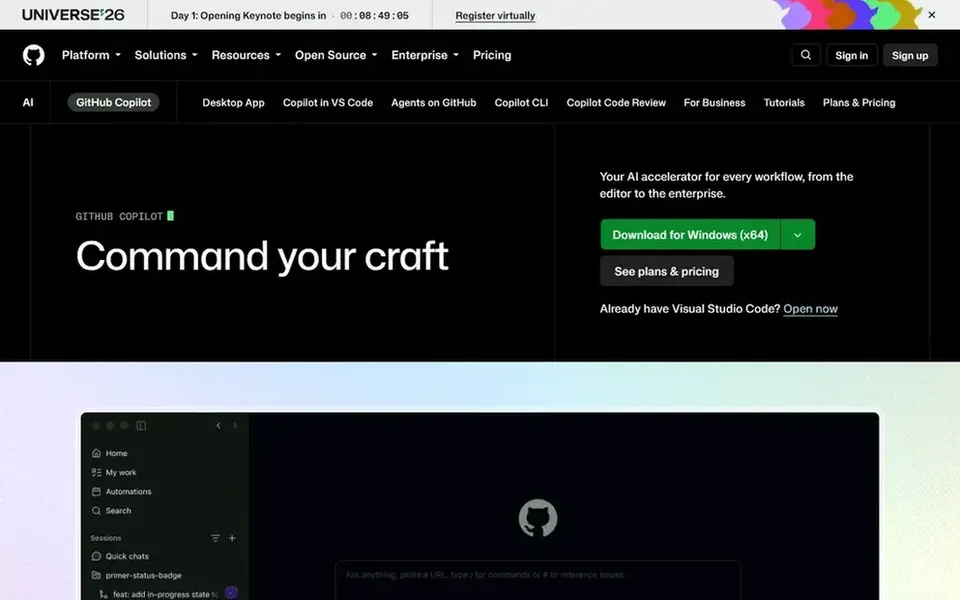
GitHub Copilot is built with end-to-end documentation in the GitHub workflow in mind. It is available in the editor, the terminal, on the desktop, and on GitHub itself. For enterprise documentation, that means teams can draft docstrings, explain changes in pull requests, and summarize issues without leaving their existing workflow.
It also depends on the context you provide it, so vague prompts produce vague documentation. Pick something else if you need a dedicated documentation publishing product instead of an assistant embedded in the development workflow. GitHub Copilot shows no starting price here, so confirm the cost on the vendor site. Free access: Not stated.
Points against: Best value inside the GitHub ecosystem.
Best for: Agent-ready codebase modernization and docs
Swimm is designed for agent-ready codebase modernization and docs. It suits enterprises modernizing large systems that require documentation to travel with the code.
Where it falls short: Centred on modernization instead of publishing.
Beyond that, Swimm is oriented toward modernization engagements, so teams looking for a general-purpose documentation editor may find the focus narrow. Pricing for Swimm is not stated here, so ask the vendor for current figures. As for free access: Not stated.
Ask each vendor, from JetBrains AI Assistant to Swimm, for a written quote; none of them publishes a starting price.
Read the limits listed for JetBrains AI Assistant first: most handy to JetBrains IDE users.
Price Swimm for your actual team size; headline prices rarely include add-ons or overage.
Test how quickly Google Gemini Code Assist answers a pre-sales question; it hints at how support will feel later.
Check whether JetBrains AI Assistant bills monthly or annually, and what cancelling early costs.
How we picked
For each of the 6 tools we noted price, free plan or trial, fit for AI code documentation tools for enterprise and the main limit, using vendor pages and documentation. Where a price is missing, the vendor does not list one publicly or ties it to a quote. Always confirm before budgeting. Position on the page reflects fit for a typical buyer first, with price clarity and free access breaking ties. Treat it as a guide, not a ruling.
Every price and plan detail on this page comes from the vendors’ own websites. We did not run hands-on tests unless the text says so, and we do not publish star ratings or review scores. See how we score and our disclosure.
Keep your shortlist in one place
Paste prices, trial dates and notes from this guide into Ainotely, our AI note app. It files them into a topic and pulls out tasks like “cancel trial by Friday”. Free 7-day trial, no card needed.
Does any tool for AI code documentation tools for enterprise here have a free plan?
A permanent free plan is not offered by JetBrains AI Assistant, Swimm or the other tools here. Plan a short evaluation period instead.
How are the tools for AI code documentation tools for enterprise ordered?
JetBrains AI Assistant sits first and Swimm last because the order follows typical fit for AI code documentation tools for enterprise, then price clarity and free access. It is a judgement call, so read each profile for fit and limits.
Can I try these tools before paying?
Not by default. None of the tools, from JetBrains AI Assistant to Swimm, lists a free plan or a free trial here, so ask each vendor for a demo before committing.
Which tool is a good match for documenting a large, multi-repository codebase?
Start with JetBrains AI Assistant if you need documentation help inside JetBrains IDEs. Amazon Q Developer is the better match for IDE-native code and documentation assistance, and Google Gemini Code Assist for AI assistance across build and operations. The best choice depends on budget, team size and workflow.
Do these tools work with non-GitHub or non-AWS environments?
JetBrains AI Assistant centers on JetBrains IDEs, and Gemini Code Assist on Google Cloud. Check integration support for your specific stack before committing.
Is JetBrains AI Assistant the right pick for everyone comparing AI code documentation tools for enterprise?
No single tool suits every team. JetBrains AI Assistant comes first because it fits documentation help inside JetBrains IDEs, while Amazon Q Developer suits IDE-native code and documentation assistance and Google Gemini Code Assist suits AI assistance across build and operations. Match the tool to your own size, budget and workflow before deciding.