Comparing 6 AI Code Generation Software Options in 2026

- 1
 CursorProfessional developers who live in their editor all dayVisit
- 2
 Claude CodeTerminal-first developers working in serious codebasesVisit
- 3
 TabnineRegulated industries where code cannot leave the buildingVisit
- 4
 ReplitRapid prototyping and building in the browserVisit
- 5
 GitHub CopilotDevelopers who want the broadest integration with their existing workflowVisit
- Top of the list is Cursor, which targets professional developers who live in their editor all day.
- Cursor is the lowest-priced starter here at $8 per month.
- For development teams deeply invested in AWS, Amazon Q Developer is worth a look.
- Free plans exist at 5 of 6 tools (Cursor, Claude Code, Replit, GitHub Copilot, Amazon Q Developer).
- Check the limits for Tabnine before you commit: highest per-seat price in this group.
Direct answer
For professional developers who live in their editor all day, Cursor is where this list starts. Claude Code is the stronger choice for terminal-first developers working in serious codebases, while Tabnine suits regulated industries where code cannot leave the building. All 6 tools are compared below on price, free plan and limits.
Quick comparison
| Product | Ideal for | Price from | Free version | |
|---|---|---|---|---|
| Cursor | Professional developers who live in their editor all day | From $8 per month (Plus) | Yes | Visit |
| Claude Code | Terminal-first developers working in serious codebases | From $20 a month (Claude Pro, includes Claude Code) | Yes | Visit |
| Tabnine | Regulated industries where code cannot leave the building | From $39 per user/month (Code Assistant, billed annually) | No | Visit |
| Replit | Rapid prototyping and building in the browser | From $20 a month (Core) | Yes | Visit |
| GitHub Copilot | Developers who want the broadest integration with their existing workflow | From $10 a month (Pro) | Yes | Visit |
 Amazon Q Developer | Development teams deeply invested in AWS | From $19 per user/month (Pro) | Yes | Visit |
AI Code Generation Software, one by one
Ainotely compared 6 tools for AI code generation software. The goal is a practical shortlist: published prices, free plan facts, best-fit use cases and honest limits for every entry.
Cursor
Ideal for: Professional developers who live in their editor all day

Cursor targets professional developers who live in their editor all day. Cursor's pitch is straightforward: what if the AI was load-bearing rather than bolted on. It is forked from VS Code, so your extensions, keybindings and muscle memory come along, and there is effectively no re-learning curve.
Where it is weaker: Aggressive refactors need careful prompting.
In daily use, usage draws from a shared pool that refreshes weekly, which is friendlier than monthly caps but still means very heavy users pay more. It remains the safest recommendation for the widest range of developers. In daily use, the current pricing page displays a free tier with restricted agent and chat requests, Plus at $8 a month as the introductory plan, Premium at $30, Super at $100 and Ultra at $200, with Teams from $30 per user a month. On cost, Cursor starts like this: From $8 per month. Free access exists with Cursor.
- Free level with restricted agent and chat requests
- Choice of frontier models
- Usage is quota-based, so heavy months cost more
Claude Code
Ideal for: Terminal-first developers working in serious codebases

Think of Claude Code for terminal-first developers working in serious codebases. Access comes through Claude's subscription: Pro at $20 a month ($17 with annual billing) comes with Claude Code, and Max from $100 a month buys 5x to 20x more usage.
Price to start with Claude Code: From $20 per month. Claude Code includes a free tier.
Honest limits: Heavy usage pushes you toward the $100+ Max levels.
- Included in Claude Pro and Max subscriptions
- Solid reasoning for complicated refactors
- Terminal-centric workflow is not for everyone
Tabnine
Ideal for: Regulated industries where code cannot leave the building
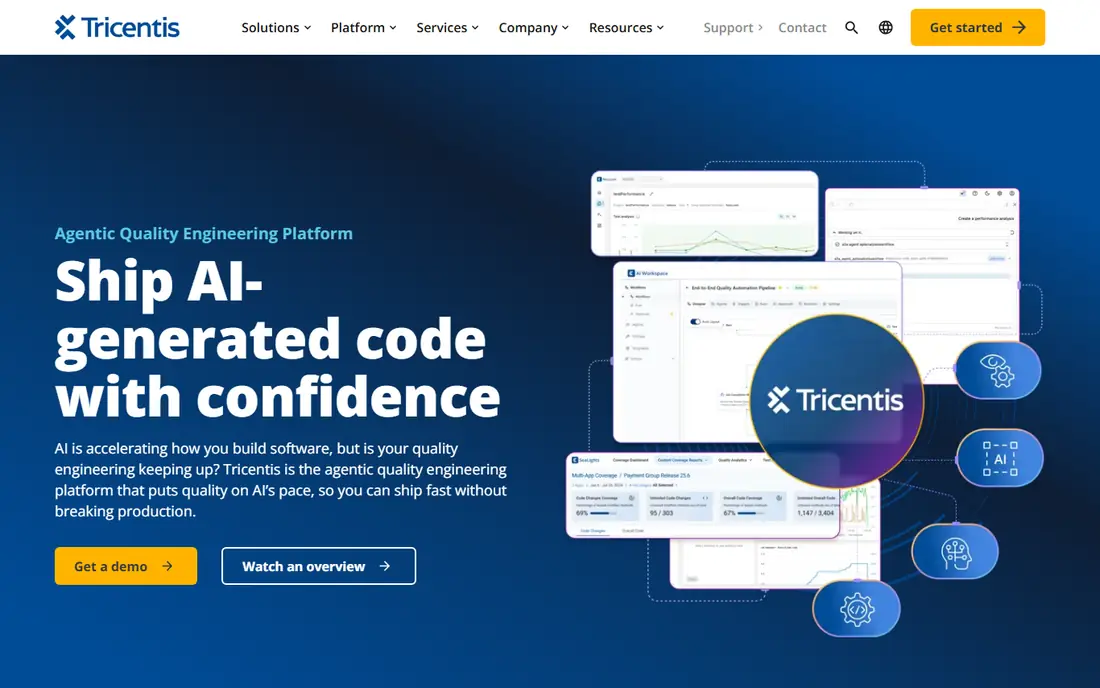
Choose Tabnine for regulated industries where code cannot leave the building. Tabnine has been in the AI coding space since 2018, making it one of the longest-running assistants. It now operates as part of Tricentis.
What to check first: Free level was removed.
In practice, for healthcare, finance and defense teams, that is the deciding factor. Worth adding: the Code Assistant plan is $39 per user a month billed yearly, the Agentic Platform is $59. A 14-day free trial is available on premium plans with no credit card. Tabnine pricing: From $39 per user/month. Tabnine has no free tier.
Highlights: Solid compliance certifications.
- Never trains on your proprietary code
- Private, VPC
- Highest per-seat price in this group
Replit
Ideal for: Rapid prototyping and building in the browser
Replit works best for rapid prototyping and building in the browser. Replit occupies a different corner of this category: rather than assisting inside your editor, it is the entire environment. In daily use, for production work at a professional team, pair it with a real IDE and one of the assistants above.
Where it is weaker: Effort-based credit pricing makes costs unpredictable at scale.
In practice, describe an app, and the Agent writes the code, sets up the database and deploys it, all in the browser. In daily use, the main limit is the credit model. From a buyer's view, the subscription buys a pool of effort-based credits, and heavy Agent use, deployments and storage all draw from it. Entry price for Replit: From $20 per month. A free plan is available with Replit. What users get: No local setup.
- Free Starter level to try the Agent
- Full-stack building and deployment in one browser tab
- Not a daily driver for professional teams
GitHub Copilot
Ideal for: Developers who want the broadest integration with their existing workflow
GitHub Copilot serves developers who want the broadest integration with their existing workflow. Business ($19 per user a month) brings org management and policy controls, whereas Enterprise ($39) layers on fine-tuning on your own codebase.
This is the exact moment GitHub Copilot was designed for. GitHub Copilot cost at the entry level: From $10 per month. A free plan is available with GitHub Copilot.
Where it is weaker: Premium models sit in higher levels. What GitHub Copilot does well: Works across VS Code, JetBrains.
- Free level with 2,000 completions a month
- Vim and the GitHub web editor
- Cloud-only with no self-hosted choice
Amazon Q Developer
Ideal for: Development teams deeply invested in AWS
Amazon Q Developer targets development teams deeply invested in AWS. Where Q shines is AWS-native work: CloudFormation, Lambda, IAM policies and infrastructure code get suggestions that reflect real service knowledge.
Trade-offs to know: Weaker at general-purpose, non-AWS coding.
In practice, if you are multi-cloud or largely frontend, look elsewhere. If your team deploys to AWS daily, the free level alone is worth adopting. Amazon Q Developer pricing: From $19 per user/month. Amazon Q Developer offers a free plan.
- Built-in security scanning
- Unmatched AWS service knowledge
- Smaller effective context than rivals
How we built this list
Ainotely looked at what each vendor publishes: pricing, plan limits, feature coverage for AI code generation software and stated drawbacks. No hands-on testing is claimed. Seat minimums, billing terms and add-ons can move the real cost, so the starting prices here are a guide and not a quote. Tools are placed by general fit for AI code generation software, with price clarity and free access as tie-breakers. A different team can reasonably rank them differently.
Questions to settle before buying
- Prices are a starting point; Cursor shows $8 per month to start, so verify what your seat count would cost.
- Look at free plan limits closely: Cursor, Claude Code, Replit and others have one, and the caps decide whether it is usable for real work.
- Read the limits listed for Cursor first: usage is quota-based, so heavy months cost more.
- Look at the renewal terms for Claude Code: auto-renewal, notice periods and price changes can matter more than the first-year price.
- Add up seats, add-ons and usage charges for Replit before comparing it with cheaper entries.
Frequently asked questions
How are the tools for AI code generation software ordered?
The order follows typical fit for AI code generation software, with Cursor first and Amazon Q Developer last, then price clarity and free access. It is editorial judgement, not a score, so another team could rank the tools differently.
Do these tools publish their prices?
Yes. Every tool from Cursor to Amazon Q Developer shows a starting price, though seats, add-ons and billing terms still change the final cost.
Which options for AI code generation software have a free plan?
On this list, Cursor, Claude Code, Replit, GitHub Copilot and Amazon Q Developer include a free plan. Caps on seats, usage or features are common, so test the free plan against your real workload.
Is Cursor the right pick for everyone comparing AI code generation software?
No single tool suits every team. Cursor comes first because it fits professional developers who live in their editor all day, while Claude Code suits terminal-first developers working in serious codebases and Tabnine suits regulated industries where code cannot leave the building. Match the tool to your own size, budget and workflow before deciding.