Best AI Code Security Tools in 2026: 9 Tools Compared

- 1
 Snyksmall teams that want broad coverage on a free planVisit
- 2
 GitHub Code Securityteams whose code and reviews already live on GitHubVisit
- 3
 Semgrepengineers who want custom rules and fewer false alertsVisit
- 4
 Aikidosmall teams that want one dashboard for many scan typesVisit
- 5
 SonarQubeteams that want code quality and security checks togetherVisit
- Snyk is our pick for most small teams: a real free plan, $25 per month Team pricing for up to 10 developers, and AI-assisted fixes in the IDE and pull requests.
- GitHub Code Security is the simplest choice if your code already lives on GitHub, at $30 per active committer per month for private repositories.
- Semgrep, Aikido, SonarQube Cloud and Corgea all have free tiers, so you can test a scanner on real code before paying.
- Checkmarx One and Veracode publish no prices and ask you to book a demo, which usually points to enterprise buying.
- Every vendor figure about "accurate fixes" or "fewer false positives" is a marketing claim, so measure it on your own repositories.
Quick comparison
| Product | Ideal for | Price from | Free version | |
|---|---|---|---|---|
| Snyk | small teams that want broad coverage on a free plan | Free | Yes | Visit |
| GitHub Code Security | teams whose code and reviews already live on GitHub | $30 per active committer per month | Yes (public repos) | Visit |
| Semgrep | engineers who want custom rules and fewer false alerts | Free | Yes | Visit |
| Aikido | small teams that want one dashboard for many scan types | Free | Yes | Visit |
| SonarQube | teams that want code quality and security checks together | Free | Yes | Visit |
 Checkmarx One | large organizations with a formal application security program | See website | No | Visit |
 Veracode | regulated companies that want an established AppSec vendor | See website | No | Visit |
 Endor Labs | teams drowning in dependency alerts | See website | Free trial | Visit |
 Corgea | small teams that want AI-first scanning with automatic fixes | Free | Yes | Visit |
The best AI code security tools
These platforms scan source code, dependencies and secrets, and most now use AI to explain findings or propose a fix. We listed nine, from developer-friendly free tiers to enterprise suites.
Snyk
Ideal for: small teams that want broad coverage on a free plan

Snyk is our pick for most people starting out. The plans page lists a free tier with SAST, open source, infrastructure-as-code and container scanning, limited to 5 projects and 100 Snyk Code tests a month. The Team plan starts at $25 per month for up to 10 developers and raises the Code limit to 1,000 tests a month.
Snyk Code is the AI-powered static analysis product. Its product page says Snyk Agent Fix proposes fixes you can apply in one click and calls them "80%-accurate," which is the vendor's own number. Enterprise buyers pay on credits at $1 each, with Snyk Code costing 1.0 credit per active contributor per day. Run it on a real repository before you rely on the fix suggestions.
- Free plan covers code, dependencies, infrastructure code and containers
- Scans in the IDE, CLI and pull requests
- AI-suggested fixes
- Free plan caps tests each month
- Enterprise pricing is credit-based and needs a quote
GitHub Code Security
Ideal for: teams whose code and reviews already live on GitHub
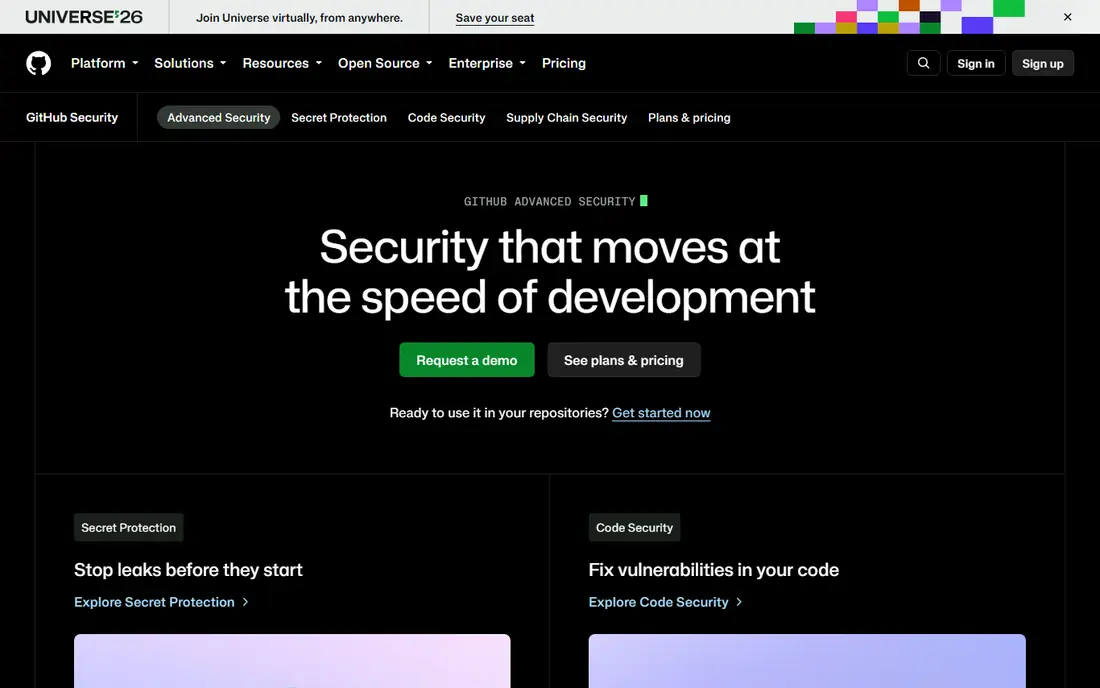
GitHub sells Code Security at $30 per active committer per month and Secret Protection at $19. Code Security includes code scanning with the CodeQL CLI, Copilot Autofix, dependency review and a security overview. Secret Protection covers secret scanning and push protection.
GitHub's docs say some features, including code scanning and secret scanning, are enabled for public repositories by default, so open source projects can start without paying. For private or internal repositories you need to buy the product on top of a GitHub Team or Enterprise plan. The advantage is fit: alerts show up where developers already review code. The drawback is that it works best if you stay on GitHub, so GitLab or Bitbucket shops get less from it.
- Code scanning and Copilot Autofix inside pull requests
- No separate tool to install
- Secret scanning sold separately
- Private repositories need a paid add-on
- Billing counts active committers
Semgrep
Ideal for: engineers who want custom rules and fewer false alerts
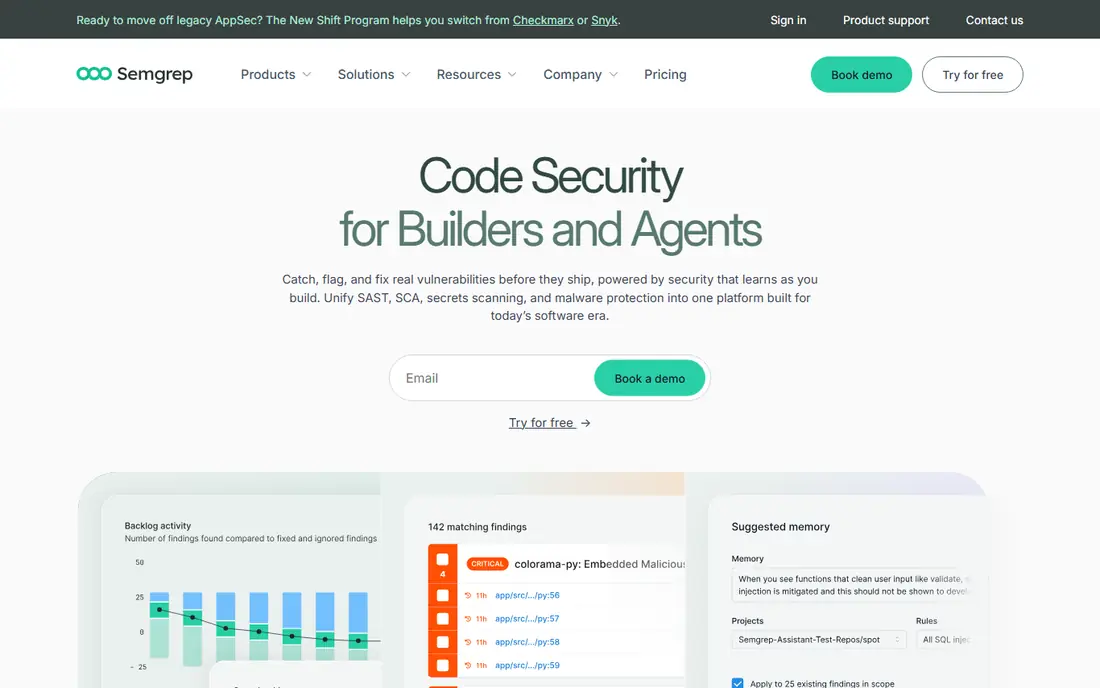
Semgrep gives small teams a generous start. The free edition covers up to 10 contributors and 10 private repositories, includes SAST and software composition analysis, and comes with 60 AI credits. The Teams plan starts at $30 per contributor per month for Code and again for Supply Chain, with Secrets at $15.
The pricing page lists AI-powered detection, auto-triage, remediation guidance and autofix across all three tiers. Teams adds SSO and up to 500 private repositories. The catch is cost as you grow: running Code, Supply Chain and Secrets for the same developer adds up to $75 per month, so price your full stack, not one product.
- Free edition for up to 10 contributors
- AI triage and autofix on every tier
- Separate Code, Supply Chain and Secrets products
- Free edition limits repositories and uses GitHub or GitLab sign-in only
- Products are priced separately
Aikido
Ideal for: small teams that want one dashboard for many scan types

Aikido bundles code, cloud and runtime checks into one product. Its free Developer plan allows 2 users, 10 repositories and 10 AI autofixes a month, and rescans every 3 days. It includes SCA with reachability, SAST with AI-based false-positive reduction, secrets detection and infrastructure-as-code scanning.
Paid plans add pull request security reviews, integrations with Jira and Linear, compliance tools and higher limits. The pricing page lists paid tiers by monthly figures without a currency symbol, and we found third-party sources that disagree on amounts, so check the current price on the site. Aikido also offers a discount of up to 30% for qualifying startups.
- Free Developer plan with SAST, dependency, secrets and infrastructure scanning
- AI autofix
- DAST and cloud checks on one platform
- Free plan limited to 2 users and 10 repositories
- Paid prices not confirmed by us
SonarQube
Ideal for: teams that want code quality and security checks together

SonarQube comes from the code quality world, which makes it a good fit if you want bug and maintainability checks next to security findings. SonarQube Cloud has a free plan for private projects up to 50k lines of code, and the Team plan starts at $34 per month for up to 100k lines.
The plans page describes Advanced Security as adding SAST and SCA, and says the Enterprise plan includes a Remediation Agent for fixing issues at scale. How SCA is packaged across tiers is not entirely clear on the page, so ask before you buy. SonarQube Server is priced per instance by lines of code, and also has a Community Build for open source use.
- Free cloud tier for private projects up to 50,000 lines of code
- Long-standing code quality rules
- Team plan starts at $34 per month
- Server pricing depends on lines of code and needs a quote
- Security features sit under Advanced Security
Checkmarx One
Ideal for: large organizations with a formal application security program

Checkmarx One is a full platform. Its homepage lists a hybrid SAST engine, secrets detection, infrastructure-as-code and API security, supply chain tools, DAST, and application security posture management. AI features include Developer Assist in the IDE, Triage Assist for prioritization, and Remediation Assist for proposed fixes. It also lists an MCP server for agent access and scanning for AI components.
What we could not find is a price. The page links to a pricing and packages page, but gives no figures, and it offers a demo rather than a free trial. That makes Checkmarx a poor match for a three-person startup and a reasonable one for a security team that wants a single vendor.
- Wide coverage across SAST, SCA, DAST, IaC, secrets and API security
- AI assistants for IDE prevention, triage and remediation
- Governance and ASPM reporting
- No public pricing
- The site points to a demo instead of a trial
Veracode
Ideal for: regulated companies that want an established AppSec vendor
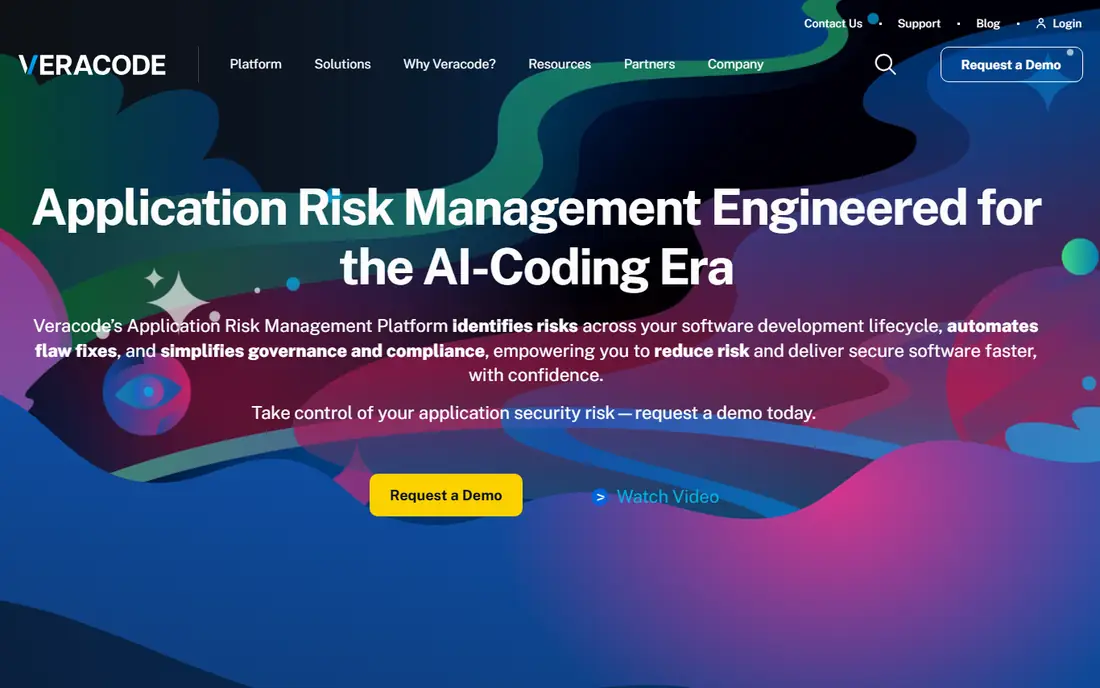
Veracode is a long-running name in application security, and its product list covers SAST, DAST, SCA, a package firewall, container security and penetration testing as a service. Veracode Fix is its AI remediation product for both first-party code and open source dependencies, delivering fix guidance and pull requests in the IDE, CLI and CI/CD pipeline.
The Veracode Fix page says it has quality gates and does not retain customer code, a detail worth asking about for any AI fix tool. Like Checkmarx, the homepage offers a demo and a guided tour instead of prices, so budget for a sales conversation.
- SAST, DAST and SCA from one vendor
- Veracode Fix for AI remediation
- Supply chain and container tools
- No public pricing
- The site offers a demo, not a free trial
Endor Labs
Ideal for: teams drowning in dependency alerts

Endor Labs focuses on noise. Its homepage says reachability analysis limits findings to vulnerabilities your code can reach, and it claims its AI SAST cuts false positives by up to 95%, which is the vendor's claim. The platform also covers secrets, container scanning, a package firewall that blocks malicious packages at install time, and AI code review agents.
A newer feature inventories coding agents, models and MCP servers and checks agent actions against policy, which matters if your developers use AI assistants heavily. The site offers a free trial and a demo, plus a "free forever" developer tools option for fixes, secret detection and malicious dependency blocking in AI coding workflows. Pricing is not published.
- Reachability analysis keeps only vulnerabilities your code can actually reach
- AI SAST and secrets detection
- Governance for AI coding agents
- No published pricing
- Headline claims on false positives come from the vendor
Corgea
Ideal for: small teams that want AI-first scanning with automatic fixes
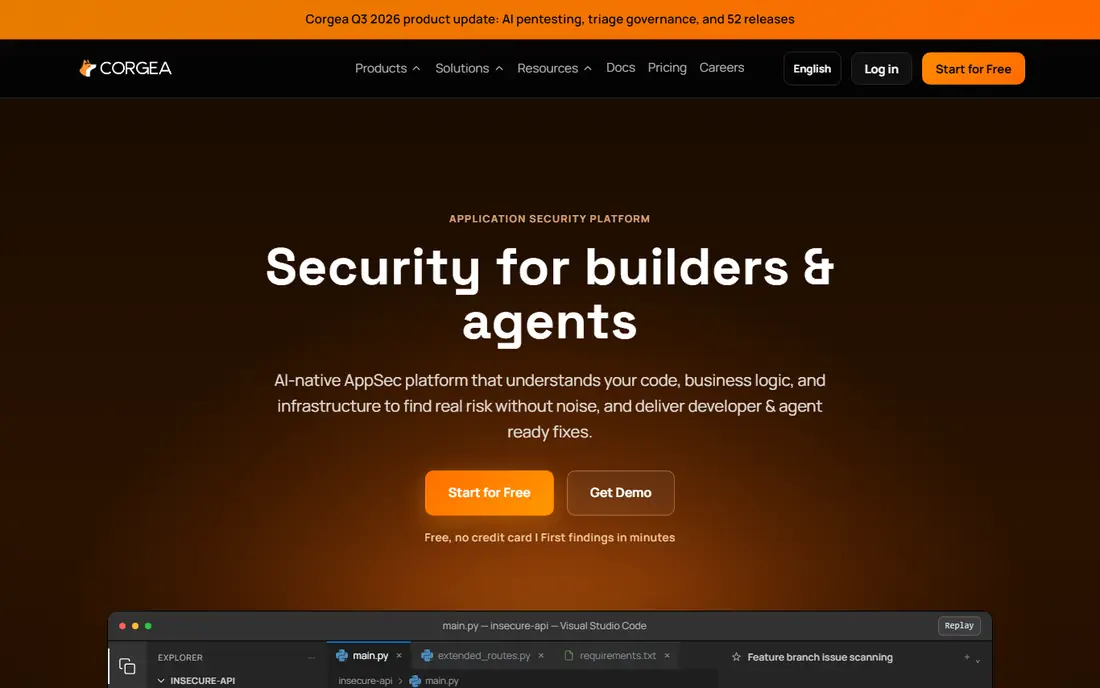
Corgea is a younger, AI-first scanner. Its free plan is for individual developers (2 maximum, 10 repositories) and includes AI SAST with logic and auth scanning, dependency, secrets, container and infrastructure scans. Growth costs $39 per developer per month with a 5-developer minimum, and Scale costs $49 per developer per month with a 20-developer minimum.
The pricing page offers a 14-day Growth trial with no credit card. The limits are worth reading: SAST auto-fixes are capped by plan, and the table does not label them clearly. Corgea suits teams that want AI to do more of the triage, so run the free trial on a real codebase and count how many of its fixes you would merge.
- Free plan includes AI SAST with logic and authorization scanning
- 14-day trial of the Growth plan
- Clear per-developer pricing
- Free plan is for up to 2 developers
- Growth requires at least 5 developers
How we picked these
We did not run our own benchmark scans. We compared each vendor's official pricing page, product pages and documentation, and we checked what a team can use for free. We favored tools that scan source code and dependencies, offer AI-assisted explanations or fixes, and have clear plans. We included both free-tier tools and enterprise platforms so readers of any size have an option. Prices are in US dollars from pages we read on 24 October 2026 and may change.
Buying guide: what to check before you commit
Where the scan runs
A scanner that works in the IDE and in pull requests catches problems before they merge. Snyk, Semgrep, Veracode and Checkmarx all describe IDE or pull request workflows. Ask whether the scan needs a full build, because that slows feedback.
Reachability and false positives
Alert fatigue is the main reason teams abandon scanners. Endor Labs and Aikido both advertise reachability analysis, which filters out dependency flaws your code never calls. Test two tools on the same repository and compare how many findings you would actually fix.
Pricing model
Prices come in several shapes: per contributor (Semgrep, Corgea, GitHub), per team bundle (Snyk Team), lines of code (SonarQube) and credits (Snyk Enterprise). A tool that looks cheap per seat can cost more once you add products. Count your active developers, not your total headcount.
AI fixes still need review
Treat an AI-suggested patch like code from a new teammate. Read it, run your tests and watch for fixes that change behavior. If your code is sensitive, ask where it is processed and whether the vendor retains it.
Securing AI-written code
Code from AI assistants goes through the same pipeline as human code. Scan it in pull requests, keep secrets out of prompts, and review dependencies that an assistant adds, since packages can be malicious or outdated.
Frequently asked questions
What is the best AI code security platform?
For most small teams we would try Snyk first because of its free plan and wide coverage. GitHub Code Security fits teams fully on GitHub, and Checkmarx One or Veracode fit large security programs. The right pick depends on team size, languages and budget.
Are there free AI code security tools?
Yes. Snyk, Semgrep, Aikido, SonarQube Cloud and Corgea all list free tiers with limits on users, repositories or lines of code. GitHub also enables code scanning on public repositories by default.
Do AI tools replace a security review?
No. They catch common flaws early and speed up triage, but they miss business logic problems and produce false positives. Use them alongside code review and, for important systems, a human security assessment.
What is the difference between SAST and SCA?
SAST analyzes your own source code for flaws such as injection or unsafe handling of input. SCA checks the open source libraries you depend on for known vulnerabilities and license risks. Most platforms here offer both.
How accurate are AI-generated fixes?
Vendors quote high accuracy (Snyk says 80%), but those are marketing numbers measured on the vendor's own data. Review every patch and run your test suite before merging.
Sources
- https://snyk.io/plans/
- https://snyk.io/product/snyk-code/
- https://github.com/security/advanced-security
- https://docs.github.com/en/get-started/learning-about-github/about-github-advanced-security
- https://semgrep.dev/pricing
- https://www.aikido.dev/pricing
- https://www.aikido.dev/
- https://www.sonarsource.com/plans-and-pricing/
- https://checkmarx.com/
- https://www.veracode.com/
- https://www.veracode.com/products/veracode-fix/
- https://www.endorlabs.com/
- https://corgea.com/pricing