AI Coding Assistants Software in 2026: A Guide to 6 Tools

- 1
 CursorProfessional developers who want the editor itself rebuilt around AIVisit
- 2
 TabnineEnterprises with strict data policies that cannot send code to public cloudsVisit
- 3
 Amazon Q DeveloperTeams building on AWS who want cloud-aware assistanceVisit
- 4
 GitHub CopilotIndividual developers and teams that want AI assistance inside the editor they already useVisit
- 5
 ReplitBuilding and shipping prototypes entirely in the browserVisit
- Cursor takes the first slot, best suited to professional developers who want the editor itself rebuilt around AI.
- The lowest published monthly entry price here is $39/user/month, from Tabnine.
- 5 of 6 tools offer a free plan: Cursor, Amazon Q Developer, GitHub Copilot, Replit, Zed.
- Zed fits developers who want maximum editor performance with AI built in.
Direct answer
Cursor comes first here, mainly for professional developers who want the editor itself rebuilt around AI. Tabnine is the stronger choice for enterprises with strict data policies that cannot send code to public clouds, while Amazon Q Developer suits teams building on AWS who want cloud-aware assistance. Prices, free plans and limits for all 6 tools follow.
Quick comparison
| Product | Ideal for | Price from | Free version | |
|---|---|---|---|---|
| Cursor | Professional developers who want the editor itself rebuilt around AI | Free Hobby; Pro $20/month | Yes | Visit |
| Tabnine | Enterprises with strict data policies that cannot send code to public clouds | $39/user/month | No | Visit |
| Amazon Q Developer | Teams building on AWS who want cloud-aware assistance | Free; Pro $19/user/month | Yes | Visit |
| GitHub Copilot | Individual developers and teams that want AI assistance inside the editor they already use | Free; Pro $10/month | Yes | Visit |
| Replit | Building and shipping prototypes entirely in the browser | Free Starter; Core $20/month | Yes | Visit |
 Zed | Developers who want maximum editor performance with AI built in | Free; Zed Pro $10/month | Yes | Visit |
6 options for AI coding assistants software in detail
This Ainotely guide covers 6 options for AI coding assistants software. Each profile lists a starting price, free plan details, strengths and drawbacks, so you can drop poor fits quickly.
Cursor
Ideal for: Professional developers who want the editor itself rebuilt around AI
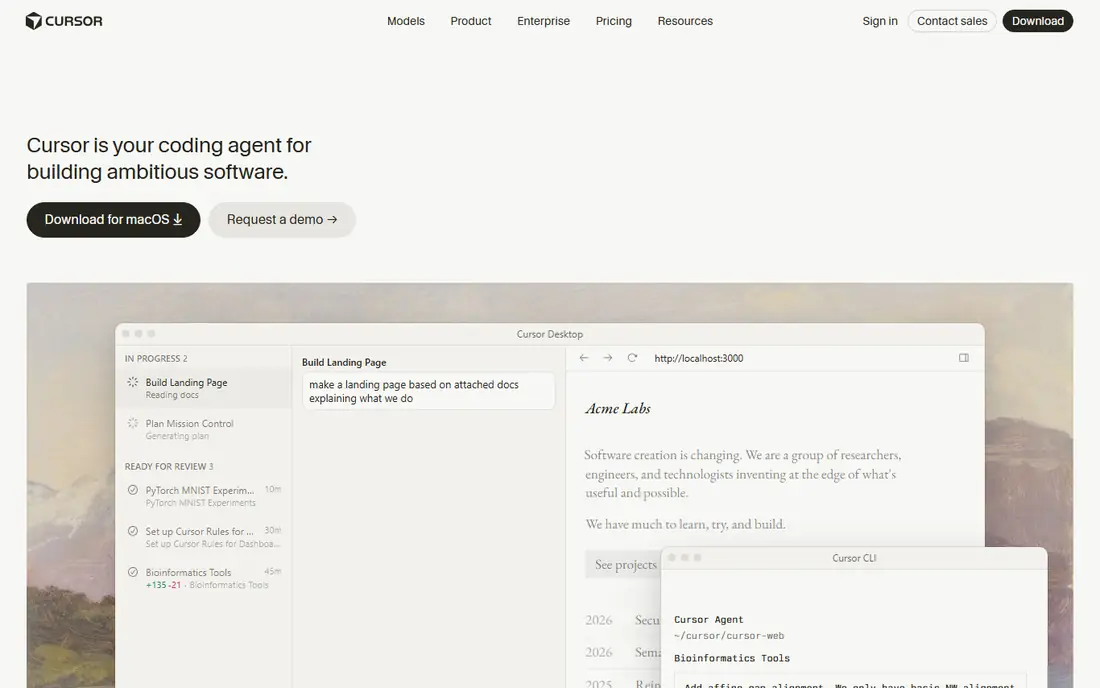
Choose Cursor for professional developers who want the editor itself rebuilt around AI. Cursor is a fork of VS Code where AI is not a sidebar but the foundation. Beyond that, the free Hobby plan is genuinely usable, and Pro at $20 a month is simple to expense for professionals.
For developers who write code all day, that context depth translates straight into output. The trade-off is commitment: you adopt Cursor's editor instead of adding AI to yours. In daily use, the editor indexes your entire codebase, so the model reasons about your architecture rather than the open file. Developers who make the switch seldom go back, which says most of what needs saying. Entry price for Cursor: Free Hobby. A free plan is available with Cursor.
Downsides: Heavy AI use can burn through usage limits. What users get: Codebase-wide context awareness.
- Cmd+K inline editing
- VS Code extensions and keybindings carry over
- Migrating customized setups takes effort
Tabnine
Ideal for: Enterprises with strict data policies that cannot send code to public clouds

Tabnine is designed for enterprises with strict data policies that cannot send code to public clouds. The cost reflects the positioning at $39 per user a month for the Code Assistant system, with an agentic level above that. Raw coding prowess lags the frontier models, but Tabnine is not competing on benchmarks.
It is competing on the question "can we use AI coding tools at all," and for regulated shops the answer is Tabnine. Tabnine is the answer when legal or compliance says no to cloud AI. It is the only major assistant offering fully air-gapped deployment. Its enterprise levels provide security teams the controls they demand: self-hosted models, private deployment, and strict data policies. What you pay to start with Tabnine: $39/user/month. No free plan comes with Tabnine.
Trade-offs to know: $39 per user a month is premium pricing.
Where Tabnine stands out: Multi-model with self-hosted choices.
- SaaS, VPC, on-premises
- Or completely air-gapped deployment
- AI capabilities trail frontier-model tools for raw coding power
Amazon Q Developer
Ideal for: Teams building on AWS who want cloud-aware assistance
Amazon Q Developer works best for teams building on AWS who want cloud-aware assistance. For teams whose work is inseparable from the AWS console, that specialization beats generalist tools.
What users get: CLI and console integration.
Limits to weigh: Agent capabilities trail Cursor and Claude Code. The free level is ample enough for evaluation and light use, with Pro at $19 per user a month adding higher limits and admin features. Amazon Q Developer starts at: Free. You can start on Amazon Q Developer without paying.
- Ample free level
- Deep AWS service knowledge
- Less impressive outside AWS workflows
GitHub Copilot
Ideal for: Individual developers and teams that want AI assistance inside the editor they already use
GitHub Copilot works best for individual developers and teams that want AI assistance inside the editor they already use. Enterprises get IP indemnification and admin controls on higher levels. As for the details, at $10 a month for Pro with a free level, the value is unmatched for solo developers and students.
Reasons to shortlist it: Best value at $10/month.
Where it is weaker: Agent mode less feature-rich than Cursor or Claude Code.
Copilot is the safe default for a reason. It lives in the IDE you already use, completes code with remarkable accuracy, and now provides agent mode for workspace-level tasks plus chat for explanations and refactors. What you pay to start with GitHub Copilot: Free. A free plan is available with GitHub Copilot.
- Multi-model choice including Claude and GPT
- Deep GitHub integration with PRs and issues
- Enterprise features cost more
Replit
Ideal for: Building and shipping prototypes entirely in the browser
Where Replit fits: building and shipping prototypes entirely in the browser. Replit collapses the distance between idea and running app. For hackathons, prototypes, MVPs, and learning, the loop from prompt to live URL is unmatched.
Where it is weaker: Usage-based agent billing layers on up.
On top of that, serious production work on large codebases still belongs in a local editor, and heavy agent use incurs usage-based costs on top of the $20 a month Core plan. But for getting something working quick, particularly for non-traditional developers and small teams, Replit remains in a class of its own. The starting price for Replit: Free Starter. Free access exists with Replit. What works well: Zero-install browser IDE.
- Replit Agent builds apps from prompts
- A good match for prototypes and learning
- Browser-only workflow limits some developers
Zed
Ideal for: Developers who want maximum editor performance with AI built in
In short, Zed is for developers who want maximum editor performance with AI built in. For developers who feel the lag in Electron-based editors, Zed is a revelation. The ecosystem is smaller than VS Code's, so exotic language support and niche extensions may lag.
But the trajectory is solid, and Zed Pro at $10 a month with included token credits makes the AI features budget-friendly. As for the details, speed-focused developers should provide it a serious look. Zed starts at: Free. A free plan is available with Zed.
Where it falls short: Some workflows still catching up.
What users get: Very quick Rust-based editor.
- Live collaboration
- $10/month Pro with token credits
- Smaller extension ecosystem than VS Code
AI Coding Assistants Software: more detail
AI coding assistants have crossed a visible line. Pricing has settled into a familiar shape: ample free levels, roughly $10 to $20 a month for individuals, and $39 and up for enterprise seats with privacy controls.
Selection criteria
Selection started from tools commonly considered for AI coding assistants software, then narrowed to 6 that have clear pricing information or a clear quote process. Where a price is missing, the vendor does not list one publicly or ties it to a quote. Always confirm before budgeting. Position on the page reflects fit for a typical buyer first, with price clarity and free access breaking ties. Treat it as a guide, not a ruling.
What to confirm before you sign up
- Prices are a starting point; Tabnine shows $39/user/month to start, so verify what your seat count would cost.
- Check what the free option really includes: Cursor, Amazon Q Developer, GitHub Copilot and others offer a free plan, and usage caps differ.
- Before choosing Cursor, weigh its main limit: $20/month Pro is double Copilot.
- List the apps you already depend on and check that Zed supports each one on the plan you would buy.
- Involve the people who will use GitHub Copilot daily; a short pilot beats a long feature checklist.
Frequently asked questions
What is the cheapest option for AI coding assistants software in this list?
On published monthly entry prices, Tabnine is the lowest here at $39/user/month. Entry price is only part of the cost, because seats, add-ons and billing terms can change the total.
Which options for AI coding assistants software have a free plan?
On this list, Cursor, Amazon Q Developer, GitHub Copilot, Replit and Zed include a free plan. Caps on seats, usage or features are common, so test the free plan against your real workload.
Is Cursor the right pick for everyone comparing AI coding assistants software?
No single tool suits every team. Cursor comes first because it fits professional developers who want the editor itself rebuilt around AI, while Tabnine suits enterprises with strict data policies that cannot send code to public clouds and Amazon Q Developer suits teams building on AWS who want cloud-aware assistance. Match the tool to your own size, budget and workflow before deciding.
Do these tools publish their prices?
Yes. Every tool from Cursor to Zed shows a starting price, though seats, add-ons and billing terms still change the final cost.