6 AI Coding Tools for Large Existing Codebases Ranked for 2026

- 1
 Amazon Q DeveloperAWS centred estatesVisit
- 2
 WindsurfAgentic IDE flowsVisit
- 3
 Augment CodeContext engine for huge codebasesVisit
- 4
 TabninePrivate and air gapped deploymentVisit
- 5
 GitHub CopilotEnterprise default in your IDEVisit
- This list starts with Amazon Q Developer, which is built for AWS centred estates.
- GitHub Copilot is the lowest-priced starter here at $10 per user/month.
- Amazon Q Developer comes with a trade-off: its centre of gravity is the AWS estate.
- For terminal agent for deep reasoning, Claude Code is worth a look.
- Only 3 of the 6 tools have a free plan (Amazon Q Developer, Windsurf, GitHub Copilot), so check the caps.
Direct answer
If you need AWS centred estates, Amazon Q Developer is the first tool to look at here. Windsurf is the stronger choice for agentic IDE flows, while Augment Code suits context engine for huge codebases. The remaining 3 options are covered below with prices and limits.
Quick comparison
| Product | Ideal for | Price from | Free version | |
|---|---|---|---|---|
| Amazon Q Developer | AWS centred estates | $19 per user/month | Yes | Visit |
| Windsurf | Agentic IDE flows | $20 a month | Yes | Visit |
| Augment Code | Context engine for huge codebases | $20 a month | No | Visit |
| Tabnine | Private and air gapped deployment | $39 per user/month | No | Visit |
| GitHub Copilot | Enterprise default in your IDE | $10 per user/month | Yes | Visit |
 Claude Code | Terminal agent for deep reasoning | $20 a month | No | Visit |
AI Coding Tools for Large Existing Codebases compared in detail
If you are comparing AI coding tools for large existing codebases, this page covers 6 tools in one place: what each is best for, what it costs to start, whether it has a free plan, and the main limit to know about.
Amazon Q Developer
Ideal for: AWS centred estates
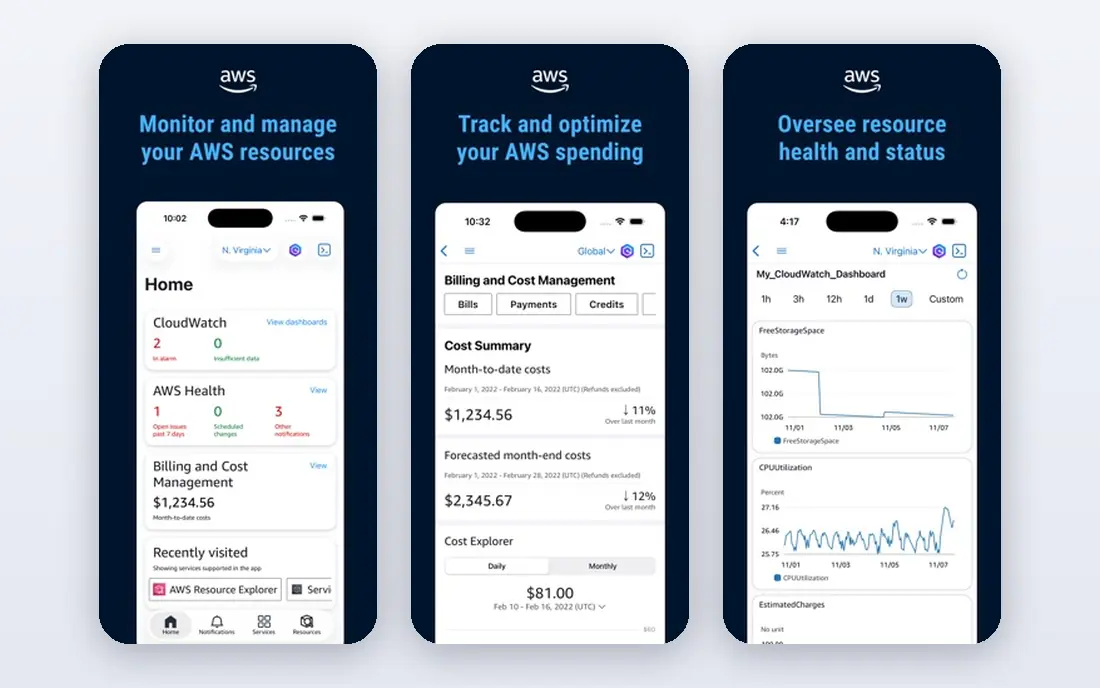
Pick Amazon Q Developer if this describes you: AWS centred estates. Amazon Q Developer closes the list on the strength of one workload: modernising old estates on AWS. Its transformation agents, grinding through Java version upgrades and migration assessments across thousands of files, address the least glamorous and most costly work in large codebases, with the cloud vendor's own knowledge behind them.
Strengths: a free level and Pro at $19 per user a month; architecture patterns and console aware help beside the code assistance.
More specifically, the trade is scope. As a daily coding companion for a general codebase, Q is competent and outshone. For everyday use, buy it for the estate it was designed for. On cost, Amazon Q Developer starts like this: $19 per user/month. A free plan is available with Amazon Q Developer.
- Transformation agents targeted at legacy estates
- Java upgrades
- Its centre of gravity is the AWS estate
Windsurf
Ideal for: Agentic IDE flows

Choose Windsurf for agentic IDE flows. As part of Cognition's Devin line, its future is tied to the most ambitious autonomous coding roadmap in the industry, which is either exciting or unsettling based on your procurement temperament.
Worth adding: individual developers should enjoy it freely; enterprises should keep commitments short and exportable until the Devin integration settles into a roadmap they can read. Entry price for Windsurf: $20 per month. A free plan is available with Windsurf.
Drawbacks to consider: from $40 to $80 per seat based on source and date; multi file depth on the very largest codebases is less proven than Augment's or Cody's.
- Ample entry pricing for its capability class
- Now part of the Devin family under Cognition, with the product rebranded toward Devin Desktop in 2026 reporting
- Ownership and branding churn in 2026
Augment Code
Ideal for: Context engine for huge codebases
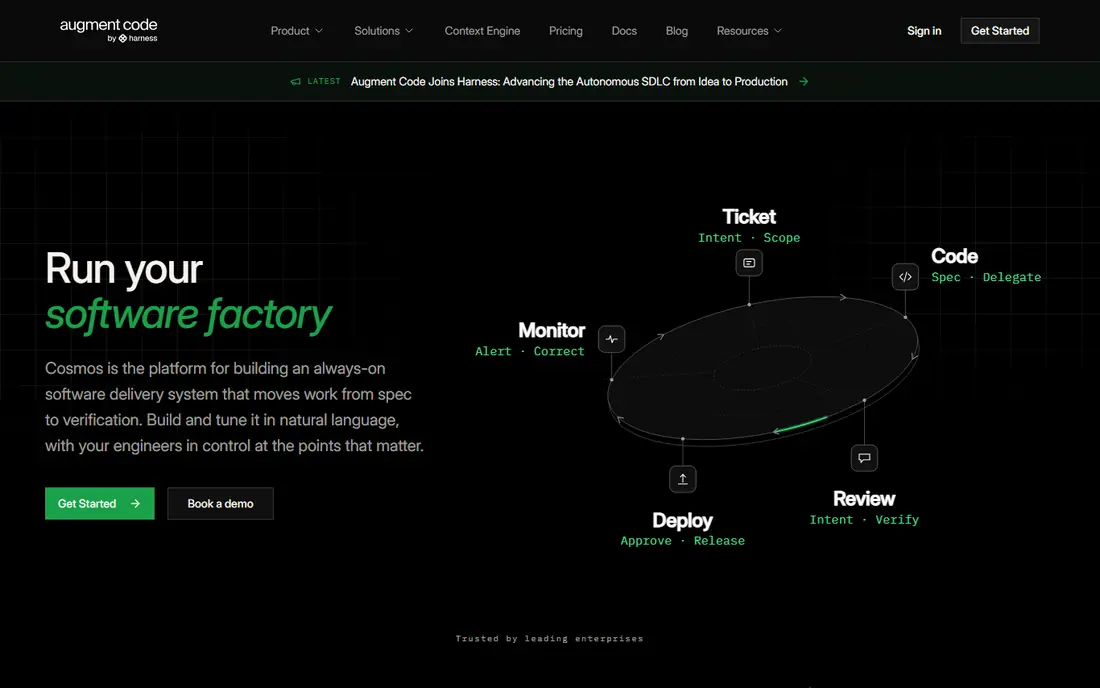
Pick Augment Code if this describes you: context engine for huge codebases. Augment Code's whole pitch is the keyword of this article.
Main advantages: complicated codebases: its context engine indexes the entire repository.
On top of that, the trade is the meter and the niche. From a buyer's view, on a large estate, that retrieval quality, not the model, is most of the product. Augment Code cost at the entry level: $20 per month. There is no free plan with Augment Code. Points against: Pricing moved to usage based plans; a smaller community and content ecosystem than Copilot or Cursor.
- Enterprise positioning with the security review posture large firms need
- Multi file agentic changes with that context attached
- Small repos pay for context they do not need
Tabnine
Ideal for: Private and air gapped deployment
Tabnine is aimed squarely at private and air gapped deployment. Tabnine exists for the codebases this article cannot see: the ones behind air gaps, export controls and regulators.
Where it is weaker: the agentic depth is newer than Claude Code's or Cursor's; you are paying for control.
Highlights: $39 per user a month for the assistant and $59 for its agentic platform in current listings; provenance and IP protection are its founding story. The trade is capability gravity. Tabnine pricing: $39 per user/month. Tabnine has no free tier.
- Finance and health estates
- On premises or completely air gapped, with models that never train on your code
- Raw model capability trails the frontier cloud tools
GitHub Copilot
Ideal for: Enterprise default in your IDE
GitHub Copilot was built for enterprise default in your IDE. Numerous enterprises rationally run both: Copilot for everyone, a specialist agent for the product team.
Watch-outs: with context more dependent on what you open and reference.
Best features of GitHub Copilot: Works inside the IDEs your team already uses; Pro at $10 per user a month and Business at $19, with model choice across providers. Starting cost for GitHub Copilot: $10 per user/month. GitHub Copilot includes a free tier.
- VS Code, JetBrains
- The procurement friendly choice in any Microsoft or GitHub estate
- Codebase indexing is improving but is not its founding architecture
Claude Code
Ideal for: Terminal agent for deep reasoning
Claude Code is aimed squarely at terminal agent for deep reasoning. Claude Code is the tool senior engineers describe with the word finally. Given a bug that spans a monorepo, it forms a hypothesis, reads the relevant systems, edits, runs the test suite and argues with the failures until they pass.
What to check first: no self hosted model choice, so the strictest data regimes still cannot use it.
A subscription seat flattens the cost for individuals; API billing at team scale can surprise a finance department the first month an agent refactors enthusiastically. Beyond that, on large existing code, where the work is comprehension before it is typing, that loop is the product. Starting cost for Claude Code: $20 per month. Claude Code has no free plan.
- Spans the core features described above
- The terminal first workflow is a culture change for IDE centred teams, though IDE extensions exist
How we built this list
Ainotely used vendor pricing pages and product documentation as the base, then compared plans, free access and documented limits for 6 tools. Treat prices as a snapshot: vendors change plans often, so check the vendor site for the figure that applies today. Position on the page reflects fit for a typical buyer first, with price clarity and free access breaking ties. Treat it as a guide, not a ruling.
What to confirm before you sign up
- Confirm the entry price on the vendor page: GitHub Copilot starts at $10 per user/month, but seat counts and billing terms change the total.
- Check what the free option really includes: Amazon Q Developer, Windsurf and GitHub Copilot offer a free plan, and usage caps differ.
- Before choosing Amazon Q Developer, weigh its main limit: its centre of gravity is the AWS estate.
- Check the support hours and onboarding help Claude Code offers; smaller vendors vary a lot here.
- Add up seats, add-ons and usage charges for GitHub Copilot before comparing it with cheaper entries.
Frequently asked questions
Which options for AI coding tools for large existing codebases have a free plan?
On this list, Amazon Q Developer, Windsurf and GitHub Copilot include a free plan. Caps on seats, usage or features are common, so test the free plan against your real workload.
Do these tools publish their prices?
Yes. Every tool from Amazon Q Developer to Claude Code shows a starting price, though seats, add-ons and billing terms still change the final cost.
What actually matters most for a large codebase?
Retrieval. The model sees a slice of your system; the tool decides which slice. On small repos every tool looks smart; on a million lines, context is the product.
How are the tools for AI coding tools for large existing codebases ordered?
Amazon Q Developer sits first and Claude Code last because the order follows typical fit for AI coding tools for large existing codebases, then price clarity and free access. It is a judgement call, so read each profile for fit and limits.
How should we measure whether a tool is working?
Track senior engineer review time on AI assisted diffs, defect rates in assisted compared with unassisted changes, and time to first working change for engineers new to the codebase, where these tools frequently pay fastest.
What is the cheapest option for AI coding tools for large existing codebases in this list?
On published monthly entry prices, GitHub Copilot is the lowest here at $10 per user/month. Entry price is only part of the cost, because seats, add-ons and billing terms can change the total.