Choosing AI Collaboration Tools in 2026: 7 Platforms Compared

- Slack AI takes the first slot, best suited to async chat catch-up.
- ClickUp Brain suits all-in-one AI workspace.
- Starting prices begin at $3 per seat per month with FigJam.
- The main caution on FigJam: best for design teams, thinner for general workshops.
Direct answer
Slack AI leads the list, best for async chat catch-up. Fathom is better for free meeting notes, and Asana AI is better for AI project automation. The remaining 4 options are covered below with prices and limits.
Quick comparison
| Product | Ideal for | Price from | Free version | |
|---|---|---|---|---|
 Slack AI | Async chat catch-up | $15 per user a month | Free trial | Visit |
 Fathom | Free meeting notes | Free | Yes | Visit |
 Asana AI | AI project automation | $10.99 per user a month | Yes | Visit |
 FigJam | Design-team boards | $3 per seat a month | Yes | Visit |
 Notion | AI docs and knowledge | $20 per member a month | Free trial | Visit |
 Zoom AI Companion | Meeting recaps | See website | Free trial | Visit |
 ClickUp Brain | All-in-one AI workspace | $21 per user a month | Yes | Visit |
Every option for AI collaboration tools explained
This Ainotely guide covers 7 AI collaboration tools. Each profile lists a starting price, free plan details, strengths and drawbacks, so you can drop poor fits quickly.
Slack AI
Ideal for: Async chat catch-up
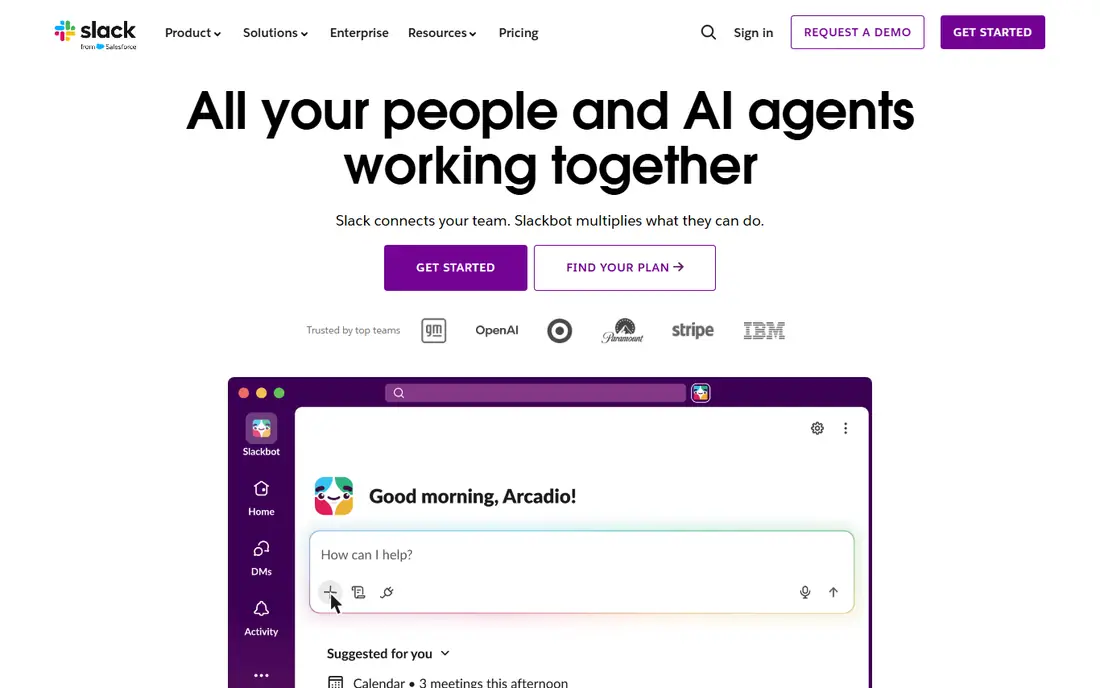
Pick Slack AI if this describes you: async chat catch-up. Slack AI solves the most typical remote-work pain: returning to hundreds of unread messages.
Downsides: Free level keeps only 90 days of history.
It summarizes channels and threads, surfaces decisions, and lets you search conversations in plain language, so catch-up takes minutes rather than an hour of scrolling. On top of that, since it lives inside the chat teams already use, adoption is nearly automatic. Slack AI pricing: $15 per user per month. On free options: Free trial.
- Search across conversations
- Built into the chat teams already use
- AI sits on Business Plus at $15 per user a month in guides
Fathom
Ideal for: Free meeting notes
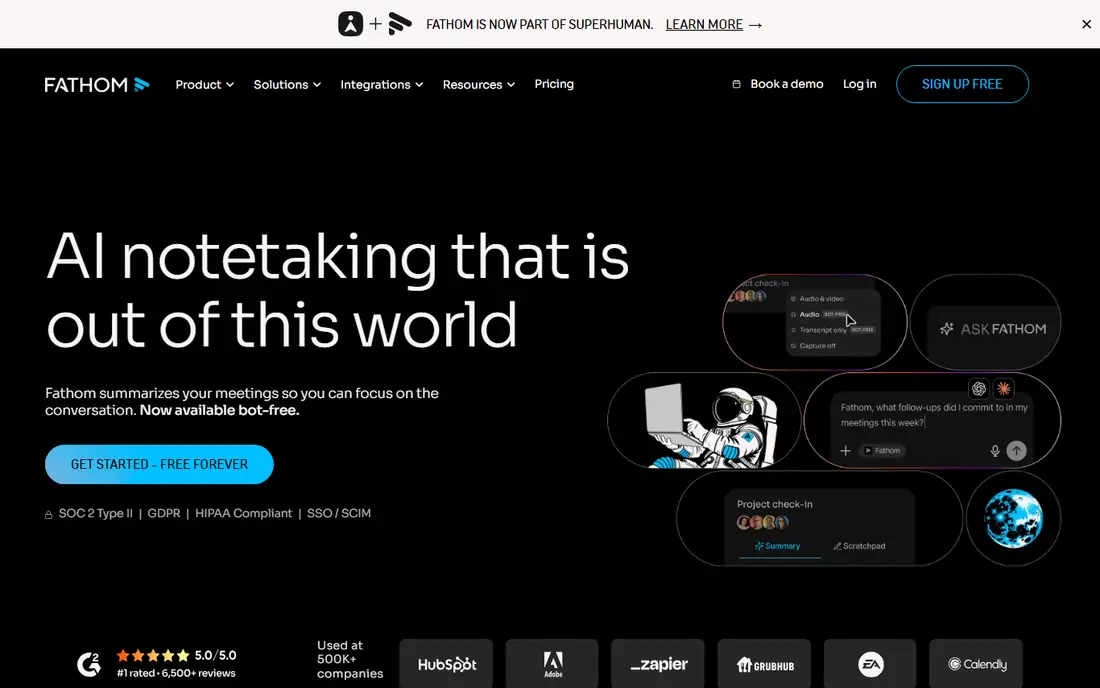
For free meeting notes, Fathom is a natural candidate. For any team that meets on a regular basis, Fathom removes note-taking without a subscription. Beyond that, premium costs $20 per user per month in guides for advanced features.
It is meeting-focused instead of a full workspace, so it complements instead of replaces Notion or Asana. At no cost meeting notes that actually work, Fathom is the pick. Fathom cost at the entry level: Free. Fathom includes a free tier.
Downsides: Value relies on meeting volume; Meeting-focused.
- High user ratings in guides
- Unlimited recording and transcription on the free level
- Not a full workspace
Asana AI
Ideal for: AI project automation

Pick Asana AI if this describes you: AI project automation. For process-heavy teams that live in Asana, its AI is the best workflow automation in this list.
Price to start with Asana AI: $10.99 per user per month. Free access exists with Asana AI.
Where it is weaker: AI credits add cost on top of the seat price.
- Starter at $10.99 per user a month plus credits
- Free Personal level
- Free level caps at 2 users in guides
FigJam
Ideal for: Design-team boards
FigJam was built for design-team boards. FigJam is the design-team whiteboard, and FigJam AI creates and summarizes board content, turning rough notes into structured diagrams.
Entry price for FigJam: $3 per seat per month. FigJam has a free plan.
What to check first: thinner for general workshops; Best for design teams.
- FigJam AI produces and summarizes board content
- Tight fit with Figma design files
- AI depth trails Miro
Notion
Ideal for: AI docs and knowledge
Notion serves AI docs and knowledge. Notion Business is where the AI actually lives. In practice, for teams whose knowledge already lives in Notion, that agent turns the workspace into a working assistant instead of a filing cabinet.
In practice, the Business plan at $20 per member a month bundles Notion Agent, which completes complicated multi-step tasks using context from Notion, connected apps. The web, plus AI Meeting Notes and Enterprise Search in beta. New customers cannot buy the old $10 AI add-on. Entry price for Notion: $20 per member per month. Free options: Free trial.
Trade-offs to know: double the Plus price; Full AI lives on Business at $20 per member a month.
- Capable docs and databases
- Notion Agent completes multi-step tasks using workspace context
- Free and Plus get only a trial
Zoom AI Companion
Ideal for: Meeting recaps
Choose Zoom AI Companion for meeting recaps. Zoom AI Companion turns meetings into usable output: recaps, action items, and summaries that land after the call, without anyone taking notes.
Limits to weigh: Bundled means pricing is opaque.
This comparison lists no price for Zoom AI Companion; ask the vendor. Free plan details: Free trial.
- Works across large meetings
- Meeting recaps and action items bundled into premium Workplace plans
- Best value only for Zoom-first teams
ClickUp Brain
Ideal for: All-in-one AI workspace
Think of ClickUp Brain for all-in-one AI workspace. ClickUp Brain packs Deep Search and AI Agents into the all-in-one workspace, letting teams search across docs, tasks, and projects and automate work from one place. Setup also takes time, since ClickUp includes so much ground.
Points against: Setup takes time.
In daily use, guides price it as Business at $12 plus Brain at $9 per user a month, or $21 combined, with a Free Forever level for entry-level use. That combined price is the honest figure to budget, and the breadth can overwhelm small teams that only need docs or chat. Price to start with ClickUp Brain: $21 per user per month. Free access exists with ClickUp Brain.
- Business $12 plus Brain $9 per user a month
- Free Forever level
- Breadth can overwhelm small teams
How we chose
Each tool was reviewed on what its vendor publishes: price, plan limits, core features and stated drawbacks. We did not run hands-on tests. Where a vendor does not publish a price, the entry says quote. Where a price depends on seats or billing term, the entry says so. The order reflects how well each tool fits the most common buying scenario for AI collaboration tools, then price clarity, then free plan access. It is a starting point, not a verdict.
Pre-purchase checklist
- Ask Zoom AI Companion for a written quote, since no starting price is shown.
- Read the fine print on the free plans from Fathom, Asana AI, FigJam and ClickUp Brain; seat, project and feature caps differ.
- Take the trial from Slack AI, Notion and Zoom AI Companion and push a live task through it before you pay.
- Before choosing Slack AI, weigh its main limit: AI sits on Business Plus at $15 per user per month in guides.
- Verify that exporting from Zoom AI Companion is possible on your plan and covers all your records.
- See whether Fathom offers onboarding or training, and whether it is included in the price.
Frequently asked questions
Which options for AI collaboration tools have a free plan?
On this list, Fathom, Asana AI, FigJam and ClickUp Brain include a free plan. Caps on seats, usage or features are common, so test the free plan against your real workload. Several others offer a trial instead.
What is the cheapest option for AI collaboration tools in this list?
On published monthly entry prices, FigJam is the lowest here at $3 per seat per month. Entry price is only part of the cost, because seats, add-ons and billing terms can change the total.
Is Notion AI really $10 a month?
No, not for new customers. Worth adding: the old $10 AI add-on was retired in May 2025, and full Notion AI now needs Business at $20 per member a month.
Can I try these options before paying?
Often, yes. Fathom, Asana AI, FigJam and ClickUp Brain have a free plan and Slack AI, Notion and Zoom AI Companion offer a free trial. Use your own data and a real task during the test, and check what the free tier or trial limits before you rely on it.
Is Slack AI the right pick for everyone comparing AI collaboration tools?
No single tool suits every team. Slack AI comes first because it fits async chat catch-up, while Fathom suits free meeting notes and Asana AI suits AI project automation. Match the tool to your own size, budget and workflow before deciding.