AI Content Detectors Software: 8 Tools Worth Comparing in 2026

- 1
 TurnitinInstitutions with LMS-based workflowsVisit
- 2
 SaplingSupport and sales teams checking messages in their workflowVisit
- 3
 Winston AIBudget OCR and scanned document checksVisit
- 4
 ZeroGPTFast no-signup spot checksVisit
- 5
 Originality.aiPublishers and agencies scanning freelancer copyVisit
- Number one here is Turnitin, a fit for institutions with LMS-based workflows.
- One limit worth knowing about Turnitin: no public pricing and no free level.
- For students self-checking academic papers, Scribbr is worth a look.
- Free access is easy to find: 6 of the 8 tools have a free plan, for example Sapling, ZeroGPT, Originality.ai and Pangram.
- For the cheapest start, look at Winston AI: $5/month.
Direct answer
For institutions with LMS-based workflows, Turnitin is where this list starts. Sapling is better for support and sales teams checking messages in their workflow, and Winston AI is better for budget OCR and scanned document checks. The remaining 5 options are covered below with prices and limits.
Quick comparison
| Product | Ideal for | Price from | Free version | |
|---|---|---|---|---|
| Turnitin | Institutions with LMS-based workflows | See website | No | Visit |
| Sapling | Support and sales teams checking messages in their workflow | $15/seat/month (Enterprise, 10-seat minimum) | Yes | Visit |
| Winston AI | Budget OCR and scanned document checks | $5/month (billed yearly; $9 billed per month) | Free trial (14 days) | Visit |
| ZeroGPT | Fast no-signup spot checks | See website | Yes | Visit |
| Originality.ai | Publishers and agencies scanning freelancer copy | $14.95/month (billed per month; $12.95 billed yearly) | Yes | Visit |
 Pangram | Teams that require the lowest false-positive risk | $20/month | Yes | Visit |
 GPTZero | Teachers and academic teams | See website | Yes | Visit |
 Scribbr | Students self-checking academic papers | See website | Yes | Visit |
The 8 tools in detail
If you are comparing AI content detectors software, this page covers 8 tools in one place: what each is best for, what it costs to start, whether it has a free plan, and the main limit to know about.
Turnitin
Ideal for: Institutions with LMS-based workflows
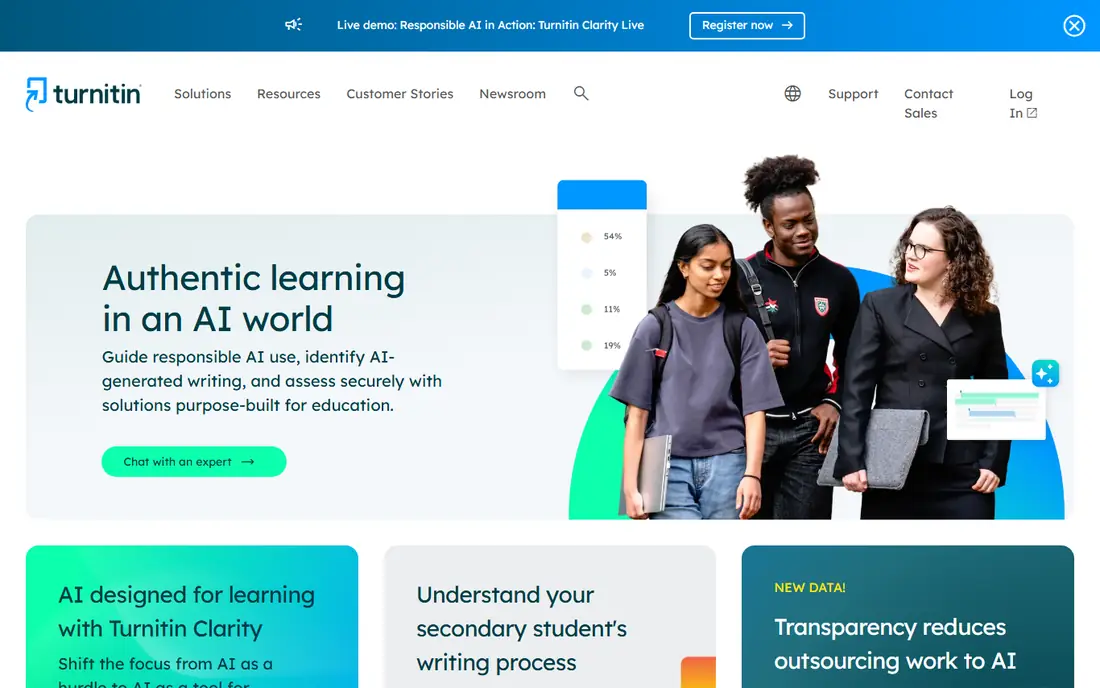
Where Turnitin fits: institutions with LMS-based workflows. Turnitin is the incumbent. For two decades it has been the plagiarism standard in higher education.
Its AI writing detection now ships inside the same institutional licenses. It added detection of humanizer-tool output in 2025, closing one of the widely used workarounds students used. Also, if your buyers are universities, this is the name on the purchase order. Turnitin shows no starting price here, so confirm the cost on the vendor site. Turnitin has no free plan.
Limits to weigh: not individuals or small teams.
- Now spots humanizer-processed text
- LMS integrations everywhere
- Designed for institutions
Sapling
Ideal for: Support and sales teams checking messages in their workflow
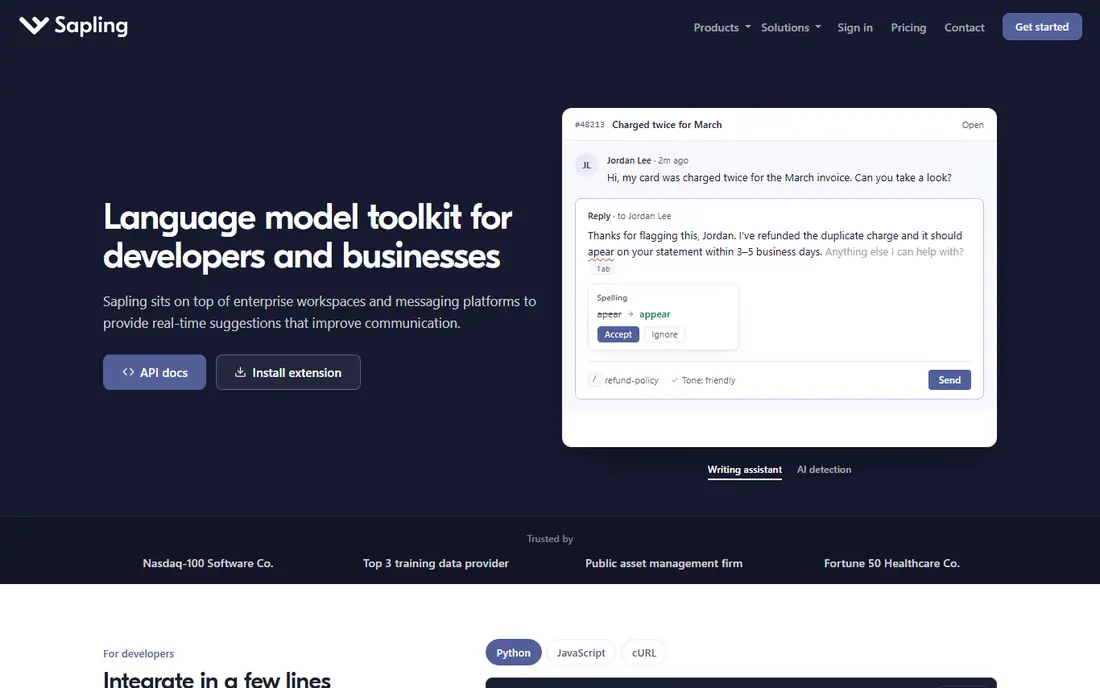
Sapling makes the most sense for support and sales teams checking messages in their workflow. The free plan handles short checks up to 2,000 characters, and the API is usage-based with a $5 minimum, which developers like. As for the details, Sapling is not really a detector company.
Watch-outs: Detection is a feature of a writing assistant.
That makes it the pick for a specific job: checking whether outbound support replies or sales messages were machine-written, without adding a step to the workflow. In daily use, enterprise pricing begins at $15 per seat a month with a 10-seat minimum. On cost, Sapling starts like this: $15/seat/month. Sapling has a free plan.
- AI detection embedded in Salesforce, Zendesk
- Free 1-month Pro trial
- Per-seat enterprise pricing layers on up
Winston AI
Ideal for: Budget OCR and scanned document checks
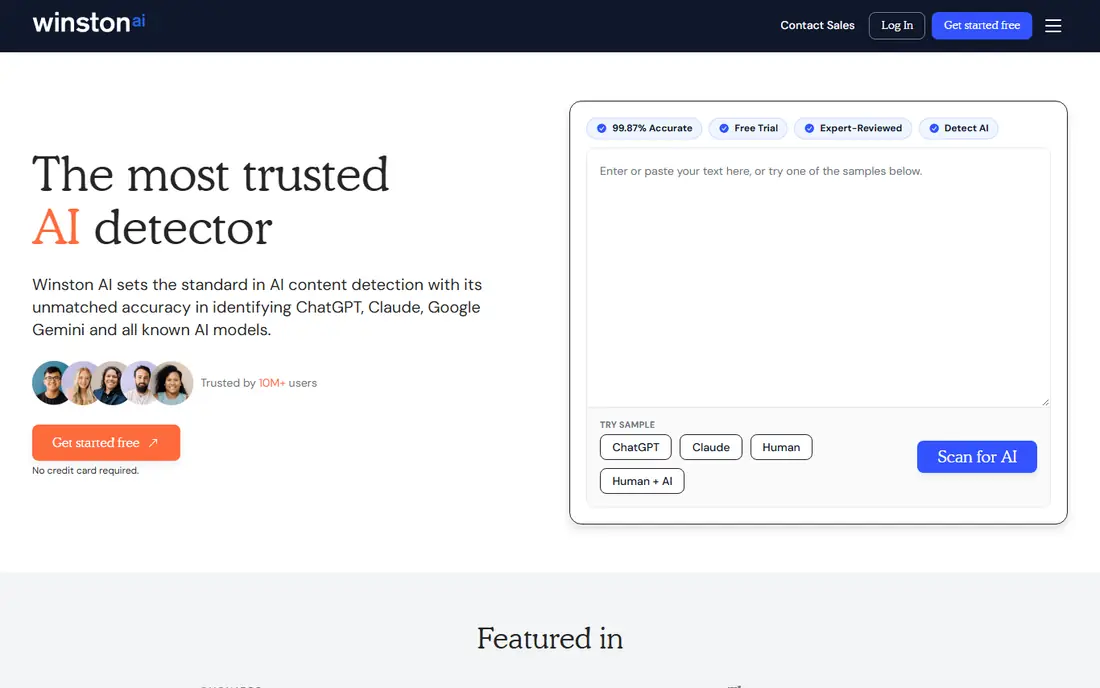
In short, Winston AI is for budget OCR and scanned document checks. The vendor publishes its benchmark results, including a top ranking on the RAID benchmark and a Chicago Booth study with zero false positives across 8,697 documents. In daily use, Winston AI competes on price and on document handling.
The main drawbacks: Plagiarism checking is restricted on lower levels.
Its OCR can pull text from scanned pages, photos, and even handwriting, which matters for schools and publishers dealing with submissions that arrive as images. From a buyer's view, the Essential plan is the cheapest premium entry in this roundup: $9 a month billed monthly, or $5 a month billed yearly. That includes 100,000 credits a month and the plagiarism checker. The starting price for Winston AI: $5/month. As for free access: Free trial (14 days).
- Cheapest premium entry point here
- Publishes external validation (RAID, Chicago Booth)
- Brand is less known, so reports carry less weight with clients
ZeroGPT
Ideal for: Fast no-signup spot checks
ZeroGPT works best for fast no-signup spot checks. ZeroGPT is the fast-food choice: paste text, get a score, no account.
For everyday use, the free allowance of 15,000 characters per check is among the most ample here. It brings sentence highlighting, PDF reports, and batch uploads that make it handy for a fast pass over multiple documents. Pricing for ZeroGPT is not stated here, so ask the vendor for current figures. ZeroGPT includes a free tier.
- Batch file uploads
- Free checks up to 15,000 characters with no account
- Ad-heavy site feels less professional for client-facing work
Originality.ai
Ideal for: Publishers and agencies scanning freelancer copy
Where Originality.ai fits: publishers and agencies scanning freelancer copy. The detector runs on four separate models (Lite, Turbo, Academic, Multilingual) rather than one general model. The Chrome extension records a replay of the writing session inside Google Docs.
Drawbacks to consider: Subscription credits expire monthly with no rollover.
That replay feature is the closest thing this category has to evidence: a writer can display a client exactly how the draft was produced. For everyday use, the Pro plan at $14.95 a month includes 2,000 credits, which spans roughly 100 articles of 2,000 words. A pay-as-you-go choice ($30 for 3,000 credits, two-year expiry) fits teams with irregular volume. Entry price for Originality.ai: $14.95/month. Originality.ai includes a free tier.
- Four specialized detection models including Turbo and Multilingual
- Chrome extension with writing replay for proof of authorship
- Credit system layers on up quick at high volume
Pangram
Ideal for: Teams that require the lowest false-positive risk
Pangram makes the most sense for teams that require the lowest false-positive risk. The free plan permits 20 checks per day, which is ample for evaluation. In practice, the headline number is the false positive rate: 1 in 10,000 human documents, verified by researchers at the University of Chicago and the University of Maryland.
In practice, Pangram was founded in Brooklyn by AI researchers from Tesla and Google, and it positions itself as the research-grade choice. The Individual plan costs $20 a month and includes 300,000 words, with image detection scans included. Worth adding: when a flag could cost someone a grade or a contract, that number is the reason to pay. The starting price for Pangram: $20/month. Free access exists with Pangram.
Honest limits: $20 a month is steep for solo users.
- Spots AI-generated images too
- 1-in-10,000 false positive rate
- Fewer workflow integrations than older competitors
GPTZero
Ideal for: Teachers and academic teams
GPTZero works best for teachers and academic teams. Its distinguishing claim is ESL de-biasing: the model is trained to keep false positives low on writing by non-native English speakers. Use the sentence flags instead of the headline percentage when talking to a student or writer.
Pricing sits behind the signup flow, which is annoying for buyers comparing choices. In practice, the free level manages fast checks without a signup wall, and premium plans add batch scanning, plagiarism checks, and an API in 17 languages. This comparison lists no price for GPTZero; ask the vendor. A free plan is available with GPTZero.
- Sentence-level highlighting with plain-language explanations
- De-biased for ESL writing (1% false positive target)
- Pricing is hard to see before signing up
Scribbr
Ideal for: Students self-checking academic papers
Scribbr was built for students self-checking academic papers. Scribbr is an academic writing service, and its AI detector is built for the person most worried about a false flag: the student.
In practice, for a classroom or a publishing team this is the wrong tool. Worth adding: pricing for the premium detector is per document and not obvious before checkout. Check the vendor site for Scribbr pricing; none is listed in this comparison. Free access exists with Scribbr.
Points against: Premium detection pricing is per-document and unclear upfront.
- Made for academic writing with citation and plagiarism tools
- No account needed for entry-level checks
- Targeted at students, not teams
How we built this list
Each tool was reviewed on what its vendor publishes: price, plan limits, core features and stated drawbacks. We did not run hands-on tests. Prices and plan limits come from vendor pages and can change, so confirm them on the vendor site before you buy. Tools are placed by general fit for AI content detectors software, with price clarity and free access as tie-breakers. A different team can reasonably rank them differently.
Before you commit
- Get a written quote from Turnitin, ZeroGPT, GPTZero and Scribbr; the list shows no starting price for them.
- Read the fine print on the free plans from Sapling, ZeroGPT, Originality.ai and others; seat, project and feature caps differ.
- Run a trial of Winston AI with real work before paying for a year; your own workflow is the best test.
- Read the limits listed for Turnitin first: no public pricing and no free level.
- Compare total cost, not headline price: for Turnitin, add extra seats, add-ons and any usage-based charges.
- Read the plan comparison for Sapling carefully; key features often start on a higher tier.
Frequently asked questions
What is the cheapest option for AI content detectors software in this list?
On published monthly entry prices, Winston AI is the lowest here at $5/month. Entry price is only part of the cost, because seats, add-ons and billing terms can change the total.
Are AI content detectors accurate?
They are handy but imperfect. Heavily paraphrased or humanized text fools most detectors, and short passages are unreliable everywhere. Use them for triage, not proof.
Can I try these options before paying?
Often, yes. Sapling, ZeroGPT, Originality.ai and others have a free plan and Winston AI offers a free trial. Use your own data and a real task during the test, and check what the free tier or trial limits before you rely on it.
How are the tools for AI content detectors software ordered?
The order follows typical fit for AI content detectors software, with Turnitin first and Scribbr last, then price clarity and free access. It is editorial judgement, not a score, so another team could rank the tools differently.
Which options for AI content detectors software have a free plan?
On this list, 6 of 8 tools include a free plan, among them Sapling, ZeroGPT, Originality.ai and Pangram. Caps on seats, usage or features are common, so test the free plan against your real workload. One other tool offers a trial instead.