Best AI Culling Software in 2026: 8 Compared

- 1
 Narrative SelectAI culling for photographersVisit
- 2
 AfterShootAI culling and editing helpVisit
- 3
 ImagenAI culling and editing profilesVisit
- 4
 FilterPixelAI culling for sessionsVisit
- 5
 EvotoAI retouching and culling helpVisit
- Narrative Select, AfterShoot and Imagen lead for AI culling, while Photo Mechanic remains best for fast manual culling.
- AI culling saves the most time on large wedding and portrait sessions.
- AI picks still need a human final pass, especially for expression and storytelling.
- Test AI culling on a full real session, not a small sample, before paying.
Quick comparison
| Product | Ideal for | Price from | Free version | |
|---|---|---|---|---|
| Narrative Select | AI culling for photographers | See website | Free trial | Visit |
| AfterShoot | AI culling and editing help | See website | Free trial | Visit |
| Imagen | AI culling and editing profiles | See website | Free trial | Visit |
| FilterPixel | AI culling for sessions | See website | Free trial | Visit |
| Evoto | AI retouching and culling help | See website | Free trial | Visit |
 Excire | AI photo search and culling | See website | No | Visit |
 Optyc | AI culling for studios | See website | Free trial | Visit |
 Photo Mechanic | fast manual culling | See website | No | Visit |
The best ai culling software
AI culling software helps photographers narrow hundreds or thousands of photos to the best set. Some tools use AI to rank focus, eyes and expression, while others focus on fast manual review. This guide compares options for high volume photographers.
Narrative Select
Ideal for: AI culling for photographers
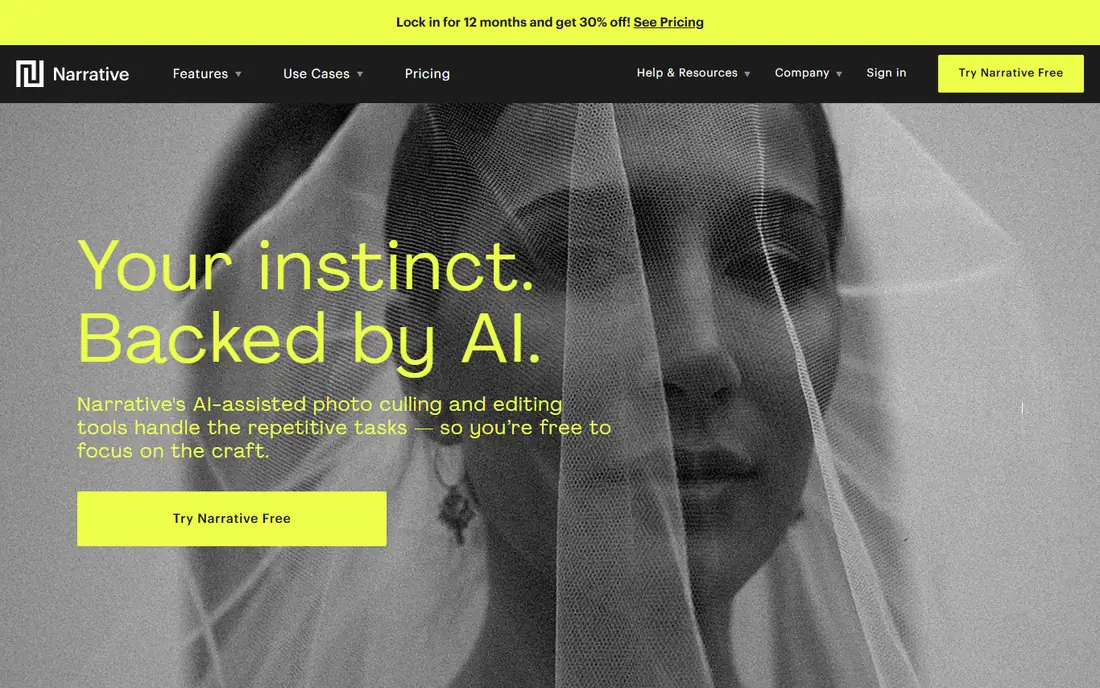
For many buyers, this is the natural starting point. Narrative Select uses AI to assess focus, eyes and expression to help cull photo sessions. It suits wedding and portrait photographers with large sessions to narrow down. On pricing, the starting price is listed above, and where a vendor does not publish a clear price we list it as See website. Check what is included at that level, because seats, usage limits and add-ons often change the real monthly cost. It covers culling only, so editing still happens in another tool. That trade-off does not make this a poor choice, but it does decide who should pick it. If the weakness touches your main use case, look at another option on this list. If it touches only a secondary need, the strengths here may still make it our pick for you.
- AI culling
- Face and eyes focus
- Lightroom link
- Subscription cost
- Culling only, not editing
AfterShoot
Ideal for: AI culling and editing help
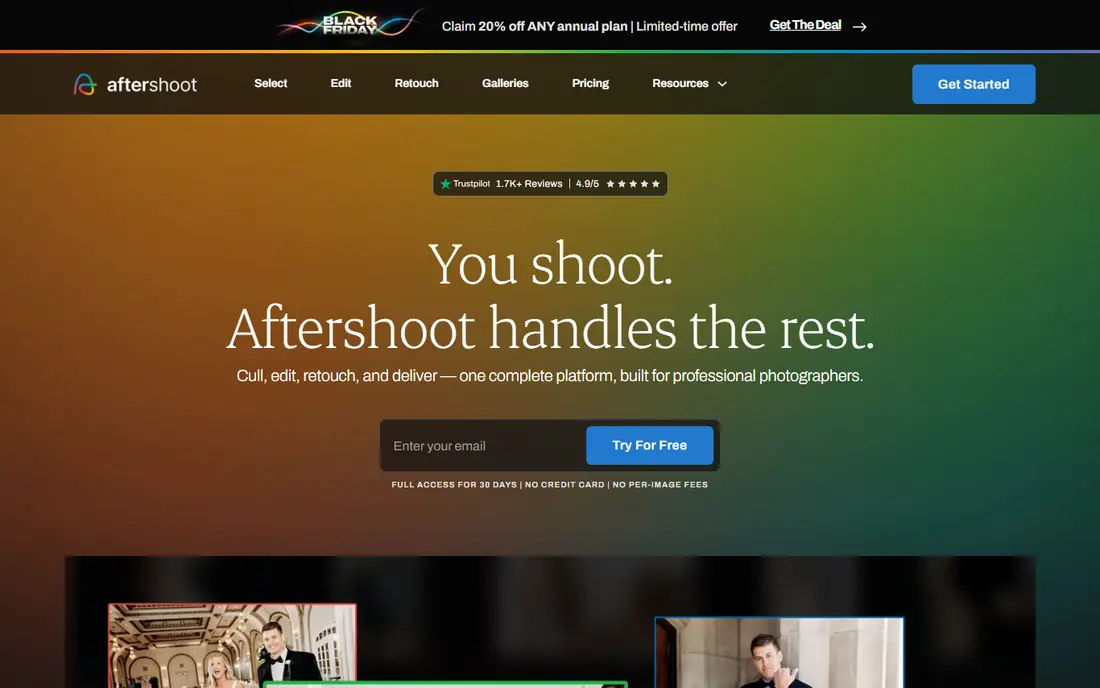
This is a strong choice when the basics matter most. AfterShoot offers AI culling plus editing assistance for photographers. It suits high volume photographers who want culling and a starting edit in one workflow. On pricing, the starting price is listed above, and where a vendor does not publish a clear price we list it as See website. Check what is included at that level, because seats, usage limits and add-ons often change the real monthly cost. Pricing depends on plan or image count, and editing profiles need tuning to match your style. That trade-off does not make this a poor choice, but it does decide who should pick it. If the weakness touches your main use case, look at another option on this list. If it touches only a secondary need, the strengths here may still make it our pick for you.
- AI culling
- Duplicate detection
- Editing profiles
- Pricing per images or plan
- Setup needs tuning
Imagen
Ideal for: AI culling and editing profiles

What sets this option apart is its focus on a clear use case. Imagen combines AI culling with personal editing profiles trained on a photographer's past work. It suits photographers who want consistent edits as well as faster culling. On pricing, the starting price is listed above, and where a vendor does not publish a clear price we list it as See website. Check what is included at that level, because seats, usage limits and add-ons often change the real monthly cost. Training a profile takes time and a good set of past edits, so results improve with use. That trade-off does not make this a poor choice, but it does decide who should pick it. If the weakness touches your main use case, look at another option on this list. If it touches only a secondary need, the strengths here may still make it our pick for you.
- AI culling
- Personal editing profiles
- Lightroom link
- Pricing varies
- Profile training takes time
FilterPixel
Ideal for: AI culling for sessions
Teams that want a straightforward setup should look closely here. FilterPixel offers AI culling with face detection and fast review tools. It suits photographers who need to narrow large sessions quickly. On pricing, the starting price is listed above, and where a vendor does not publish a clear price we list it as See website. Check what is included at that level, because seats, usage limits and add-ons often change the real monthly cost. The interface is simple, which helps speed but offers fewer advanced tools than some rivals. That trade-off does not make this a poor choice, but it does decide who should pick it. If the weakness touches your main use case, look at another option on this list. If it touches only a secondary need, the strengths here may still make it our pick for you.
- AI culling
- Face detection
- Fast review
- Pricing varies
- Interface is simple
Evoto
Ideal for: AI retouching and culling help
This option earns its place through a different strength than the leaders. Evoto focuses on AI retouching with batch tools that help culling and editing workflows. It suits portrait photographers who retouch many images. On pricing, the starting price is listed above, and where a vendor does not publish a clear price we list it as See website. Check what is included at that level, because seats, usage limits and add-ons often change the real monthly cost. Its main strength is retouching, so pure culling users should compare with Narrative or AfterShoot. That trade-off does not make this a poor choice, but it does decide who should pick it. If the weakness touches your main use case, look at another option on this list. If it touches only a secondary need, the strengths here may still make it our pick for you.
- AI retouching
- Batch editing
- Culling tools
- Retouch focus
- Pricing varies
Excire
Ideal for: AI photo search and culling
For buyers with a specific need, this one deserves a closer look. Excire uses AI to search photos by content, faces and keywords inside Lightroom. It suits photographers with large libraries who need to find and narrow images fast. On pricing, the starting price is listed above, and where a vendor does not publish a clear price we list it as See website. Check what is included at that level, because seats, usage limits and add-ons often change the real monthly cost. It focuses on search, so it is best paired with a culling workflow rather than replacing one. That trade-off does not make this a poor choice, but it does decide who should pick it. If the weakness touches your main use case, look at another option on this list. If it touches only a secondary need, the strengths here may still make it our pick for you.
- AI search
- Face and keyword tools
- Lightroom plugin
- Search focused
- Not a full culling suite
Optyc
Ideal for: AI culling for studios
This is worth considering when budget or simplicity is a priority. Optyc offers AI culling aimed at studios with high volume sessions. It suits studios that need fast narrowing and client selection tools. On pricing, the starting price is listed above, and where a vendor does not publish a clear price we list it as See website. Check what is included at that level, because seats, usage limits and add-ons often change the real monthly cost. It is a smaller vendor, so check support and Lightroom workflow before committing. That trade-off does not make this a poor choice, but it does decide who should pick it. If the weakness touches your main use case, look at another option on this list. If it touches only a secondary need, the strengths here may still make it our pick for you.
- AI culling
- Studio workflow
- Client selection
- Smaller vendor
- Pricing varies
Photo Mechanic
Ideal for: fast manual culling
Our shortlist would feel incomplete without this option. Photo Mechanic is the fast manual culling standard for many professional photographers. It browses, rates and ingests images far faster than many editors. On pricing, the starting price is listed above, and where a vendor does not publish a clear price we list it as See website. Check what is included at that level, because seats, usage limits and add-ons often change the real monthly cost. It has no AI selection, so culling speed depends on the photographer's own judgment. That trade-off does not make this a poor choice, but it does decide who should pick it. If the weakness touches your main use case, look at another option on this list. If it touches only a secondary need, the strengths here may still make it our pick for you.
- Very fast browsing
- Metadata
- Ingest tools
- Manual culling only
- No AI selection
How we picked these
We compared official feature pages, pricing pages, app store listings, privacy policies and public reviews for each product on this list. We checked that each product exists, works in October 2026 and truly fits the topic, and we left out products that did not fit even when they were well known in a nearby category. We also weighed who each product suits, what it does well and where it falls short. Prices change, so where we could not verify a current price from the vendor we wrote See website. We did not claim hands-on testing that did not happen, and we focused on facts a buyer can check before paying.
How to choose AI culling software
First, start here
Test on a full session. A tool that looks good on twenty photos may struggle on a thousand, with duplicates, closed eyes and similar frames. Run a complete wedding or portrait session through a trial and compare time saved and missed keepers.
Next, check the details
Check Lightroom workflow. Most photographers edit in Lightroom, so culling results should transfer cleanly with ratings and picks. Test the round trip, including rejected images, before committing to a subscription.
Finally, decide with confidence
Check pricing by volume. Some tools charge per image, others per month. Estimate your monthly shoot volume, including busy season peaks, and compare total cost. A per image plan can become costly in peak months.
Frequently asked questions
What is AI culling software?
AI culling software uses artificial intelligence to rank and narrow large photo sessions. It checks focus, eyes, expression and duplicates to suggest keepers and rejects. Photographers still make the final selection, but AI reduces the first pass time.
Is AI culling accurate?
AI culling is useful for focus, duplicates and closed eyes, but it can miss storytelling and emotional moments. Treat AI picks as a first pass, then review keepers and borderline images yourself. Accuracy improves as tools learn from corrections.
What is the best AI culling software?
Narrative Select suits focus and expression based culling. AfterShoot and Imagen add editing assistance. Photo Mechanic suits photographers who prefer fast manual culling. Choose based on volume, editing needs and Lightroom workflow.
Does AI culling replace photo editing?
No. Culling narrows the set, while editing adjusts exposure, colour and retouching. Some tools, such as AfterShoot and Imagen, add editing profiles, but final editing still needs photographer judgment.
How much does AI culling software cost?
Pricing varies by monthly plan or per image count. High volume photographers should estimate peak month volume. Trials help test time saved before committing to a paid plan.