Best AI Customer Support Platforms in 2026: 8 Platforms Compared

- 1
 Intercom FinSaaS and digital-first teamsVisit
- 2
 Zendesk AIExisting Zendesk customersVisit
- 3
 Freshdesk Freddy AIValue for SMB teamsVisit
- 4
 AdaHigh-volume multilingual supportVisit
- 5
 ForethoughtAI layer on existing helpdesksVisit
- Intercom Fin is our pick for digital-first SaaS teams, with fast deployment and per-resolution pricing from 0.99 dollars per resolved conversation.
- Zendesk AI and Freshdesk Freddy suit teams already on those helpdesks, since native tools keep tickets, history and handoff in one place.
- Ada and Forethought fit high-volume or complex operations that need an AI layer across channels, though both require a sales conversation for pricing.
- Resolution pricing looks simple until volume grows, so model your monthly resolved conversations and handoff rate before signing an annual deal.
Quick comparison
| Product | Ideal for | Price from | Free version | |
|---|---|---|---|---|
| Intercom Fin | SaaS and digital-first teams | $29 per seat per month | No | Visit |
| Zendesk AI | Existing Zendesk customers | See website | No | Visit |
| Freshdesk Freddy AI | Value for SMB teams | $19 per agent per month | No | Visit |
| Ada | High-volume multilingual support | See website | No | Visit |
| Forethought | AI layer on existing helpdesks | See website | No | Visit |
 Tidio Lyro | Small business budgets | See website | Yes | Visit |
 Help Scout | Small human-first teams | $25 per user per month | No | Visit |
 Gorgias | Shopify and ecommerce brands | $10 per month | No | Visit |
The best ai customer support platforms
AI support tools split into two camps: native tools inside a helpdesk you already use, and standalone AI layers that sit on top of it. Native tools win on handoff and history, while standalone tools win on flexibility. We compared official pricing pages, resolution pricing, channels and handoff design.
Intercom Fin
Ideal for: SaaS and digital-first teams
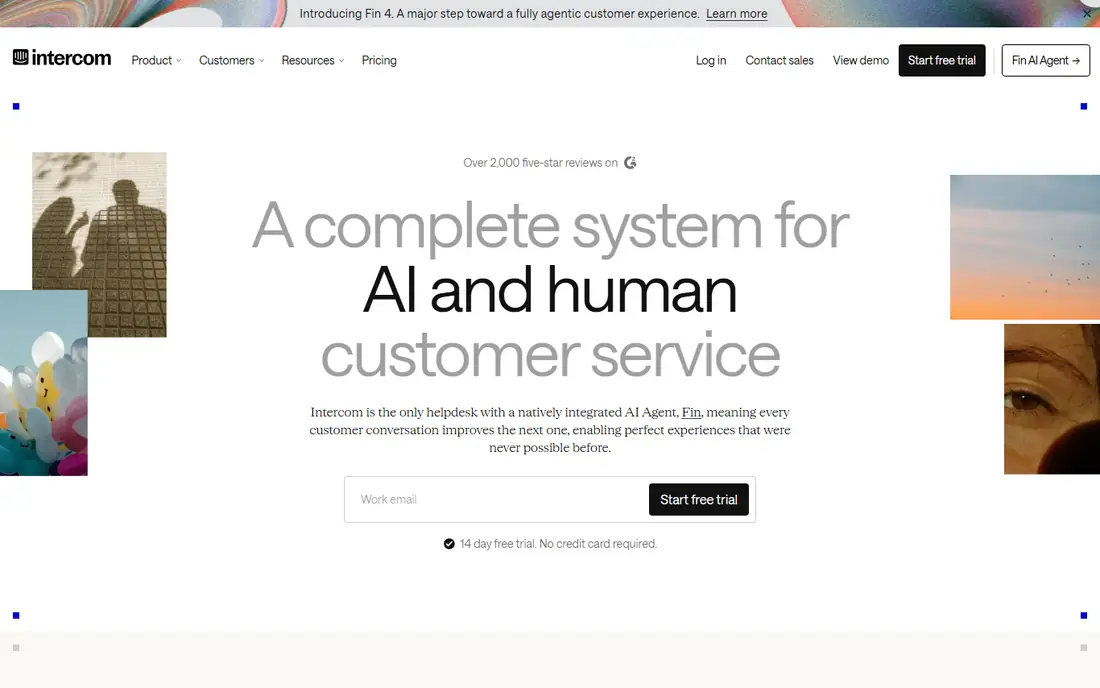
Fin is Intercom's AI agent, and it is the quickest path to automated support for teams already on Intercom. It answers from your help centre and connected content, cites sources, and hands tricky cases to a human with full context. Published summaries list seat pricing from 29 dollars per month, plus 0.99 dollars per resolved conversation, with a monthly minimum on resolutions.
The catch is the stacked bill. Seats plus resolutions can grow fast at high volume, so forecast resolved conversations per month and check what counts as a resolution. Fin suits digital-first teams with a strong help centre, since answer quality depends on the content it can read.
- Fast deployment on Intercom
- Answers grounded in your help centre
- Per-resolution pricing is easy to model
- Resolutions cost 0.99 dollars each on top of seats
- Voice support needs extra setup
Zendesk AI
Ideal for: Existing Zendesk customers
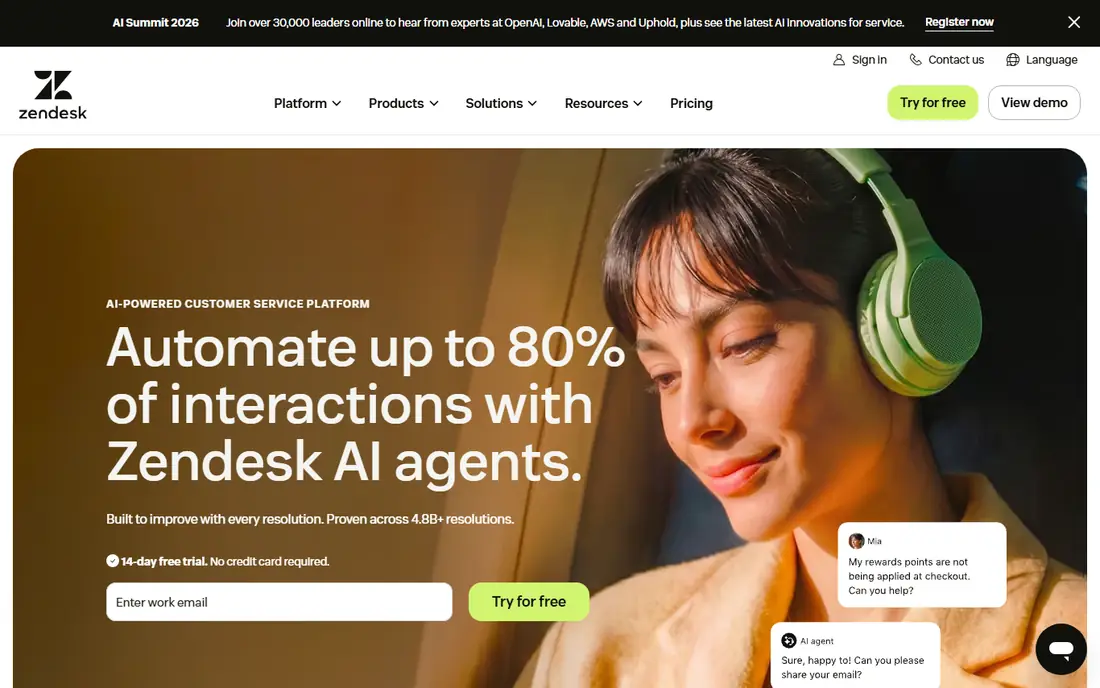
Zendesk AI suits teams that already run support on Zendesk Suite. Agents, AI and automation share one ticket history, so a handoff does not lose context, and voice, email, chat and social cases can be handled in the same queue. Published summaries put Suite pricing from about 55 dollars per agent per month, with AI add-ons and automated resolutions billed separately.
The weakness is total cost and complexity. Small teams may find the Suite plus AI bill hard to justify, and configuration takes real admin time. Zendesk earns its place for larger teams with complex workflows, multiple channels and a need for governance over AI answers.
- Native ticketing, voice and messaging in one workspace
- Strong automation and workflow tools
- Deep reporting
- AI add-ons and resolution billing sit on top of Suite pricing
- Setup takes longer than chat-first tools
Freshdesk Freddy AI
Ideal for: Value for SMB teams
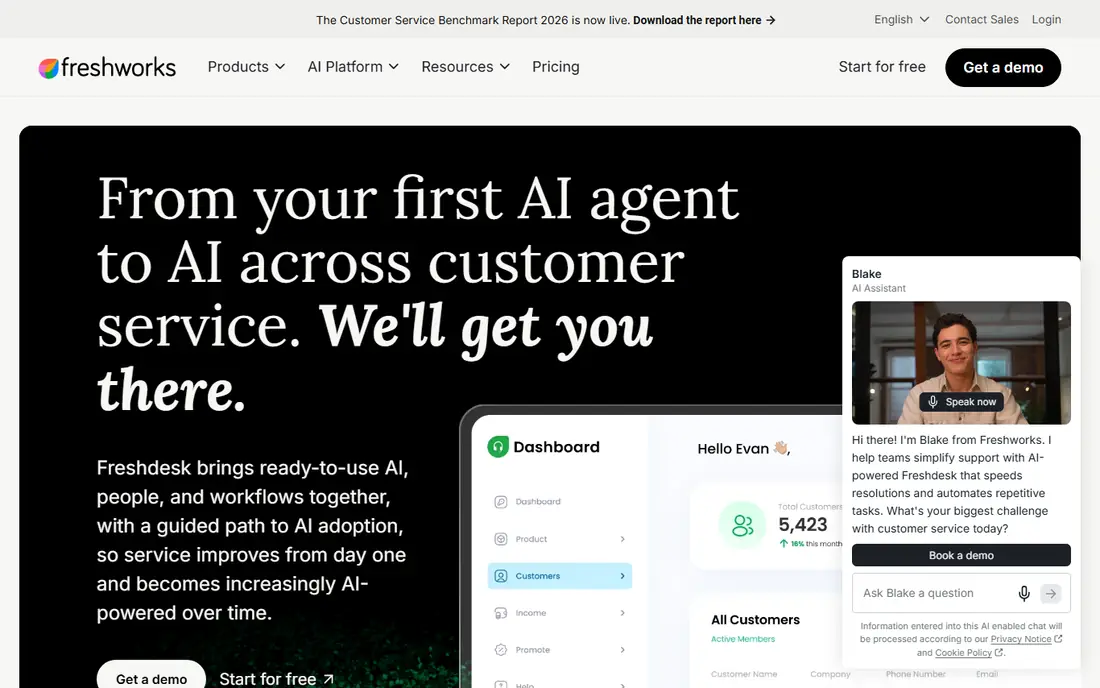
Freshdesk with Freddy AI is the value pick for small and midsize teams. Freddy drafts replies, summarises tickets, triages incoming cases and answers common questions from your knowledge base, all inside a helpdesk that is cheaper than its enterprise rivals. Published summaries list agent pricing from about 19 dollars per month, with AI sessions billed per session on higher tiers.
The limit is ambition. Freddy handles common cases well, but teams with very high volume, complex actions or strict grounding needs may prefer Ada or Forethought. For a growing SMB that wants AI without an enterprise contract, Freshdesk is the sensible middle ground.
- Lower entry cost than Zendesk or Intercom
- Freddy answers, triage and summarisation in one suite
- Free AI sessions on some plans
- AI depth trails the most advanced standalone agents
- Per-session billing needs careful forecasting
Ada
Ideal for: High-volume multilingual support
Ada is built for high-volume digital support across chat, email, voice and social channels, with a no-code builder that lets support teams shape answers and actions without engineers. Its reasoning engine checks actions before it takes them, which matters when the AI must look up orders, change bookings or issue refunds rather than just answer FAQs.
The drawback is that Ada is an AI layer, not a full helpdesk. You still need a place for agents to work, and pricing requires a sales conversation, so small teams cannot self-serve. Ada fits mid-market and enterprise brands with the volume to justify a custom contract.
- Strong multilingual and multi-channel automation
- No-code building for support teams
- Voice AI available
- Custom pricing only
- Hands off to an external helpdesk rather than replacing it
Forethought
Ideal for: AI layer on existing helpdesks
Forethought suits teams that like their helpdesk but want stronger AI on top of it. It classifies tickets, suggests answers, automates common resolutions and routes the rest to the right team, without forcing a move to a new platform. Pricing is outcome based and quote only, which suits larger operations that can negotiate on volume.
The catch is data quality. Forethought learns from your past tickets and knowledge base, so messy categories and thin articles will limit results. Clean up your help centre and ticket fields first, and treat the first month as training time, not instant automation.
- Works on top of Zendesk, Freshdesk or Salesforce
- Outcome-based pricing
- Strong triage and classification
- Custom pricing only
- Value depends on how clean your existing ticket data is
Tidio Lyro
Ideal for: Small business budgets
Tidio with Lyro is the small-business pick. It combines live chat, email and social messages with an AI agent that answers common questions from your own content, and a free tier lets tiny teams start without a contract. Paid tiers add Lyro conversations and more agent seats at prices that stay well below enterprise platforms.
The limit is depth. Lyro handles FAQs and simple guidance well, but it will not run complex order workflows or deep back-office actions. For a small store or SaaS with a clear FAQ set, that is enough, and the human chat fallback covers the rest.
- Low entry cost for small shops
- Lyro answers FAQs from your content
- Live chat handoff in the same tool
- Best for FAQ-style answers rather than complex actions
- Conversation limits apply on lower tiers
Help Scout
Ideal for: Small human-first teams
Help Scout suits teams that want AI help without losing the human feel. Its shared inbox is simple to learn, its AI drafts and answers sit beside human agents, and handoff is natural because the AI and the agent share the same conversation. Published summaries list user pricing from about 25 dollars per month, with AI resolutions billed per resolved conversation.
The weakness is scale. Very high-volume teams with complex automation needs will outgrow Help Scout faster than they outgrow Zendesk or Ada. For a team of a handful of agents that prizes tone and care, Help Scout is a strong fit.
- Clean shared inbox that small teams love
- AI answers with human review
- Per-resolution pricing is published
- AI automation is lighter than Ada or Fin
- Advanced reporting needs higher tiers
Gorgias
Ideal for: Shopify and ecommerce brands
Gorgias is the ecommerce pick. It pulls Shopify order, shipping and customer data into the ticket, so its AI agent can answer where-is-my-order, return and refund questions with real order facts, not generic replies. Published summaries list plans from about 10 dollars per month for a small ticket volume, with AI resolutions billed per resolved conversation.
The limit is fit. Gorgias shines for direct-to-consumer stores and feels less natural for SaaS or B2B support with long technical threads. If your support queue is mostly order questions, Gorgias will automate more of it than a generic helpdesk AI.
- Built for Shopify order data
- AI resolves order, shipping and return questions
- Per-ticket pricing suits small stores
- Less suited to SaaS or B2B support outside ecommerce
- AI resolution fees add to the base plan
How we picked these
We compared official pricing pages, resolution pricing, channel coverage, handoff design and helpdesk fit for platforms still operating in October 2026. We kept both native helpdesk AI and standalone layers, since the right choice depends on the helpdesk you already run. We did not run live support pilots, and we did not repeat vendor resolution-rate claims as measured facts.
What to check before you buy
Start with your top ten contact reasons. Pull them from your current tickets, and check which ones the AI can fully resolve, not just answer. Order status, returns, password resets and billing questions are good automation candidates, while complaints, edge cases and high-value accounts should route to humans early. A tool that only deflects questions without resolving them will frustrate customers.
Next, model the full bill. Seat fees, resolution fees, session fees and add-ons stack differently on each platform, so forecast monthly conversations, your expected resolution rate and your handoff rate. Ask what counts as a resolution, whether a handoff still bills, and what happens when you pass your included allowance. A cheap per-resolution rate on a tool that counts every reply is not cheap.
Finally, test grounding and handoff with real content. Load your help centre, run fifty real past questions through the AI, and read every answer for accuracy, tone and source use. Check that a handoff passes the full history and the reason for transfer, so customers never repeat themselves. That test tells you more than any demo.
Frequently asked questions
What is the best AI customer support platform overall?
Intercom Fin is our pick for most digital-first teams because it deploys fast and prices resolutions clearly at 0.99 dollars each. Zendesk AI suits existing Zendesk customers, Freshdesk suits value buyers, and Ada suits high-volume enterprises. Your current helpdesk often decides the winner.
How does per-resolution pricing work?
You pay a fee only when the AI fully resolves a conversation without human help, on top of any seat or base fee. Definitions vary, so ask whether a handoff, a partial answer or a follow-up question still counts. Model your monthly resolved volume before signing.
Will AI replace my support agents?
No, for most teams it changes their work. AI handles repeatable questions, while agents handle complex, sensitive and high-value cases, plus the training and review that keep AI answers accurate. Plan for a smaller number of better-supported agents, not zero agents.
What is the most important feature in an AI support tool?
Grounding and handoff. The AI must answer from your own help content and order data, cite its sources where possible, and pass full context to a human when it cannot resolve the case. A fluent answer with wrong facts is worse than a slower human reply.
How long does it take to launch AI support?
Chat-first tools such as Fin or Lyro can launch in days with a solid help centre, while enterprise layers such as Ada or Forethought often need weeks of setup, content cleanup and testing. Budget time for content fixes, since answer quality follows content quality.