6 Top AI Database Software for Businesses Compared (2026)

- 1
 QdrantEngineering teams that require quick open-source vector searchVisit
- 2
 Zilliz CloudLarge-scale vector workloads on managed MilvusVisit
- 3
 WeaviateTeams that want open-source adaptability with a managed choiceVisit
- 4
 MongoDB AtlasTeams adding AI search to existing MongoDB workloadsVisit
- 5
 PineconeTeams that want managed vector search without operating infrastructureVisit
- Top of the list is Qdrant, which targets engineering teams that require quick open-source vector search.
- Free plans are common here: 6 of 6 tools have one, including Qdrant, Zilliz Cloud, Weaviate and MongoDB Atlas.
- Neo4j suits AI applications built on connected data and relationships.
- The lowest published monthly entry price here is $0/month, from Zilliz Cloud.
- MongoDB Atlas comes with a trade-off: vector performance trails purpose-built vector databases at very large scale.
Direct answer
Start with Qdrant if you need engineering teams that require quick open-source vector search. Alternatives: Zilliz Cloud for large-scale vector workloads on managed Milvus, and Weaviate for teams that want open-source adaptability with a managed choice. The other 3 tools in the list cover narrower or pricier cases.
Quick comparison
| Product | Ideal for | Price from | Free version | |
|---|---|---|---|---|
| Qdrant | Engineering teams that require quick open-source vector search | See website | Yes | Visit |
| Zilliz Cloud | Large-scale vector workloads on managed Milvus | From $0/month | Yes | Visit |
| Weaviate | Teams that want open-source adaptability with a managed choice | From $45/month | Yes | Visit |
| MongoDB Atlas | Teams adding AI search to existing MongoDB workloads | From $9/month | Yes | Visit |
| Pinecone | Teams that want managed vector search without operating infrastructure | $20/month | Yes | Visit |
 Neo4j | AI applications built on connected data and relationships | $65/GB/month | Yes | Visit |
Our 6 AI database software for businesses
This Ainotely guide covers 6 AI database software for businesses. Each profile lists a starting price, free plan details, strengths and drawbacks, so you can drop poor fits quickly.
Qdrant
Ideal for: Engineering teams that require quick open-source vector search
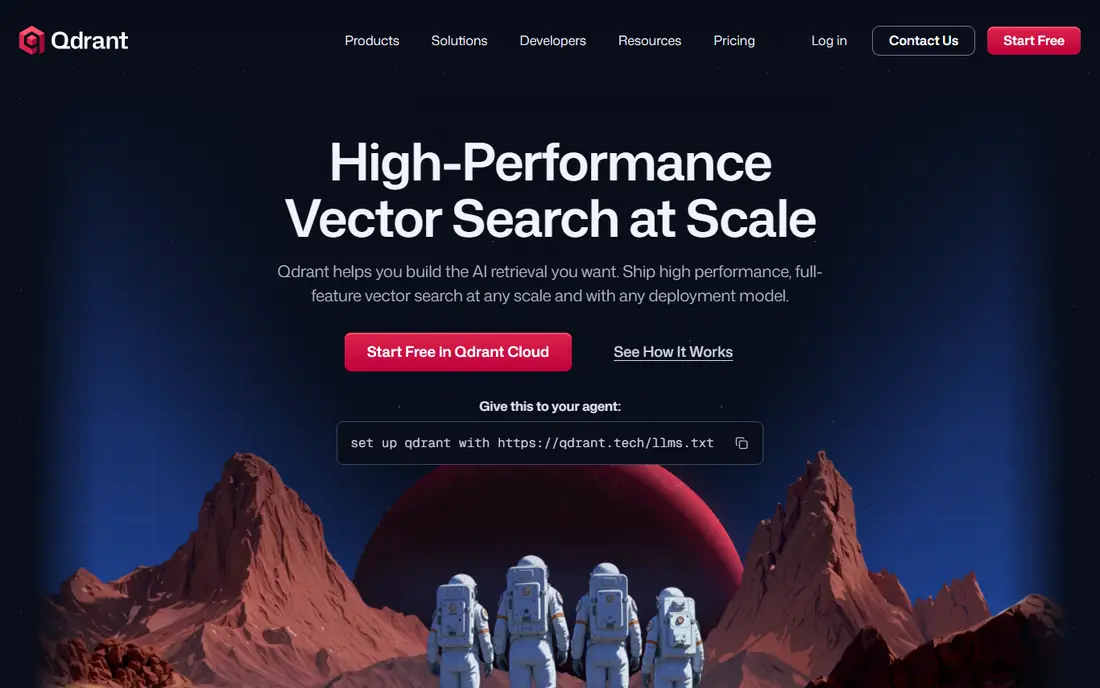
Where Qdrant fits: engineering teams that require quick open-source vector search. Qdrant has earned a loyal following among developers who care about speed and want to see the source code. Worth adding: the API is straightforward, and the documentation actually answers the questions you have during setup.
Where it falls short: Managed pricing is usage-based and harder to predict.
In daily use, if your team has the skills to self-host, Qdrant provides you plenty of database for zero license cost. The free level never expires, so small projects and experiments can live there indefinitely. No starting price is listed for Qdrant here; confirm pricing on the vendor site. Free access exists with Qdrant.
- Capable performance reputation among open-source choices
- Free level with no time limit
- Fewer enterprise features than the biggest commercial vendors
Zilliz Cloud
Ideal for: Large-scale vector workloads on managed Milvus
Choose Zilliz Cloud for large-scale vector workloads on managed Milvus. Zilliz Cloud is the managed version of Milvus, the open-source vector database with one of the largest user bases in this category. That lineage matters.
What to check first: Pricing levels can confuse first-time buyers.
It means the underlying engine has been tested at serious scale, and skills your team builds transfer to the open-source project if you ever leave. Beyond that, serverless pricing opens from zero and grows with use, whereas dedicated clusters start at $126 per GB a month for teams that require predictable performance. Zilliz Cloud starts at: From $0/month. Zilliz Cloud offers a free plan.
- Scales to very large vector collections
- Serverless option begins at zero
- Enterprise features sit behind the higher plans
Weaviate
Ideal for: Teams that want open-source adaptability with a managed choice
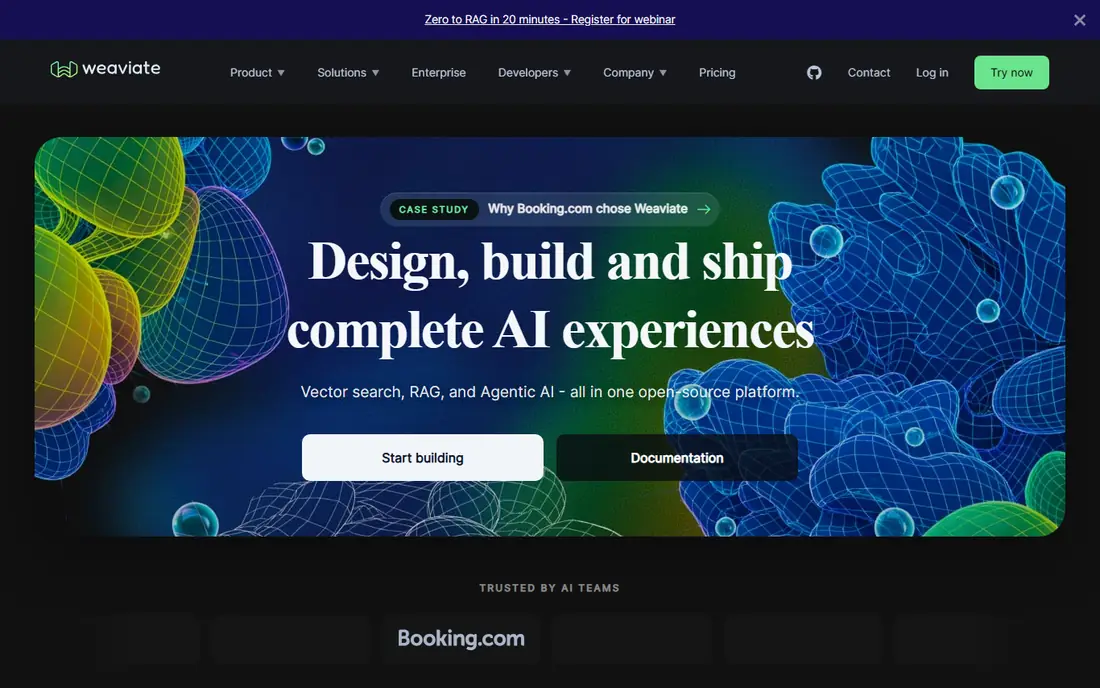
Weaviate is a good fit for teams that want open-source adaptability with a managed choice. Flex begins at $45 per month when you outgrow it.
Limits to weigh: Smaller ecosystem than the biggest managed players.
Worth adding: one honest caveat: the self-hosted path is genuinely open source, which means you own the scaling problems too. Budget engineering time accordingly if you go that route. Price to start with Weaviate: From $45/month. Weaviate has a free plan.
- Modular design supports several vectorization approaches
- Open source with a real community
- Self-hosting needs real DevOps effort at scale
MongoDB Atlas
Ideal for: Teams adding AI search to existing MongoDB workloads
MongoDB Atlas is designed for teams adding AI search to existing MongoDB workloads. If your AI workload is a chatbot over a few thousand documents, you will never notice. More specifically, a general-purpose database doing vector search will not match a purpose-built vector engine on raw retrieval speed or scale.
On top of that, MongoDB Atlas is the path of least resistance for the plenty of companies already running MongoDB. Instead of standing up a separate vector database, you store embeddings alongside your documents and query them with the same product your team already operates. That single-system simplicity is the entire pitch, and for lots of teams it is enough. On cost, MongoDB Atlas starts like this: From $9/month. MongoDB Atlas includes a free tier.
Where it is weaker: Pricing gets complicated as usage grows.
- Vector search built into the same database
- Generous free level for prototypes
- Vector performance trails purpose-built vector databases at very large scale
Pinecone
Ideal for: Teams that want managed vector search without operating infrastructure
Pinecone is built with teams that want managed vector search without operating infrastructure in mind. You build an index, upsert vectors, and query.
Vector databases charge in ways that feel unfamiliar if you come from relational pricing, and Pinecone is no exception. Pinecone cost at the entry level: $20/month. A free plan is available with Pinecone.
Watch-outs: Costs scale with usage and can surprise teams that do not monitor it.
- Clear upgrade path from free to enterprise
- Completely managed with no clusters to tune
- Proprietary service with no self-hosted choice
Neo4j
Ideal for: AI applications built on connected data and relationships
Neo4j is aimed squarely at AI applications built on connected data and relationships. When your AI problem is about relationships, who is connected to whom, how entities link together, a graph database sees structure that pure similarity search misses. Fraud rings, recommendation engines and knowledge graphs are the classic examples.
Points against: Graph modeling has a ramp-up time for new teams.
AuraDB has a free level for getting started. Pick it when your data is genuinely a graph and your queries have to traverse it. Price to start with Neo4j: $65/GB/month. A free plan is available with Neo4j.
- Capable fit for fraud and recommendation use cases
- The established leader in graph databases
- Per-GB pricing gets pricey quick
Our selection method
The comparison looks at four things: starting price, free access, how well the feature set matches AI database software for businesses, and the main limit of each tool. Seat minimums, billing terms and add-ons can move the real cost, so the starting prices here are a guide and not a quote. The order reflects how well each tool fits the most common buying scenario for AI database software for businesses, then price clarity, then free plan access. It is a starting point, not a verdict.
Pre-purchase checklist
- Get a written quote from Qdrant; the list shows no starting price for them.
- Check what the free option really includes: Qdrant, Zilliz Cloud, Weaviate and others offer a free plan, and usage caps differ.
- Read the limits listed for Qdrant first: managed pricing is usage-based and harder to predict.
- Check whether MongoDB Atlas bills monthly or annually, and what cancelling early costs.
- Pick one real project and run it in Zilliz Cloud first; a small pilot shows fit faster than a checklist.
Frequently asked questions
What is an AI database?
The most typical type is the vector database, which finds items similar to a query by mathematical distance. Some general-purpose databases have added vector search features, whereas graph databases deal with AI workloads built on relationships.
Is Qdrant the right pick for everyone comparing AI database software for businesses?
No single tool suits every team. Qdrant comes first because it fits engineering teams that need fast open-source vector search, while Zilliz Cloud suits large-scale vector workloads on managed Milvus and Weaviate suits teams that want open-source flexibility with a managed option. Match the tool to your own size, budget and workflow before deciding.
Do I need a separate vector database, or can I use Postgres?
A dedicated vector database becomes worth it when you need very fast similarity search at large scale, specialized indexing, or features like hybrid search that go beyond what an extension supplies.
Do these tools publish their prices?
Not all of them. Qdrant publishes no starting price, so expect a quote request for it. The rest, Zilliz Cloud included, show a starting price, though seats and billing terms still change the final cost.
What is the cheapest option for AI database software for businesses in this list?
On published monthly entry prices, Zilliz Cloud is the lowest here at $0/month. Entry price is only part of the cost, because seats, add-ons and billing terms can change the total.
What is the difference between Pinecone, Weaviate and Qdrant?
All three are vector databases, but their models differ. Pinecone is a completely managed proprietary service with no self-hosted choice. Weaviate and Qdrant are open source, so you can self-host at no cost or pay for their managed clouds.