7 AI Email Assistant Tools, Compared by Cost and Features

- 1
 MissiveShared team inboxesVisit
- 2
 SaneBoxCleaning an existing inboxVisit
- 3
 FyxerDrafts and meeting notesVisit
- 4
 Microsoft Copilot in OutlookMicrosoft 365 Outlook usersVisit
- 5
 Spark MailLow cost multi-account emailVisit
- Number one here is Missive, a fit for shared team inboxes.
- Canary Mail is the one to check for private email with AI help.
- A fair warning about SaneBox: no full email client of its own.
- The lowest published monthly entry price here is $9.49 per month, from SaneBox.
Direct answer
Missive comes first here, mainly for shared team inboxes. SaneBox is the stronger choice for cleaning an existing inbox, while Fyxer suits drafts and meeting notes. All 7 tools are compared below on price, free plan and limits.
Quick comparison
| Product | Ideal for | Price from | Free version | |
|---|---|---|---|---|
| Missive | Shared team inboxes | See website | Free trial | Visit |
| SaneBox | Cleaning an existing inbox | $9.49 per month | Free trial | Visit |
| Fyxer | Drafts and meeting notes | See website | Yes | Visit |
| Microsoft Copilot in Outlook | Microsoft 365 Outlook users | See website | No | Visit |
| Spark Mail | Low cost multi-account email | $10 per user/month | Yes | Visit |
 Superhuman | Quick keyboard triage | $30 per user/month | No | Visit |
 Canary Mail | Private email with AI help | See website | Yes | Visit |
The best AI email assistant tools
Choosing AI email assistant tools usually comes down to price, fit and limits. This Ainotely guide sets 7 tools side by side on those three points, with the facts kept short and checkable.
Missive
Ideal for: Shared team inboxes
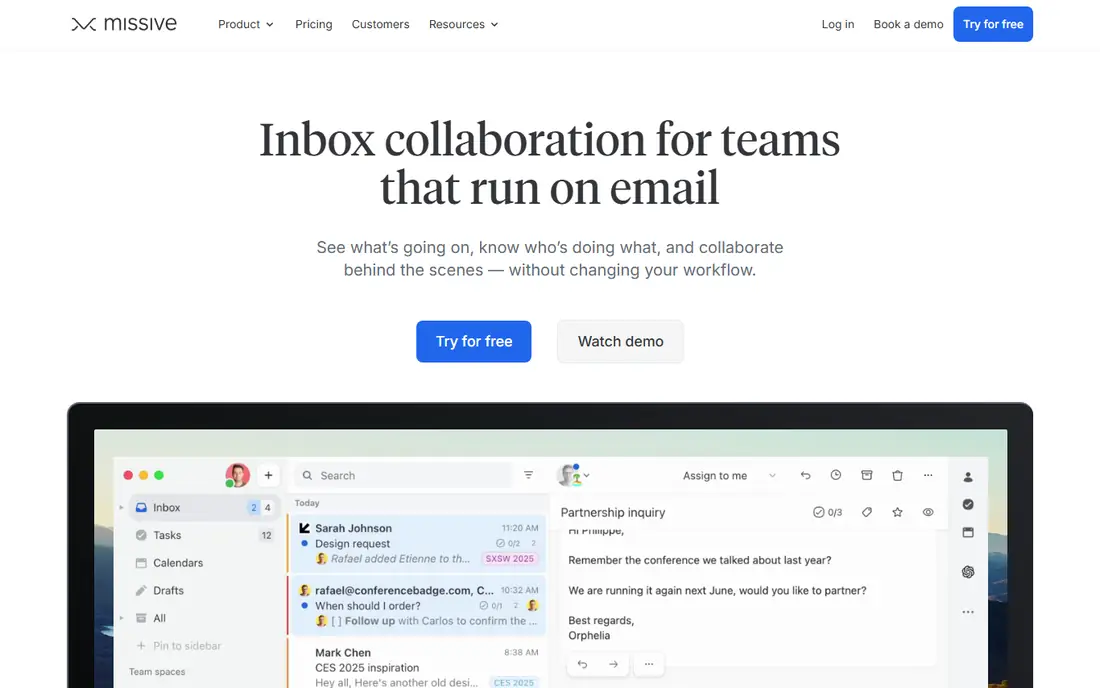
Missive was built for shared team inboxes. Missive answers a different question from the solo clients above. That shared view is the core value, and AI prompts help with drafting and sorting inside it.
Also, solo users will find Missive heavier than they need, and the price reflects team use. Also, when a shared inbox is the problem, Missive belongs near the top of the shortlist. This comparison lists no price for Missive; ask the vendor. On free options: Free trial.
Downsides: AI features vary by plan. Main advantages: Email, SMS.
- Social messages in one place
- Shared inboxes with internal chat
- Setup takes longer than a solo client
SaneBox
Ideal for: Cleaning an existing inbox
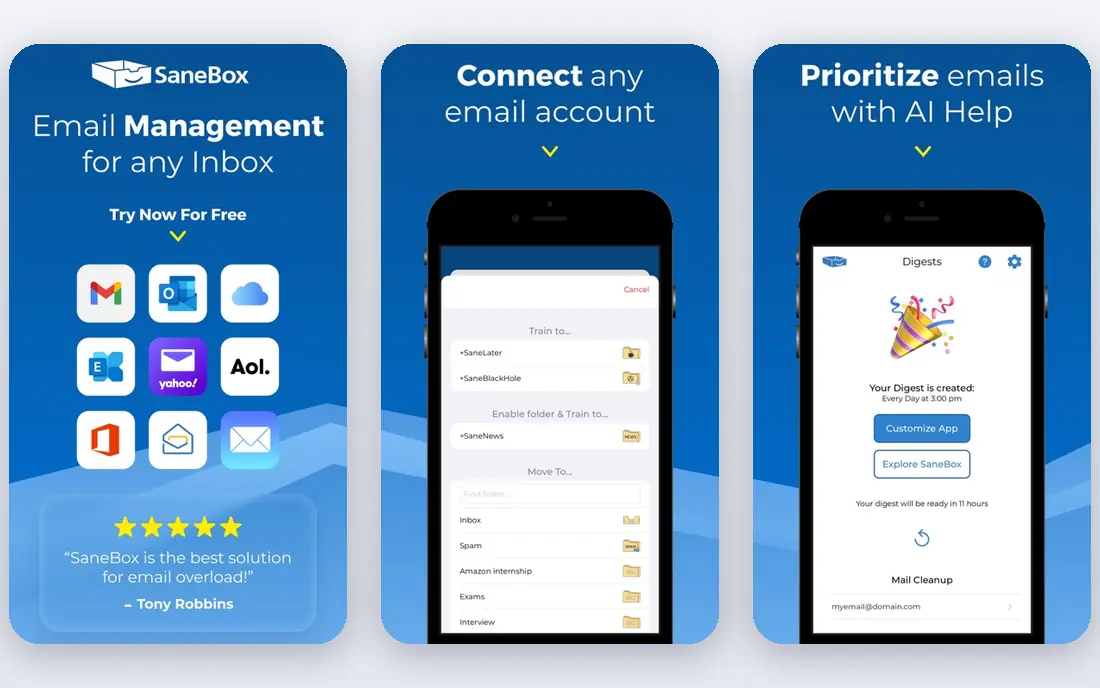
Where SaneBox fits: cleaning an existing inbox. Beyond that, you do not have to learn a new client, switch providers, or move old mail. That narrow focus is also the limit.
Reasons to shortlist it: Works with your current email client.
SaneBox does not replace a client, and it does not write replies for you. It performs best as a filter layer, commonly paired with Gmail, Outlook, or Apple Mail. In daily use, if your primary pain is volume instead of drafting or team sharing, SaneBox is a lower friction fix than changing clients entirely. Price to start with SaneBox: $9.49 per month. Free options: Free trial.
Points against: No AI drafting in the same way as clients above; Sorting needs training at first.
- SaneLater and similar folders reduce noise
- Server side sorting needs no new app
- No full email client of its own
Fyxer
Ideal for: Drafts and meeting notes
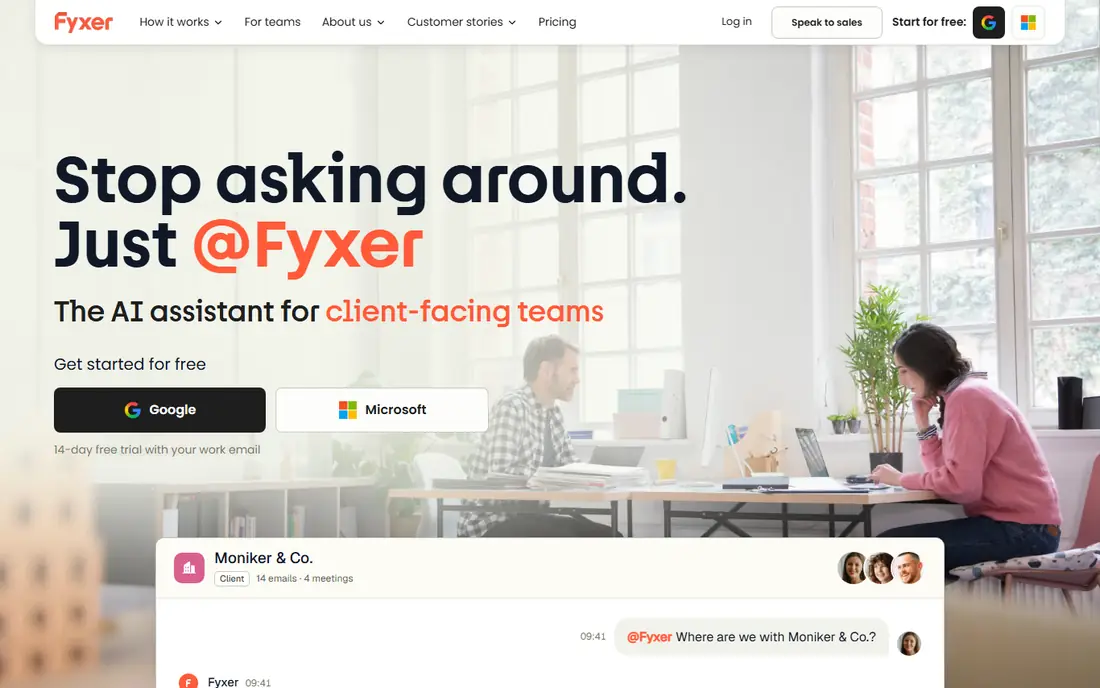
Where Fyxer fits: drafts and meeting notes. Fyxer takes a hands off approach to routine mail. It sorts incoming messages and prepares draft replies, so you can review, edit, and send instead of starting from a blank box.
Points against: Draft quality still needs review.
In daily use, meeting notes add value for people whose inbox and calendar are closely linked, since follow up actions frequently start in a meeting instead of a message. As for the details, drafts can miss tone, context, or a detail from an earlier thread, so sensitive replies need a careful read. Fyxer shows no starting price here, so confirm the cost on the vendor site. Fyxer offers a free plan.
- Meeting notes and scheduling help
- Drafts replies in your voice before you open mail
- Higher plans needed for team use
Microsoft Copilot in Outlook
Ideal for: Microsoft 365 Outlook users
Microsoft Copilot in Outlook makes the most sense for Microsoft 365 Outlook users. Copilot in Outlook makes sense when work already runs on Microsoft 365. It drafts replies, summarizes long threads, and can draw on meetings and documents in the wider Microsoft system on eligible business plans.
That context is handy for internal mail, where a reply commonly relies on a document or a meeting note. In daily use, Copilot does not help Gmail users, and full features rely on the specific Microsoft plan. Also, for Outlook teams, it is commonly the simplest AI upgrade, since it layers on help to the inbox staff already use. As for the details, the limit is ecosystem lock in. This comparison lists no price for Microsoft Copilot in Outlook; ask the vendor. No free plan comes with Microsoft Copilot in Outlook.
What Microsoft Copilot in Outlook does well: Drafting and summaries inside Outlook.
Drawbacks to consider: Outlook only.
- Calendar on business plans
- No new inbox to learn
- Needs a Microsoft 365 plan for full features
Spark Mail
Ideal for: Low cost multi-account email
Where Spark Mail fits: low cost multi-account email. It brings multiple accounts into one inbox, sorts mail into personal, notification, and newsletter groups, and brings AI writing help and summaries on premium plans. The primary trade is depth.
Where it falls short: AI features are restricted on the free plan.
In daily use, if you want one client for work and personal mail without a high monthly fee, start here. Also, premium plans add more AI use, templates, and team features for example shared drafts and comments. On cost, Spark Mail starts like this: $10 per user/month. A free plan is available with Spark Mail.
- Free plan handles core email
- Smart inbox sorts mail into useful groups
- Some team features need the Pro plan
Superhuman
Ideal for: Quick keyboard triage
For quick keyboard triage, Superhuman is a natural candidate. The main limit is scope and cost. As for the details, at $30 per user a month, it makes sense when email takes a large part of the day, and less sense when you check mail only a handful of times daily.
AI drafting and summaries sit inside that quick workflow. So a reply can start from a short prompt and stay close to your tone after editing. Use a trial to measure whether triage time actually falls, instead of judging it by how refined it feels. Superhuman pricing: $30 per user/month. Superhuman does not include a free plan.
Watch-outs: Gmail and Outlook only.
- Strong keyboard shortcuts
- Very quick interface
- Price is high for light email users
Canary Mail
Ideal for: Private email with AI help
In short, Canary Mail is for private email with AI help. Canary Mail appeals to readers who care about privacy and price at the same time. The free plan lets you test the core client before paying.
In practice, for a large team with strict admin controls, a team focused tool may fit better. From a buyer's view, the trade is polish and scale. No starting price is listed for Canary Mail here; confirm pricing on the vendor site. Free access exists with Canary Mail.
Where it is weaker: Smaller team and support base than large rivals.
- Lower price than premium clients
- On device AI choices and encryption features
- Some advanced features need premium plans
How these tools were picked
Ainotely used vendor pricing pages and product documentation as the base, then compared plans, free access and documented limits for 7 tools. Prices and plan limits come from vendor pages and can change, so confirm them on the vendor site before you buy. The order reflects how well each tool fits the most common buying scenario for AI email assistant tools, then price clarity, then free plan access. It is a starting point, not a verdict.
Things to verify first
- Get a written quote from Missive, Fyxer, Microsoft Copilot in Outlook and Canary Mail; the list shows no starting price for them.
- Read the fine print on the free plans from Fyxer, Spark Mail and Canary Mail; seat, project and feature caps differ.
- Run a trial of Missive and SaneBox with real work before paying for a year; your own workflow is the best test.
- Read the limits listed for Missive first: priced for teams, not solo users.
- A short pilot of Canary Mail with your real workflow tells you more than a feature table.
- Ask whether Missive integrates with your current software, and whether that comes standard or as an add-on.
Frequently asked questions
Which options for AI email assistant tools have a free plan?
Fyxer, Spark Mail and Canary Mail offer a free plan in this list. Free plans usually cap users, projects or features, so check the limits on the vendor page. Several others offer a trial instead.
Is Missive the right pick for everyone comparing AI email assistant tools?
No single tool suits every team. Missive comes first because it fits shared team inboxes, while SaneBox suits cleaning an existing inbox and Fyxer suits drafts and meeting notes. Match the tool to your own size, budget and workflow before deciding.
What is the best AI email assistant for Outlook?
Missive comes first here and is built for shared team inboxes. Buyers with other needs may prefer SaneBox (for cleaning an existing inbox) or Fyxer (for drafts and meeting notes). Compare costs and limits first.
What is the cheapest option for AI email assistant tools in this list?
On published monthly entry prices, SaneBox is the lowest here at $9.49 per month. Entry price is only part of the cost, because seats, add-ons and billing terms can change the total.
Can I try these options before paying?
Often, yes. Fyxer, Spark Mail and Canary Mail have a free plan and Missive and SaneBox offer a free trial. Use your own data and a real task during the test, and check what the free tier or trial limits before you rely on it.