6 Top AI Email Tools Compared (2026)

- 1
 Gmail with GeminiGoogle Workspace users who want built-in AIVisit
- 2
 Spark MailPeople with multiple email accountsVisit
- 3
 ShortwaveGmail users who want AI search and summariesVisit
- 4
 SuperhumanBusy professionals who live in emailVisit
- 5
 SaneBoxPeople who want filtering without a new appVisit
- Top of the list is Gmail with Gemini, which targets Google Workspace users who want built-in AI.
- Fyxer is the one to check for professionals who want drafts ready before they open mail.
- For the cheapest start, look at SaneBox: $7 per month.
- What to know about Spark Mail first: some advanced features sit on higher levels, team features add cost.
- Only 4 of the 6 tools have a free plan (Gmail with Gemini, Spark Mail, Shortwave, Fyxer), so check the caps.
Direct answer
Gmail with Gemini leads the list, best for Google Workspace users who want built-in AI. If your case is different, Spark Mail suits people with multiple email accounts and Shortwave suits Gmail users who want AI search and summaries. The full list of 6 tools follows, with prices and free plan facts.
Quick comparison
| Product | Ideal for | Price from | Free version | |
|---|---|---|---|---|
| Gmail with Gemini | Google Workspace users who want built-in AI | See website | Yes | Visit |
| Spark Mail | People with multiple email accounts | $10 a month | Yes | Visit |
| Shortwave | Gmail users who want AI search and summaries | $18 per month | Yes | Visit |
| Superhuman | Busy professionals who live in email | $30 per month | No | Visit |
| SaneBox | People who want filtering without a new app | $7 a month | No | Visit |
 Fyxer | Professionals who want drafts ready before they open mail | See website | Yes | Visit |
Tool-by-tool breakdown
Choosing AI email tools usually comes down to price, fit and limits. This Ainotely guide sets 6 tools side by side on those three points, with the facts kept short and checkable.
Gmail with Gemini
Ideal for: Google Workspace users who want built-in AI
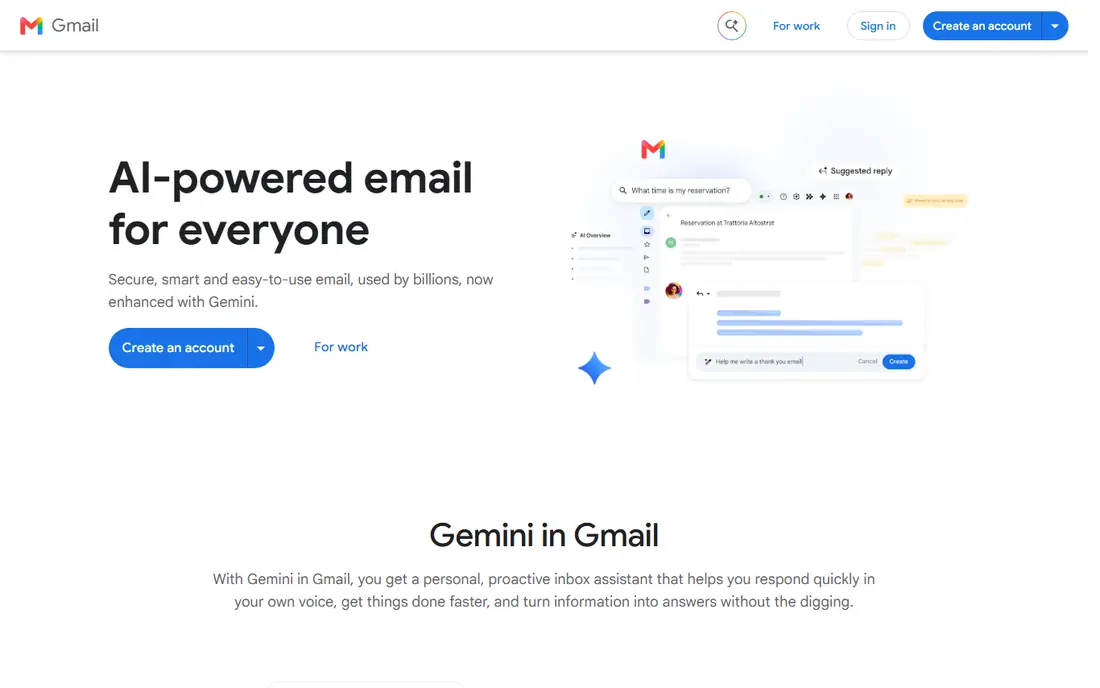
Gmail with Gemini is aimed squarely at Google Workspace users who want built-in AI. Our last pick here rounds out the list with a different balance of price, control, and simplicity. For numerous readers, the simplest option is the one already installed.
The main drawbacks: AI depth relies on your Google plan.
Also, check that limit before you commit, using a short trial with real work. More specifically, Gmail with Gemini fits Workspace teams and personal Gmail users who want light AI help without a new subscription. Pricing for Gmail with Gemini is not stated here, so ask the vendor for current figures. A free plan is available with Gmail with Gemini.
- Summaries and drafting help
- No new app to learn
- Less control than a dedicated client, Google account required
Spark Mail
Ideal for: People with multiple email accounts
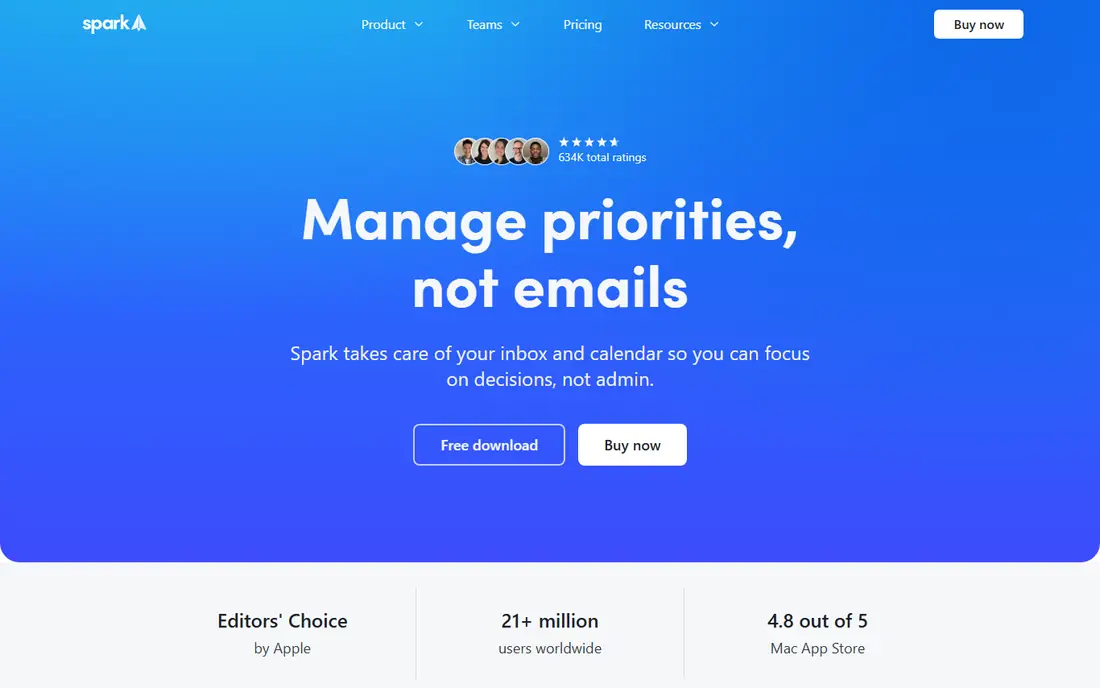
Think of Spark Mail for people with multiple email accounts. A practical choice for teams that already know their workflow, this product suits best where its primary strength lines up with daily tasks.
Its primary strength is its unified smart inbox and cross-platform apps keep personal and work mail in one place without forcing a provider switch. Beyond that, check that limit before you commit, using a short trial with real work. The starting price for Spark Mail: $10 per month. Spark Mail offers a free plan.
Best features of Spark Mail: iCloud and IMAP. Downsides: team features add cost.
- Smart inbox
- Brings together Gmail, Outlook
- Some advanced features sit on higher levels
Shortwave
Ideal for: Gmail users who want AI search and summaries

Shortwave makes the most sense for Gmail users who want AI search and summaries. Shortwave treats Gmail as a searchable workspace, which helps when answers hide in old threads.
Limits to weigh: premium plans needed for full AI features.
Check that limit before you commit, using a short trial with real work. Shortwave starts at: $18 per month. Shortwave offers a free plan.
- AI drafting
- Capable AI search over past mail
- Gmail only
Superhuman
Ideal for: Busy professionals who live in email
Superhuman is aimed squarely at busy professionals who live in email. Superhuman is designed for people who process a large inbox every day and want speed above all else. Its main strength is its keyboard-first design and split inboxes let a heavy user triage mail in focused blocks rather than scrolling through one long list.
In daily use, the honest weakness is this: the monthly cost is hard to justify for a light inbox. The full value only appears after learning its shortcuts and workflow. As for the details, check that limit before you commit, using a short trial with real work. What you pay to start with Superhuman: $30 per month. Superhuman has no free plan.
Where it is weaker: Gmail and Outlook only.
- Split inboxes
- AI drafting and summaries
- Higher price, no free plan
SaneBox
Ideal for: People who want filtering without a new app
SaneBox targets people who want filtering without a new app. Check that limit before you commit, using a short trial with real work. Beyond that, SaneBox is different since it works in the background of the app you already use.
Its primary strength is its filtering sorts newsletters, notifications, and copied mail into separate folders so the central inbox stays centred on direct messages. The honest weakness is this: it does not replace an email client or add strong drafting, so buyers who want a new interface should look elsewhere. We contain this one since it solves a narrower problem well, and that focus is commonly what makes it simpler to adopt. The starting price for SaneBox: $7 per month. SaneBox has no free tier.
Where it falls short: AI drafting is not its focus.
- Works with any email client
- Folders for low priority mail
- Price rises with accounts
Fyxer
Ideal for: Professionals who want drafts ready before they open mail
Fyxer makes the most sense for professionals who want drafts ready before they open mail. If budget or simplicity is the central constraint, this is the kind of choice that deserves a closer look before paying for a bigger system. It works inside Gmail or Outlook, so there is less to relearn.
Where it is weaker: Higher price than simple clients.
Its central strength is its pre-written drafts can cut the time spent on routine replies, especially when tone and past context are handled well. The honest weakness is this: draft quality varies by topic and writing style. Some users will still edit most drafts before sending, which cuts the time saved. On top of that, check that limit before you commit, using a short trial with real work. Pricing for Fyxer is not stated here, so ask the vendor for current figures. Fyxer offers a free plan.
- Pre-drafts replies in Gmail or Outlook, sorting
- Meeting notes
- Value relies on draft quality for your writing style
Choosing AI email tools: what matters
Start with the constraint you cannot change, for example provider, file type, team size, or budget. That single constraint frequently removes half the list at once. Then rank the remaining choices by the one job you do most frequently, not by the longest feature list, since the tool you use daily matters more than a feature you might use once a quarter.
In practice, next, look at total cost, not just the starting price. If a tool cannot pass that test in two weeks, it is unlikely to pass it in per year, no matter how capable its marketing looks.
Our selection method
For each of the 6 tools we noted price, free plan or trial, fit for AI email tools and the main limit, using vendor pages and documentation. Prices and plan limits come from vendor pages and can change, so confirm them on the vendor site before you buy. We ordered the tools by general fit, then by how clearly pricing is shown, then by free access. A buyer with unusual needs may reorder them.
A buyer's checklist
- Get a written quote from Gmail with Gemini and Fyxer; the list shows no starting price for them.
- Look at free plan limits closely: Gmail with Gemini, Spark Mail, Shortwave and Fyxer have one, and the caps decide whether it is usable for real work.
- Before choosing Gmail with Gemini, weigh its main limit: AI depth relies on your Google plan, less control than a dedicated client, Google account required.
- A short pilot of Fyxer with your real workflow tells you more than a feature table.
- Check the support hours and onboarding help Spark Mail offers; smaller vendors vary a lot here.
Frequently asked questions
What is the cheapest option for AI email tools in this list?
On published monthly entry prices, SaneBox is the lowest here at $7 per month. Entry price is only part of the cost, because seats, add-ons and billing terms can change the total.
Can I try these options before paying?
Often, yes. Gmail with Gemini, Spark Mail, Shortwave and Fyxer have a free plan. Use your own data and a real task during the test, and check what the free tier or trial limits before you rely on it.
What should I check before I buy?
Also check who owns your data and how you can leave the service. A tool that makes export simple is safer to try, even if it costs a little more at the start.
What is the best choice for best ai email tool?
This list starts with Gmail with Gemini, which fits Google Workspace users who want built-in AI. For other needs, Spark Mail is aimed at people with multiple email accounts, and Shortwave at Gmail users who want AI search and summaries. Check each tool's price and main limit first.
Which options for AI email tools have a free plan?
Gmail with Gemini, Spark Mail, Shortwave and Fyxer offer a free plan in this list. Free plans usually cap users, projects or features, so check the limits on the vendor page.
Can I switch later if I pick the wrong one?
In most cases, yes, but switching costs time and data cleanup, so export a sample early and test it in the new tool. Keep your source files and records outside any single vendor where possible. That habit makes a future switch far less painful.