7 Best AI Generated Video Tools for 2026

- 1
 InVideo AIScript to finished marketing videoVisit
- 2
 Kling AIRealistic human motion clipsVisit
- 3
 RunwayCinematic generated clipsVisit
- 4
 SynthesiaCorporate training presentersVisit
- 5
 Adobe FireflyCreative Cloud video workflowsVisit
- InVideo AI takes the first slot, best suited to script to finished marketing video.
- Starting prices begin at $12 per month with Runway.
- Before buying Kling AI, weigh this: pricing and access vary by region and channel.
- Pictory fits turning text and recordings into video.
- Only 5 of the 7 tools have a free plan (InVideo AI, Kling AI, Runway, Synthesia, HeyGen), so check the caps.
Direct answer
If you need script to finished marketing video, InVideo AI is the first tool to look at here. Alternatives: Kling AI for realistic human motion clips, and Runway for cinematic generated clips. Prices, free plans and limits for all 7 tools follow.
Quick comparison
| Product | Ideal for | Price from | Free version | |
|---|---|---|---|---|
| InVideo AI | Script to finished marketing video | $20 per month | Yes | Visit |
| Kling AI | Realistic human motion clips | See website | Yes | Visit |
| Runway | Cinematic generated clips | $12 a month | Yes | Visit |
| Synthesia | Corporate training presenters | $19 per month | Yes | Visit |
| Adobe Firefly | Creative Cloud video workflows | See website | Free trial | Visit |
 HeyGen | Multilingual avatar marketing | $29 a month | Yes | Visit |
 Pictory | Turning text and recordings into video | $29 a month | Free trial | Visit |
Tool-by-tool breakdown
Ainotely put together this guide to AI generated video tools for readers who want a clear shortlist without reading every vendor page. It compares 7 tools on starting price, free plans, who each one suits and where each one falls short.
InVideo AI
Ideal for: Script to finished marketing video
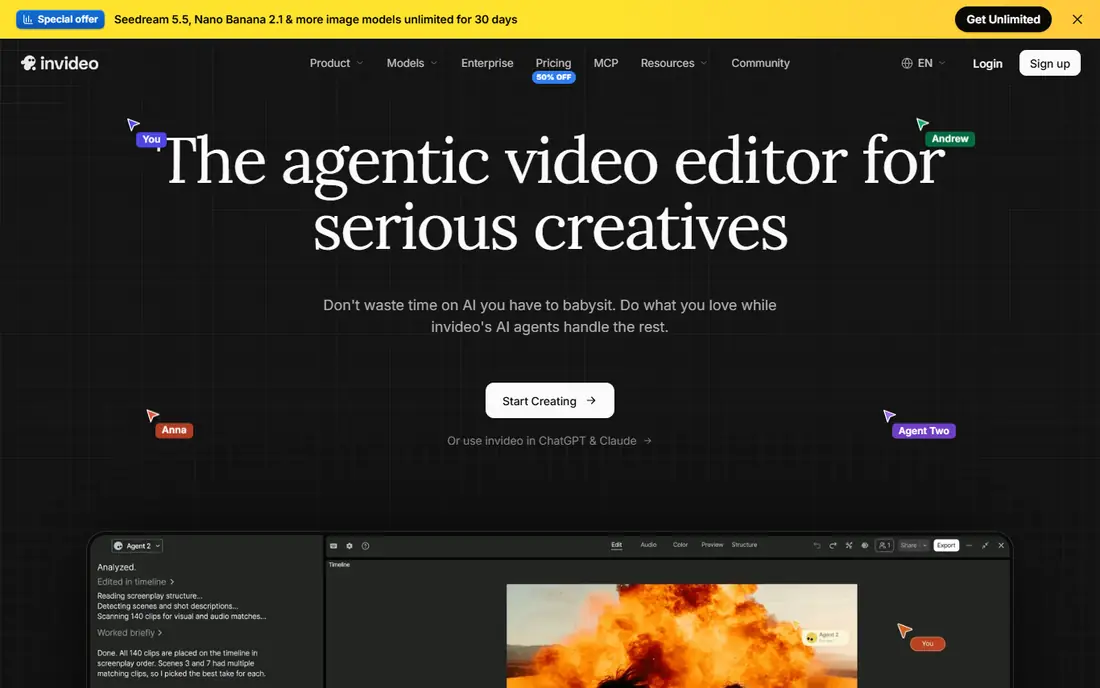
Where InVideo AI fits: script to finished marketing video. It can assemble script, voice, stock footage, generated clips, captions, and music into an edit you can then adjust.
That workflow helps small teams publish product video, ads, and social posts on a regular schedule. On top of that, I think InVideo AI performs best as a draft and assembly tool. On cost, InVideo AI starts like this: $20 per month. A free plan is available with InVideo AI.
Where it falls short: Output needs human editing for a refined result.
- Stock footage, voice
- Captions in one place
- Credit use varies by clip type
Kling AI
Ideal for: Realistic human motion clips
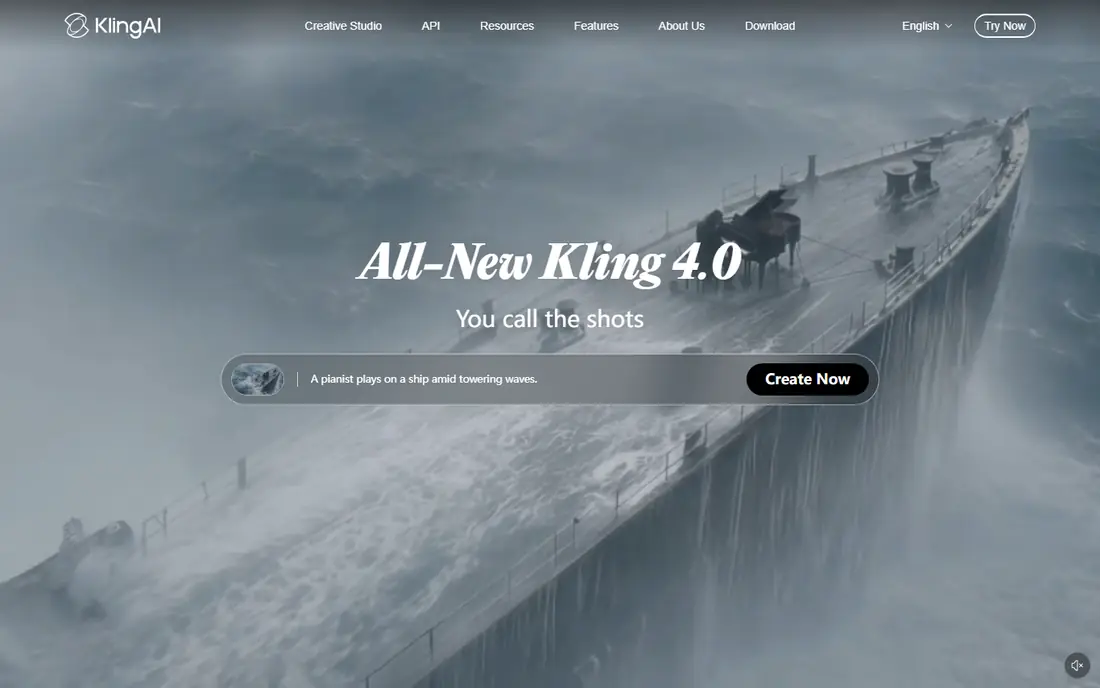
Kling AI is aimed squarely at realistic human motion clips. Product demos, lifestyle shots, and short scenes benefit when motion looks natural instead of stiff or warped.
What to check first: Pricing and access vary by region and channel.
More specifically, test human hands, faces, and movement closely, as those details reveal model limits quick. As for the details, image to video helps when you already have a product photo and want it to move in a short clip. No starting price is listed for Kling AI here; confirm pricing on the vendor site. You can start on Kling AI without paying.
- Handy for product and lifestyle clips
- Realistic motion for people and scenes
- Motion quality varies by prompt
Runway
Ideal for: Cinematic generated clips
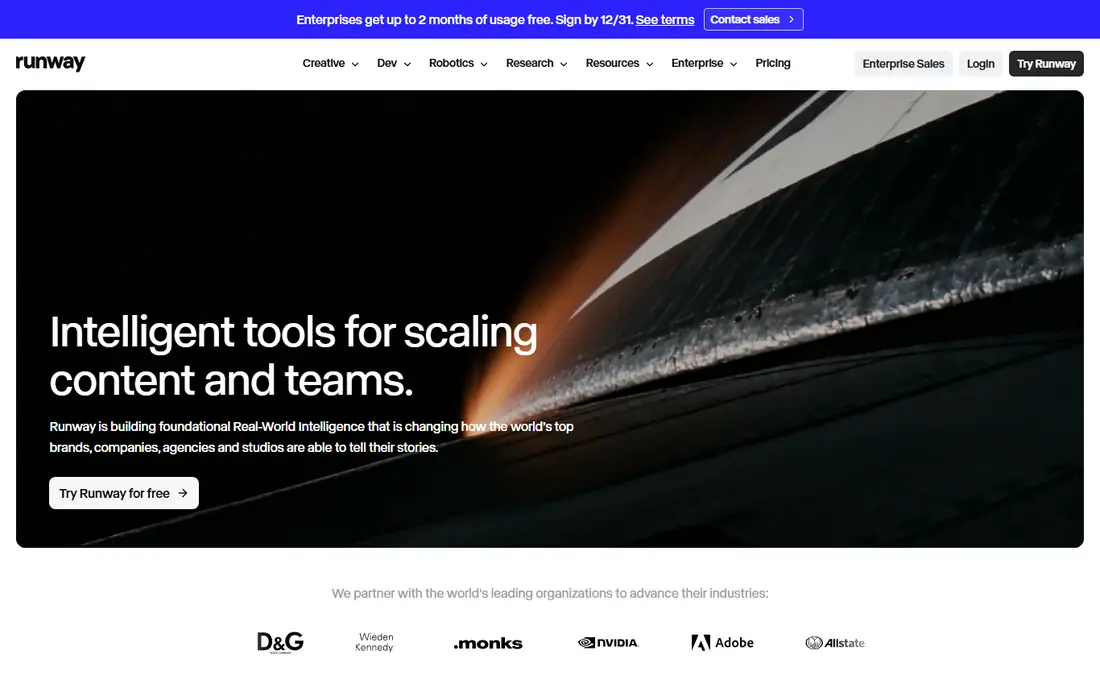
Runway is built with cinematic generated clips in mind. My take is that Runway is a creator tool first, so expect to learn how prompts, motion, and credit use interact.
In practice, you can start from text or an image, shape camera movement, and build a shot that suits a bigger edit. That makes Runway a decent base for short films, ads, and social clips that require a distinct look. The starting price for Runway: $12 per month. Runway offers a free plan.
Limits to weigh: Costs rise quick for long or high-resolution work.
- Editing tools around generated clips
- Handy controls for camera and motion
- Credit use varies by model and clip length
Synthesia
Ideal for: Corporate training presenters
Synthesia is a good fit for corporate training presenters. I see Synthesia as a training tool first. Beyond that, you write a script, pick an avatar, and produce a presenter-led video in numerous languages.
What to check first: Presenter format can feel formal for social video.
As for the details, use only avatars and voices you have the right to use, and label AI presenter video plainly when your audience may expect a real person. Beyond that, check minute allowances before you plan a full course. What you pay to start with Synthesia: $19 per month. Free access exists with Synthesia.
- Large avatar and language range
- Team review and sharing tools
- Minutes and credits limit output on entry plans
Adobe Firefly
Ideal for: Creative Cloud video workflows
Where Adobe Firefly fits: creative Cloud video workflows. Generated video can feed into Premiere Pro edits, social cuts, and brand assets without a separate pipeline.
If you do not use Adobe apps, a standalone generator may be more straightforward and less expensive. Adobe Firefly does not show a starting price in this comparison, so check the vendor site for current pricing. Free plan details: Free trial.
Drawbacks to consider: Full value needs a Creative Cloud plan.
- Video generation inside Adobe workflows
- Links to Premiere Pro and Creative Cloud apps
- Credit and model access vary by plan
HeyGen
Ideal for: Multilingual avatar marketing
Where HeyGen fits: multilingual avatar marketing. Avatar presenters, translation, and lip sync let one script become multiple local versions.
On top of that, longer, nuanced scripts can expose avatar limits, so keep sentences short and test a sample before a full campaign. The starting price for HeyGen: $29 per month. HeyGen has a free plan.
Honest limits: Avatar quality varies by input photo and script.
- Templates for marketing and sales video
- Avatar video in numerous languages
- Entry plan credits limit longer video
Pictory
Ideal for: Turning text and recordings into video
Pictory was built for turning text and recordings into video. If you need plenty of captioned videos from existing content, Pictory can save editing time, provided that you check export minutes against your publishing volume.
Where it falls short: Generated video minutes are restricted by plan.
My take is that Pictory is a repurposing tool, not a cinematic generator. On cost, Pictory starts like this: $29 per month. Trial and free access: Free trial.
- Captions and summarising tools
- Stock library for visuals
- No lasting free plan on the entry level
AI Generated Video Tools cost breakdown
Start with the finished video you need, then work back to credits. In daily use, a $12 plan that provides you 50 seconds of high-quality clips is not less expensive than a $29 plan that hands you 20 minutes of presenter video, since they buy different work. More specifically, a tool that looks decent on a demo prompt may struggle with your product, your language, or your brand tone.
Beyond that, never use a likeness, voice, or identity without consent, and never produce video meant to deceive viewers about who said or did something. Beyond that, Captions, sound, pacing, and fact checks take time, even when generation is quick.
How these tools were picked
Selection started from tools commonly considered for AI generated video tools, then narrowed to 7 that have clear pricing information or a clear quote process. Where a price is missing, the vendor does not list one publicly or ties it to a quote. Always confirm before budgeting. The order reflects how well each tool fits the most common buying scenario for AI generated video tools, then price clarity, then free plan access. It is a starting point, not a verdict.
Before you commit
- Get a written quote from Kling AI and Adobe Firefly; the list shows no starting price for them.
- Check what the free option really includes: InVideo AI, Kling AI, Runway and others offer a free plan, and usage caps differ.
- Run a trial of Adobe Firefly and Pictory with real work before paying for a year; your own workflow is the best test.
- Read the limits listed for InVideo AI first: output needs human editing for a refined result.
- Map your must-have features to a specific Synthesia plan before you compare prices.
- Check whether Adobe Firefly bills monthly or annually, and what cancelling early costs.
Frequently asked questions
What is the top rated AI generated video software for training video?
For most readers this guide would start with InVideo AI, built for script to finished marketing video. Kling AI is the alternative for realistic human motion clips, and Runway for cinematic generated clips. The right answer depends on budget and workflow.
Is it allowed to clone a real person in an AI video?
Only with that person's clear consent, and only within the tool's rules and local law. Also, do not produce video that presents a real person as saying or doing something they did not, and do not use AI video to mislead viewers.
Is InVideo AI the right pick for everyone comparing AI generated video tools?
No single tool suits every team. InVideo AI comes first because it fits script to finished marketing video, while Kling AI suits realistic human motion clips and Runway suits cinematic generated clips. Match the tool to your own size, budget and workflow before deciding.
Can I try these options before paying?
Often, yes. InVideo AI, Kling AI, Runway and others have a free plan and Adobe Firefly and Pictory offer a free trial. Use your own data and a real task during the test, and check what the free tier or trial limits before you rely on it.
What is the best AI generated video app for beginners?
This list starts with InVideo AI, which fits script to finished marketing video. For other needs, Kling AI is aimed at realistic human motion clips, and Runway at cinematic generated clips. Check each tool's price and main limit first.
Which options for AI generated video tools have a free plan?
On this list, InVideo AI, Kling AI, Runway, Synthesia and HeyGen include a free plan. Caps on seats, usage or features are common, so test the free plan against your real workload. Several others offer a trial instead.