Best AI Generator App in 2026: 8 Apps Compared

- 1
 MidjourneyArtistic imagesVisit
- 2
 ChatGPTEasiest image generationVisit
- 3
 Stability AIOpen image modelsVisit
- 4
 Adobe FireflyCommercially safe imagesVisit
- 5
 LeonardoStyle control and editingVisit
- Midjourney remains the pick for striking, artistic images, while Adobe Firefly is the safer choice for commercial work thanks to licensed training data.
- ChatGPT is the easiest starting point, because image generation sits inside a chatbot many people already use.
- Leonardo and Ideogram suit designers who need control over style, editing and readable text in images.
- FLUX from Black Forest Labs and Stable Diffusion suit developers and tinkerers who want open weights and API access.
- Canva suits non-designers who need finished social posts and marketing graphics, not just raw images.
Quick comparison
| Product | Ideal for | Price from | Free version | |
|---|---|---|---|---|
| Midjourney | Artistic images | See website | No | Visit |
| ChatGPT | Easiest image generation | See website | Yes | Visit |
| Stability AI | Open image models | See website | No | Visit |
| Adobe Firefly | Commercially safe images | See website | Yes | Visit |
| Leonardo | Style control and editing | See website | Yes | Visit |
 Ideogram | Text in images | See website | Yes | Visit |
 FLUX | Developer-friendly models | See website | Free trial | Visit |
 Canva | Finished designs | See website | Yes | Visit |
The best ai generator apps
AI image generators differ more than their homepages suggest. Some favor beauty, some favor prompt accuracy, and some favor legal safety for business use. We compared official product pages, feature descriptions and pricing pages for the apps below, looking at image quality, free access, editing tools and commercial terms. Prices change often in this category, so we list "See website" where a plan price was not clearly shown on the homepage.
Midjourney
Ideal for: Artistic images
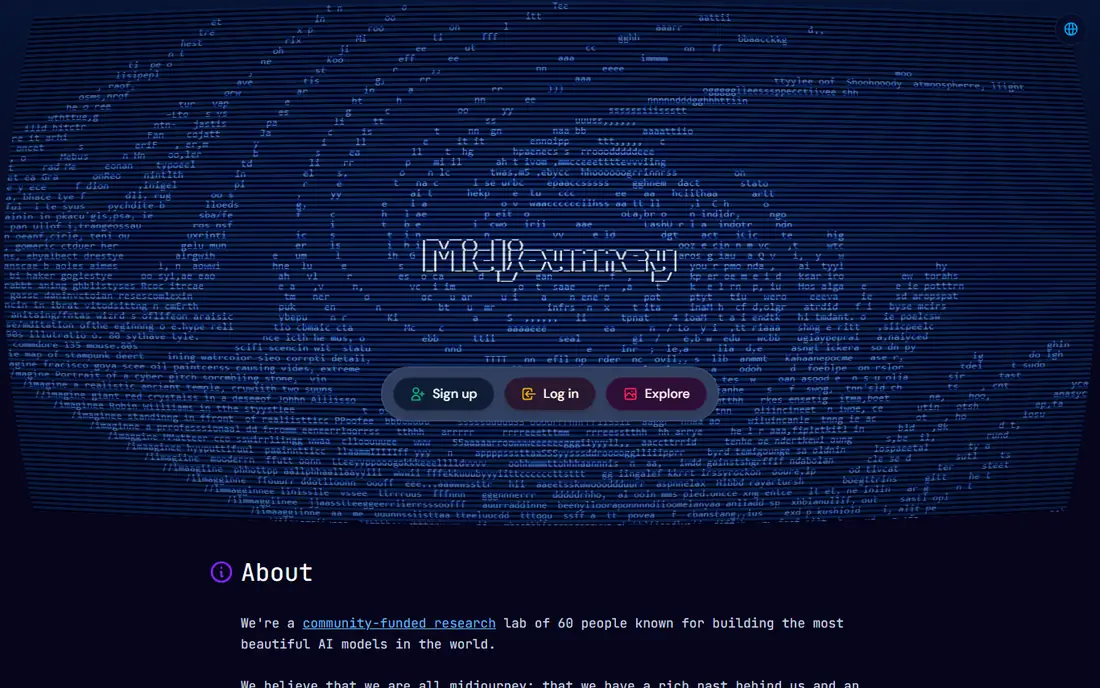
Midjourney describes itself as a lab building beautiful AI models, and its images have a recognizable polish that many creators prefer for art, posters and concept work. You generate through its web app, refine with variations and upscaling, and browse community work for ideas. For pure visual appeal, it is still the benchmark many other tools are judged against.
The honest catch is access. Midjourney has no free plan, so you pay from the start, and getting the best results takes practice with prompts and parameters. If you need images for client work, also read the plan terms on commercial use before you commit. For personal art and creative exploration, though, few tools match its output.
- Distinctive, polished image style
- Strong community and gallery for inspiration
- Regular model updates
- No free plan
- Prompt controls take practice
- Commercial terms depend on plan
ChatGPT
Ideal for: Easiest image generation
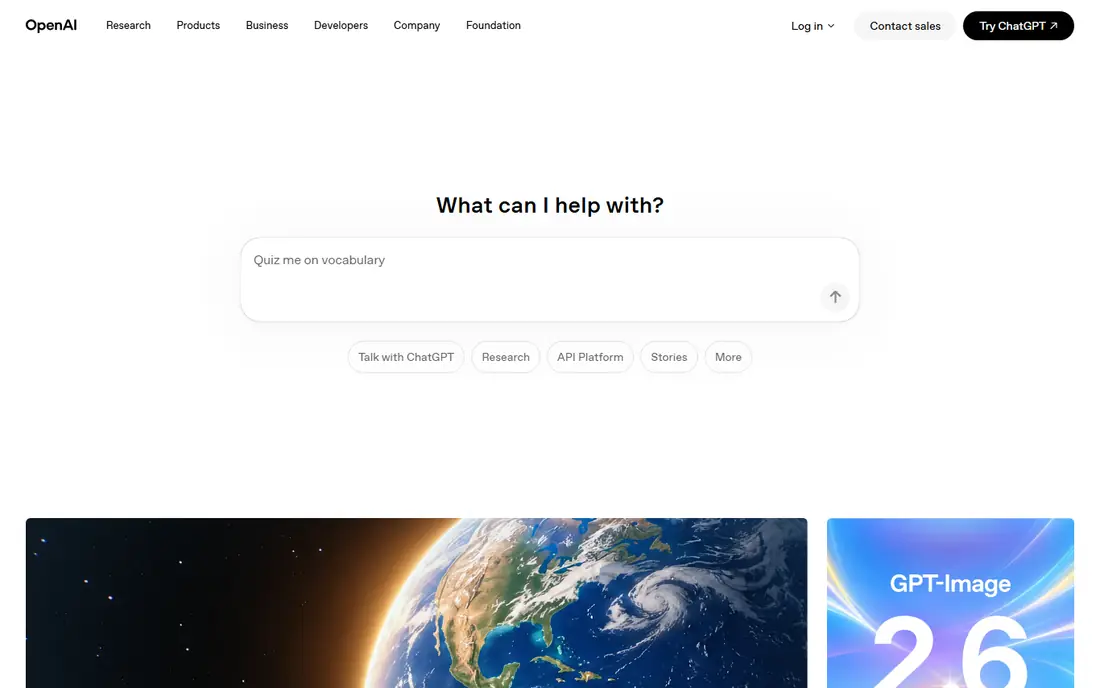
ChatGPT, from OpenAI, now includes image generation as part of the chat experience: describe the image you want, and it creates it, then you ask for changes in plain language. That conversational loop is its biggest advantage. You do not need to learn a separate app, and you can brainstorm, write and generate in one place.
The limit is that free use is capped, and heavy users need a paid plan. Results also depend on how specific your prompt is; vague prompts give generic images. Still, for most people trying AI images for the first time, ChatGPT is the easiest place to start, and its editing by conversation is genuinely useful.
- Image generation inside a familiar chatbot
- Good at following detailed prompts
- Easy editing by describing changes in words
- Free use is limited
- Style can feel generic without careful prompting
- Plan limits change often
Stability AI
Ideal for: Open image models
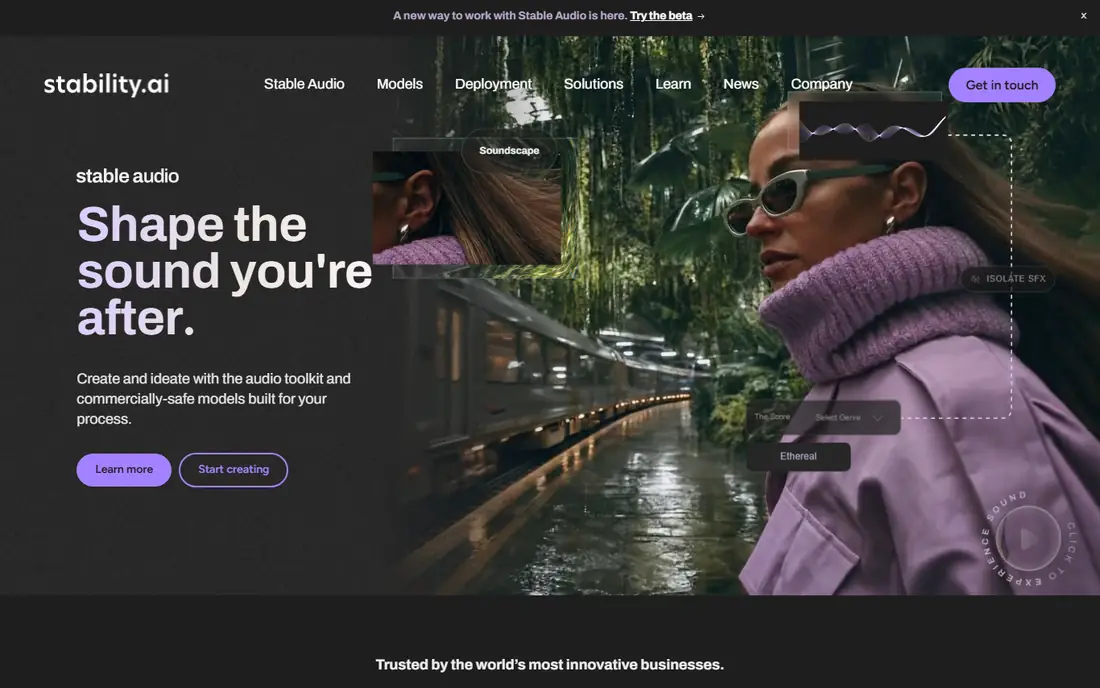
Stability AI is the company behind Stable Diffusion, and its homepage now presents a broader creative platform covering images, audio and video for businesses. Its models are known for open weights that developers can run, fine-tune and build into products. That openness made Stable Diffusion the foundation for many other image apps.
For a casual user, Stability's own platform is less of a simple app than Midjourney or Firefly. You get more control, but you need more skill to use it well. Developers, studios and businesses that want to embed generation into their own tools will get the most value here.
- Stable Diffusion models are widely used and customizable
- Strong for developers and businesses
- Audio and video tools alongside images
- Platform pricing is not a simple free app
- Best results need technical skill or third-party apps
Adobe Firefly
Ideal for: Commercially safe images
Adobe Firefly is an AI creative space for images, video, audio and vectors, built on Adobe's own models plus partner models. Its homepage stresses that Firefly models are trained on licensed content and public domain material, and that Adobe does not train on users' personal content. Outputs include Content Credentials showing AI was used.
That safety story matters for business use. If you publish generated images for a brand, a client or a product, Firefly reduces legal worry compared with models trained on unknown data. The free plan offers daily generations to try it, with paid plans adding credits. If you already use Adobe apps, the integration alone makes Firefly hard to beat.
- Models trained on licensed content for commercial safety
- Free plan with daily generations
- Deep integration with Photoshop, Express and Premiere
- Paid plans needed for heavy use
- Generative credits system takes learning
Leonardo
Ideal for: Style control and editing
Leonardo calls itself a creator-first generative platform for images, art and video. You can generate from prompts or custom models, turn images into video, edit while keeping characters and composition, and upscale for print or high-resolution screens. Its homepage shows work across product photography, fashion and concept art.
The trade-off is choice overload. Beginners may find the model list and settings confusing at first, while experienced creators will enjoy the control. Leonardo suits designers, game artists and marketers who generate often and want consistent style across a project. Start on the free plan, learn one model well, and expand from there.
- Many models and styles in one platform
- Image and video generation plus editing and upscaling
- Creator-focused workflow
- Many options can overwhelm beginners
- Best features sit on paid plans
Ideogram
Ideal for: Text in images
Ideogram's current models stress prompt fidelity, clear type and reliable editing, which solves one of the oldest problems in AI images: garbled words on posters, logos and signs. Its homepage presents a visual workspace for creating and editing, plus an API for building generation into products. Ideogram 4.0 weights are also available for local use under license.
If your images need words, such as social graphics, book covers, menus or ads, Ideogram deserves a close look. Text rendering is where many generators fail, and Ideogram's focus shows. For pure art without text, Midjourney or Leonardo may feel more inspiring, but for design work with type, Ideogram is a strong pick.
- Strong prompt fidelity and readable text in images
- Editing that stays true to intent
- Open model weights for one version
- Newer platform focus on teams and API
- Casual users may prefer a simpler app
FLUX
Ideal for: Developer-friendly models
FLUX comes from Black Forest Labs, a frontier AI lab offering its models through an API, open weights and a browser playground. Its homepage notes you can start in the playground without code, integrate via API, or download models and deploy them anywhere. Video generation with native audio is also part of the lineup.
The honest catch is audience. FLUX is built for developers and teams first, so casual users may prefer a polished app such as Firefly or Leonardo. If you build a product, run a studio pipeline or want full control over deployment, FLUX gives you model quality with deployment freedom that closed apps do not.
- High-quality FLUX models via API, open weights or playground
- Video models alongside images
- Built for scale
- Playground and API suit technical users more than casual creators
- Pricing is usage-based
Canva
Ideal for: Finished designs
Canva is a design platform first and an AI generator second, and that is exactly why many people should pick it. You generate an image, then drop it into a template, add text, resize for each social platform and export, all in one place. Its free plan covers a lot of everyday design work, with paid plans adding more AI and brand tools.
The limit is depth. If you want the most artistic or most controllable image generation, a dedicated tool will beat Canva. If you want a finished Instagram post, flyer or presentation by tonight, Canva's combination of generation plus templates is faster than any art app alone. For small businesses and non-designers, that speed wins.
- Huge template library for social, marketing and print
- AI generation inside a full design editor
- Free plan is genuinely useful
- Generated images are one part of a design tool, not a dedicated art app
- Best features need a paid plan
How we picked these
We compared official product pages and pricing pages, favoring tools that are actively maintained, work in a browser or app today, and state their free or trial access clearly. We covered artistic, commercial, developer and design-focused tools, because an "AI generator app" means different things to an artist, a marketer and a developer. Where a homepage did not show a clear starting price, we list "See website" rather than quoting an outdated figure.
How to choose the right AI generator app
Start with the end use. If the image will appear in client work, advertising or products, favor Firefly for its licensed training data and content credentials, and read the license terms of any tool you use. If the image is personal art, Midjourney's style may matter more than legal details. If the image needs words, test Ideogram first, since text rendering separates good tools from frustrating ones.
Next, test with the same prompt on two or three tools. Use a detailed prompt that includes subject, style, lighting and composition, then compare how closely each tool follows it. Also test an edit: ask each tool to change one element while keeping the rest. The tool that follows edits best will save you the most time over weeks of use.
Finally, watch the cost model. Some tools charge monthly, some charge credits, and some charge per API call. Estimate how many images you will make in a month, including failed attempts, and compare that total across tools. A cheap plan that runs out of credits mid-project is worse than a slightly pricier plan that covers your real volume.
Frequently asked questions
What is the best AI image generator app?
Midjourney leads for artistic quality, Adobe Firefly leads for commercially safe business use, and ChatGPT is easiest for beginners. The best choice depends on whether you value art, legal safety, ease or control most.
What is the best free AI picture app?
Adobe Firefly, Leonardo, Ideogram, ChatGPT and Canva all offer free access with limits, such as daily generations or credits. Free plans suit trying tools and light use; heavy or commercial use usually needs a paid plan.
Can I use AI generated images for my business?
It depends on the tool's license and training data. Adobe Firefly states its models are trained on licensed content and are commercially safe, which is why many businesses prefer it. Always read the terms of the tool you use, especially for client work and advertising.
Which AI generator is best for text in images?
Ideogram is a strong pick, since its models stress readable type and prompt fidelity. ChatGPT also handles text in images well for many designs. Test both with your exact wording, since text accuracy varies by font, length and layout.
Do I need a powerful computer to use AI generators?
No, for most of these tools. Midjourney, Firefly, Leonardo, Ideogram and ChatGPT run in the browser or app, with generation done on the provider's servers. Only open-weight models such as Stable Diffusion or FLUX, run locally, need strong hardware.
What is the difference between Midjourney and Stable Diffusion?
Midjourney is a closed, polished service known for artistic images, accessed through its own app. Stable Diffusion is a family of open models from Stability AI that developers can run, customize and build into other products. One favors ease and style, the other favors control and flexibility.