The 7 Best AI Help Desk Software Options to Shortlist in 2026

- 1
 AdaGlobal enterprises with complicated, high-volume support operationsVisit
- 2
 FreshdeskSmall to mid-market teams valuing quick setup and low seat costVisit
- 3
 TidioSmall ecommerce keeps and SMBs that live on chatVisit
- 4
 Help ScoutSmall to mid-sized email-first support teamsVisit
- 5
 HubSpot Service HubTeams already on HubSpot CRMVisit
- The list opens with Ada, aimed at global enterprises with complicated, high-volume support operations.
- A free plan is available from 3 of the 7 tools: Tidio, Help Scout, HubSpot Service Hub.
- One limit worth knowing about Ada: enterprise-only economics with six-figure contracts typical.
- The cheapest monthly starting price in the list is $19/agent/month, offered by Freshdesk.
- Kustomer suits mid-market to enterprise teams wanting CRM depth at the center of support.
Direct answer
For global enterprises with complicated, high-volume support operations, Ada is where this list starts. Alternatives: Freshdesk for small to mid-market teams valuing quick setup and low seat cost, and Tidio for small ecommerce keeps and SMBs that live on chat. All 7 tools are compared below on price, free plan and limits.
Quick comparison
| Product | Ideal for | Price from | Free version | |
|---|---|---|---|---|
| Ada | Global enterprises with complicated, high-volume support operations | See website (custom quote) | No | Visit |
| Freshdesk | Small to mid-market teams valuing quick setup and low seat cost | $19/agent/month (Growth, billed yearly); $23/month billed per month | Free trial (14 days) | Visit |
| Tidio | Small ecommerce keeps and SMBs that live on chat | $0 (Free, 50 conversations/month); Starter $29/month ($24.17 billed annually) | Yes | Visit |
| Help Scout | Small to mid-sized email-first support teams | $0 (Free, up to 5 users, 100 contacts/month) | Yes | Visit |
| HubSpot Service Hub | Teams already on HubSpot CRM | $0 (Free plan, up to 2 users); Starter $20/seat/month | Yes | Visit |
 Zendesk | Teams of any size wanting a proven, scalable support product | $55/agent/month (Suite Team, billed annually); $69/month billed monthly | Free trial (14 days) | Visit |
 Kustomer | Mid-market to enterprise teams wanting CRM depth at the center of support | See website (custom quote) | No | Visit |
Tool-by-tool breakdown
If you are comparing AI help desk software, this page covers 7 tools in one place: what each is best for, what it costs to start, whether it has a free plan, and the main limit to know about.
Ada
Ideal for: Global enterprises with complicated, high-volume support operations
For global enterprises with complicated, high-volume support operations, Ada is a natural candidate. Implementation takes months with dedicated conversation designers. In practice, global enterprises with complicated support operations are the whole addressable market.
Limits to weigh: Implementation takes months and generally needs dedicated conversation designers.
More specifically, nothing about the commercial model fits small teams. As for the details, Ada is the enterprise AI product, not a help desk with a chatbot. Ada shows no starting price here, so confirm the cost on the vendor site. No free plan comes with Ada.
- Among the highest autonomous resolution rates reported (70-83%)
- Omnichannel AI across chat
- Enterprise-only economics with six-figure contracts typical
Freshdesk
Ideal for: Small to mid-market teams valuing quick setup and low seat cost
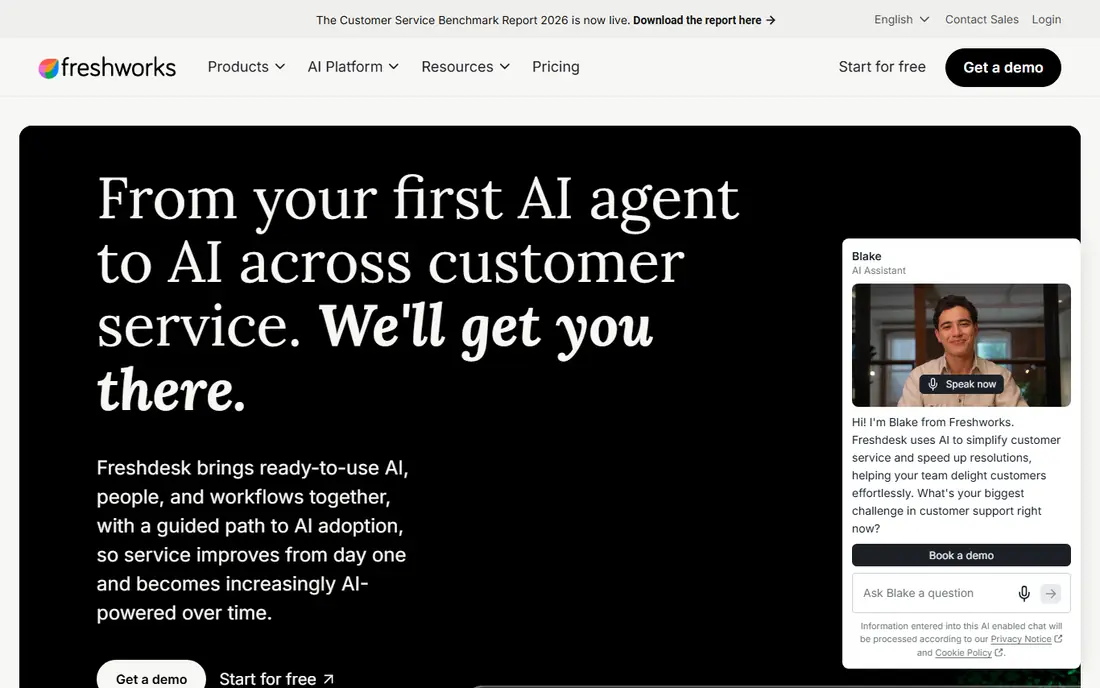
Freshdesk is aimed squarely at small to mid-market teams valuing quick setup and low seat cost. Growth at $19 per agent per month ($23 monthly), Pro $55 ($66), Enterprise $89 ($107), with the Omni versions (adding chat, messaging and phone) at $29, $79 and $119.
For everyday use, pilot Freddy free, then model the session math against real volume before committing the team. On top of that, for small to mid-market teams that want low seat cost with real AI access, the entry price is unmatched. Freshdesk pricing: $19/agent/month. As for free access: Free trial (14 days).
Where it falls short: then $49 per 100 sessions.
- The Freddy AI Agent available on every premium plan
- The lowest entry price of any serious help desk
- The Copilot agent-assist is Pro and Enterprise-only at $29/agent/month
Tidio
Ideal for: Small ecommerce keeps and SMBs that live on chat
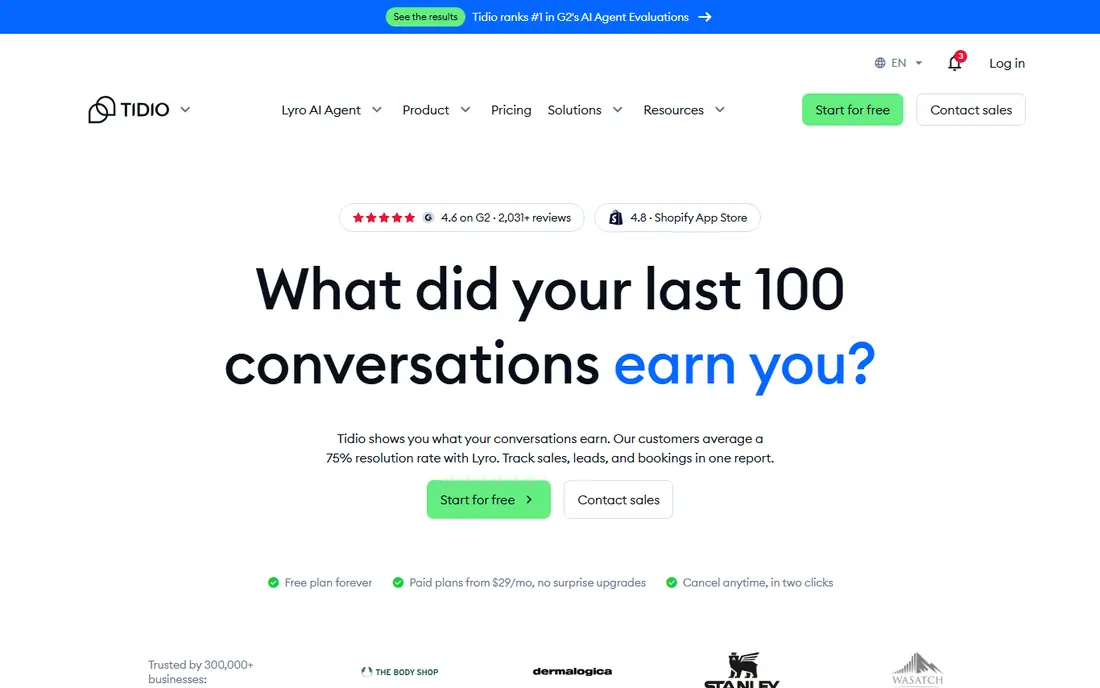
Tidio works best for small ecommerce keeps and SMBs that live on chat. Tidio prices by conversation, not by seat. More specifically, annual billing saves two months.
Highlights: Superb Shopify and WooCommerce integrations.
Limits to weigh: Three separate meters (conversations, Lyro AI, Flows) make the real bill hard to predict.
Integrations with Shopify, WooCommerce, WordPress, Messenger, Instagram and WhatsApp are very good. The Lyro AI agent is billed separately from $39 per month for 50 AI conversations. For everyday use, ten seats are included on the Free, Starter and Growth plans, which fits small teams where everyone answers chat. Tidio cost at the entry level: $0. Free access exists with Tidio.
- Priced per conversation instead of per seat, with 10 seats included on Free
- Starter and Growth
- The 10-agent limit on lower levels produces a scaling trap
Help Scout
Ideal for: Small to mid-sized email-first support teams
Where Help Scout fits: small to mid-sized email-first support teams. For email-first teams that want AI without the enterprise bill, the value is very good up to the Plus level. The Pro floor is the thing to know: a 10-user minimum puts Pro at $750 per month minimum, and SSO, SAML and HIPAA only exist there.
More specifically, Help Scout is the human one: an email-first shared inbox with AI priced to match. The free level (5 users, 100 contacts per month) is a real production choice for tiny teams, and premium levels run Standard $25, Plus $45 and Pro $75 per user a month on annual billing. On top of that, per-user pricing scales with headcount, and additional inboxes cost more. On top of that, the shared inbox plus Docs knowledge base is quick to adopt. The starting price for Help Scout: $0. A free plan is available with Help Scout.
The main drawbacks: Pro needs a 10-user minimum ($750/month floor); SAML and HIPAA only on Pro.
- A human
- A real free production level for tiny teams
- SSO
HubSpot Service Hub
Ideal for: Teams already on HubSpot CRM
HubSpot Service Hub works best for teams already on HubSpot CRM. The free level (up to 2 users) is genuinely usable, Starter is $20 per seat a month, and Professional and Enterprise climb from there with onboarding fees attached. Beyond that, the rule-based chatbot is free; the AI Customer Agent needs Professional or above.
In daily use, tickets arrive with the full contact record, deals and history attached, which no standalone help desk can match. Beyond that, watch the credit math. Cap it deliberately. If the CRM is HubSpot, this is the path of least resistance. HubSpot Service Hub pricing: $0. HubSpot Service Hub has a free plan.
Where it falls short: Onboarding fees ($1,500 Pro, $3,500 Enterprise) and annual commitments on higher levels.
- Breeze AI is woven across the entire HubSpot platform
- The free level is genuinely usable for tiny teams
- The Breeze Customer Agent runs on credits, so real volume means buying more
Zendesk
Ideal for: Teams of any size wanting a proven, scalable support product
Choose Zendesk for teams of any size wanting a proven, scalable support product. Seats plus per-resolution AI fees (roughly $1 to $2 each) plus the Copilot add-on (~$50 per agent a month) add up well beyond the headline seat price. A queue resolving 2,000 tickets per month by AI can double the subscription cost.
For cost predictability, the flat-rate tools below are calmer. For teams that require proven scale and ecosystem depth, it remains the reference. Model against real ticket volume, not the demo numbers. In practice, Zendesk is the safe enterprise pick: the most mature suite, the biggest ecosystem, and the most layered bill. On cost, Zendesk starts like this: $55/agent/month. Free plan details: Free trial (14 days).
Watch-outs: The real AI cost is outcome-based (roughly $1 to $2 per automated resolution) on top of seats, so busy queues get costly.
- A 6-month free program for eligible startups
- The most mature omnichannel suite with 1,000-plus marketplace integrations
- The Copilot agent-assist is a separate ~$50/agent/month add-on
Kustomer
Ideal for: Mid-market to enterprise teams wanting CRM depth at the center of support
Kustomer works best for mid-market to enterprise teams wanting CRM depth at the center of support. Implementation takes weeks. Buy it for the CRM depth; skip it when the team is small enough for a flat-rate tool.
Points against: No public pricing and an 8-seat annual minimum prices out small teams.
Main advantages: Capable omnichannel coverage across email, chat, SMS.
Kustomer puts the CRM at the center of support. Rather than siloed tickets, every interaction, order and event lands on a unified customer timeline, with intelligent routing built into the product. Beyond that, the buying process is enterprise throughout. Kustomer does not show a starting price in this comparison, so check the vendor site for current pricing. There is no free plan with Kustomer.
- Social and voice
- Intelligent routing built into the system
- Implementation is a weeks-long project with a complicated data model
Selection criteria
Selection started from tools commonly considered for AI help desk software, then narrowed to 7 that have clear pricing information or a clear quote process. Where a price is missing, the vendor does not list one publicly or ties it to a quote. Always confirm before budgeting. We ordered the tools by general fit, then by how clearly pricing is shown, then by free access. A buyer with unusual needs may reorder them.
What to confirm before you sign up
- Confirm the entry price on the vendor page. For Ada and Kustomer that means a quote rather than a fixed price.
- Check what the free option really includes: Tidio, Help Scout and HubSpot Service Hub offer a free plan, and usage caps differ.
- Use real work to test the free trial from Freshdesk and Zendesk, rather than a demo project.
- Read the limits listed for Ada first: enterprise-only economics with six-figure contracts typical.
- Ask Kustomer which support channels and response times come with the plan you would buy.
- Read the plan comparison for Freshdesk carefully; key features often start on a higher tier.
Frequently asked questions
What is the cheapest option for AI help desk software in this list?
On published monthly entry prices, Freshdesk is the lowest here at $19/agent/month. Entry price is only part of the cost, because seats, add-ons and billing terms can change the total.
Can I try these options before paying?
Often, yes. Tidio, Help Scout and HubSpot Service Hub have a free plan and Freshdesk and Zendesk offer a free trial. Use your own data and a real task during the test, and check what the free tier or trial limits before you rely on it.
Is Ada the right pick for everyone comparing AI help desk software?
No single tool suits every team. Ada comes first because it fits global enterprises with complex, high-volume support operations, while Freshdesk suits small to mid-market teams valuing fast setup and low seat cost and Tidio suits small ecommerce stores and SMBs that live on chat. Match the tool to your own size, budget and workflow before deciding.
How are the tools for AI help desk software ordered?
The order follows typical fit for AI help desk software, with Ada first and Kustomer last, then price clarity and free access. It is editorial judgement, not a score, so another team could rank the tools differently.
Do I need a separate AI agent, or is built-in AI enough?
Separate systems (Ada) or standalone agents (Fin on Zendesk) make sense at high volume or complexity, where resolution rates straight move staffing costs. Start built-in, measure the deflection rate, and buy dedicated AI when the math justifies it.