This list puts Zoom Workplace first for video-first collaboration with chat. PerfectServe is better for improving clinical efficiency and patient satisfaction, and Microsoft Teams is better for organizations using Microsoft 365. Prices, free plans and limits for all 6 tools follow.
Short on time? The summary and table above give the quick view of 6 tools for AI HIPAA compliant messaging software, and the profiles that follow give the detail behind each entry.
Key takeaways
The list opens with Zoom Workplace, aimed at video-first collaboration with chat.
Before buying Microsoft Teams, weigh this: HIPAA compliance relies on configuration.
Imprivata suits digital identity and compliance in healthcare.
Zoom Workplace, Imprivata and the 4 others all need a premium plan or a trial, since no free plan is listed.
Pricing across the list, from Zoom Workplace to Imprivata, is by quote only.
Pick Zoom Workplace if this describes you: video-first collaboration with chat. It may lack clinical features for example care team coordination or patient engagement.
The main drawbacks: Not tailored to clinical workflows.
No starting price is listed for Zoom Workplace here; confirm pricing on the vendor site. On free options: Not stated.
Best for: Improving clinical efficiency and patient satisfaction
For improving clinical efficiency and patient satisfaction, PerfectServe is a natural candidate. PerfectServe is tailored to healthcare, so organizations outside clinical settings may find it less relevant. Implementing it may need adjustments to existing workflows.
Watch-outs: Less right for non-clinical teams.
If you need a general collaboration system with healthcare compliance choices, Microsoft Teams or Zoom Workplace might be a better choice, whereas PerfectServe excels in clinical communication. PerfectServe supplies healthcare communication systems built to boost clinical efficiency and patient satisfaction. Its product supports secure messaging and care team coordination, helping organizations simplify communication among clinicians and staff. It is a solid fit for hospitals and clinics that require a dedicated healthcare communication option with an emphasis on operational efficiency and patient experience. No starting price is listed for PerfectServe here; confirm pricing on the vendor site. Free access: Not stated.
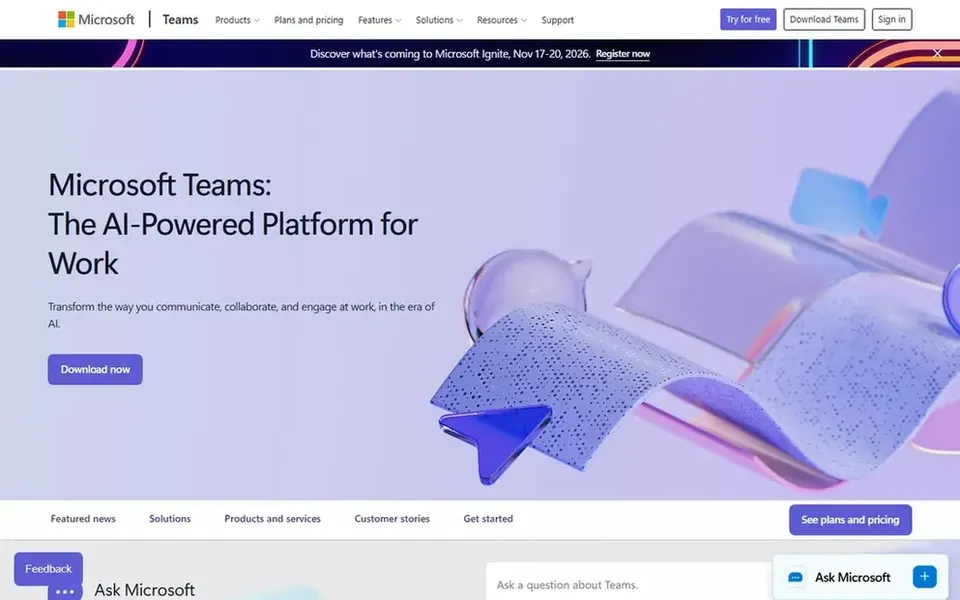
Microsoft Teams makes the most sense for organizations using Microsoft 365. If you need a purpose-built clinical communication system, consider a specialized tool like Spok or PerfectServe instead. Also, for healthcare organizations already using Microsoft tools, Teams can support HIPAA-compliant messaging when properly configured with appropriate security controls.
What works well: Familiar interface for many users.
It may contain features that are unnecessary for clinical messaging, and smaller practices might find it complicated. It is built to help teams link naturally and stay organized. No starting price is listed for Microsoft Teams here; confirm pricing on the vendor site. Trial and free access: Not stated. What to check first: HIPAA compliance relies on configuration.
Best for: Clinical communication in hospital settings
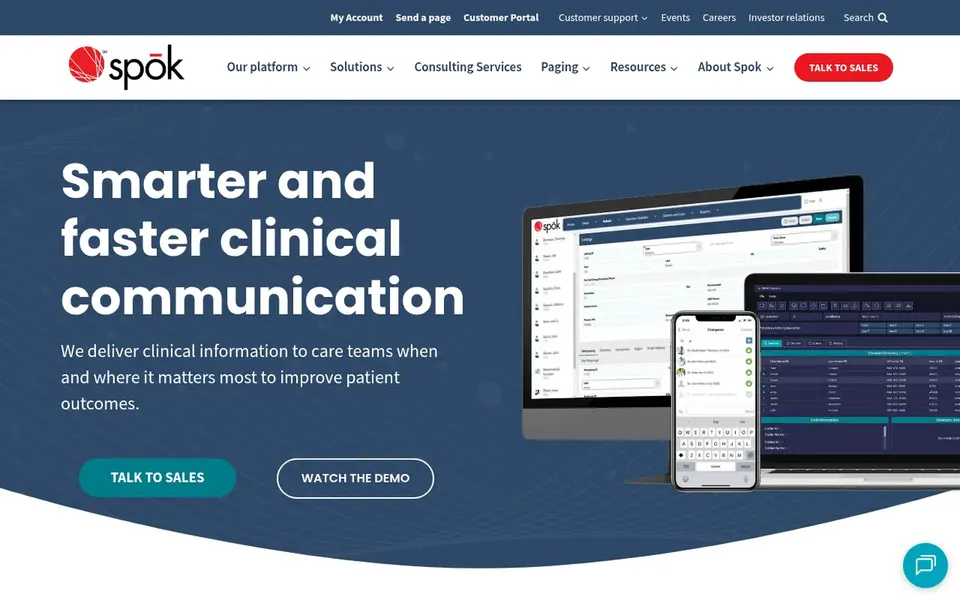
Spok makes the most sense for clinical communication in hospital settings. It is used by a large number of hospitals, including top-rated institutions, to support patient outcomes.
Spok may be more than a small practice needs, and deployment can require significant integration effort. Beyond that, the system is aimed at organizations that require steady, secure messaging integrated into clinical workflows. Pricing for Spok is not stated here, so ask the vendor for current figures. On free options: Not stated.
What to check first: May be complex for small practices.
Best for: Home-based care engagement and messaging
QliqSOFT is a good fit for home-based care engagement and messaging. QliqSOFT is an AI-powered digital engagement system for home-based care, connecting patients, caregivers and staff from referral to bereavement. It supplies secure messaging and engagement tools built for the unique needs of home care.
Points against: Needs integration with care workflows.
In practice, organizations with complicated hospital workflows might need a broader system. Beyond that, the product fits home health agencies and care organizations that require to coordinate care outside traditional hospital settings whereas maintaining HIPAA compliance. Worth adding: QliqSOFT is specialized for home-based care, so it may not be the best fit for inpatient or general clinical messaging. If your focus is home care engagement, QliqSOFT is a capable choice; otherwise, consider Spok or PerfectServe for hospital-centric communication. QliqSOFT does not show a starting price in this comparison, so check the vendor site for current pricing. Free options: Not stated.
Best for: Digital identity and compliance in healthcare
Where Imprivata fits: digital identity and compliance in healthcare. Imprivata solves complicated workflow, security and compliance challenges with a digital identity system that protects critical data and applications without user disruption. It is used in mission- and life-critical industries, including healthcare.
Where it is weaker: May need integration with existing systems.
Whereas not a messaging tool itself, Imprivata supports secure access and compliance, making it relevant for organizations that require to enable HIPAA-compliant messaging through identity and access management. Imprivata is not a messaging application, so it must be paired with a messaging option to meet communication needs. It may add complexity and cost for organizations without existing identity infrastructure. This comparison lists no price for Imprivata; ask the vendor. Free options: Not stated.
Ask each vendor, from Zoom Workplace to Imprivata, for a written quote; none of them publishes a starting price.
Read the limits listed for Zoom Workplace first: HIPAA compliance needs a suitable configuration.
Run a one or two week pilot of Imprivata with the people who will use it every day.
Get the contract term, renewal terms and any onboarding fees from Microsoft Teams in writing.
Before you load data into Zoom Workplace, check what an export looks like and who can run it.
How we picked
Pricing pages, product documentation and feature lists were the main sources, and every entry carries at least one honest drawback. Seat minimums, billing terms and add-ons can move the real cost, so the starting prices here are a guide and not a quote. Tools are placed by general fit for AI HIPAA compliant messaging software, with price clarity and free access as tie-breakers. A different team can reasonably rank them differently.
Every price and plan detail on this page comes from the vendors’ own websites. We did not run hands-on tests unless the text says so, and we do not publish star ratings or review scores. See how we score and our disclosure.
Keep your shortlist in one place
Paste prices, trial dates and notes from this guide into Ainotely, our AI note app. It files them into a topic and pulls out tasks like “cancel trial by Friday”. Free 7-day trial, no card needed.
Does any tool for AI HIPAA compliant messaging software here have a free plan?
A permanent free plan is not offered by Zoom Workplace, Imprivata or the other tools here. Plan a short evaluation period instead.
Do these tools publish their prices?
No. None of the tools, from Zoom Workplace to Imprivata, shows a fixed starting price here, so budget time for quotes.
How does AI enhance HIPAA compliant messaging?
AI can enhance messaging by automating tasks for example triage, routing, or offering clinical decision support whereas maintaining compliance. For instance, AI might help prioritize messages or extract key information.
Can I try these options before paying?
Not by default. None of the tools, from Zoom Workplace to Imprivata, lists a free plan or a free trial here, so ask each vendor for a demo before committing.
Is Zoom Workplace the right pick for everyone comparing AI HIPAA compliant messaging software?
No single tool suits every team. Zoom Workplace comes first because it fits video-first collaboration with chat, while PerfectServe suits improving clinical efficiency and patient satisfaction and Microsoft Teams suits organizations using Microsoft 365. Match the tool to your own size, budget and workflow before deciding.