6 AI Image Deblurring Tools Ranked for 2026

- Fotor is the opening pick, best for budget all-in-one editing.
- Starting prices begin at $6.99 per month with PicWish.
- Topaz Photo AI suits blur and focus recovery.
- Fotor, PicWish, Upscayl, VanceAI: these are the 4 tools out of 6 that offer a free plan.
- One limit worth knowing about PicWish: depth trails Topaz on hard blur.
Direct answer
This list puts Fotor first for budget all-in-one editing. PicWish is better for budget batch enhancement, and Upscayl is better for free open-source upscaling. The other 3 tools in the list cover narrower or pricier cases.
Quick comparison
| Product | Ideal for | Price from | Free version | |
|---|---|---|---|---|
 Fotor | Budget all-in-one editing | $8.99 per month | Yes | Visit |
 PicWish | Budget batch enhancement | $6.99 a month | Yes | Visit |
 Upscayl | Free open-source upscaling | $0 | Yes | Visit |
 VanceAI | Browser-based deblurring | $9 a month (Starter, billed annually) | Yes | Visit |
 Adobe Photoshop | Advanced editing and control | $22.99 a month (annual plan) | Free trial (7 days) | Visit |
 Topaz Photo AI | Blur and focus recovery | $199 a year | Free trial | Visit |
The 6 tools in detail
Ainotely compared 6 AI image deblurring tools. The goal is a practical shortlist: published prices, free plan facts, best-fit use cases and honest limits for every entry.
Fotor
Ideal for: Budget all-in-one editing
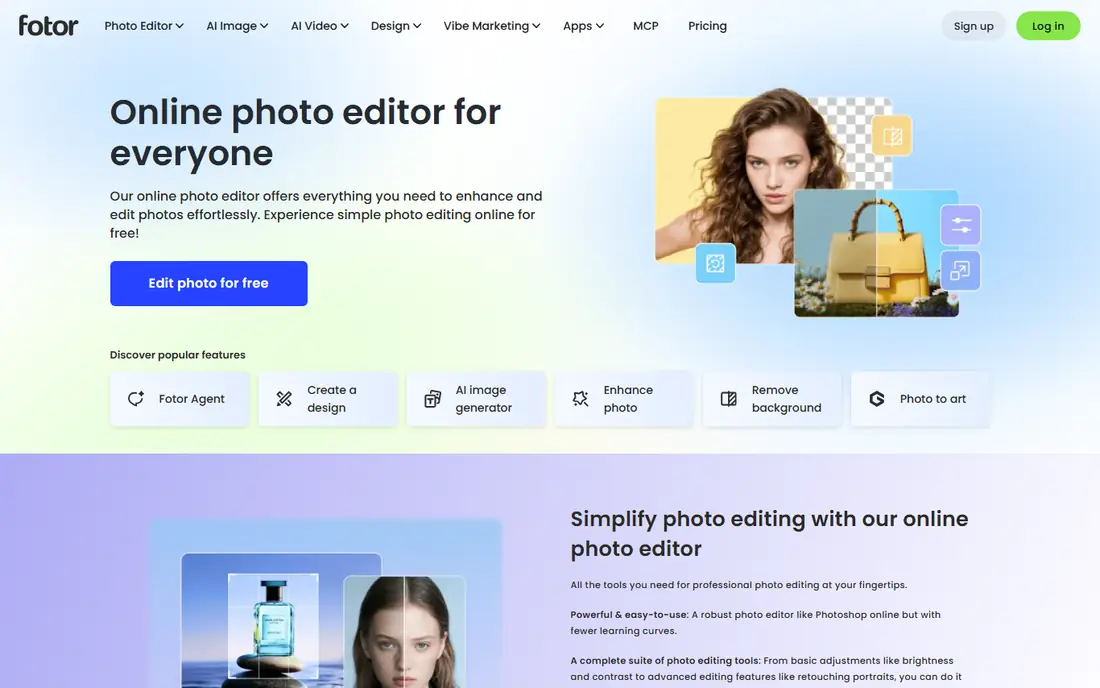
Fotor was built for budget all-in-one editing. Fotor is the budget all-in-one: a browser photo editor with one-click enhancement alongside cropping, filters, collage and design tools. Pro costs $8.99 a month in one guide and $39.99 a year on annual billing in another.
The free level deals with small batches of lightly blurred photos. From a buyer's view, Deblurring depth trails VanceAI and Topaz, particularly on motion blur or missed focus, since Fotor is a general editor first. Starting cost for Fotor: $8.99 per month. You can start on Fotor without paying.
Drawbacks to consider: Deblurring depth trails dedicated tools.
- Quick one-click fixes
- Low cost
- Free level restricted
PicWish
Ideal for: Budget batch enhancement
PicWish is aimed squarely at budget batch enhancement. For everyday blurry photos, screenshots and product images, that price and simplicity are hard to beat.
What to check first: Depth trails Topaz on hard blur.
In practice, PicWish is the budget batch pick: $6.99 a month with 5 free enhancements per day on the free level, handling deblurring alongside enhancement and cleanup in a straightforward browser workflow. In practice, depth trails Topaz on hard blur, missed focus and heavy noise, where specialist models recover more detail. What you pay to start with PicWish: $6.99 per month. You can start on PicWish without paying.
- Straightforward workflow
- Batch enhancement and cleanup
- Credit-based limits on free level
Upscayl
Ideal for: Free open-source upscaling
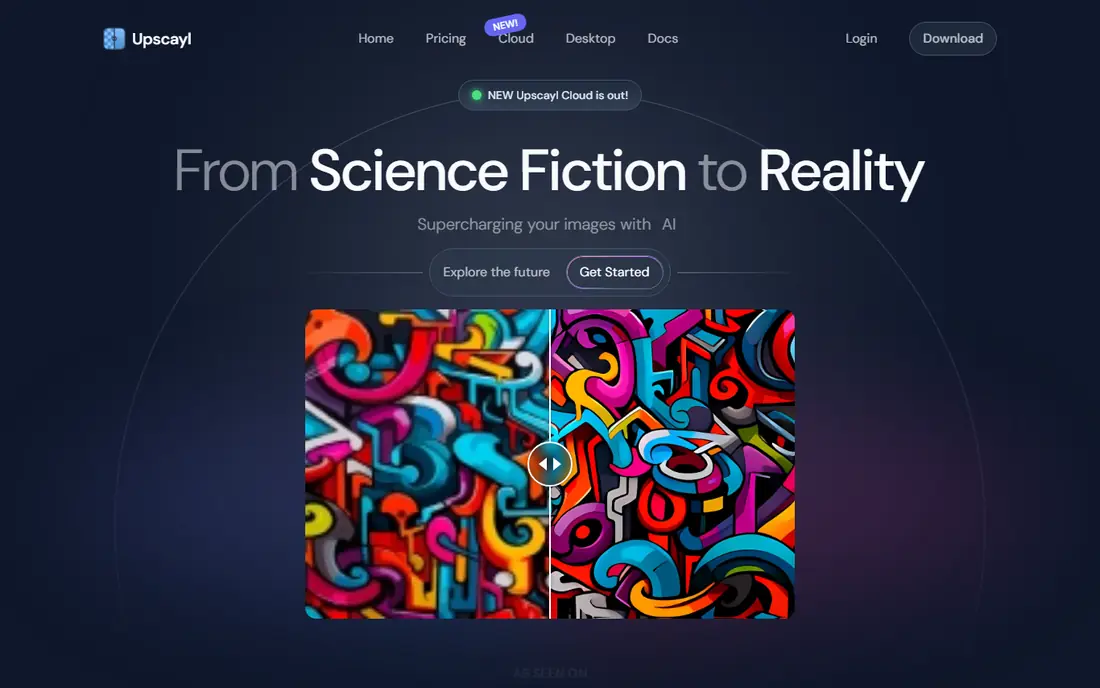
Upscayl was built for free open-source upscaling. Cloud Pro costs $24.99 a month for users who want web processing, but the desktop app costs nothing and keeps photos local.
Upscayl suits budget-conscious users, open-source fans and anyone who wants local processing without a subscription. Starting cost for Upscayl: $0. Upscayl offers a free plan.
Highlights: Batch processing; Several AI models. Where it is weaker: Upscaling focus, not dedicated deblurring.
- Runs locally on Windows
- Free and open source
- Interface less refined than premium tools
VanceAI
Ideal for: Browser-based deblurring
In short, VanceAI is for browser-based deblurring. Credits are the limit: each full-resolution download uses credits, so a large batch can drain a plan rapidly.
Points against: Web processing needs an internet connection.
Also, VanceAI suits users with moderate batches who want browser convenience and a genuine free level for testing before paying. Entry price for VanceAI: $9 per month. VanceAI offers a free plan.
- Deblur, denoise
- One-click browser workflow
- Credit limits drain quick on large batches
Adobe Photoshop
Ideal for: Advanced editing and control
Adobe Photoshop works best for advanced editing and control. Adobe Photoshop remains the full-control choice: AI editing, retouching and Super Resolution inside the industry-standard editor, at $22.99 a month on the annual plan or $263.88 a year pre-purchased.
For everyday use, the ramp-up time and subscription cost make it overkill for one-click deblurring alone. Worth adding: for a photo that needs manual repair after AI deblurring, or a composite built around a rescued image, nothing else matches its depth. Adobe Photoshop cost at the entry level: $22.99 per month. As for free access: Free trial (7 days).
Drawbacks to consider: Subscription cost.
- Super Resolution and AI editing
- Full creative control
- Overkill for one-click deblurring
Topaz Photo AI
Ideal for: Blur and focus recovery
Topaz Photo AI is designed for blur and focus recovery. Topaz Photo AI is the tool photographers reach for when a photo is technically flawed: noise at high ISO, motion blur, soft focus, or too-small resolution. Its sharpen, Super Focus, denoise, face recovery and upscale models consistently rank best in the category.
What Topaz Photo AI does well: face recovery and upscale in one app.
It works standalone or as a Lightroom plugin. As for the details, pricing is listed at $199 a year in one 2026 guide and $199 one-time in older comparisons, with monthly billing at $25 to $39 a month, so confirm the current licence terms. On cost, Topaz Photo AI starts like this: $199 per year. Free options: Free trial.
Watch-outs: Highest cost here.
- Most solid blur and focus recovery
- Local workflow
- Slow on older machines
Selection criteria
Each tool was reviewed on what its vendor publishes: price, plan limits, core features and stated drawbacks. We did not run hands-on tests. Where a vendor does not publish a price, the entry says quote. Where a price depends on seats or billing term, the entry says so. Position on the page reflects fit for a typical buyer first, with price clarity and free access breaking ties. Treat it as a guide, not a ruling.
What to confirm before you sign up
- Check the vendor page for the current price: PicWish starts at $6.99 per month here, and seats or billing terms can move it.
- Look at free plan limits closely: Fotor, PicWish, Upscayl and VanceAI have one, and the caps decide whether it is usable for real work.
- Use real work to test the free trial from Adobe Photoshop and Topaz Photo AI, rather than a demo project.
- Before choosing Fotor, weigh its main limit: Deblurring depth trails dedicated tools.
- Verify that exporting from PicWish is possible on your plan and covers all your records.
- Ask Upscayl whether prices are locked for the first term and what happens at renewal.
Frequently asked questions
Do these tools publish their prices?
Yes. Every tool from Fotor to Topaz Photo AI shows a starting price, though seats, add-ons and billing terms still change the final cost.
Is Fotor the right pick for everyone comparing AI image deblurring tools?
No single tool suits every team. Fotor comes first because it fits budget all-in-one editing, while PicWish suits budget batch enhancement and Upscayl suits free open-source upscaling. Match the tool to your own size, budget and workflow before deciding.
Is Topaz Photo AI worth $199?
For occasional users, VanceAI or PicWish cost far less. The free trial lets you test on your own worst images before spending anything.
Which options for AI image deblurring tools have a free plan?
On this list, Fotor, PicWish, Upscayl and VanceAI include a free plan. Caps on seats, usage or features are common, so test the free plan against your real workload. Several others offer a trial instead.
Does deblurring change what a person looks like?
AI fills in detail it guesses, so it can alter faces subtly, notably on badly blurred portraits. Compare the result against the original, dial settings back if skin looks plastic, and keep the original file untouched.
What is the best AI image deblurring tool?
Fotor is the pick this page puts first, mainly for budget all-in-one editing. If your situation differs, PicWish suits budget batch enhancement, and Upscayl suits free open-source upscaling. Compare price and limits before you decide.