7 Best AI Image Generator for Ecommerce Options for 2026

- Top of the list is Botika, which targets on-model photos for fashion brands.
- What to know about Claid first: credits run out quick on video and fashion generations.
- For quick edits, backgrounds and batch exports, Pixelcut is worth a look.
- For the cheapest start, look at Krea: $5 per month.
Direct answer
Start with Botika if you need on-model photos for fashion brands. If your case is different, Claid suits realistic product and fashion photos at scale and Krea suits general AI images and ad creative. Details, prices and limits for the rest of the 7 tools are below.
Quick comparison
| Product | Ideal for | Price from | Free version | |
|---|---|---|---|---|
 Botika | On-model photos for fashion brands | See website | Free trial | Visit |
 Claid | Realistic product and fashion photos at scale | $9 per month | Free trial | Visit |
 Krea | General AI images and ad creative | $5 a month (billed yearly) | Yes | Visit |
 Photoroom | All-round product photos for sellers | $7.50 a month (billed yearly) | Free trial | Visit |
 Photta | Studio product shots from phone photos | $14 a month | Free trial | Visit |
 Flair | Designing product photoshoots on a canvas | $8 a month | Yes | Visit |
 Pixelcut | Quick edits, backgrounds and batch exports | $8 per month (billed annually) | Yes | Visit |
Our 7 picks for AI image generator for ecommerce
Short on time? The summary and table above give the quick view of 7 tools for AI image generator for ecommerce, and the profiles that follow give the detail behind each entry.
Botika
Ideal for: On-model photos for fashion brands
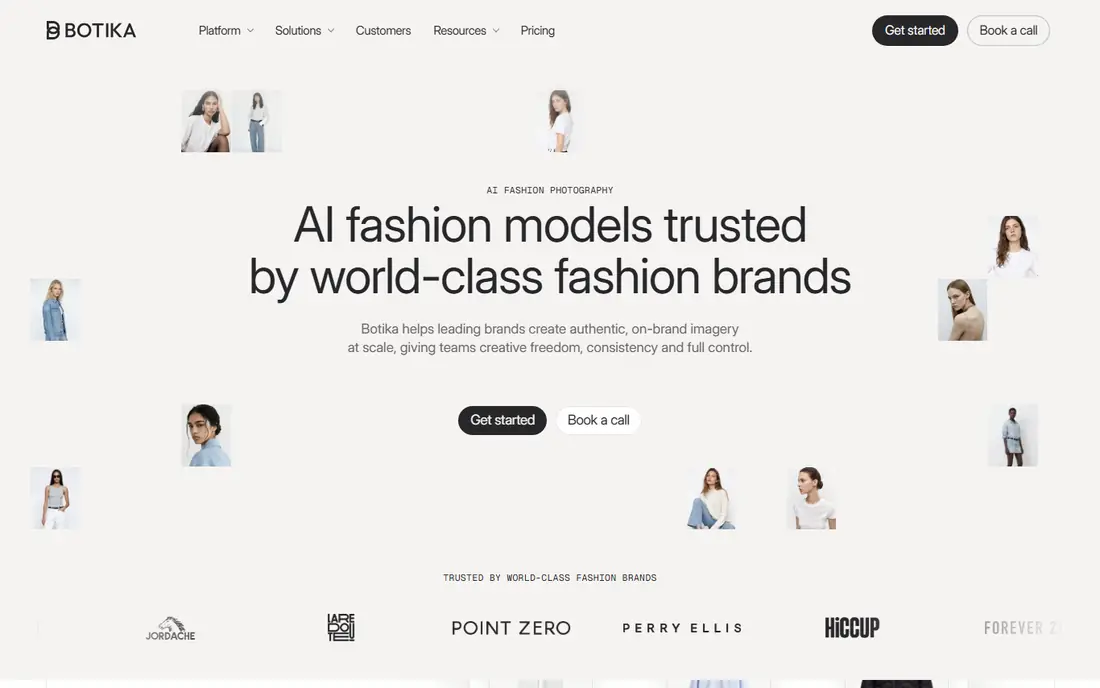
Botika makes the most sense for on-model photos for fashion brands. Bulk upload lets a team create and publish a full collection at once. Each photo costs 1 credit and each video costs 5 credits.
Its pricing page lists multiple credit-based plans with yearly discounts, so check the site for current rates before you commit. More specifically, brands can choose from more than 150 AI models across body types, skin tones and markets, and they can pick the scene, pose and framing for editorial shots. Botika does not show a starting price in this comparison, so check the vendor site for current pricing. Free access: Free trial.
Main advantages: skin tones and markets.
Trade-offs to know: Plan pricing changes with yearly and monthly billing, so check the site for current rates.
- Hanger or ghost mannequin photos into on-model photography
- 150+ AI models across body types
- Built only for fashion
Claid
Ideal for: Realistic product and fashion photos at scale
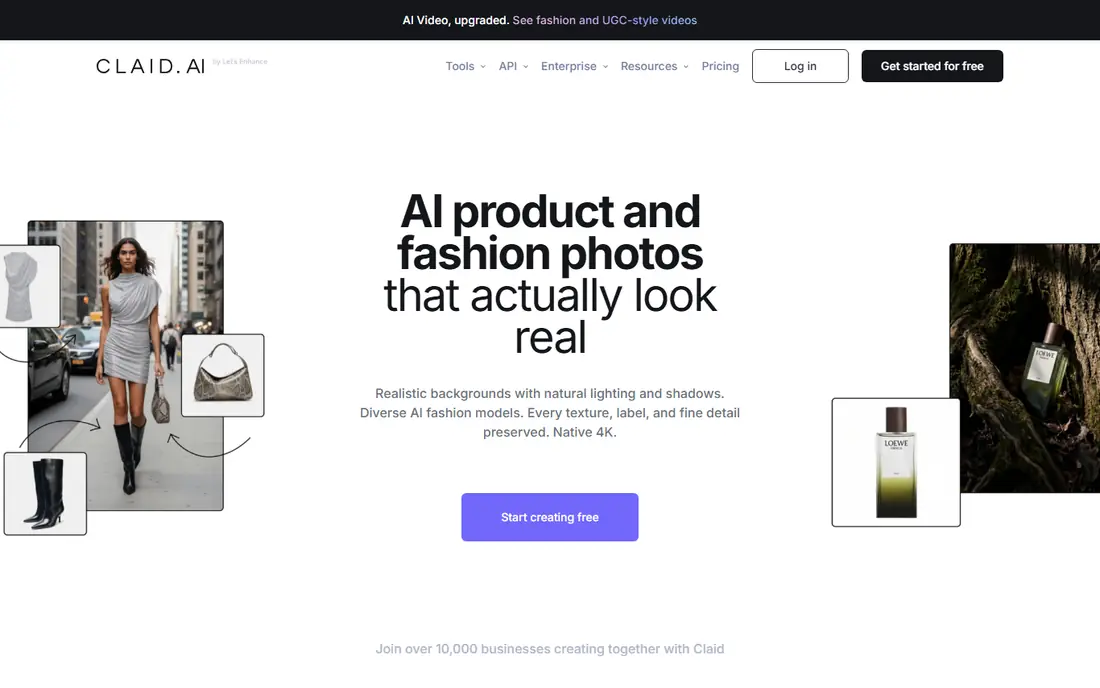
Think of Claid for realistic product and fashion photos at scale. Claid is a good fit for marketplaces and bigger catalogs that want photo generation built into their own workflow through the API. A Business plan is priced for bigger teams.
Where it falls short: API access needs the Pro plan or higher.
Best features of Claid: AI backgrounds with templates and AI fashion models; shadows and generation. Claid is an AI product and fashion photo suite used by more than 10,000 companies. It builds realistic backgrounds with natural lighting and shadows, places clothing on diverse AI fashion models and keeps product details intact in native 4K. The free trial comes with 50 credits. On cost, Claid starts like this: $9 per month. As for free access: Free trial.
- Labels and fine detail
- Native 4K output that keeps textures
- Credits run out fast on video and fashion generations
Krea
Ideal for: General AI images and ad creative
Krea works best for general AI images and ad creative. Entry-level costs $9 per month, or $5 billed annually.
Honest limits: Units are shared across models with different costs.
Business costs $200 a month, or $160 billed annually, and brings business terms with no-training clauses for your content. Krea pricing: $5 per month. Free access exists with Krea.
- Access to numerous leading image and video models in one place
- Product photoshoot and commercial mockup templates
- Not built only for product accuracy, so check labels and details
Photoroom
Ideal for: All-round product photos for sellers
Photoroom is a good fit for all-round product photos for sellers. It started with background removal and now handles product staging, lifestyle backgrounds, AI fashion models, ghost mannequin, flat lay, product beautifying, AI shadows and product videos for ads. Its site says more than 1 million firms use it, and case studies bundle Depop, Mercari and Decathlon.
Reasons to shortlist it: including Depop; Mercari and Decathlon.
Watch-outs: Monthly billing costs much more than yearly.
As for the details, Ultra costs $99 a month, or $82.50 billed annually. Also, Max costs $34.99 a month, or $20.99 billed annually, with 25,000 credits and 3,000 exports. Also, every plan starts with a free trial. On top of that, batch processing and a product catalog make Photoroom practical for keeps with hundreds or thousands of SKUs. Photoroom starts at: $7.50 per month. As for free access: Free trial.
- AI fashion models
- Ghost mannequin and flat lay tools
- Heavy video and high-res work needs the Max or Ultra plans
Photta
Ideal for: Studio product shots from phone photos
Photta targets studio product shots from phone photos. Photta is an AI studio for product photos, videos and ads. Its AI product photo tool takes up to four photos of the same product, even phone shots, and returns it on a clean studio backdrop: pure white for marketplace primary images, a soft gradient, a dark backdrop, a textured wall or a backdrop photo you upload.
In practice, you also pick the light (soft, dramatic, natural or rim) and a square, portrait, landscape or 9:16 ratio. In daily use, additional credit packs are available and do not expire. Seller costs $29 a month for 500 credits and 2 seats, Brand costs $79 a month for 1,500 credits and 5 seats, and Studio costs $249 a month for 5,000 credits and 15 seats. You can start free with no credit card. Price to start with Photta: $14 per month. Free plan details: Free trial.
Reasons to shortlist it: Free to start with no credit card, plus an API on the same credits. Trade-offs to know: The watermark is removed only on premium plans.
- White, gradient, dark
- Works from up to four phone photos of one product
- Monthly plan credits reset each month
Flair
Ideal for: Designing product photoshoots on a canvas
Think of Flair for designing product photoshoots on a canvas. Enterprise plans add custom model training and SSO. Also, the free plan contains 1 custom model and 5 generated images.
Trade-offs to know: Generated image quotas are small on lower levels.
Flair is an AI design tool for product photoshoots. Rather than a single prompt box, it gives you a drag-and-drop canvas where you place your product, add props and build a scene, then let AI render it. It also supplies on-model fashion photos, product videos, AI ad generation and custom AI human models. Price to start with Flair: $8 per month. Flair includes a free tier.
- Free plan with 1 custom model and 5 generated images
- Drag-and-drop canvas to stage scenes with props
- Instant and ad generations use four times the quota
Pixelcut
Ideal for: Quick edits, backgrounds and batch exports
Pixelcut is a good fit for quick edits, backgrounds and batch exports. Pixelcut is an AI image and video system that says more than 70 million sellers use it. It also builds AI product photos and AI UGC ads.
For everyday use, Pro costs $10 a month, or $8 a month billed yearly, with 600 AI credits, unlimited background removal and 1,000 batch exports. Beyond that, there is a free plan with restricted background removal. The starting price for Pixelcut: $8 per month. A free plan is available with Pixelcut.
Watch-outs: Credits are shared across image and video models.
- Free plan with restricted background removal
- AI product photos, upscaling
- Wide AI product, so product tools sit among plenty of other features
How we built this list
Selection started from tools commonly considered for AI image generator for ecommerce, then narrowed to 7 that have clear pricing information or a clear quote process. Prices and plan limits come from vendor pages and can change, so confirm them on the vendor site before you buy. The ranking is editorial: typical fit first, then clear pricing, then free access. If your needs are unusual, read the profiles rather than relying on position.
A buyer's checklist
- Confirm the entry price on the vendor page. For Botika that means a quote rather than a fixed price.
- Look at free plan limits closely: Krea, Flair and Pixelcut have one, and the caps decide whether it is usable for real work.
- Use real work to test the free trial from Botika, Claid, Photoroom and Photta, rather than a demo project.
- Read the limits listed for Botika first: built only for fashion.
- The entry price of Flair is only the starting point; model the full cost with seats and extras.
- Involve the people who will use Krea daily; a short pilot beats a long feature checklist.
Frequently asked questions
How are the tools for AI image generator for ecommerce ordered?
The order follows typical fit for AI image generator for ecommerce, with Botika first and Pixelcut last, then price clarity and free access. It is editorial judgement, not a score, so another team could rank the tools differently.
Can I use AI product photos on Amazon and Shopify?
Usually yes, provided that the images display the real product accurately and follow each marketplace's image rules, for example a white background for Amazon primary images.
Can AI replace a product photoshoot?
For many listings and social posts, yes. Hero campaign images and complicated products may still benefit from a real shoot.
What is the cheapest option for AI image generator for ecommerce in this list?
On published monthly entry prices, Krea is the lowest here at $5 per month. Entry price is only part of the cost, because seats, add-ons and billing terms can change the total.
Is Botika the right pick for everyone comparing AI image generator for ecommerce?
No single tool suits every team. Botika comes first because it fits on-model photos for fashion brands, while Claid suits realistic product and fashion photos at scale and Krea suits general AI images and ad creative. Match the tool to your own size, budget and workflow before deciding.
Can I try these tools before paying?
Often, yes. Krea, Flair and Pixelcut have a free plan and Botika, Claid, Photoroom and Photta offer a free trial. Use your own data and a real task during the test, and check what the free tier or trial limits before you rely on it.