9 AI Image Generator Software Options Ranked for 2026

- 1
 DALL-E 3Conversational prompting inside ChatGPTVisit
- 2
 Leonardo AIGame art and consistent charactersVisit
- 3
 Design.comTurning AI images into finished, on-brand designsVisit
- 4
 Stable DiffusionSelf-hosted and API pipelinesVisit
- 5
 Canva Magic MediaQuick design-ready social graphicsVisit
- DALL-E 3 is the opening pick, best for conversational prompting inside ChatGPT.
- 7 out of 9 tools include a free plan, among them DALL-E 3, Leonardo AI, Stable Diffusion and Canva Magic Media.
- Starting prices begin at $9.99/month with Adobe Firefly.
- Microsoft Designer suits free everyday graphics.
- Before buying DALL-E 3, weigh this: $20 per month is steep if you only need images.
Direct answer
If you need conversational prompting inside ChatGPT, DALL-E 3 is the first tool to look at here. Leonardo AI fits game art and consistent characters; Design.com fits turning AI images into finished, on-brand designs. Details, prices and limits for the rest of the 9 tools are below.
Quick comparison
| Product | Ideal for | Price from | Free version | |
|---|---|---|---|---|
| DALL-E 3 | Conversational prompting inside ChatGPT | $20/month (ChatGPT Plus) | Yes | Visit |
| Leonardo AI | Game art and consistent characters | $12/month (Apprentice; $10/month billed yearly) | Yes | Visit |
| Design.com | Turning AI images into finished, on-brand designs | See website | Not stated | Visit |
| Stable Diffusion | Self-hosted and API pipelines | See website (pay-as-you-go from about $0.01 per credit) | Yes | Visit |
| Canva Magic Media | Quick design-ready social graphics | $15/month (Canva Pro; $10/month billed annually) | Yes | Visit |
 Adobe Firefly | Commercially safe creative team work | $9.99/month (Standard) | Yes | Visit |
 Midjourney | Artistic and editorial imagery | $10/month (Basic; $8/month billed annually) | No | Visit |
 Recraft | Vector graphics and brand assets | $12/month (Basic; $10/month billed annually) | Yes | Visit |
 Microsoft Designer | Free everyday graphics | Free with a Microsoft account | Yes | Visit |
The 9 tools in detail
If you are comparing AI image generator software, this page covers 9 tools in one place: what each is best for, what it costs to start, whether it has a free plan, and the main limit to know about.
DALL-E 3
Ideal for: Conversational prompting inside ChatGPT
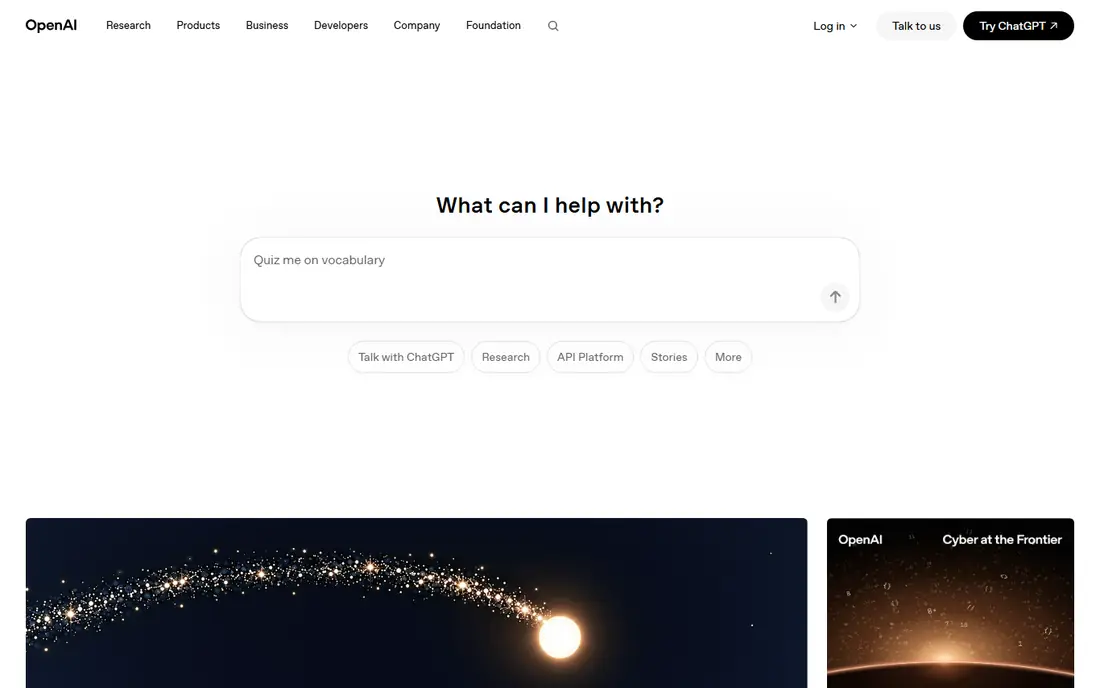
DALL-E 3 serves conversational prompting inside ChatGPT. DALL-E 3's advantage is not raw image quality. The catches are real: DALL-E 3 refuses requests for named public figures and living artists' styles.
Downsides: Heavy content restrictions.
The photorealism lags behind the best specialist models. For everyday use, free ChatGPT users get a small daily allowance. For everyday use, for marketers and non-designers who hate prompt engineering, that conversational loop is genuinely simpler than learning another product's parameter system. In practice, buy it for convenience and prompt understanding, not for pushing image quality limits. DALL-E 3 pricing: $20/month. DALL-E 3 has a free plan.
- Built into ChatGPT
- Full commercial rights to outputs
- $20 per month is steep if you only need images
Leonardo AI
Ideal for: Game art and consistent characters
Leonardo AI was built for game art and consistent characters. Leonardo carved out the game-art and illustration niche early and still owns it. That is exactly what indie game studios need for character concepts, item icons, and environment mood boards.
In daily use, premium plans start at $12 per month with private generations, which you will want, since free-tier images land in the public community gallery. The free plan is one of the most ample in the category at 150 tokens a day. Advanced features like the Alchemy refiner eat through that rapidly. Leonardo AI pricing: $12/month. Free access exists with Leonardo AI.
Downsides: Free-tier images are public.
- Custom LoRA training
- Fine-tuned model library for game art
- Tokens drain quick with advanced features
Design.com
Ideal for: Turning AI images into finished, on-brand designs
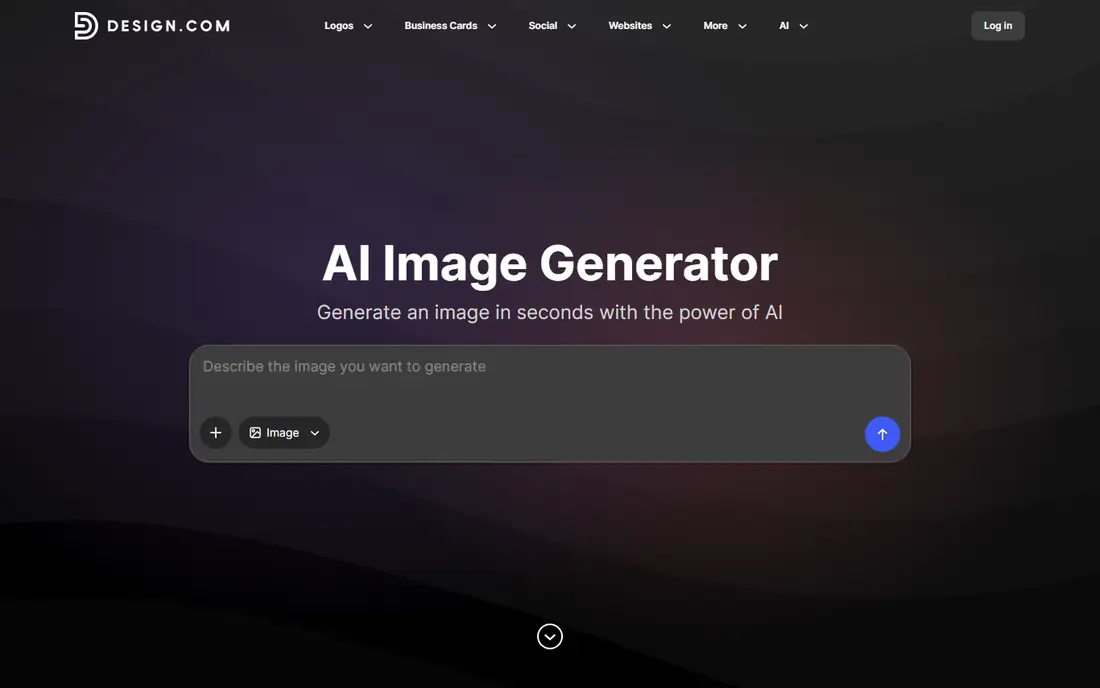
Design.com is a good fit for turning AI images into finished, on-brand designs. The image goes straight into Design.com's design suite, so you can turn it into social posts, flyers, posters, presentations or website graphics alongside your logo, brand colors and fonts.
Main advantages: no AI expertise needed.
This comparison lists no price for Design.com; ask the vendor. Free access: Not stated. The main drawbacks: No published details on output resolution.
- Plain-language prompts
- Multiple image choices from each prompt
- Pricing and generation limits are not shown on the generator page
Stable Diffusion
Ideal for: Self-hosted and API pipelines
Stable Diffusion serves self-hosted and API pipelines. Stability also sells API access on a transparent credit system (new accounts get 25 free credits), with per-image costs from under a cent on older models to around $0.08 on the flagship. Worth adding: the tradeoffs are obvious: self-hosting needs a capable GPU (12 GB VRAM is a practical floor), the ecosystem of interfaces and fine-tunes takes learning, and default output quality frequently trails the best closed models.
The main drawbacks: Self-hosting needs a real GPU.
The weights are free under the Community License for non-commercial use and commercial use under $1 million in annual revenue. That means zero per-image cost once you have the hardware, plus no model-level content filtering, which matters for some teams. No starting price is listed for Stable Diffusion here; confirm pricing on the vendor site. Free access exists with Stable Diffusion.
- Huge community ecosystem
- Free commercial use under $1M revenue
- Not a one-click product
Canva Magic Media
Ideal for: Quick design-ready social graphics
Think of Canva Magic Media for quick design-ready social graphics. Image quality is decent, not excellent, and you would not pick Canva for hero art. As for the details, the free plan lets only 50 lifetime generations.
So this is a premium decision from the start for real use. Produce an image with Magic Media and it is already inside your social post, presentation, or flyer, with brand kits, templates, and publishing built around it. On top of that, Magic Media includes Canva Pro at $15 per month (or $10 per month billed yearly), which also brings the newer Dream Lab engine powered by Leonardo technology. On top of that, you pick it when speed and an editable result matter more than pixel-level quality. Starting cost for Canva Magic Media: $15/month. Canva Magic Media includes a free tier.
Points against: Image quality lags specialists.
- Generated images land inside an editor
- Simple for non-designers
- Free level is very restricted
Adobe Firefly
Ideal for: Commercially safe creative team work
Adobe Firefly works best for commercially safe creative team work. Firefly is the generator for people who require to answer the question "are we allowed to use this in a client deliverable" without flinching. Adobe trained its Firefly models on licensed and public domain content, and the system attaches Content Credentials for provenance.
As for the details, if you already pay for Creative Cloud, the bundled credits commonly make a standalone plan unnecessary. The standalone levels run $9.99 to $199.99 per month, built around generative credits, with unlimited standard image generations on premium plans. Also, if you do not, the per-credit math deserves a look before you commit. Adobe Firefly starts at: $9.99/month. Adobe Firefly has a free plan.
Trade-offs to know: Best value requires the Adobe ecosystem.
- Connects to Photoshop and Express
- Trained on licensed content for commercial safety
- Credit system brings math
Midjourney
Ideal for: Artistic and editorial imagery
Midjourney serves artistic and editorial imagery. Feed it a sparse prompt and you get gallery-ready color and composition without fiddling with parameters. That consistency is why concept artists, editorial designers, and mood-board creators keep paying for it.
On top of that, the pricing is straightforward: four flat levels from $10 to $120 per month, each buying a set number of Fast GPU hours, with unlimited slower Relax generation from the $30 Standard tier up. But read the fine print before using it for client work. From a buyer's view, text rendering inside images is still one of its weaker points, so posters and labels will disappoint. On cost, Midjourney starts like this: $10/month. Midjourney does not include a free plan.
Limits to weigh: Private generations need the $60/month Pro plan.
- Simple flat levels
- Web app plus Discord access
- No free level or trial
Recraft
Ideal for: Vector graphics and brand assets
Recraft is a good fit for vector graphics and brand assets. Recraft is designed for designers instead of casual image-makers.
Entry-level at $12 per month buys commercial rights and private generations, plus access to partner models alongside Recraft's own. The starting price for Recraft: $12/month. You can start on Recraft without paying.
Where it is weaker: Video generation needs Pro.
- Strong text rendering
- Custom style libraries
- No commercial rights on free plan
Microsoft Designer
Ideal for: Free everyday graphics
Choose Microsoft Designer for free everyday graphics. Stickers, invitations, social graphics, and fast blog art are all easy.
Limits to weigh: Commercial licensing less clear than Adobe's.
The editor itself is entry-level compared with Canva or Adobe Express, and Microsoft's commercial-use terms for generated images are less explicit than Adobe's indemnification story. On top of that, for personal projects and fast internal graphics, it is genuinely free and decent. Entry price for Microsoft Designer: Free with a Microsoft account. A free plan is available with Microsoft Designer.
- Free image generation with a Microsoft account
- Straightforward templates
- Daily boost limits
Where the options differ
The honest truth: most AI image generators now produce decent images. So the buying decision is really about workflow, price per image, and what happens after generation. Prices come from the vendors' own pricing pages as of October 2026.
Selection criteria
For each of the 9 tools we noted price, free plan or trial, fit for AI image generator software and the main limit, using vendor pages and documentation. Prices and plan limits come from vendor pages and can change, so confirm them on the vendor site before you buy. The ranking is editorial: typical fit first, then clear pricing, then free access. If your needs are unusual, read the profiles rather than relying on position.
Before you commit
- Get a written quote from Design.com and Stable Diffusion; the list shows no starting price for them.
- Read the fine print on the free plans from DALL-E 3, Leonardo AI, Stable Diffusion and others; seat, project and feature caps differ.
- Read the limits listed for DALL-E 3 first: $20 per month is steep if you only need images.
- Check the support hours and onboarding help Adobe Firefly offers; smaller vendors vary a lot here.
- Ask whether Stable Diffusion integrates with your current software, and whether that comes standard or as an add-on.
Frequently asked questions
Do these tools publish their prices?
Not all of them. Design.com and Stable Diffusion publish no starting price, so expect a quote request for those. The rest, DALL-E 3 included, show a starting price, though seats and billing terms still change the final cost.
Which options for AI image generator software have a free plan?
On this list, 7 of 9 tools include a free plan, among them DALL-E 3, Leonardo AI, Stable Diffusion and Canva Magic Media. Caps on seats, usage or features are common, so test the free plan against your real workload.
Can I try these options before paying?
Often, yes. DALL-E 3, Leonardo AI, Stable Diffusion and others have a free plan. Use your own data and a real task during the test, and check what the free tier or trial limits before you rely on it.
Which AI image generator is best for commercial use?
DALL-E 3 is the pick this page puts first, mainly for conversational prompting inside ChatGPT. If your situation differs, Leonardo AI suits game art and consistent characters, and Design.com suits turning AI images into finished, on-brand designs. Compare price and limits before you decide.
How are the tools for AI image generator software ordered?
DALL-E 3 sits first and Microsoft Designer last because the order follows typical fit for AI image generator software, then price clarity and free access. It is a judgement call, so read each profile for fit and limits.