Shortlist: 7 Best AI Image Restoration Tools for 2026

- 1
 MyHeritageFamily historians with photo archivesVisit
- 2
 FotorBudget all-in-one photo editingVisit
- 3
 LetsEnhanceWeb upscaling with different photo modesVisit
- 4
 ReminiFast mobile face restorationVisit
- 5
 VanceAI Photo RestorerOne-click restoration in a browserVisit
- This list starts with MyHeritage, which is built for family historians with photo archives.
- Photomyne fits digitizing entire albums with a phone.
- A free plan is available from 5 of the 7 tools: MyHeritage, Fotor, LetsEnhance, Remini, VanceAI Photo Restorer.
- What to know about Fotor first: restoration is one feature among numerous, not the core focus.
- LetsEnhance has the lowest monthly starting price in this list: $9 per month.
Direct answer
MyHeritage leads the list, best for family historians with photo archives. Fotor is the stronger choice for budget all-in-one photo editing, while LetsEnhance suits web upscaling with different photo modes. Prices, free plans and limits for all 7 tools follow.
Quick comparison
| Product | Ideal for | Price from | Free version | |
|---|---|---|---|---|
| MyHeritage | Family historians with photo archives | See website | Yes | Visit |
| Fotor | Budget all-in-one photo editing | See website | Yes | Visit |
| LetsEnhance | Web upscaling with different photo modes | $9 a month | Yes | Visit |
| Remini | Fast mobile face restoration | $6.99 per week | Yes | Visit |
| VanceAI Photo Restorer | One-click restoration in a browser | $9.90 a month | Yes | Visit |
 Topaz Photo | Photographers who want desktop control | $39 a month | Free trial | Visit |
 Photomyne | Digitizing entire albums with a phone | $59.99 a year | Free trial | Visit |
The best AI image restoration tools
If you are comparing AI image restoration tools, this page covers 7 tools in one place: what each is best for, what it costs to start, whether it has a free plan, and the main limit to know about.
MyHeritage
Ideal for: Family historians with photo archives

Choose MyHeritage for family historians with photo archives. MyHeritage makes sense if you are already building a family tree.
In practice, you upload a photo to your family site, enhance it, colorize it, and attach it to the people in the photo, all in one account. As for the details, the enhancer is most solid on small, blurry faces in group photos, where it can pull individual faces into clearer focus. MyHeritage does not show a starting price in this comparison, so check the vendor site for current pricing. A free plan is available with MyHeritage.
Drawbacks to consider: Not the best choice for torn or heavily damaged prints.
- Straightforward upload and enhance workflow
- Photo tools sit beside family tree records
- Restricted free enhancements
Fotor
Ideal for: Budget all-in-one photo editing

In short, Fotor is for budget all-in-one photo editing. Fotor is a general photo editor that also takes care of enhancement, color correction and cleanup, which makes it a practical pick for people who want one account for numerous small jobs. If you restore an old photo, then have to crop it, adjust color and make a collage for a family event, you can do all of that without moving files between apps.
Where it falls short: not the core focus; Restoration is one feature among numerous.
Fotor does not offer the same damage-specific repair as VanceAI or the same face depth as Remini, so badly scratched prints may come back cleaner but still visibly damaged. In practice, the interface is friendly for beginners, and the free level lets you test the entry-level workflow before paying. That breadth is also the limit. Beyond that, treat it as a decent value editor with handy enhancement, instead of a specialist restorer, and check the pricing page for the current plan before you depend on a feature for a large project. No starting price is listed for Fotor here; confirm pricing on the vendor site. Fotor has a free plan.
- Browser based with mobile apps
- Wide editor beyond restoration
- Advanced features sit behind a premium plan
LetsEnhance
Ideal for: Web upscaling with different photo modes
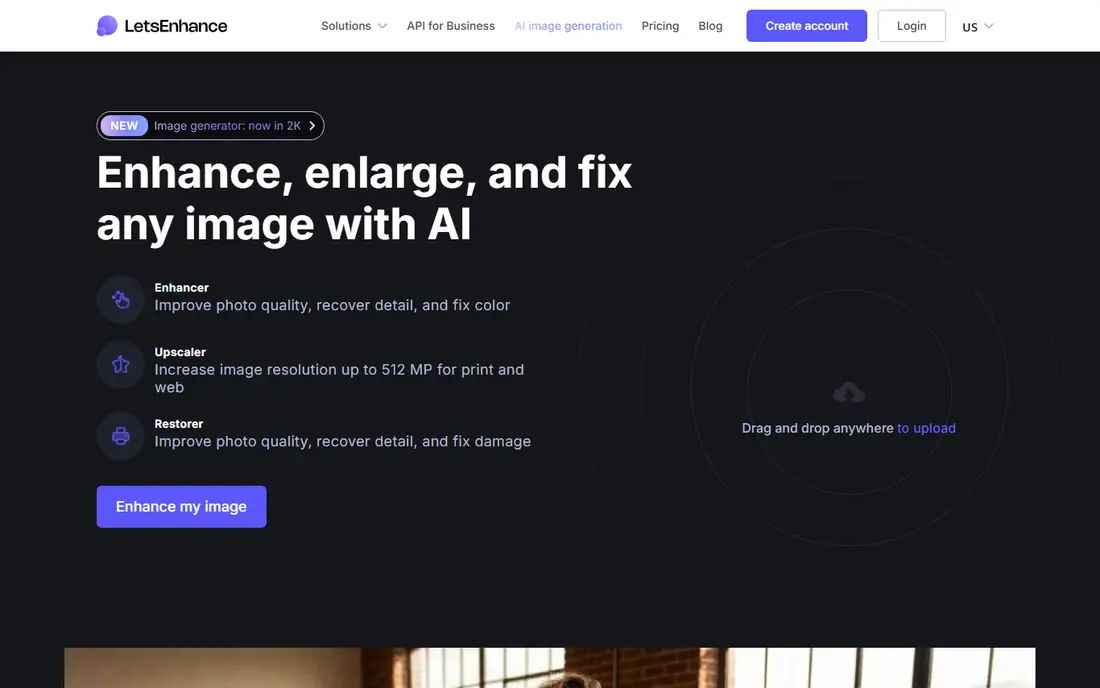
LetsEnhance is aimed squarely at web upscaling with different photo modes. The credit system is the part to plan around. Each image uses credits, and higher resolutions use more, so a large archive needs a bigger plan or a staged approach.
Watch-outs: Credit based, so large batches need planning.
What works well: Batch processing for up to 20 images at once.
From a buyer's view, for print work, LetsEnhance is a solid web choice, provided you budget credits and check each result closely. Batch uploads also help when you have a folder of scans to work through. LetsEnhance is a web upscaler with a handy old photo mode, which sets it apart from tools that only sharpen. The starting price for LetsEnhance: $9 per month. A free plan is available with LetsEnhance.
- Upscaling to large print sizes
- Separate modes for old photos
- Creative upscaling can invent detail on old photos
Remini
Ideal for: Fast mobile face restoration
Choose Remini for fast mobile face restoration. Remini is the tool most people reach for on a phone, and the reason is speed. Use the free level first, work through a handful of key photos, and cancel promptly if you only needed a short burst.
Where it is weaker: AI can smooth faces or invent detail.
As for the details, the face work is frequently the most solid part of the result, particularly on small, low-resolution originals. The price is the primary reason to pause. More specifically, a weekly plan that looks small on a receipt brings up to a large annual total. So it only makes sense for a short, intensive project or for regular use. On cost, Remini starts like this: $6.99 per week. Remini has a free plan.
- Solid results on faces in portraits
- Works on photos and short videos
- Little manual control
VanceAI Photo Restorer
Ideal for: One-click restoration in a browser
Choose VanceAI Photo Restorer for one-click restoration in a browser. Check how plenty of credits a high-resolution output uses before you commit, and run your most important photos first. From a buyer's view, VanceAI Photo Restorer is built around the specific job of rescuing old prints.
That focus matters, since a general photo editor will sharpen an image without addressing the damage that makes an old photo look old. If a photo has a tear across a face or a large missing area, expect an approximation, not a true recovery, and keep the original scan for comparison. In practice, free credits include only a handful of images. Each restoration uses credits, so a box of 200 scans becomes a budgeting exercise instead of a single purchase. The main limit is the credit model. The starting price for VanceAI Photo Restorer: $9.90 per month. VanceAI Photo Restorer has a free plan.
Drawbacks to consider: Credit limits make large archives hard to price.
- Face detail pass for portraits
- Colorize and upscale in the same account
- Results vary on heavily damaged photos
Topaz Photo
Ideal for: Photographers who want desktop control
Topaz Photo is designed for photographers who want desktop control. Start with a modest strength setting on portraits, since the defaults can erase skin texture and make a person look plastic.
Where it is weaker: Subscription pricing is high for occasional use.
The trade-off is cost and hardware. The starting price for Topaz Photo: $39 per month. Free options: Free trial. Strengths: Works as a plugin for Photoshop and Lightroom.
- Sharpen and upscale models
- Separate denoise
- Face results can look over-processed at default settings
Photomyne
Ideal for: Digitizing entire albums with a phone
Photomyne works best for digitizing whole albums with a phone. Point a phone at multiple prints at once, and the app spots, crops and straightens them, then lets you organize the results into albums with names, dates and places. That scanning step is often the real bottleneck for families, and Photomyne takes care of it better than a general enhancer that expects a clean scan as input.
Where Photomyne stands out: Albums.
Where it is weaker: Web access needs an active membership.
More specifically, a trial is worth using to scan one album end to end, including export, before you pay for a year. If you only have ten loose prints, a browser restorer is more straightforward, but if you have shelves of albums, Photomyne saves hours at the scanning stage. Starting cost for Photomyne: $59.99 per year. On free options: Free trial.
- Crop and rotate for several photos
- Auto detect
- AI restoration uses additional credits in some plans
Selection criteria
Each tool was reviewed on what its vendor publishes: price, plan limits, core features and stated drawbacks. We did not run hands-on tests. Treat prices as a snapshot: vendors change plans often, so check the vendor site for the figure that applies today. Order on the page follows fit for the typical buyer first, then price transparency and free access. Your own requirements should decide the final pick.
What to check before you buy
- Confirm the entry price on the vendor page. For MyHeritage and Fotor that means a quote rather than a fixed price.
- Read the fine print on the free plans from MyHeritage, Fotor, LetsEnhance and others; seat, project and feature caps differ.
- Run a trial of Topaz Photo and Photomyne with real work before paying for a year; your own workflow is the best test.
- Read the limits listed for MyHeritage first: Photo tools are bundled with a genealogy service.
- Look at the help docs and support options for VanceAI Photo Restorer before you commit.
- Get the contract term, renewal terms and any onboarding fees from Photomyne in writing.
Frequently asked questions
Which options for AI image restoration tools have a free plan?
On this list, MyHeritage, Fotor, LetsEnhance, Remini and VanceAI Photo Restorer include a free plan. Caps on seats, usage or features are common, so test the free plan against your real workload. Several others offer a trial instead.
Will AI change the face in an old portrait?
Face models infer detail from patterns in other photos, so eyes, teeth and skin texture may look plausible without matching the real person. Compare the result with other photos of the same person, and prefer a softer result over a sharp one that looks like a different person.
Do these tools publish their prices?
Not all of them. MyHeritage and Fotor publish no starting price, so expect a quote request for those. The rest, LetsEnhance included, show a starting price, though seats and billing terms still change the final cost.
Can I try these options before paying?
Often, yes. MyHeritage, Fotor, LetsEnhance and others have a free plan and Topaz Photo and Photomyne offer a free trial. Use your own data and a real task during the test, and check what the free tier or trial limits before you rely on it.
What is the cheapest option for AI image restoration tools in this list?
On published monthly entry prices, LetsEnhance is the lowest here at $9 per month. Entry price is only part of the cost, because seats, add-ons and billing terms can change the total.