Best AI Image Upscaler Enhancer Tools in 2026: 7 Options Compared

- 1
 Topaz GigapixelProfessional photo upscalingVisit
- 2
 MagnificCreative upscaling and generationVisit
- 3
 UpscaylFree open-source upscalingVisit
- 4
 LetsEnhancePrint and product upscalingVisit
- 5
 VanceAIAll-round enhancement suiteVisit
- AI upscalers enlarge images while rebuilding detail, unlike simple resizing, which only stretches existing pixels.
- Topaz Gigapixel and Magnific suit photographers and creators who want the highest quality and the most control.
- Upscayl suits anyone who wants a free, open-source upscaler that runs locally on desktop.
- LetsEnhance, VanceAI, and HitPaw suit ecommerce, restoration, and batch work with web or desktop workflows.
- Icons8 Smart Upscaler suits teams that need an API or pay-per-image upscaling for online content.
- Our pick for most readers is a tool that handles their image type well, whether photos, faces, art, or product shots, at a price that fits their volume.
Quick comparison
| Product | Ideal for | Price from | Free version | |
|---|---|---|---|---|
| Topaz Gigapixel | Professional photo upscaling | $29/month | No | Visit |
| Magnific | Creative upscaling and generation | See website | No | Visit |
| Upscayl | Free open-source upscaling | Free | Free plan | Visit |
| LetsEnhance | Print and product upscaling | See website | Free trial | Visit |
| VanceAI | All-round enhancement suite | See website | Free trial | Visit |
 HitPaw FotorPea | Photo and video enhancement | See website | Free trial | Visit |
 Icons8 Smart Upscaler | API and pay-per-image | $9/month | No | Visit |
The best AI image upscaler enhancer tools
A low-resolution photo falls apart when enlarged the old way: edges blur, noise grows, and faces turn to mush. AI upscalers work differently, using models trained on millions of images to rebuild plausible detail, sharpen edges, reduce noise, and recover faces as they increase size. The result is not magic, but for prints, product listings, and restored photos, the difference is large.
We compared official feature pages, pricing pages, and product documentation for tools used in October 2026, looking at upscale factors, detail recovery, face handling, noise and blur correction, batch processing, and price. The seven tools below cover desktop professionals, free open-source users, and web-based batch workflows.
Topaz Gigapixel
Ideal for: Professional photo upscaling
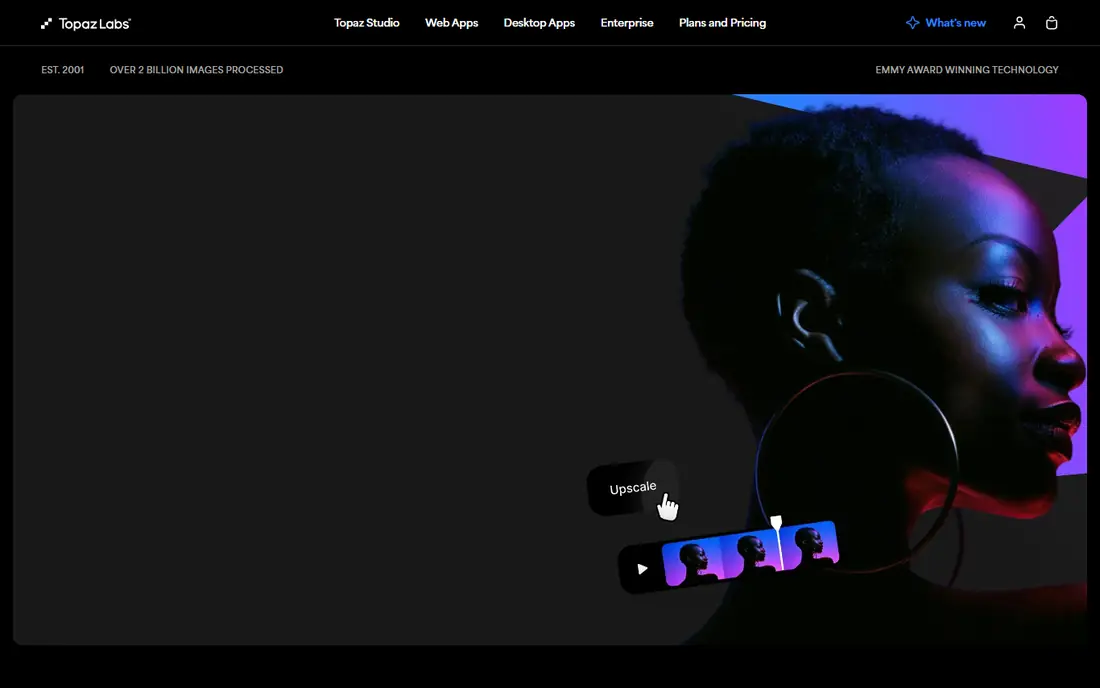
Topaz Gigapixel is the dedicated upscaling app from Topaz Labs, with models including Standard, Standard Max, High Fidelity, Low Res, Text and Shapes, Art and CG, Recover, Redefine, and Face Recovery, plus unlimited local rendering and unlimited cloud image rendering. Its homepage lists Gigapixel at $29 per month, alongside Topaz Photo and Topaz Studio bundles for wider enhancement work.
The strength is model choice: a low-resolution photo, a piece of art, a text-heavy graphic, and a face each get a model tuned for that content, which beats one-size-fits-all upscaling. The trade-off is price and the lack of a free plan. For photographers and print professionals who upscale often, Gigapixel is the leading choice.
- Dedicated upscaling models for many image types
- Unlimited local rendering
- Face recovery and creative upscale
- $29 per month for Gigapixel
- No free plan listed
- Best results need a capable computer
Magnific
Ideal for: Creative upscaling and generation
Magnific, formerly Freepik's AI platform, is now a creative platform offering thirty tools for image, video, audio, and 3D, with access to leading AI models and node-based canvas workflows. Its homepage stresses generating, upscaling, and editing in one place, with team plans for shared credits and collaborative workflows, and enterprise plans with legal indemnification and security controls.
The draw is creative range: upscaling sits alongside generation and editing, so a creator can upscale an AI image, refine it, and build a campaign without switching platforms. The trade-off is that Magnific is broader and pricier than a pure upscaler, with pricing not shown on the homepage. For creative teams that want upscaling inside a full AI workflow, Magnific is a strong pick.
- Access to leading AI models in one platform
- Upscale plus generation and editing
- Team workflows
- Pricing not shown on homepage
- Broader than upscaling alone
- Credit-based costs add up
Upscayl
Ideal for: Free open-source upscaling
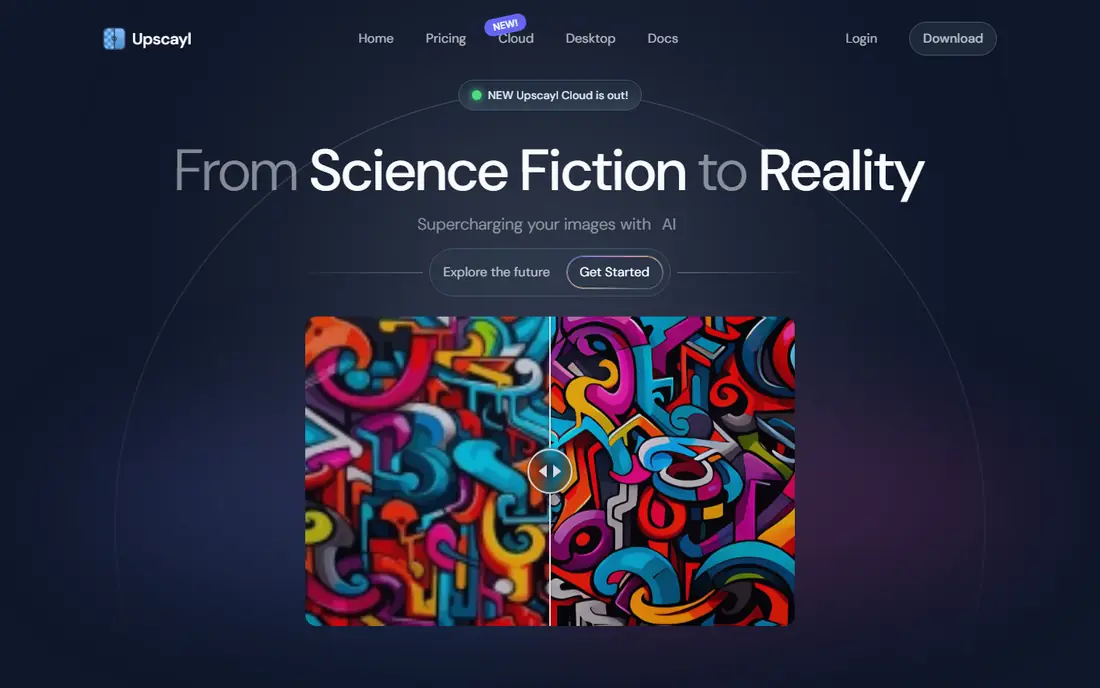
Upscayl is a free and open-source AI image upscaler that turns fuzzy photos into clearer images, with upscaling up to 16x, multiple models for different needs, batch processing, double upscaling, face enhancement, and detail recovery. Its homepage stresses that the desktop app remains the best upscaler for Linux, Mac, and Windows, and that users can download once and keep it forever.
The strength is value and privacy: Upscayl costs nothing, runs locally so images need not leave the computer, and handles most everyday upscaling well. The trade-off is a simpler interface and fewer guided workflows than paid tools. For readers who want a free upscaler that just works, Upscayl is the obvious pick.
- Free and open source
- Runs locally on Linux, Mac, and Windows
- Upscaling up to 16x with many models
- Desktop-focused
- Interface simpler than paid tools
- Batch and cloud features vary by version
LetsEnhance
Ideal for: Print and product upscaling
LetsEnhance is an AI image app for upscaling, sharpening, and improving quality online, with a free starting tier. Its homepage stresses upscaling up to 16x so photos reach 300 DPI at any size, batch editing of 20 images at once, output up to 512 megapixels, and modes for portraits, products, textures, small text, and old photos, with a focus on recovering real detail rather than over-processing.
The draw is print and ecommerce: product photos, posters, canvas prints, and merchandise all need large, sharp files, and LetsEnhance is built for that. The trade-off is that pricing was not shown on the homepage and paid plans remove watermarks. For sellers and photographers who print or list products, LetsEnhance is a strong pick.
- Upscaling up to 16x and 512 megapixels
- Batch editing of 20 images
- Natural detail recovery
- Pricing not shown on homepage
- No watermark only on paid plans
- Heavy batches need paid credits
VanceAI
Ideal for: All-round enhancement suite
VanceAI is a provider of AI photo enhancement, generation, and editing tools covering upscale, denoise, sharpen, restore, colorize, cartoonize, and animation, online or on PC. Its homepage stresses models built on deep convolutional neural networks trained on millions of photos, pixel-level correction by content type, uploads encrypted in transit and deleted within 24 hours, and a PC app for local batch processing with every model included.
The strength is breadth in one account: one tool can upscale a product shot, restore an old photo, and clean up a noisy image. The trade-off is pricing not shown on the homepage and a suite that takes time to learn. For readers who want many enhancement tools in one place, VanceAI is a strong pick.
- Upscale, denoise, sharpen, restore, and colorize in one suite
- Online and PC versions
- Batch processing
- Pricing not shown on homepage
- Suite breadth means learning
- Free tier limits apply
HitPaw FotorPea
Ideal for: Photo and video enhancement
HitPaw is a brand of AI media tools covering video, photo, and audio enhancement, with FotorPea as its photo enhancer. Its homepage stresses turning blurry photos into brilliant quality with AI in seconds, with face enhancement, restoration of old or damaged photos, color and sharpness boosts, and offline desktop use, backed by user reviews citing restoration time cut from weeks to hours.
The draw is the combined media workflow: creators who enhance both photos and videos can stay inside one brand, and FotorPea handles everyday photo fixes well. The trade-off is that HitPaw's range is wide, so the photo tool is one app among many, and pricing was not shown on the homepage. For creators who enhance photos and videos together, HitPaw is a strong pick.
- Photo and video enhancement in one brand
- Face enhancement and restoration
- Offline desktop use
- Pricing not shown on homepage
- Product range is wide
- Photo tool is one of many HitPaw apps
Icons8 Smart Upscaler
Ideal for: API and pay-per-image
Icons8 Smart Upscaler is an AI image upscaler that enhances photo quality using deep learning trained on more than 5 million images. Its homepage lists a prepaid package starting at $10 for 50 images, a limited subscription at $9 per month for 100 images with rollover credits, and an unlimited subscription at $99 per month, plus an API for batch processing and a Mac app called GoProd for background removal and upscaling.
The strength is flexible pricing for teams: pay per image, subscribe monthly, or automate through the API, with a promise that uploaded pictures are not used for machine learning. The trade-off is that smaller images under 3000 by 3000 pixels work best, and there is no free plan listed. For websites and teams that need upscaling at scale, Icons8 is a strong pick.
- Pay-per-image and subscription options
- API for automation
- Images not used for training
- No free plan listed
- Best for smaller images under 3000 by 3000
- Web-first workflow
How we picked these
We compared official feature pages, pricing pages, and product documentation for AI image upscaler and enhancer tools available in October 2026. We favored tools that genuinely rebuild detail rather than only resizing, that handle faces, noise, and blur, and that offer clear pricing or a free tier. Pricing is listed as "See website" where no starting price was shown on the homepage. We did not claim hands-on testing, and upscaling quality varies by image type, so readers should test with their own photos before committing.
What to check before you pick an image upscaler
Start with the image type. Photos need face and detail recovery, so Topaz or LetsEnhance fits well, while art and AI images need creative models, so Magnific or Topaz Redefine fits well, and product catalogs need batch and API support, so LetsEnhance, VanceAI, or Icons8 fits well.
Next, test the same image across two or three tools and compare faces, text, and fine texture at full size, since each model handles these differently. Check the final size and DPI for the intended use, whether print or web, and compare total cost at real monthly volume, since credit and subscription models differ widely.
Frequently asked questions
What is the difference between upscaling and resizing?
Resizing stretches existing pixels, which blurs detail, while AI upscaling uses trained models to rebuild plausible detail, sharpen edges, and reduce noise as it increases size. Upscaling produces visibly better results, especially at 4x and above.
Which AI upscaler is best for free?
Upscayl is the best free option, offering open-source desktop upscaling up to 16x with no cost. LetsEnhance, VanceAI, and HitPaw offer free trials or free starting tiers for testing before paying.
Can AI upscalers fix very blurry photos?
They can improve soft focus, compression damage, and noise a great deal, but they cannot recover detail that was never captured. Results are best on mildly blurry or low-resolution images, and faces and text need the closest review.
What upscale factor should I choose?
Match the factor to the output: 2x to 4x suits web and social use, while 8x to 16x suits large prints. Higher factors do not always look better, so test at the intended print size before committing.
Do upscalers work on AI-generated images?
Yes. LetsEnhance and Magnific both target AI art cleanup, removing artifacts and upscaling to 4K or 8K for printing or commercial use. Check the source tool's license for commercial use of the original image.
Is my photo used to train AI models?
Policies vary. Icons8 states it does not use uploaded pictures for machine learning, and VanceAI states uploads are deleted within 24 hours. Check each vendor's privacy policy before uploading sensitive or client images.