Which AI Knowledge Base Software Fits You? 6 Tools Compared

- Number one here is Confluence, a fit for teams using Jira and Atlassian tools.
- Slite has the lowest monthly starting price in this list: $10 per user per month.
- A free plan is available from 2 of the 6 tools: Confluence, Notion.
- Notion is the one to check for teams whose docs live in Notion.
- A fair warning about Confluence: AI availability varies by plan.
Direct answer
Start with Confluence if you need teams using Jira and Atlassian tools. For a different need, Zendesk covers help center plus omnichannel support and Guru covers verified internal knowledge at scale. Prices, free plans and limits for all 6 tools follow.
Quick comparison
| Product | Ideal for | Price from | Free version | |
|---|---|---|---|---|
 Confluence | Teams using Jira and Atlassian tools | Free | Yes | Visit |
 Zendesk | Help center plus omnichannel support | See website | No | Visit |
 Guru | Verified internal knowledge at scale | See website | No | Visit |
 Slite | Self-maintaining internal wikis | $10 per user per month | No | Visit |
 eesel AI | AI search over existing helpdesk docs | $299 a month | No | Visit |
 Notion | Teams whose docs live in Notion | Free | Yes | Visit |
Our 6 picks for AI knowledge base software
Choosing AI knowledge base software usually comes down to price, fit and limits. This Ainotely guide sets 6 tools side by side on those three points, with the facts kept short and checkable.
Confluence
Ideal for: Teams using Jira and Atlassian tools
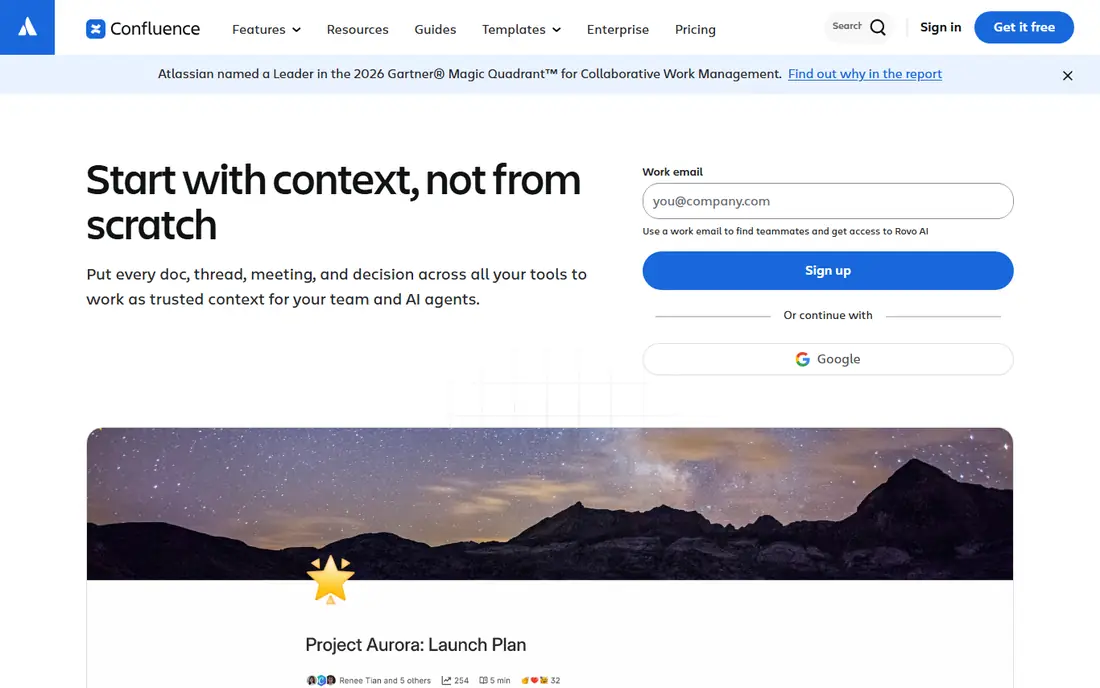
In short, Confluence is for teams using Jira and Atlassian tools. Confluence is the natural knowledge base for teams already using Jira. AI access also varies by plan, so check whether the AI search you want is included in your level or needs an add-on.
What to check first: AI availability varies by plan.
In practice, Confluence shines inside Atlassian, and less so as a standalone public help center or as a tool for teams that do not use Jira. More specifically, a free level for up to 10 users makes it simple for a small team to start, with premium plans adding more users and controls. The trade-off is ecosystem fit. For Atlassian-centered teams, Confluence is normally the path of least resistance. Confluence cost at the entry level: Free. Confluence has a free plan.
- Deep Jira integration
- Free level for up to 10 users
- Interface can feel heavy for very small teams
Zendesk
Ideal for: Help center plus omnichannel support

Zendesk targets help center plus omnichannel support. Its Guide help center pairs with ticketing, live chat, and phone support, and its AI can surface help-center answers to customers and agents across those channels. That closed loop matters: a help article that deflects a ticket.
Trade-offs to know: Pricing varies widely by suite and add-on.
A ticket that reveals a missing article, both feed the same system. In daily use, Zendesk is also heavier than a standalone help center if you only need docs. This comparison lists no price for Zendesk; ask the vendor. Zendesk does not include a free plan. Best features of Zendesk: AI answers across support channels.
- Large integration ecosystem
- Phone support
- AI copilot features can add per-agent cost
Guru
Ideal for: Verified internal knowledge at scale

Guru is designed for verified internal knowledge at scale. Guru is built around a problem most internal wikis share: docs go stale, and no one trusts them anymore. Its verification workflow prompts subject experts to re-confirm cards on a schedule, flags cards past their review date, and keeps an audit trail of changes.
Worth adding: for a support or operations team drowning in repeat questions, though, verified answers beat a bigger but untrusted wiki. More specifically, the limits are scope and pricing. Beyond that, test the verification workflow with real owners before you buy, since it only works if experts actually re-confirm content. Guru shows no starting price here, so confirm the cost on the vendor site. No free plan comes with Guru.
Points against: Internal-only focus means you still need a separate public help center.
- Capable enterprise knowledge controls
- AI surfaces answers in Slack, Teams, browsers
- Quote-based pricing
Slite
Ideal for: Self-maintaining internal wikis
In short, Slite is for self-maintaining internal wikis. Slite also helps teams deal with competing versions of the same doc, which is a quiet but typical wiki problem.
Drawbacks to consider: Smaller ecosystem than Notion or Confluence.
Beyond that, the limits are scale and ecosystem. Slite pricing: $10 per user per month. Slite has no free tier.
- AI Ask included on premium plans
- Verification and competing-version handling
- No lasting free plan, only a trial
eesel AI
Ideal for: AI search over existing helpdesk docs
eesel AI is a good fit for AI search over existing helpdesk docs. The main limit is the credit model.
Watch-outs: $299 a month starting price fits teams, not individuals.
A free credit offer lets you test answer quality before committing, but it is not a lasting free plan. eesel AI pricing: $299 per month. eesel AI has no permanent free option.
- No per-seat pricing
- Google Docs, tickets
- Credit-based pricing needs usage planning
Notion
Ideal for: Teams whose docs live in Notion
Notion targets teams whose docs live in Notion. Notion is the adaptable pick. The free level also makes it simple for a small team to start.
Drawbacks to consider: Less structured as a public help center than dedicated tools.
Teams use it for internal wikis, project docs, meeting notes, and databases, and its AI features can search across that workspace and connected apps, summarize pages, and draft content. For a team that already lives in Notion, adding AI knowledge search is far simpler than migrating docs to a new product. On cost, Notion starts like this: Free. Notion offers a free plan.
- Adaptable workspace for docs, wikis, projects
- Free level for small teams
- AI features can add cost on top of seat price
Selection criteria
The comparison looks at four things: starting price, free access, how well the feature set matches AI knowledge base software, and the main limit of each tool. Plan names, prices and limits change often. Treat the figures here as a starting point and verify them with the vendor. Order on the page follows fit for the typical buyer first, then price transparency and free access. Your own requirements should decide the final pick.
Questions to settle before buying
- Get a written quote from Zendesk and Guru; the list shows no starting price for them.
- Look at free plan limits closely: Confluence and Notion have one, and the caps decide whether it is usable for real work.
- Before choosing Confluence, weigh its main limit: AI availability varies by plan.
- Check whether Confluence bills monthly or annually, and what cancelling early costs.
- Let daily users try Guru on real work; their feedback beats any feature checklist.
Frequently asked questions
How are the tools for AI knowledge base software ordered?
Confluence sits first and Notion last because the order follows typical fit for AI knowledge base software, then price clarity and free access. It is a judgement call, so read each profile for fit and limits.
What is the cheapest option for AI knowledge base software in this list?
On published monthly entry prices, Slite is the lowest here at $10 per user per month. Entry price is only part of the cost, because seats, add-ons and billing terms can change the total.
Which options for AI knowledge base software have a free plan?
Confluence and Notion offer a free plan in this list. Free plans usually cap users, projects or features, so check the limits on the vendor page.
What is the best AI knowledge base software for internal teams?
The first pick on this list is Confluence, because it suits teams using Jira and Atlassian tools. Zendesk is better for help center plus omnichannel support, and Guru for verified internal knowledge at scale. Check price and limits against your own needs before choosing.
Is Confluence the right pick for everyone comparing AI knowledge base software?
No single tool suits every team. Confluence comes first because it fits teams using Jira and Atlassian tools, while Zendesk suits help center plus omnichannel support and Guru suits verified internal knowledge at scale. Match the tool to your own size, budget and workflow before deciding.