AI Meeting Assistants Software: 6 Options Side by Side (2026)

- MeetGeek sits first on this list: template-driven notes for structured teams.
- Fireflies.ai has the lowest monthly starting price in this list: $10/seat/month.
- A free plan is available from 5 of the 6 tools: MeetGeek, Fathom, Fireflies.ai, Otter.ai, tl;dv.
- Fireflies.ai comes with a trade-off: transcription can lag multiple minutes behind live.
Direct answer
MeetGeek is the first pick on this list for template-driven notes for structured teams. Fathom is the stronger choice for individuals wanting unlimited free recordings, while Fireflies.ai suits multilingual teams and CRM-heavy workflows. The remaining 3 options are covered below with prices and limits.
Quick comparison
| Product | Ideal for | Price from | Free version | |
|---|---|---|---|---|
 MeetGeek | Template-driven notes for structured teams | See website | Yes | Visit |
 Fathom | Individuals wanting unlimited free recordings | See website | Yes | Visit |
 Fireflies.ai | Multilingual teams and CRM-heavy workflows | $10/seat/month (billed yearly) | Yes | Visit |
 Otter.ai | Live transcription and live collaboration | See website | Yes | Visit |
 Avoma | Sales teams wanting notes plus coaching | $19/user/month (billed yearly) | Free trial (14 days) | Visit |
 tl;dv | Sharing clips and async meeting follow-up | See website | Yes | Visit |
The 6 tools in detail
Choosing AI meeting assistants software usually comes down to price, fit and limits. This Ainotely guide sets 6 tools side by side on those three points, with the facts kept short and checkable.
MeetGeek
Ideal for: Template-driven notes for structured teams
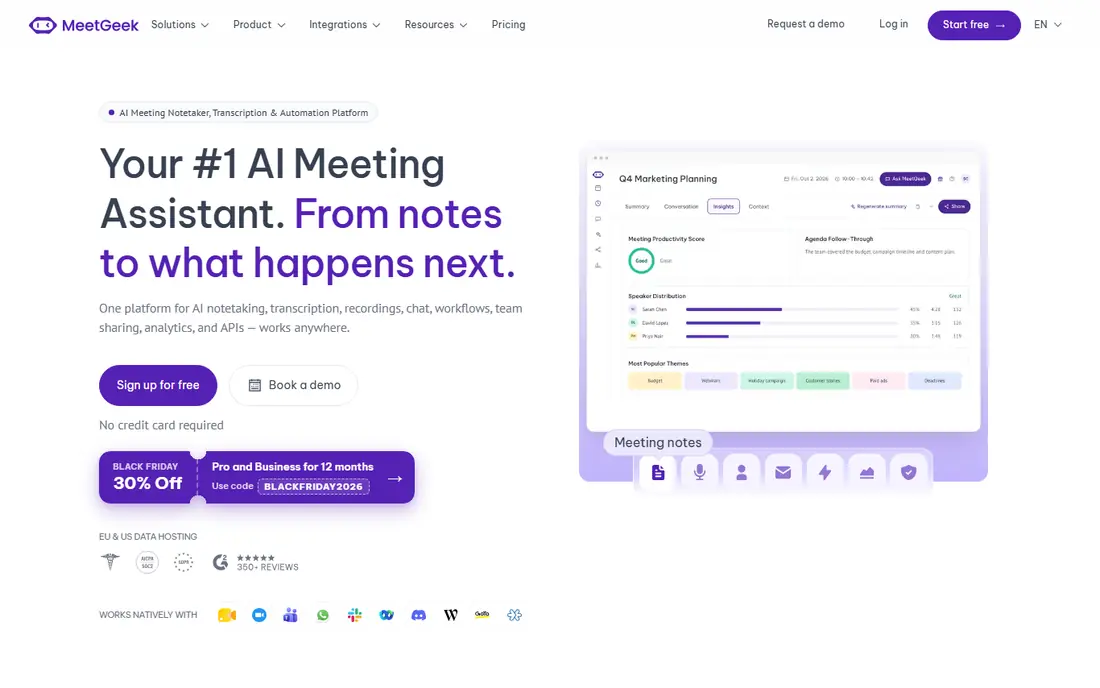
MeetGeek targets template-driven notes for structured teams. Its templates force notes into consistent shapes, which pays off when anyone can open any past meeting and find the decision in the same place.
And teams that hate structure will fight the templates rather than using them. Pricing for MeetGeek is not stated here, so ask the vendor for current figures. Free access exists with MeetGeek.
What to check first: Smaller ecosystem of integrations than Fireflies or Otter.
- Pre-built templates structure notes by meeting type
- Solid automation for follow-ups
- Template rigidity can frustrate freeform teams
Fathom
Ideal for: Individuals wanting unlimited free recordings
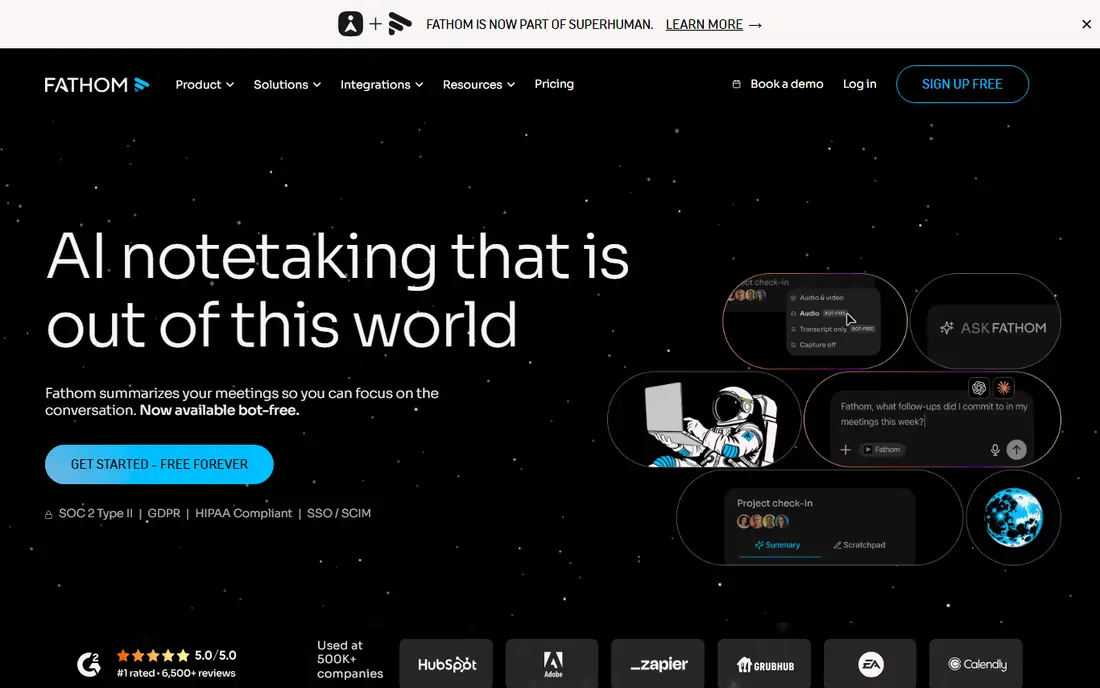
In short, Fathom is for individuals wanting unlimited free recordings. Fathom wins the free-tier contest outright: unlimited recordings, unlimited transcriptions, unlimited storage. Check the current pricing page, since the premium lineup has shifted more than once.
Honest limits: Team features and CRM sync sit on premium levels.
Beyond that, for a solo consultant or a small team testing the category, there is no less expensive way to start. In daily use, the business model displays in the limits. No starting price is listed for Fathom here; confirm pricing on the vendor site. Fathom offers a free plan.
- Summaries land seconds after the meeting ends
- One-click flags during the call
- Free AI summaries are restricted each month
Fireflies.ai
Ideal for: Multilingual teams and CRM-heavy workflows
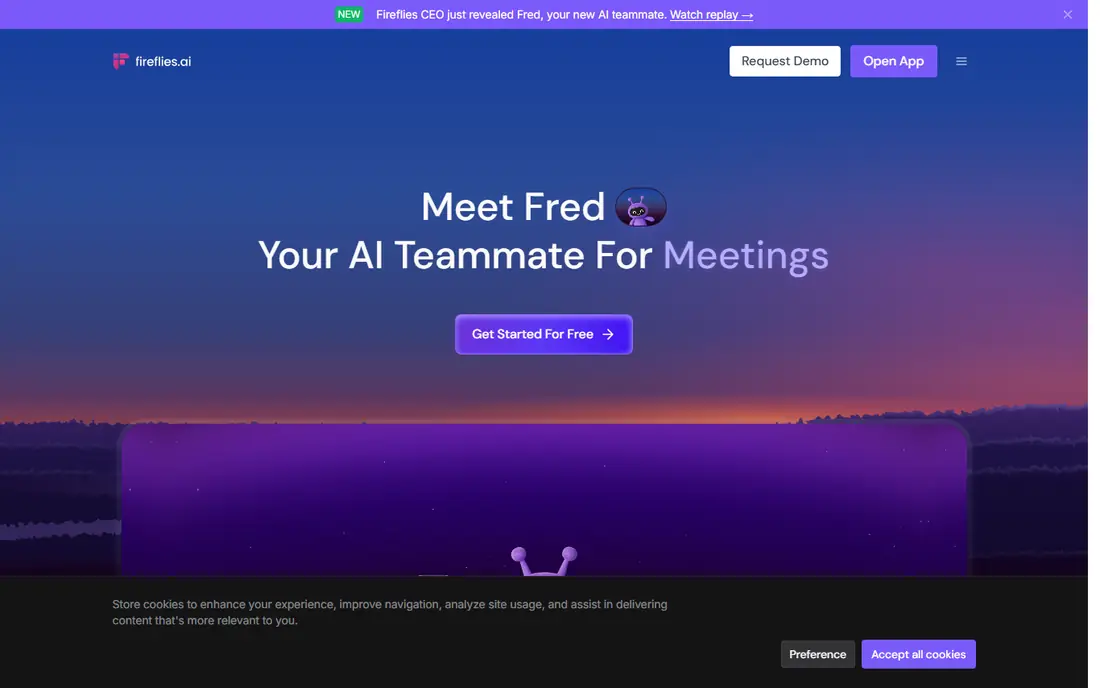
Fireflies.ai is a good fit for multilingual teams and CRM-heavy workflows. The searchable meeting archive is the real product: months later you can ask what a prospect said about pricing and get an answer.
As for the details, Fireflies suits sales and customer teams that live in a CRM and want meeting data flowing into it automatically. What you pay to start with Fireflies.ai: $10/seat/month. You can start on Fireflies.ai without paying.
Points against: Transcription can lag multiple minutes behind live.
- Deep CRM and workflow integrations
- Conversation intelligence with topic tracking and sentiment
- The feature set is broad enough that small teams pay for capacity they never touch
Otter.ai
Ideal for: Live transcription and live collaboration
For live transcription and live collaboration, Otter.ai is a natural candidate. Otter pioneered this category and still leads on live transcription. Beyond that, the free plan is the catch: 300 transcription minutes per month sounds fine until a sales rep burns through it in a week.
The 30-minute per-conversation cap breaks long workshops into pieces. Premium plans remove those limits. Otter.ai shows no starting price here, so confirm the cost on the vendor site. Otter.ai has a free plan.
Honest limits: Free plan caps at 300 minutes per month with a 30-minute limit per recording.
- Otter AI Chat answers questions across your meeting history
- Live word-by-word transcription during the call
- Accuracy drops in noisy rooms or with heavy accents
Avoma
Ideal for: Sales teams wanting notes plus coaching
Avoma serves sales teams wanting notes plus coaching. Buy Avoma for the intelligence layers, not the transcript.
Avoma is not really a notetaker; it is a meeting lifecycle system that happens to take notes. Avoma pricing: $19/user/month. On free options: Free trial (14 days).
Watch-outs: Overkill for teams that only need transcription.
- Call scoring and AI coaching for managers
- View-only seats are free
- Priced per premium user with extras that stack
tl;dv
Ideal for: Sharing clips and async meeting follow-up
Think of tl;dv for sharing clips and async meeting follow-up. If your workflow is "record, clip, share, move on," tl;dv beats the pure notetakers. If you want a permanent searchable record, compare the premium levels carefully.
Transcription includes dozens of languages with timestamped comments. In practice, tl;dv is aimed at teams that would rather watch a two-minute clip than read a transcript. Its editor makes it simple to cut flags and send them to Slack or Notion. The multi-meeting reports answer questions like what every prospect said about a feature this month. This comparison lists no price for tl;dv; ask the vendor. You can start on tl;dv without paying.
Where it is weaker: The interface favors sharing workflows over straightforward note-taking.
- Multi-meeting AI reports spot trends across calls
- Clip creation turns meeting moments into shareable reels
- Recordings on the free plan expire after a restricted history window
How these tools were picked
We compared the tools on published pricing, free plan or trial availability, feature coverage for AI meeting assistants software, and the limits each vendor documents. Where a vendor does not publish a price, the entry says quote. Where a price depends on seats or billing term, the entry says so. Tools are placed by general fit for AI meeting assistants software, with price clarity and free access as tie-breakers. A different team can reasonably rank them differently.
A buyer's checklist
- Ask MeetGeek, Fathom, Otter.ai and tl;dv for a written quote, since no starting price is shown.
- Read the fine print on the free plans from MeetGeek, Fathom, Fireflies.ai and others; seat, project and feature caps differ.
- Run a trial of Avoma with real work before paying for a year; your own workflow is the best test.
- Before choosing MeetGeek, weigh its main limit: smaller ecosystem of integrations than Fireflies or Otter.
- Price Fireflies.ai for your actual team size; headline prices rarely include add-ons or overage.
- Ask Fathom how an export works before you move any records in; an easy exit lowers the risk.
Frequently asked questions
How much should a small team budget?
Expect $10 to $20 per user a month for premium plans, with ample free levels handling light use. Sales intelligence extras can double that, so count which seats need the advanced layers before buying.
How are the tools for AI meeting assistants software ordered?
The order follows typical fit for AI meeting assistants software, with MeetGeek first and tl;dv last, then price clarity and free access. It is editorial judgement, not a score, so another team could rank the tools differently.
Is MeetGeek the right pick for everyone comparing AI meeting assistants software?
No single tool suits every team. MeetGeek comes first because it fits template-driven notes for structured teams, while Fathom suits individuals wanting unlimited free recordings and Fireflies.ai suits multilingual teams and CRM-heavy workflows. Match the tool to your own size, budget and workflow before deciding.
What is the cheapest option for AI meeting assistants software in this list?
On published monthly entry prices, Fireflies.ai is the lowest here at $10/seat/month. Entry price is only part of the cost, because seats, add-ons and billing terms can change the total.
Do meeting assistants plug into CRMs?
Fireflies and Avoma push notes and fields into Salesforce and HubSpot automatically. Fathom and tl;dv offer CRM sync on premium levels. Check your specific CRM before committing, since depth varies.
Do these tools publish their prices?
Not all of them. MeetGeek, Fathom, Otter.ai and tl;dv publish no starting price, so expect a quote request for those. The rest, Fireflies.ai included, show a starting price, though seats and billing terms still change the final cost.