Shortlist: 6 Best AI Meeting Notes Software for Teams for 2026

- 1
 FellowRegulated and security conscious teams that require governed meeting notesVisit
- 2
 FathomTeams that want the most ample free planVisit
- 3
 AvomaRevenue teams that want meeting notes plus coaching and forecastingVisit
- 4
 Otter.aiTeams that want live transcription plus searchable meeting historyVisit
- 5
 NottaTeams that require multilingual transcription and file transcriptionVisit
- Fellow is the opening pick, best for regulated and security conscious teams that require governed meeting notes.
- A fair warning about Otter.ai: free plan is tightly capped at 300 minutes per month and only keeps the 25 most recent conversations.
- Starting prices begin at $7 per user per month billed annually for Team with Fellow.
- 5 of 6 tools offer a free plan: Fellow, Fathom, Otter.ai, Notta, Read AI.
- Read AI fits teams that want meeting analytics and coaching alongside notes.
Direct answer
Fellow is the first pick on this list for regulated and security conscious teams that require governed meeting notes. Fathom is the stronger choice for teams that want the most ample free plan, while Avoma suits revenue teams that want meeting notes plus coaching and forecasting. Prices, free plans and limits for all 6 tools follow.
Quick comparison
| Product | Ideal for | Price from | Free version | |
|---|---|---|---|---|
| Fellow | Regulated and security conscious teams that require governed meeting notes | $7 per user per month billed yearly for Team ($11 billed monthly); Business $15 billed yearly ($23 per month) | Yes | Visit |
| Fathom | Teams that want the most ample free plan | $15 per user a month billed annually for Team ($19 billed monthly, 2 user minimum); Premium for individuals is $16 billed yearly ($20 per month) | Yes | Visit |
| Avoma | Revenue teams that want meeting notes plus coaching and forecasting | $19 per recorder seat per month billed yearly for Startup ($29 billed monthly); Organization $29 billed yearly ($39 monthly) | Free trial (14 days) | Visit |
| Otter.ai | Teams that want live transcription plus searchable meeting history | $8.33 per user a month billed yearly for Pro ($16.99 billed per month); Business from $19.99 per user per month billed annually ($30 monthly) | Yes | Visit |
| Notta | Teams that require multilingual transcription and file transcription | $8.17 per month billed yearly for Pro ($13.49 billed per month, 1 seat); Business $16.67 per seat per month billed yearly ($27.99 per month) | Yes | Visit |
 Read AI | Teams that want meeting analytics and coaching alongside notes | $15 per user a month billed yearly for Pro ($19.75 billed per month); Enterprise $22.50 billed yearly ($29.75 per month) | Yes | Visit |
AI Meeting Notes Software for Teams profiles
This Ainotely guide covers 6 AI meeting notes software for teams. Each profile lists a starting price, free plan details, strengths and drawbacks, so you can drop poor fits quickly.
Fellow
Ideal for: Regulated and security conscious teams that require governed meeting notes
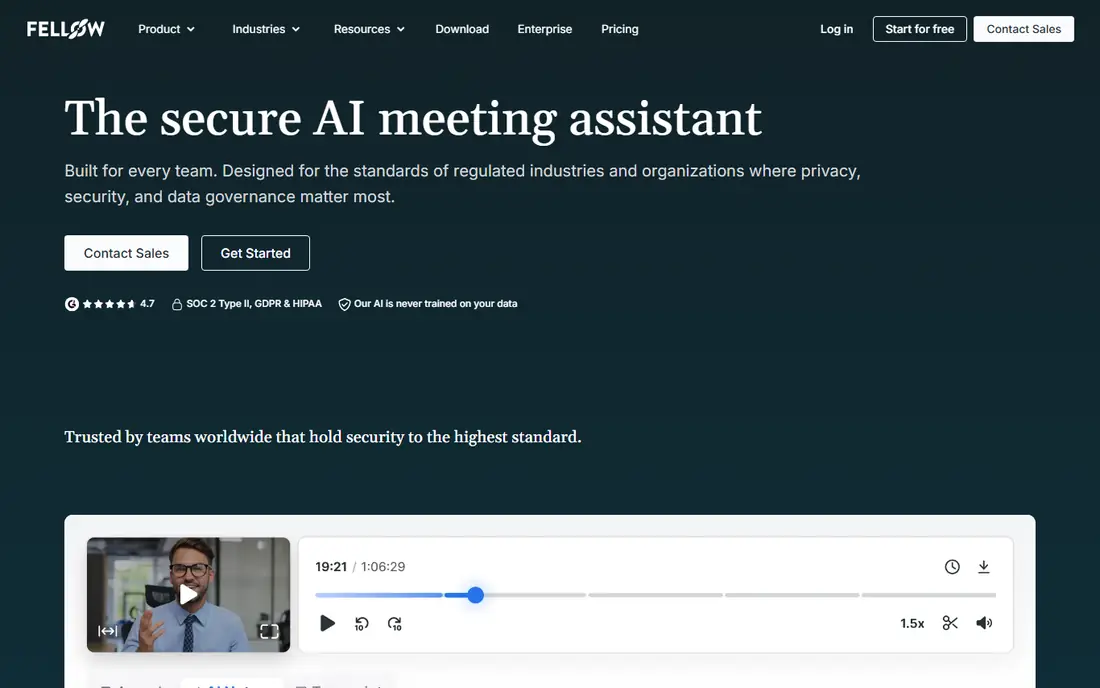
Where Fellow fits: regulated and security conscious teams that need governed meeting notes. Fellow is an AI meeting assistant that turns every meeting into a shared, searchable record with agendas, notes, action items, and follow ups in one place.
Also, note that Fellow moved from fellow.app to fellow.ai in Aug 2025, so old links to the former domain redirect. Fellow cost at the entry level: $7 per user per month billed annually for Team. You can start on Fellow without paying.
What works well: HIPAA readiness.
- SSO and SCIM
- Solid governance: SOC 2 Type II
- Free and Team plans cap AI notes and recordings by count
Fathom
Ideal for: Teams that want the most ample free plan
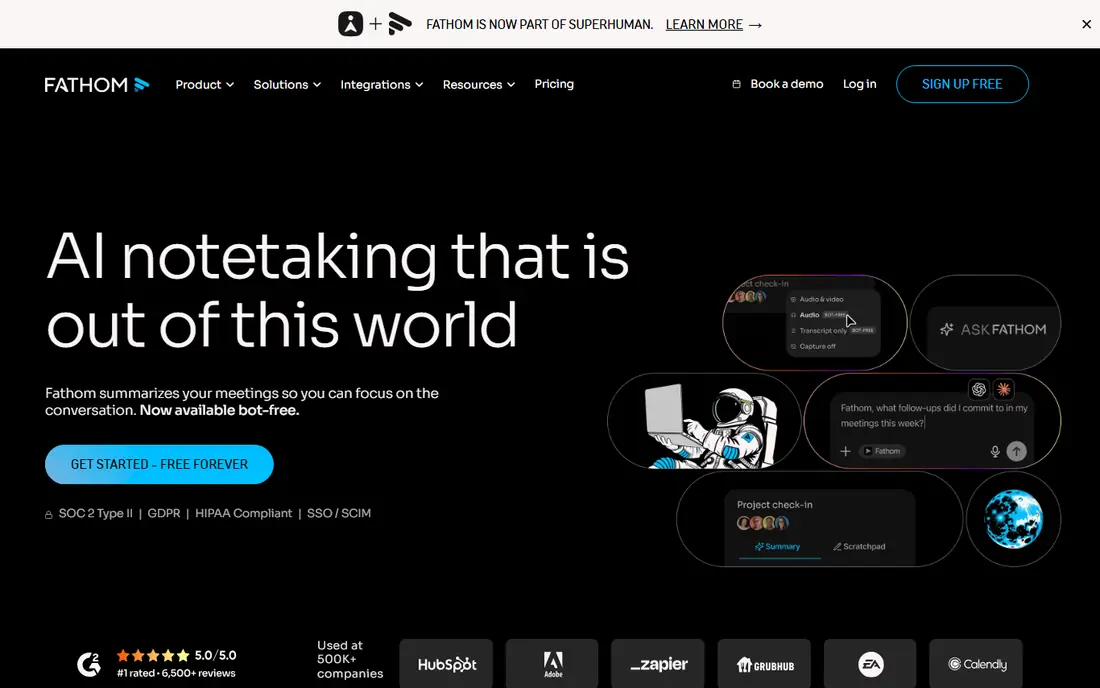
Fathom is designed for teams that want the most ample free plan. Fathom joins Zoom, Google Meet, and Microsoft Teams calls, records and transcribes them, and returns a structured summary with action items, all without the user taking a note.
More specifically, premium levels add advanced summary templates, unlimited Ask Fathom, custom vocabulary, team folders, keyword alerts, and CRM sync. Fathom starts at: $15 per user per month billed annually for Team. Free access exists with Fathom.
- Or storage, which is unmatched in this set
- The free plan has no cap on meetings, minutes
- Advanced AI summaries are capped at 5 a month on Free and AI action items are not included at all on Free
Avoma
Ideal for: Revenue teams that want meeting notes plus coaching and forecasting
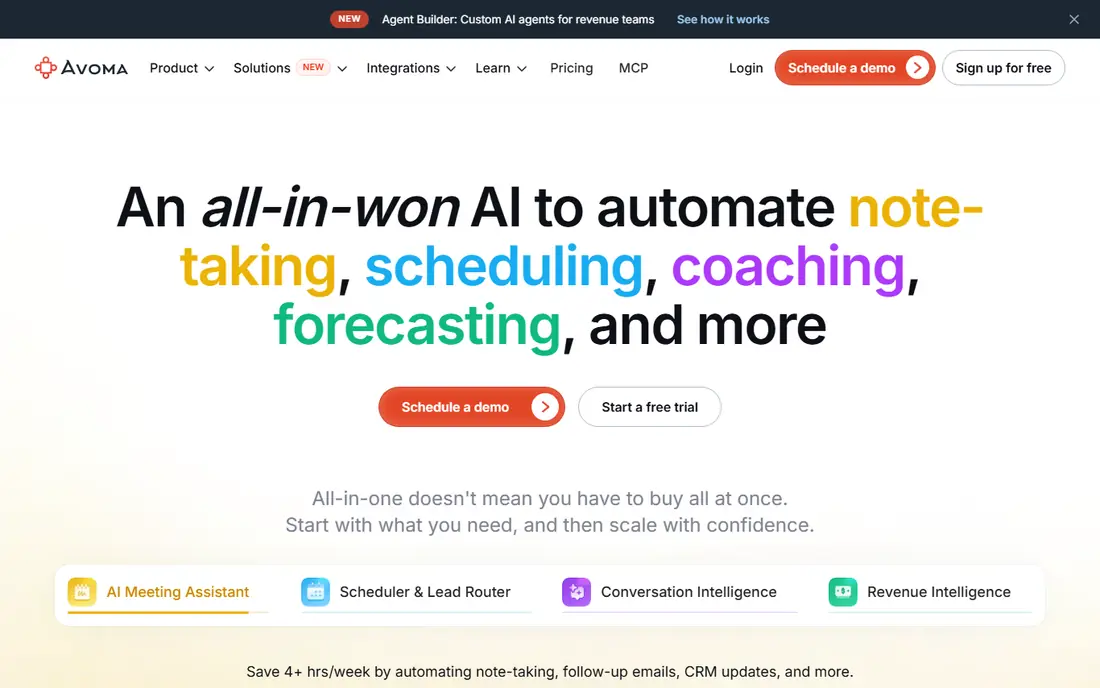
Avoma works best for revenue teams that want meeting notes plus coaching and forecasting. Avoma is an AI meeting assistant built around sales and customer facing conversations.
It records and transcribes calls across Zoom, Teams, Google Meet, and dialers, produces AI summary notes with key takeaways and action items, and can auto save notes to Salesforce, HubSpot, Zoho, Pipedrive, and Copper. Avoma cost at the entry level: $19 per recorder seat per month billed annually for Startup. Free options: Free trial (14 days).
Drawbacks to consider: No permanent free level.
- Only recorder seats are premium, so everyone else can watch and comment free
- The conversation intelligence and revenue intelligence features most buyers associate with Avoma are $29 per seat a month add ons each
Otter.ai
Ideal for: Teams that want live transcription plus searchable meeting history
Otter.ai targets teams that want live transcription plus searchable meeting history. Otter.ai is one of the longest running AI notetakers and it now positions itself as an AI meeting agent.
On cost, Otter.ai starts like this: $8.33 per user per month billed annually for Pro. You can start on Otter.ai without paying.
- Joins Zoom
- Live transcription and Otter AI Chat search across meetings
- Free plan is tightly capped at 300 minutes per month and only keeps the 25 most recent conversations
Notta
Ideal for: Teams that require multilingual transcription and file transcription
Think of Notta for teams that need multilingual transcription and file transcription. Notta is an AI transcription and meeting notes tool that records web meetings with a bot or bot free through its desktop app and Chrome extension, and also transcribes uploaded audio and video files.
It produces searchable transcripts with speaker identification, AI summaries, and action items, and it can generate slides and documents from meeting content through its Notta Brain add on. Price to start with Notta: $8.17 per month billed annually for Pro. You can start on Notta without paying.
- Transcribes Zoom, Teams
- Webex meetings plus uploaded audio and video files
- Pro covers only 1 seat, so a real team must pay Business per seat
Read AI
Ideal for: Teams that want meeting analytics and coaching alongside notes
Where Read AI fits: teams that want meeting analytics and coaching alongside notes. Read AI joins calendar events on Zoom, Google Meet, and Microsoft Teams and produces a meeting report with a summary, topics, action items, and key questions, plus a transcript broken out by speaker with sentiment and engagement metrics.
Price to start with Read AI: $15 per user per month billed annually for Pro. Read AI offers a free plan.
- Unlimited meeting transcripts on every premium plan
- Filler words, engagement
- Audio and video playback is locked behind Enterprise at $22.50 per user a month billed yearly
How much to budget for AI meeting notes software for teams
Fathom Team at $15 per user a month costs $150 a month for 10 users, and its free plan spans unlimited recording. Worth adding: Otter.ai Business at $19.99 per user a month costs about $200 a month, whereas Pro at $8.33 is restricted to 5 billed users. Also, Fellow Team costs $70 a month, but a team that records daily needs Business at $15, or $150 a month.
How we chose
Pricing pages, product documentation and feature lists were the main sources, and every entry carries at least one honest drawback. Prices and plan limits come from vendor pages and can change, so confirm them on the vendor site before you buy. The order reflects how well each tool fits the most common buying scenario for AI meeting notes software for teams, then price clarity, then free plan access. It is a starting point, not a verdict.
What to check before you buy
- Confirm the entry price on the vendor page: Fellow starts at $7 per user per month billed annually for Team, but seat counts and billing terms change the total.
- Read the fine print on the free plans from Fellow, Fathom, Otter.ai and others; seat, project and feature caps differ.
- Use real work to test the free trial from Avoma, rather than a demo project.
- Read the limits listed for Fellow first: free and Team plans cap AI notes and recordings by count.
- Add up seats, add-ons and usage charges for Fathom before comparing it with cheaper entries.
- Check how data leaves Notta: formats, limits and whether exports are available on every plan.
Frequently asked questions
What is the cheapest option for AI meeting notes software for teams in this list?
On published monthly entry prices, Fellow is the lowest here at $7 per user per month billed annually for Team. Entry price is only part of the cost, because seats, add-ons and billing terms can change the total.
Which AI meeting notes tool is a good match for sales teams?
This list starts with Fellow, which fits regulated and security conscious teams that require governed meeting notes. For other needs, Fathom is aimed at teams that want the most generous free plan, and Avoma at revenue teams that want meeting notes plus coaching and forecasting. Check each tool's price and main limit first.
Is Fellow the right pick for everyone comparing AI meeting notes software for teams?
No single tool suits every team. Fellow comes first because it fits regulated and security conscious teams that need governed meeting notes, while Fathom suits teams that want the most generous free plan and Avoma suits revenue teams that want meeting notes plus coaching and forecasting. Match the tool to your own size, budget and workflow before deciding.
Can I try these tools before paying?
Often, yes. Fellow, Fathom, Otter.ai and others have a free plan and Avoma offers a free trial. Use your own data and a real task during the test, and check what the free tier or trial limits before you rely on it.
How are the tools for AI meeting notes software for teams ordered?
Fellow sits first and Read AI last because the order follows typical fit for AI meeting notes software for teams, then price clarity and free access. It is a judgement call, so read each profile for fit and limits.