6 Best AI Meeting Transcription Tools for 2026

- The list opens with Granola, aimed at light notes without a bot joining.
- Check the limits for Notta before you commit: free conversations capped at 3 minutes each.
- Fellow fits meeting notes with agendas and action items.
- Free access is easy to find: 6 of the 6 tools have a free plan, for example Granola, Notta, Fireflies.ai and Otter.ai.
Direct answer
Our first pick is Granola, best for light notes without a bot joining. If your case is different, Notta suits multilingual meetings and translation and Fireflies.ai suits sales teams and CRM sync. The full list of 6 tools follows, with prices and free plan facts.
Quick comparison
| Product | Ideal for | Price from | Free version | |
|---|---|---|---|---|
 Granola | Light notes without a bot joining | Free | Yes | Visit |
 Notta | Multilingual meetings and translation | Free | Yes | Visit |
 Fireflies.ai | Sales teams and CRM sync | Free | Yes | Visit |
 Otter.ai | Live meeting notes and searchable history | Free | Yes | Visit |
 Descript | Transcription plus audio and video editing | Free | Yes | Visit |
 Fellow | Meeting notes with agendas and action items | Free | Yes | Visit |
Our 6 AI meeting transcription tools
Short on time? The summary and table above give the quick view of 6 AI meeting transcription tools, and the profiles that follow give the detail behind each entry.
Granola
Ideal for: Light notes without a bot joining
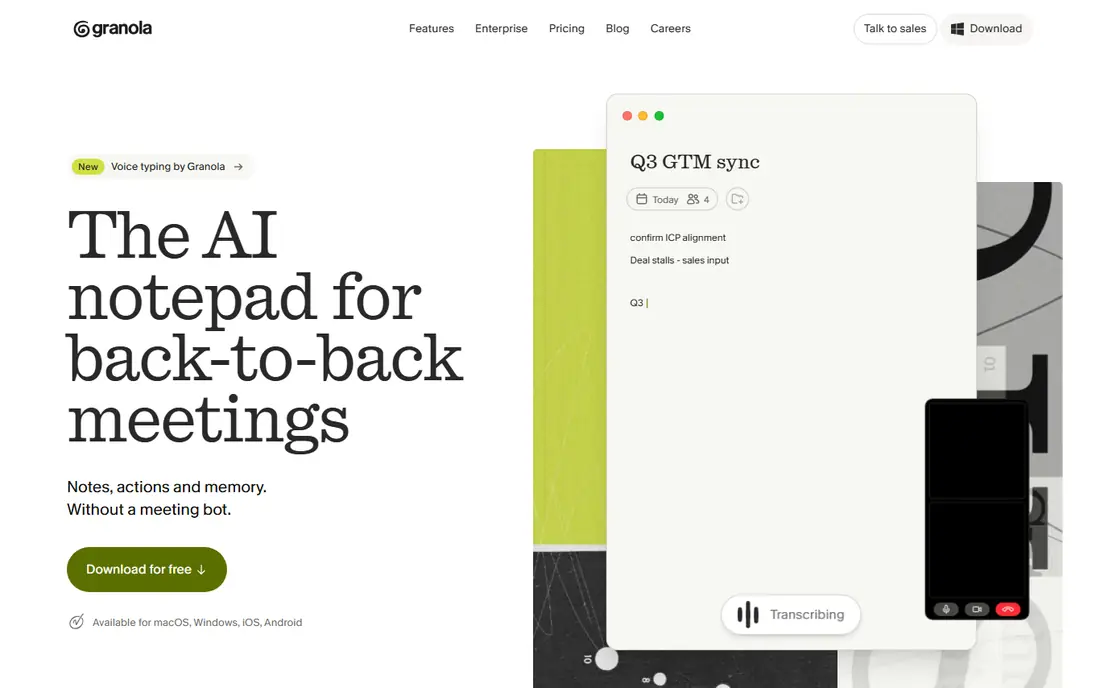
Granola targets lightweight notes without a bot joining. Granola is less of a CRM tool than Fireflies, and less of a searchable archive than Otter, but for personal notes that read well, it is a pleasure to use.
In practice, the free plan handles unlimited meeting notes with restricted history, which is enough to test the workflow. Worth adding: business costs 14 dollars per user a month and brings full history and team features. Entry price for Granola: Free. You can start on Granola without paying.
The main drawbacks: Business plan needed for team features.
- Clean
- Quick interface
- Meeting history restricted on free
Notta
Ideal for: Multilingual meetings and translation
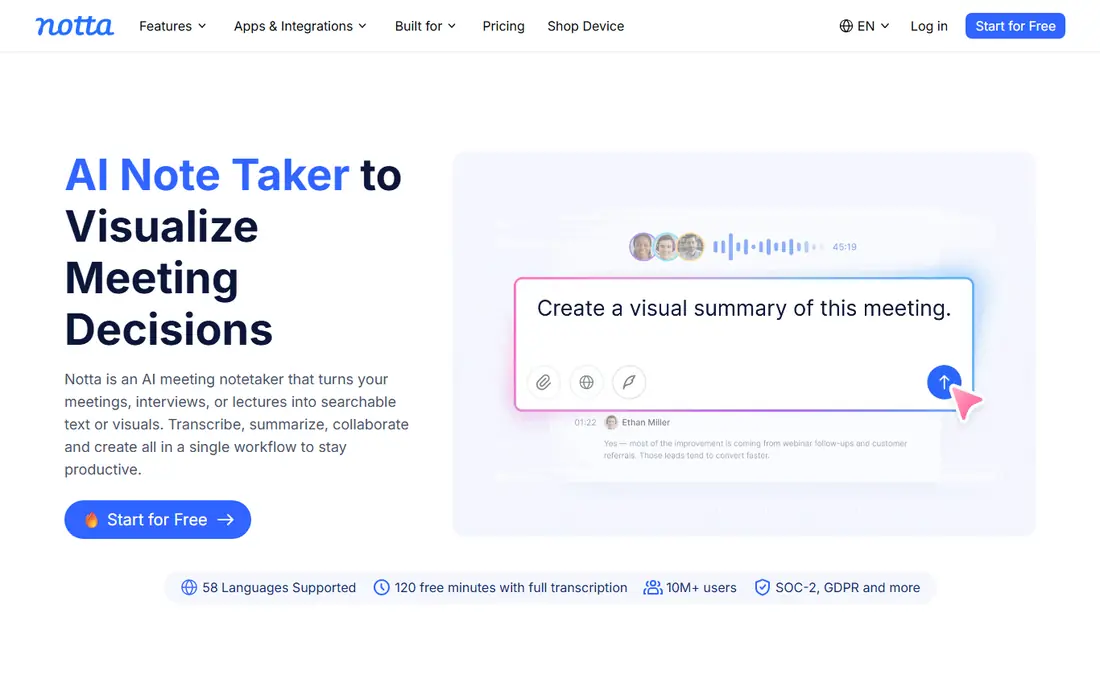
Notta is designed for multilingual meetings and translation. The free plan hands 120 minutes a month, but each conversation is capped at 3 minutes, so free use is really a trial of the quality. On top of that, business costs about 16.67 dollars a month billed yearly.
In practice, Pro costs 13.49 dollars a month, or about 8.17 dollars a month billed yearly, with 1,800 minutes. Notta is my pick for bilingual and multilingual teams. That language range is wider than Otter, which includes a smaller set. It makes Notta handy for teams that switch languages mid-meeting or need a translated summary. The starting price for Notta: Free. A free plan is available with Notta.
Points against: Free conversations capped at 3 minutes each.
- 120 free minutes a month
- Bilingual transcription and translation
- Premium plans needed for longer meetings
Fireflies.ai
Ideal for: Sales teams and CRM sync
Fireflies.ai is a good fit for sales teams and CRM sync. Fireflies.ai is designed for teams that live in a CRM. For everyday use, Pro costs 18 dollars per seat a month, or 10 dollars per seat a month billed yearly, and brings AI features and integrations.
Points against: Setup takes more time than more straightforward tools.
Worth adding: enterprise, at 39 dollars per seat per month billed yearly, adds HIPAA support and admin controls. In daily use, business costs 19 dollars per seat a month billed yearly, with team analytics and sentiment analysis. In practice, sales and recruiting teams that require every call in the CRM will get the most from Fireflies. More specifically, the free plan provides unlimited transcription, which sounds generous, but storage is capped, so long term history needs a premium plan. Starting cost for Fireflies.ai: Free. Free access exists with Fireflies.ai.
- Unlimited transcription on the free plan
- 100 plus integrations
- AI credits add cost for heavy use
Otter.ai
Ideal for: Live meeting notes and searchable history
Otter.ai targets live meeting notes and searchable history. Otter.ai is the tool I suggest first to most professionals, since it is straightforward to start and the transcript is searchable from day one. In daily use, the free plan hands 300 minutes a month, with a 30 minute cap per conversation, which fits light users well.
Beyond that, business, at 19.99 dollars per user a month billed yearly, layers on more capacity and admin controls. In practice, OtterPilot can join Zoom, Google Meet, and Microsoft Teams, transcribe speakers in live, and produce a summary with action items after the call. Pro costs 16.99 dollars a month, or 8.33 dollars per user a month billed yearly, and raises the limit to 1,200 minutes. Entry price for Otter.ai: Free. Otter.ai includes a free tier.
Points against: Free meetings capped at 30 minutes.
- Live transcription on Zoom, Meet, Teams
- Otter AI Chat across past meetings
- Fewer languages than some rivals
Descript
Ideal for: Transcription plus audio and video editing
Descript was built for transcription plus audio and video editing. Descript belongs here since plenty of teams transcribe meetings to reuse the content, not just to file it away. The free plan gives 1 hour of media a month with a watermark on some exports.
The main drawbacks: Meeting capture is not its central strength.
As for the details, if you turn meetings into content, Descript is the better tool. For everyday use, you can transcribe a recording, then cut filler words, remove sections, and export a refined clip by deleting text. That text based editing is quick once you learn it, and it fits podcast, video, and marketing teams. For everyday use, Hobbyist costs 24 dollars a month, or 16 dollars a month billed yearly, and Creator costs 35 dollars a month, or 24 dollars billed yearly. Starting cost for Descript: Free. Free access exists with Descript.
- Solid for podcasts and content teams
- Transcription in 25 languages
- More editing tool than meeting recorder
Fellow
Ideal for: Meeting notes with agendas and action items
Think of Fellow for meeting notes with agendas and action items. The free plan is limited for AI notes, with 5 per user for the lifetime of the account. So most teams will need the Team plan at 7 dollars per user a month billed yearly.
That plan is less expensive than Otter Business or Fireflies Business. In practice, Fellow treats the meeting itself as the product, not just the transcript. That structure helps teams that run the same weekly meetings and want decisions and owners recorded plainly, not buried in a long transcript. What you pay to start with Fellow: Free. Fellow includes a free tier.
Limits to weigh: Free AI notes restricted to 5 per user lifetime.
- Agendas, notes
- Action items in one place
- Full value needs the premium team plan
Choosing AI meeting transcription tools: what matters
Pick Fireflies.ai. CRM sync, call summaries, and team analytics matter more than a pretty transcript, and Fireflies is designed for that workflow. Pick Notta for language range, or Granola when you do not want a bot joining a client call.
Both manage the social side of recording better than a generic bot. Both produce summaries you can share without sending a full transcript. Store transcripts with the same care as other work records, check retention settings, and confirm consent rules for your state and your clients.
How we built this list
For each of the 6 tools we noted price, free plan or trial, fit for AI meeting transcription tools and the main limit, using vendor pages and documentation. Treat prices as a snapshot: vendors change plans often, so check the vendor site for the figure that applies today. Position on the page reflects fit for a typical buyer first, with price clarity and free access breaking ties. Treat it as a guide, not a ruling.
Before you commit
- Confirm the entry price on the vendor page for Granola and the others: seat counts and billing terms change the total.
- Read the fine print on the free plans from Granola, Notta, Fireflies.ai and others; seat, project and feature caps differ.
- Before choosing Granola, weigh its main limit: meeting history limited on free.
- Before you load data into Notta, check what an export looks like and who can run it.
- Confirm minimum seats and billing terms with Fellow before you commit to an annual plan.
Frequently asked questions
Which options for AI meeting transcription tools have a free plan?
6 of the 6 tools have a free plan, including Granola, Notta, Fireflies.ai and Otter.ai. Free plans usually cap users, projects or features, so check the limits on the vendor page.
Do these tools publish their prices?
Yes. Every tool from Granola to Fellow shows a starting price, though seats, add-ons and billing terms still change the final cost.
Do I need consent to record a meeting?
Yes, in most cases you should tell participants and get consent before recording, and some states and countries need all-party consent. Most tools announce the bot or present a recording indicator. But you should still state it at the start of the call and check your company policy.
Is Granola the right pick for everyone comparing AI meeting transcription tools?
No single tool suits every team. Granola comes first because it fits lightweight notes without a bot joining, while Notta suits multilingual meetings and translation and Fireflies.ai suits sales teams and CRM sync. Match the tool to your own size, budget and workflow before deciding.
How accurate is AI meeting transcription?
Accuracy varies with audio quality, accents, crosstalk, and background noise. A decent summary, speaker labels, and a searchable transcript matter more in practice than a single accuracy percentage.
Can I try these options before paying?
Often, yes. Granola, Notta, Fireflies.ai and others have a free plan. Use your own data and a real task during the test, and check what the free tier or trial limits before you rely on it.