Best AI Music Maker App for Creators

- Suno is the best all round pick for finished songs with vocals, at $8 per month on annual billing, with commercial rights on the Pro plan.
- Soundraw is the safest pick for video background music, since it trains only on music it produces in house and includes a perpetual royalty free licence.
- Udio makes the most natural sounding vocals, but songs cannot be downloaded under its current terms, which limits how you can use them.
- Boomy is the easiest start for a beginner who wants to release songs on streaming services, with a free plan and a $9.99 per month Creator plan.
- Check the licence before you post anything, since most free plans allow personal use only and commercial use starts on a subscription plan.
Quick comparison
| Product | Ideal for | Price from | Free version | |
|---|---|---|---|---|
 Suno | Finished songs with vocals | $8 per month (billed annually) | Yes | Visit |
 Udio | Vocal realism and remixing | $10 per month | Yes | Visit |
 Soundraw | Royalty free background music | $16.99 per month | Free trial | Visit |
 Boomy | Beginners releasing songs | $9.99 per month | Yes | Visit |
 Mubert | Apps, games and long streams | $14 per month | Yes | Visit |
 AIVA | Orchestral and film music | €11 per month (billed annually) | Yes | Visit |
 Beatoven.ai | Background music for video | $6 per month | Yes | Visit |
 Mureka | Song ideas and quick drafts | quote only | Yes | Visit |
The best AI music maker apps
Suno
Ideal for: Finished songs with vocals
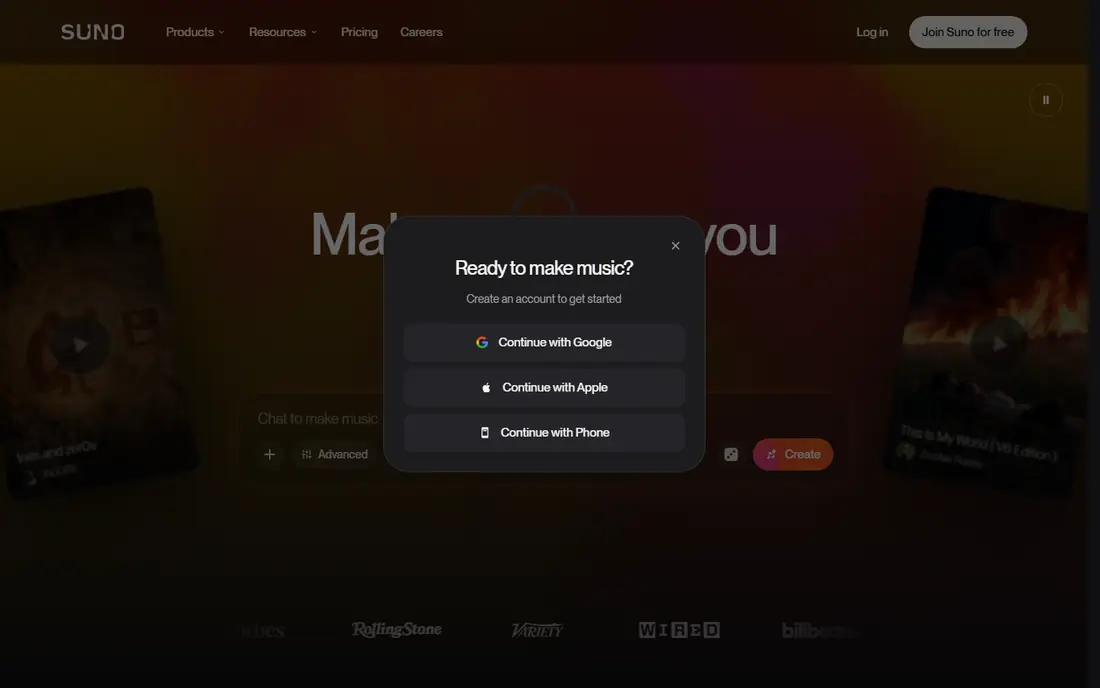
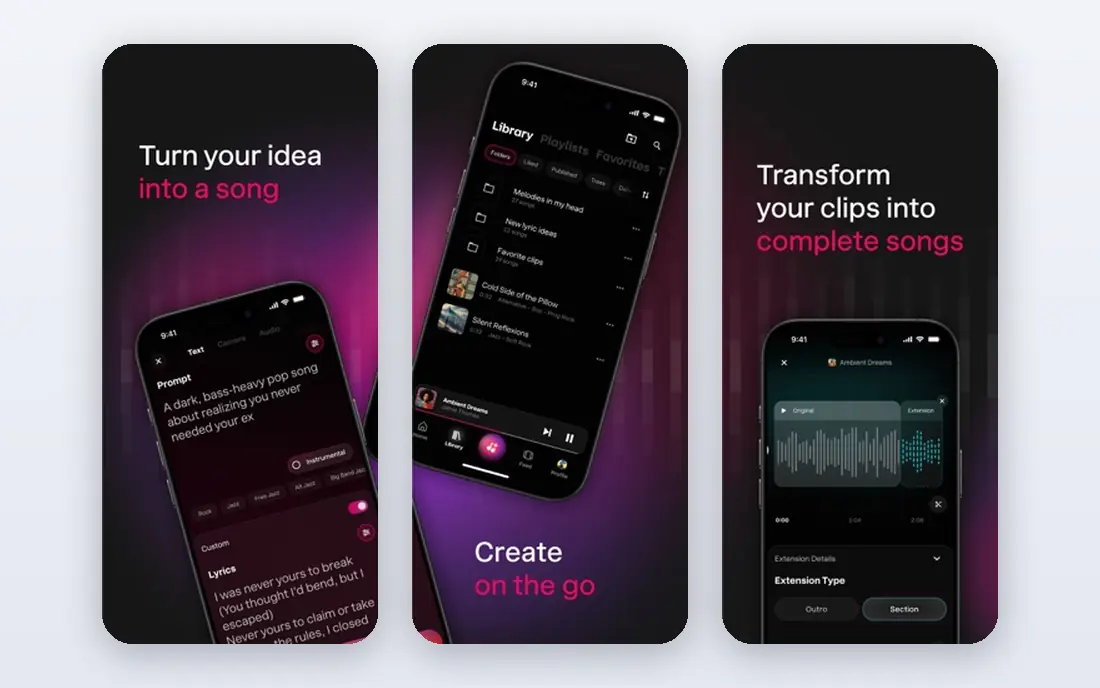
Suno turns a one line text prompt into a complete song with vocals, instruments and structure, usually in under a minute. You describe the style, the mood and the lyrics, or let it write the lyrics for you, and it returns a finished track you can extend, remix or edit in Suno Studio on the higher plan. For a creator who needs a song fast, for a video, a podcast intro or a demo, Suno is the quickest route from an idea to something you can play.
The free plan gives 50 credits a day for personal use, with no commercial rights. Pro costs $10 a month, or $8 a month on annual billing, and adds 2,500 credits a month, commercial rights and 20 song downloads a month. The download cap is the main limit to watch, since heavy users can run out of downloads before they run out of credits, and the higher Premier plan at $24 a month on annual billing raises the cap to 60 downloads.
- Complete songs with lyrics in under a minute
- Commercial rights included on the Pro plan
- Free plan has no commercial rights
- Downloads capped at 20 a month on Pro
Udio
Ideal for: Vocal realism and remixing
Udio is known for the most natural AI vocals in this group, with breathing, pitch wobble and real emotion that make a song feel performed rather than generated. Its extend, remix and inpainting tools work like a production instrument, letting you lengthen a section, change a phrase or rebuild a verse without starting over. If you care most about how a voice sounds, Udio is the tool to test first.
The catch is how you can use what you make. Under its current terms songs cannot be downloaded and are for personal, non-commercial use only, even on the Standard plan at $10 a month. That makes Udio a fine place to write and shape song ideas, but a poor place to produce a track for a video, an ad or a release. Test it for sound quality, and use Suno or Soundraw when you need a file you can publish.
- Most natural sounding AI vocals
- Extend, remix and inpainting tools
- Songs cannot be downloaded under current terms
- Standard plan is personal use only
Soundraw
Ideal for: Royalty free background music
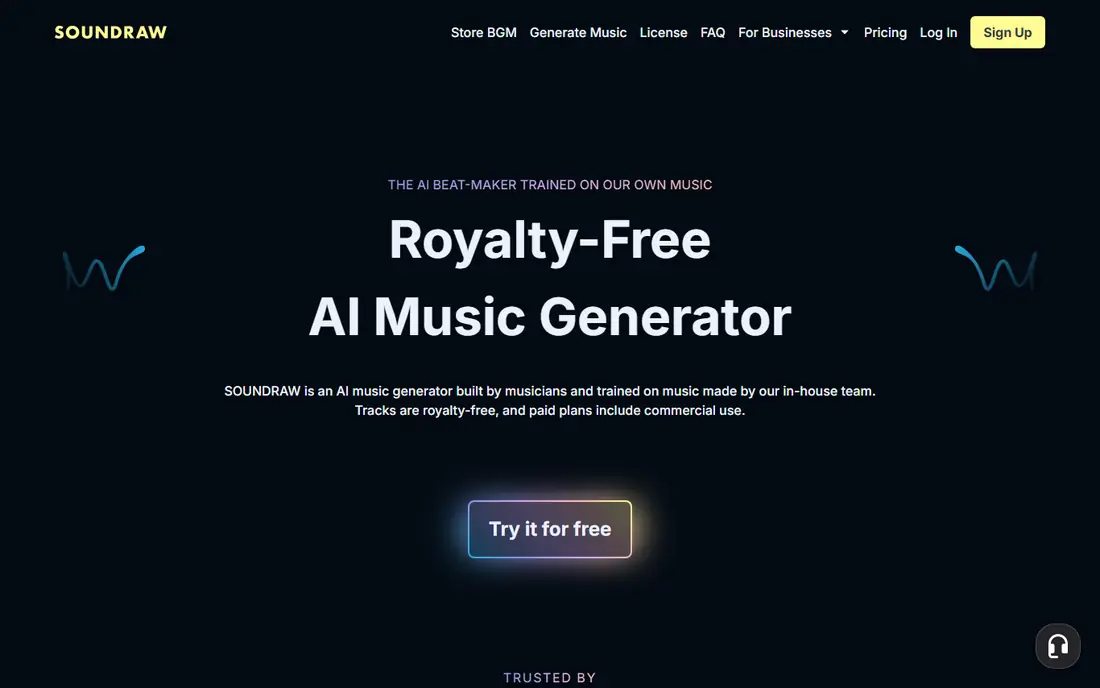
Soundraw makes royalty free instrumental tracks for video, podcasts and ads. You pick a genre, a mood and a length, generate variations, then fine tune the result in the editor by changing the tempo, the key, the instruments or the energy of a section. It trains only on music it produces in house, which gives it the clearest legal stance in this group, and downloads come with a perpetual royalty free licence.
There is no free plan, only a free trial where you can generate without downloading, so you must subscribe before you get a file. Creator costs $16.99 a month and includes unlimited downloads and commercial use, while the Artist plan at about $49.99 a month adds broader rights including distribution. Soundraw makes instrumental tracks only, so if you need a song with vocals, pair it with Suno or Udio instead.
- Perpetual royalty free licence on downloads
- Trains only on music it produces in house
- No free plan, generations only until you pay
- Instrumental only, no vocals
Boomy
Ideal for: Beginners releasing songs
Boomy is built for people with no music training who want to make a song and put it on Spotify. You pick a style, tap a few choices, and Boomy generates a track you can edit and save, then release through its distribution service. The whole flow takes minutes, and the free plan lets you test it with 25 saves and one release of up to 3 songs before you spend anything.
Creator costs $9.99 a month and raises the limits to 500 saves, 3 releases a month and 10 downloads, while Pro at $29.99 a month adds unlimited saves and the full commercial licence. The free tier is a real trial, not a demo, but the catalogue of styles is narrower than Suno or Udio, and serious producers will outgrow the editing tools fast. For a first release, though, Boomy is the simplest path from an idea to a streaming link.
- Fast song creation with no music skill needed
- Release songs to streaming services
- Free plan saves are limited to 25
- Best licence and release features sit on higher plans
Mubert
Ideal for: Apps, games and long streams
Mubert generates endless adaptive music for apps, games, streams and long videos, rather than one finished song at a time. You can type a prompt or pick a mood and let it run, which suits a streamer who needs hours of background music, or a developer who needs a soundtrack that never repeats. It also offers an API, so a product team can build generative music into an app.
The free Ambassador tier gives about 25 generations a month for personal testing, with no commercial use. Creator costs about $14 a month and adds 500 generations and unlimited downloads, but commercial use only starts on the Pro plan at about $39 a month. That split catches buyers out, since the entry subscription does not cover a monetised video or a client project. Check which plan your use case needs before you subscribe.
- Endless generative streams for apps and video
- API for developers
- Commercial use starts on the $39 Pro plan
- Creator plan is limited to personal projects
AIVA
Ideal for: Orchestral and film music
AIVA composes orchestral, cinematic and classical style music, and it is the pick in this group for film, games and trailers, where a sweeping string arrangement matters more than a pop vocal. You can generate from a style preset or upload a reference track and let AIVA build variations on it, then download the result as audio or MIDI for further editing in your own software.
The free plan allows 3 downloads a month for personal use. Standard costs about €11 a month on annual billing and adds a limited licence, while Pro at about €33 a month gives you the full copyright on the music you make. Prices are listed in euros, so the dollar cost moves with the exchange rate, and the licence limits on the lower plans mean a commercial project needs the Pro plan to be safe.
- Strong orchestral and cinematic styles
- You own the copyright on the Pro plan
- Prices are listed in euros, not dollars
- Full copyright only on the Pro plan
Beatoven.ai
Ideal for: Background music for video
Beatoven.ai makes background music for video, podcasts and presentations. You set the mood, the length and the genre, and it generates a track that fits your edit, with controls for the energy of each section. The Starter plan at $6 a month, or $5 a month on annual billing, includes a commercial licence and 30,000 credits, which makes it one of the cheapest routes to music you can legally use in a monetised video.
The free tier lets you test generation, but downloads are limited, so you will need the Starter plan for real work. Beatoven.ai is instrumental first, so it has fewer vocal options than Suno or Udio, and its catalogue suits background use rather than a featured song. For a creator who needs a steady supply of background tracks at a low price, it is a strong value pick.
- Commercial licence from the Starter plan
- Easy mood and length controls
- Free tier limits downloads
- Fewer vocal options than Suno or Udio
Mureka
Ideal for: Song ideas and quick drafts
Mureka is a newer AI music generator that turns a short prompt into a full song with vocals, and it gives daily free songs so you can test ideas without a card. The flow is simple, with few settings to learn, which suits a casual user who wants to hear an idea as a song before deciding whether to develop it further in a fuller tool such as Suno.
The main drawback is transparency. Pricing is not published on the site, so you cannot compare it with the tools above without signing up and asking, and the community around it is smaller, which means fewer tutorials and fewer shared prompts to learn from. Use the free songs to judge the sound, and only move to a subscription once the price and the licence terms are clear in writing.
- Daily free songs to test ideas
- Simple prompt to song flow
- Pricing is not published on the site
- Newer tool with a smaller community
How we chose
We compared vendor pricing pages, plan pages and licence terms for each tool, and checked the free plan limits, the download caps and the commercial use rules that decide what you can actually publish. We favoured tools with a published price and a clear licence, and we noted where the headline price hides a limit, such as a download cap, a non-commercial free tier or a higher plan for commercial use. We did not run hands on tests and we did not accept vendor sound quality claims at face value, so listen to samples of your own style before you subscribe.
What to check before you buy
Check the licence first, before the sound. Most free plans allow personal use only, and commercial use starts on a subscription plan, with Mubert holding commercial use to its $39 Pro plan. Check whether you can download the file at all, since Udio currently does not allow downloads, and check the download cap, since Suno Pro allows 20 downloads a month. Confirm the plan covers your use case, whether that is a monetised video, an ad or a streaming release, and listen to samples in your genre, because a tool that shines on pop can sound thin on orchestral work.
| Budget and use | Best pick | Why it fits | | Under $10 a month, full songs | Suno | Pro at $8 a month on annual billing, commercial rights | | Video background, legal safety first | Soundraw | Royalty free licence, $16.99 a month | | Cheapest commercial licence | Beatoven.ai | Starter at $6 a month with a commercial licence | | Streaming release, beginner | Boomy | Free plan, Creator at $9.99 a month | | Orchestral or film score | AIVA | Full copyright on Pro, about €33 a month | | Endless streams or an app | Mubert | Generative streams, commercial use from $39 a month |
Frequently asked questions
Which AI music maker app is best overall?
Suno is the best all round pick, because it makes complete songs with vocals in under a minute and its Pro plan at $8 a month on annual billing includes commercial rights. Soundraw is better for background music with a clear royalty free licence, and Udio is better for vocal realism, though its songs cannot be downloaded.
Can I use AI generated music commercially?
Yes, on the right plan. Suno Pro, Soundraw Creator, Boomy Pro, Beatoven.ai Starter and AIVA Pro all include commercial use, but the free plans of most tools allow personal use only. Mubert holds commercial use to its $39 Pro plan. Read the licence for your exact use, such as an ad or a monetised video, before you publish.
Is there a free AI music maker app?
Yes. Suno gives 50 credits a day, Udio gives 10 credits a day, Boomy gives 25 saves, Mubert gives about 25 generations a month and AIVA gives 3 downloads a month. All of these free tiers are for personal use, so you will need a subscription plan before you use a track in a monetised video or a client project.
Can I download the songs I make?
It depends on the tool. Suno Pro allows 20 downloads a month, Soundraw Creator allows unlimited downloads and Boomy Creator allows 10 downloads a month. Udio currently does not allow downloads under its terms, so test that limit before you build a workflow around it.
Do I need music skill to use these apps?
No. All eight tools work from a text prompt or a few style choices, with no instrument or theory knowledge needed. You pick a genre, a mood and a length, and the tool generates the track. Editing skills help when you want to shape a section, but they are not needed to make a first song.