Best AI Personalized Learning Tools in 2026: 7 Tools Compared

- Adaptivity should adjust difficulty based on real answers, not just on a quiz at the start.
- Progress reports for parents and teachers matter more than flashy AI claims.
- Subject coverage varies a lot, so pick a tool strong in the subject you need, not one that claims every subject.
- Free tiers help you test, but full adaptivity often needs a paid plan.
Quick comparison
| Product | Ideal for | Price from | Free version | |
|---|---|---|---|---|
 Khan Academy | Free personalized school learning | See website | Yes | Visit |
 Duolingo | Personalized language learning | See website | Yes | Visit |
 Coursera | University style personalized courses | See website | Yes | Visit |
 IXL | Adaptive school practice | See website | No | Visit |
 DreamBox | Adaptive math for children | See website | No | Visit |
 Century Tech | AI learning for schools | See website | No | Visit |
 Quizlet | Adaptive study and flashcards | See website | Yes | Visit |
The best AI personalized learning tools
AI personalized learning tools adapt lessons, practice, and feedback to each learner, and the best ones do that without replacing teachers or hiding how progress is measured.
We compared adaptivity, subject coverage, age suitability, reporting, and prices across leading tools, and our pick for most learners is a tool with clear progress reports and practice that adjusts in small, sensible steps.
In this guide, we walk through each option in turn, starting with who it suits best, then looking at what it does well and where it falls short, so you can compare like with like. We also cover pricing in plain terms, including where a price is quote based or where a free plan covers only part of the service, because the headline price rarely tells the full story. By the end, you should have a short list of two or three options worth a closer look, rather than a long list of names with no clear differences.
Khan Academy
Ideal for: Free personalized school learning
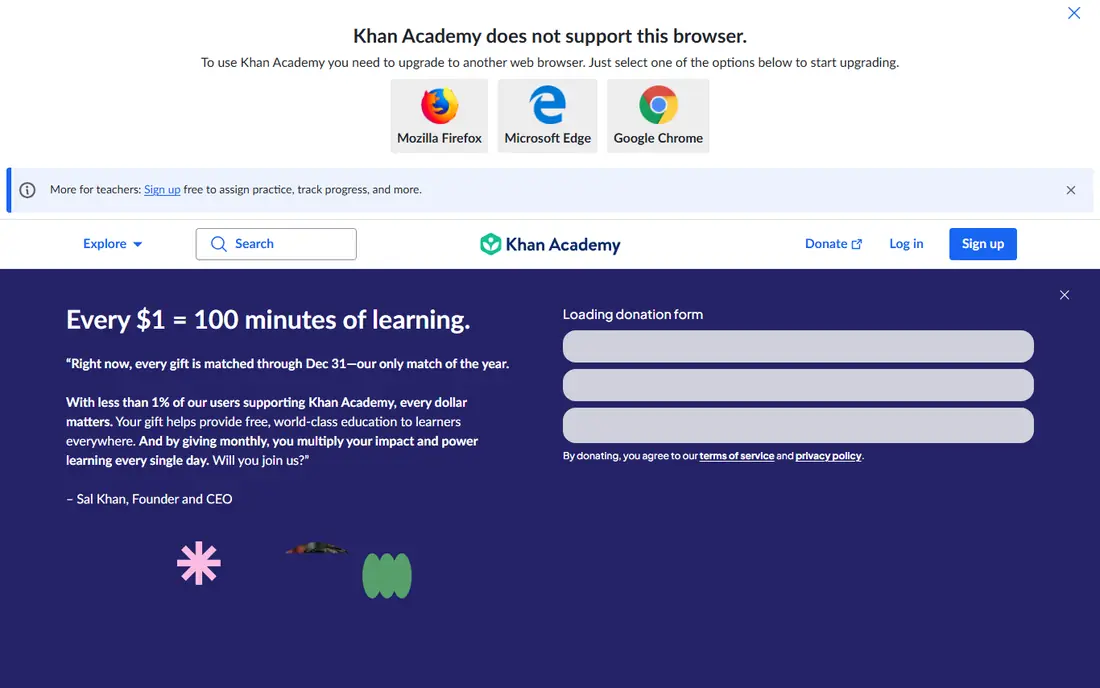
Khan Academy is a nonprofit learning platform with free lessons and adaptive practice across math, science, and other school subjects. Its practice adjusts to the learner, and mastery reports show teachers and parents where help is needed.
The platform suits school learners and adult refreshers alike, and its content is structured by grade and topic. Teacher dashboards make classroom use practical, not just individual study.
Its AI tutor features are offered separately in some plans, and coverage of some subjects is thinner than its math library.
On balance, Khan Academy stands out for Free personalized school learning, with strengths that include Free core content; adaptive practice; teacher tools. The main drawbacks to weigh are AI tutor is separate; some subjects thinner. If those trade offs fit your situation and your budget, it is worth putting on your short list, and if they do not, compare it with the next options in this guide before you decide, since a small difference in price, coverage, or support can matter a lot over a year of use.
- Free core content
- Adaptive practice
- Teacher tools
- AI tutor is separate
- Some subjects thinner
Duolingo
Ideal for: Personalized language learning
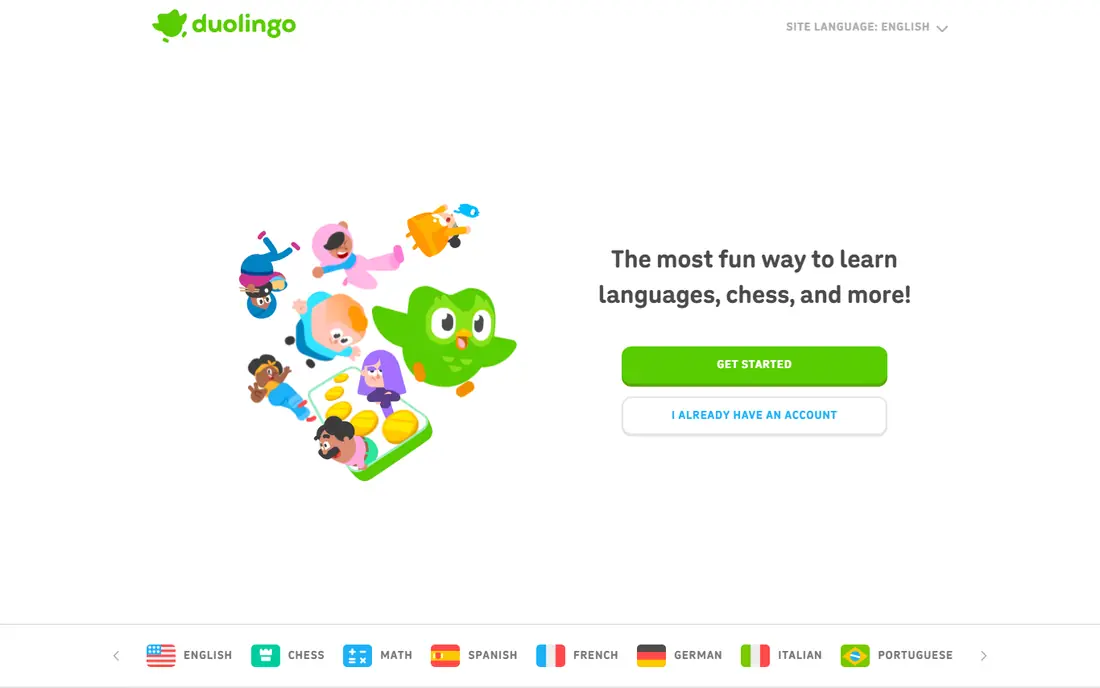
Duolingo uses adaptive practice to adjust language lessons, keeping learners challenged without overwhelming them. Its game style design, with streaks and levels, helps many learners stick with daily practice.
Language coverage is broad, from common languages to less studied ones. The app works well in short daily sessions, which suits busy learners.
The free tier includes ads and daily limits, and speaking practice is more limited than conversation with a real tutor.
On balance, Duolingo stands out for Personalized language learning, with strengths that include Adaptive language practice; game style motivation; many languages. The main drawbacks to weigh are Free tier has ads and limits; speaking practice is limited. If those trade offs fit your situation and your budget, it is worth putting on your short list, and if they do not, compare it with the next options in this guide before you decide, since a small difference in price, coverage, or support can matter a lot over a year of use.
- Adaptive language practice
- Game style motivation
- Many languages
- Free tier has ads and limits
- Speaking practice is limited
Coursera
Ideal for: University style personalized courses
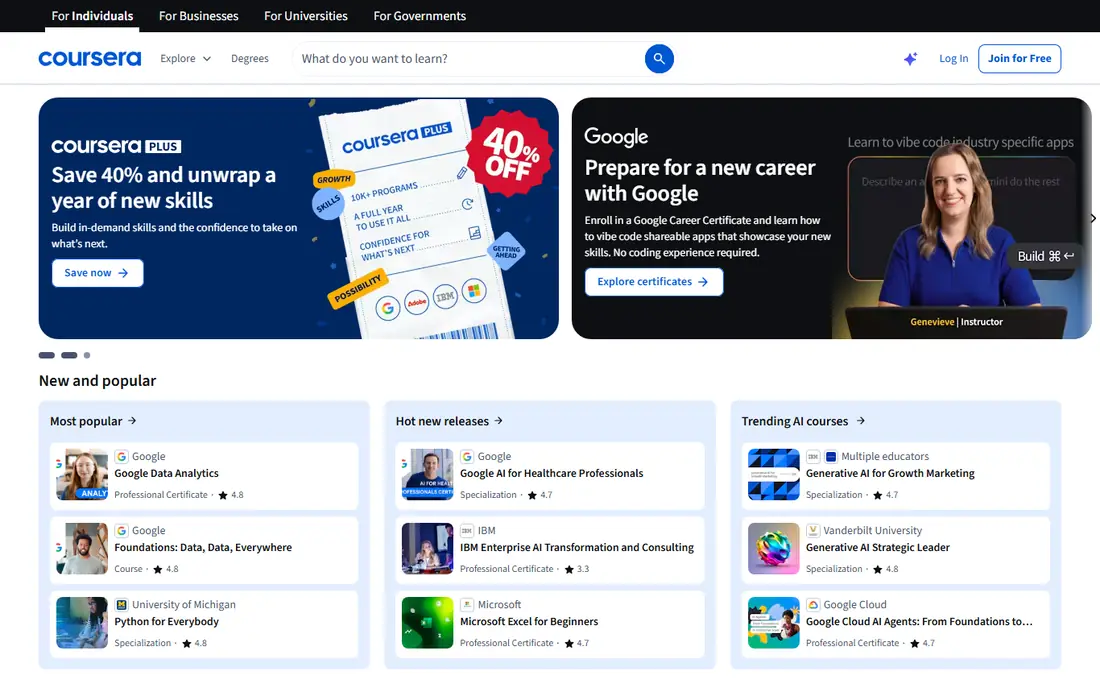
Coursera offers university and industry courses with recommendations that adapt to your interests and past courses. Its certificates suit adult learners who want proof of study for work.
Course topics cover data, business, technology, health, and arts, with a large catalog. Learners can audit many courses free, then pay for certificates and graded work.
Full certificates cost money, and course quality varies by provider, so read reviews before enrolling.
On balance, Coursera stands out for University style personalized courses, with strengths that include University courses; certificates; adaptive recommendations. The main drawbacks to weigh are Full certificates cost; course quality varies. If those trade offs fit your situation and your budget, it is worth putting on your short list, and if they do not, compare it with the next options in this guide before you decide, since a small difference in price, coverage, or support can matter a lot over a year of use.
- University courses
- Certificates
- Adaptive recommendations
- Full certificates cost
- Course quality varies
IXL
Ideal for: Adaptive school practice
IXL provides adaptive practice across math, language arts, science, and social studies for school age learners. Its diagnostics identify skill gaps and recommend practice at the right level.
Reports for parents and teachers show progress by skill, not just by time spent. The platform suits homework support and classroom practice.
A subscription is needed for full access, and the interface is functional rather than playful.
On balance, IXL stands out for Adaptive school practice, with strengths that include Adaptive practice; detailed diagnostics; wide subjects. The main drawbacks to weigh are Subscription needed; interface is functional. If those trade offs fit your situation and your budget, it is worth putting on your short list, and if they do not, compare it with the next options in this guide before you decide, since a small difference in price, coverage, or support can matter a lot over a year of use.
- Adaptive practice
- Detailed diagnostics
- Wide subjects
- Subscription needed
- Interface is functional
DreamBox
Ideal for: Adaptive math for children
DreamBox focuses on adaptive math for children, adjusting lessons in real time based on how a child solves problems. Its lessons are designed to feel like games while teaching real math concepts.
Parent and teacher reports show growth and areas that need support. For families who want math help specifically, that focus is a strength.
It covers math only, so families needing reading or science help will need another tool, and pricing is per student.
On balance, DreamBox stands out for Adaptive math for children, with strengths that include Math adaptivity; engaging lessons; parent reports. The main drawbacks to weigh are Math only; pricing is per student. If those trade offs fit your situation and your budget, it is worth putting on your short list, and if they do not, compare it with the next options in this guide before you decide, since a small difference in price, coverage, or support can matter a lot over a year of use.
- Math adaptivity
- Engaging lessons
- Parent reports
- Math only
- Pricing is per student
Century Tech
Ideal for: AI learning for schools
Century Tech builds AI learning pathways for schools, adapting content to each student and giving teachers detailed insight. Its dashboards show class and individual progress, helping teachers target support.
The platform covers core school subjects and suits schools that want a managed system. Teacher controls matter here, since educators can set work and review results.
It is school focused rather than individual consumer focused, and pricing is quote based.
On balance, Century Tech stands out for AI learning for schools, with strengths that include AI pathways; teacher dashboards; school focus. The main drawbacks to weigh are School focused; pricing is quote based. If those trade offs fit your situation and your budget, it is worth putting on your short list, and if they do not, compare it with the next options in this guide before you decide, since a small difference in price, coverage, or support can matter a lot over a year of use.
- AI pathways
- Teacher dashboards
- School focus
- School focused
- Pricing is quote based
Quizlet
Ideal for: Adaptive study and flashcards
Quizlet helps learners study with flashcards, practice tests, and adaptive study modes that focus on weak topics. Its content library is huge, with sets created by teachers, students, and publishers.
Study modes adjust practice based on answers, which helps revision stick. The app suits exam revision across many subjects.
User created content quality varies, so use verified sets where available, and full adaptive features need a paid plan.
On balance, Quizlet stands out for Adaptive study and flashcards, with strengths that include Study modes; adaptive practice; large content library. The main drawbacks to weigh are User content quality varies; full features need paid plan. If those trade offs fit your situation and your budget, it is worth putting on your short list, and if they do not, compare it with the next options in this guide before you decide, since a small difference in price, coverage, or support can matter a lot over a year of use.
- Study modes
- Adaptive practice
- Large content library
- User content quality varies
- Full features need paid plan
How we picked these
We compared official feature pages, pricing pages, app store listings, privacy policies, and public customer reviews for each option in this list, and we kept only options that are available in the United States and that clearly fit the topic of the article.
We gave weight to clear pricing, a usable free option or trial where one is offered, honest limits, and support that a real customer can reach, and we left out options whose pricing was hidden, whose main offer did not match the topic, or whose website did not clearly belong to the product.
We also checked that each product is still offered and working in October 2026, and we noted where a feature, a plan, or a price could not be verified from the vendor, in which case we wrote See website rather than guessing. That approach means some prices in this guide are deliberately general, and we recommend confirming the current price on the vendor website before you buy, since plans and promotions change.
How to pick an AI learning tool that actually helps
Start with the subject and the learner, because a tool strong in math may be weak in reading, and a tool built for schools may not suit adult self study. Check age guidance and whether a teacher or parent can see progress.
Next, test adaptivity with a real session, and watch whether the difficulty changes after right and wrong answers, and whether feedback explains mistakes rather than just marking them wrong. Good feedback teaches, while a score alone does not.
Finally, check data privacy, especially for children, including what data is collected and how it is used. Choose a tool with clear privacy practices and a dashboard that shows learning, not just time spent.
Frequently asked questions
What is the best AI personalized learning tool?
It depends on subject and age, since tools lead in different areas, such as math practice, language learning, and school curriculum support. Pick a tool strong in the subject you need, with progress reports you can read.
Do AI learning tools replace teachers?
No, they work best as practice and feedback tools alongside teaching, since they adapt practice but cannot replace discussion, encouragement, and judgment. Teachers and parents should still review progress regularly.
Are AI learning tools safe for children?
Reputable tools follow child privacy rules and limit data collection, but practices vary, so check the privacy policy and school approval before use. Avoid tools that ask for unnecessary personal data.
How does personalized learning work?
The tool tracks answers, adjusts difficulty, and repeats weak topics, so each learner gets practice matched to their level. The best tools explain why a topic is repeated and show progress clearly.
Are free AI learning tools good enough?
Free tiers can be enough for light practice, but full adaptivity, detailed reports, and wider subjects often need a paid plan. Test the free tier with real lessons before paying.