Picsart is the first pick on this list for all-in-one creative content with AI tools. Listed starting prices: Picsart from $10.5 per month. Adobe Photoshop is the stronger choice for learning professional editing over time, while Adobe Photoshop Express suits fast mobile retouching and collages. Details, prices and limits for the rest of the 5 tools are below.
Ainotely compared 5 AI photo editing software for beginners. The goal is a practical shortlist: published prices, free plan facts, best-fit use cases and honest limits for every entry.
Key takeaways
This list starts with Picsart, which is built for all-in-one creative content with AI tools.
One limit worth knowing about Picsart: can feel feature-heavy for beginners.
The cheapest monthly starting price in the list is $10.5 per month, offered by Picsart.
Best for: All-in-one creative content with AI tools
Picsart is designed for all-in-one creative content with AI tools. Picsart is an all-in-one creative product with a wide selection of AI design tools.
Honest limits: Not a traditional photo editor.
It performs well for social media graphics and playful edits instead of precise photographic retouching. Entry price for Picsart: $10.5 per month. On free options: Not stated.
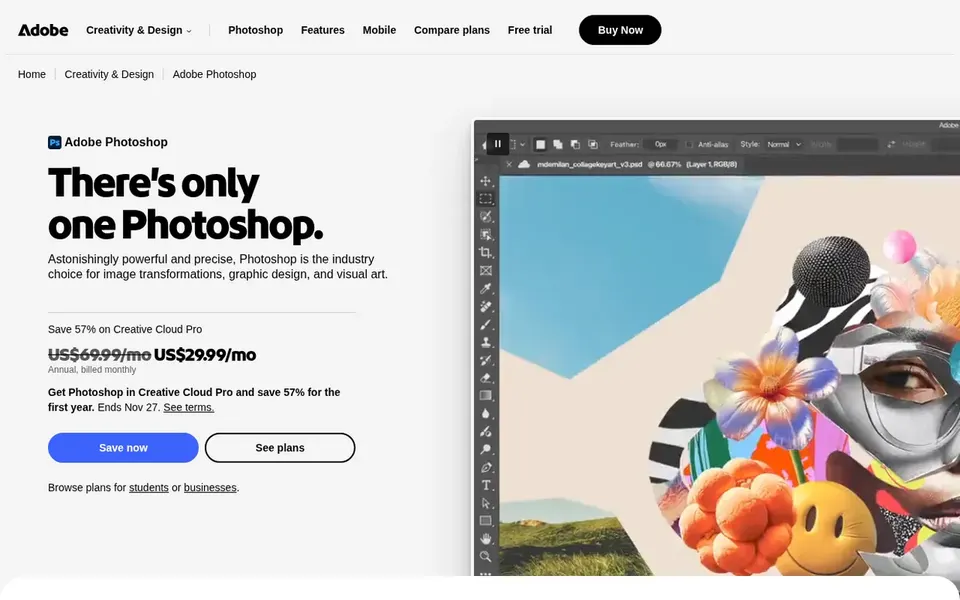
For learning professional editing over time, Adobe Photoshop is a natural candidate. Adobe Photoshop is a full-featured photo and design application available for desktop and mobile. It gives you fast ways to build custom scenes, make complicated edits, and combine images.
In practice, choose Photoshop when advanced control is the priority. Beginners who plan to grow their skills will find a deep set of tools, though the interface can feel overwhelming at first. Adobe Photoshop does not show a starting price in this comparison, so check the vendor site for current pricing. Free plan details: Not stated.
Honest limits: More complicated than beginner apps.
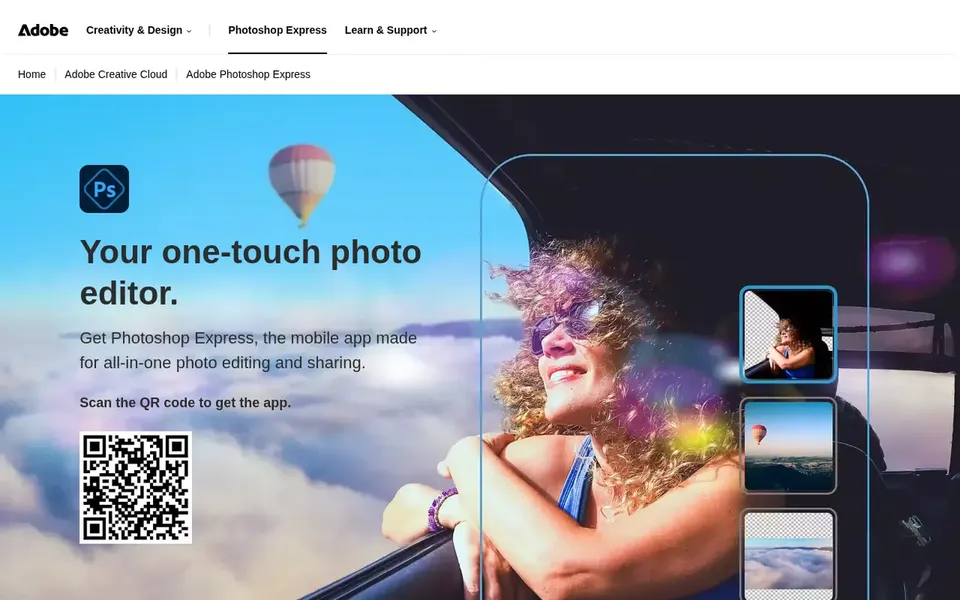
Adobe Photoshop Express is a good fit for fast mobile retouching and collages. Choose Express for everyday fixes and social-ready images. In daily use, since it is designed for mobile, Photoshop Express gives you fewer precise adjustments than desktop editors.
Adobe Photoshop Express is a free app for Android, iPhone, and iPad that concentrates on quick photo edits. It lets beginners build collages, apply makeup, retouch images, and try color looks before sharing. On top of that, if you need layer-based compositing or in-depth retouching, a full editor like Adobe Photoshop is a better fit. Pricing for Adobe Photoshop Express is not stated here, so ask the vendor for current figures. Free options: Not stated.
What to check first: Restricted advanced controls.
Think of Fotor for online photo editing in a browser. Beginners can crop, add text and effects, retouch photos, and use a set of editing tools without installing software. It is a practical choice for fast edits on any computer.
Also, if you need advanced compositing or in-depth color work, Adobe Photoshop or Luminar Neo are more solid suits. As a web-based editor, Fotor may not match the precision of desktop software for complicated projects. Fotor shows no starting price here, so confirm the cost on the vendor site. Fotor has a free plan.
Limits to weigh: Fewer advanced controls than desktop tools.
Get a written quote from Adobe Photoshop, Adobe Photoshop Express, Luminar Neo and Fotor; the list shows no starting price for them.
Test the free plan from Fotor against your real workload before relying on it.
Before choosing Picsart, weigh its main limit: can feel feature-heavy for beginners.
Find out what support Adobe Photoshop Express includes on your plan, and whether onboarding help costs extra.
Ask Fotor about contract length, onboarding fees and user minimums before you sign.
How we picked
Each tool was reviewed on what its vendor publishes: price, plan limits, core features and stated drawbacks. We did not run hands-on tests. Treat prices as a snapshot: vendors change plans often, so check the vendor site for the figure that applies today. The order reflects how well each tool fits the most common buying scenario for AI photo editing software for beginners, then price clarity, then free plan access. It is a starting point, not a verdict.
Every price and plan detail on this page comes from the vendors’ own websites. We did not run hands-on tests unless the text says so, and we do not publish star ratings or review scores. See how we score and our disclosure.
Keep your shortlist in one place
Paste prices, trial dates and notes from this guide into Ainotely, our AI note app. It files them into a topic and pulls out tasks like “cancel trial by Friday”. Free 7-day trial, no card needed.
What is the cheapest option for AI photo editing software for beginners in this list?
On published monthly entry prices, Picsart is the lowest here at $10.5 per month. Entry price is only part of the cost, because seats, add-ons and billing terms can change the total.
Can I try these tools before paying?
Often, yes. Fotor has a free plan. Use your own data and a real task during the test, and check what the free tier or trial limits before you rely on it. The 5 tool cards above repeat this per product for AI photo editing software for beginners, with the listed price or "pricing on request".
Which options for AI photo editing software for beginners have a free plan?
Fotor is the only tool in this list with a free plan. Free plans usually cap users, projects or features, so check the limits on the vendor page.
Is Picsart the right pick for everyone comparing AI photo editing software for beginners?
No single tool suits every team. Picsart comes first because it fits all-in-one creative content with AI tools, while Adobe Photoshop suits learning professional editing over time and Adobe Photoshop Express suits quick mobile retouching and collages. Match the tool to your own size, budget and workflow before deciding.