Best AI photo restoration tools in 2026: 8 Compared

- 1
 ReminiPhone photo enhancementVisit
- 2
 Topaz Photo AIPhotographer controlVisit
- 3
 MyHeritage Photo EnhancerFamily historyVisit
- 4
 Adobe PhotoshopManual repair plus AIVisit
- 5
 VanceAIWeb batch enhancementVisit
- Remini is our pick for phone users, since it enhances faces and old photos quickly from a mobile app.
- Topaz Photo AI suits photographers who want control over sharpening, noise reduction and upscaling.
- MyHeritage is best for family historians, since photo enhancement sits beside genealogy tools.
- Adobe Photoshop remains the choice when AI enhancement is only the first step and manual repair is still needed.
Quick comparison
| Product | Ideal for | Price from | Free version | |
|---|---|---|---|---|
| Remini | Phone photo enhancement | See website | Yes | Visit |
| Topaz Photo AI | Photographer control | See website | No | Visit |
| MyHeritage Photo Enhancer | Family history | See website | No | Visit |
| Adobe Photoshop | Manual repair plus AI | See website | No | Visit |
| VanceAI | Web batch enhancement | See website | Yes | Visit |
 HitPaw Photo Enhancer | Simple desktop enhancement | See website | No | Visit |
 SoftOrbits Photo Retoucher | Scratch and damage repair | See website | No | Visit |
 Movavi Picverse | Beginner photo editing | See website | No | Visit |
The best ai photo restoration tools
We compared official feature pages, pricing pages, app store listings, privacy policies and public reviews to build this list, focusing on products that fit the topic closely and are still available in October 2026.
Remini
Ideal for: Phone photo enhancement
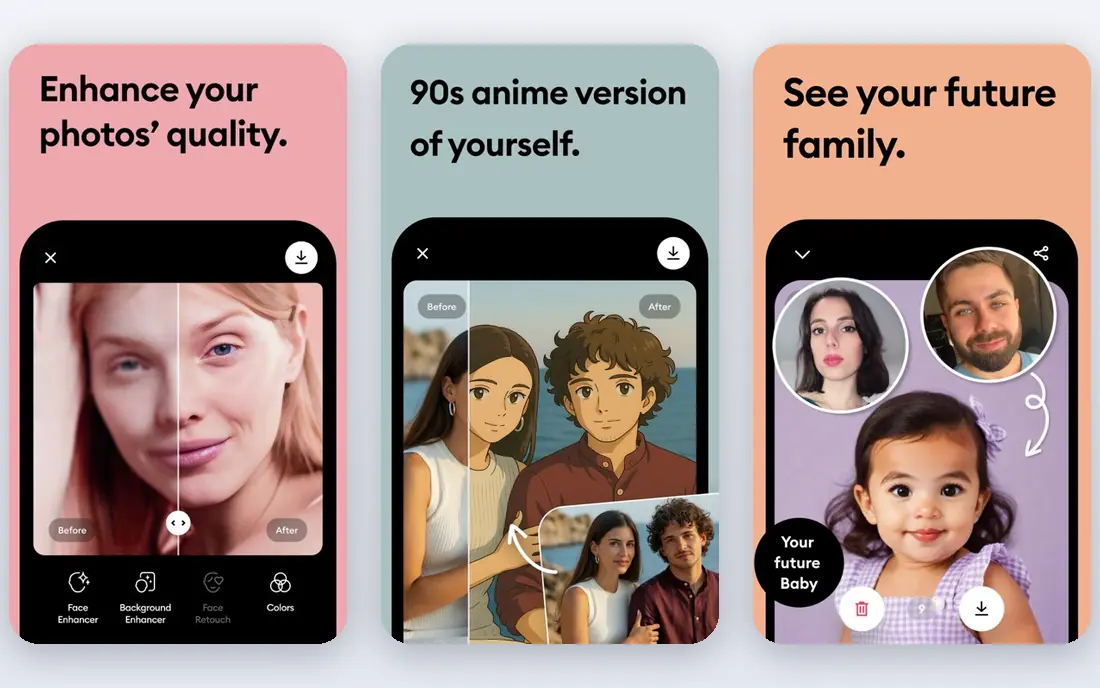
For buyers who want a clear fit, Remini is aimed at phone users restoring family photos. Remini is a mobile app known for enhancing faces and old photos quickly. It suits phone users who want to restore a family photo without desktop software. In practice, that means the product earns its place by doing one job well for that audience, rather than trying to cover every possible use case at once. We compared its official feature page, pricing and public reviews against the other options here, and its best-for label reflects where it looked strongest, not where its marketing claims are loudest.
The trade-off is worth naming plainly. Full use needs a subscription, and face results vary with damage and scan quality. On price, the starting point listed above is not published clearly, so check the vendor site, and the free plan entry is Yes. If that combination fits your budget and your main use case, Remini is a sensible shortlist choice. If the catch above is a deal breaker, move to another entry in this list whose strength matches your priority instead.
- Fast face enhancement
- Mobile app
- Old photo repair
- Subscription for full use
- Face results vary
Topaz Photo AI
Ideal for: Photographer control
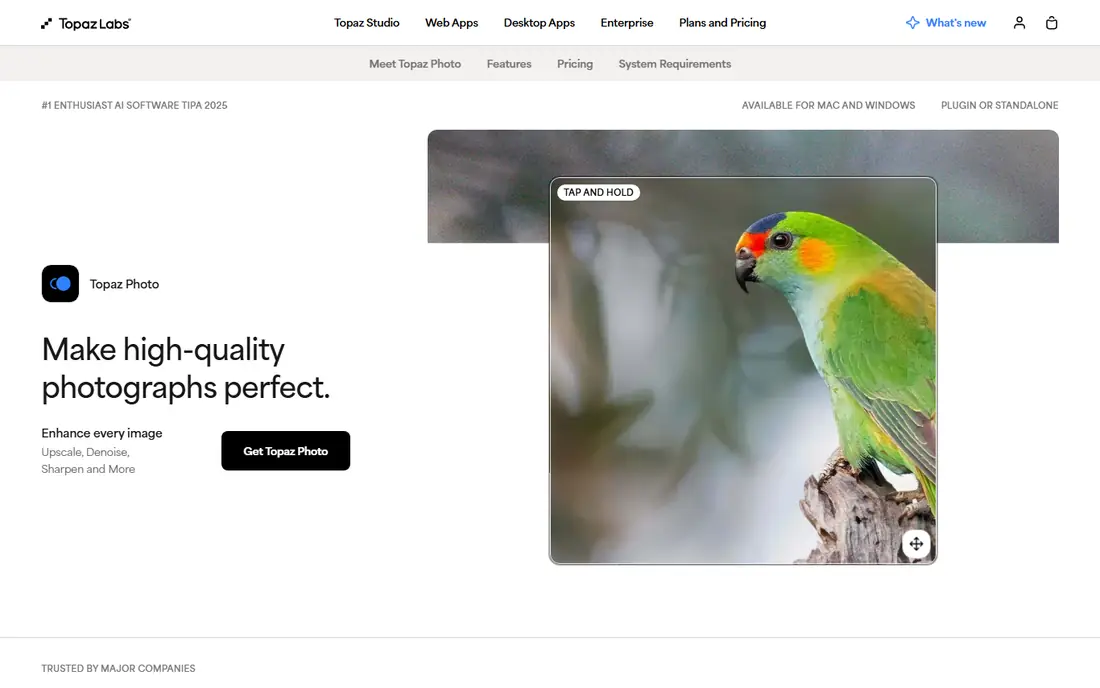
If that use case sounds familiar, Topaz Photo AI is aimed at photographers. Topaz Photo AI focuses on sharpening, noise reduction and upscaling with photographer controls. It suits users who want to tune results rather than accept a single automatic pass. In practice, that means the product earns its place by doing one job well for that audience, rather than trying to cover every possible use case at once. We compared its official feature page, pricing and public reviews against the other options here, and its best-for label reflects where it looked strongest, not where its marketing claims are loudest.
On the other side of that strength, It is a paid licence and needs a capable computer for large batches. On price, the starting point listed above is not published clearly, so check the vendor site, and the free plan entry is No. If that combination fits your budget and your main use case, Topaz Photo AI is a sensible shortlist choice. If the catch above is a deal breaker, move to another entry in this list whose strength matches your priority instead.
- Strong sharpening and noise tools
- Upscaling
- Batch work
- Paid licence
- Needs a capable computer
MyHeritage Photo Enhancer
Ideal for: Family history
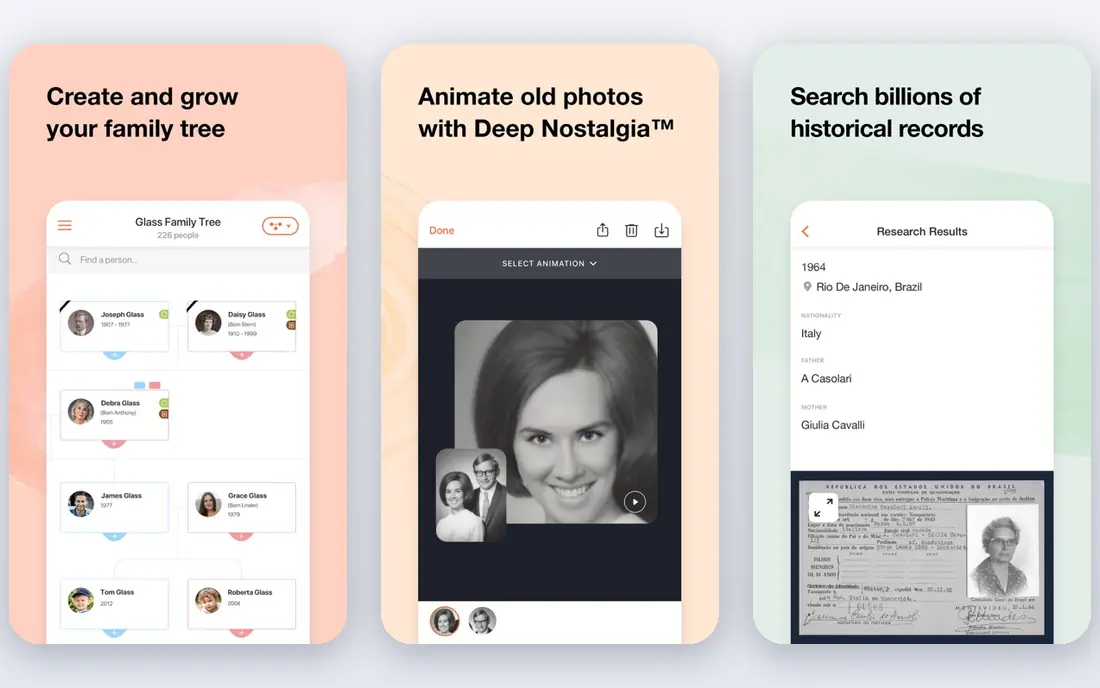
Among the options here, MyHeritage Photo Enhancer is aimed at family historians. MyHeritage Photo Enhancer sits beside genealogy tools, so restored photos join family trees. Colourisation and enhancement are easy for non-technical users. In practice, that means the product earns its place by doing one job well for that audience, rather than trying to cover every possible use case at once. We compared its official feature page, pricing and public reviews against the other options here, and its best-for label reflects where it looked strongest, not where its marketing claims are loudest.
Before you commit, weigh this part. Full use needs a subscription, and genealogy features add upsell pressure. On price, the starting point listed above is not published clearly, so check the vendor site, and the free plan entry is No. If that combination fits your budget and your main use case, MyHeritage Photo Enhancer is a sensible shortlist choice. If the catch above is a deal breaker, move to another entry in this list whose strength matches your priority instead.
- Enhancement beside genealogy
- Colourisation
- Easy sharing
- Full use needs subscription
- Genealogy upsell
Adobe Photoshop
Ideal for: Manual repair plus AI
For a team or household weighing this choice, Adobe Photoshop is aimed at users who need manual repair. Photoshop combines AI filters with full manual repair tools for damaged photos. It is the choice when AI alone cannot fix tears, missing areas or complex damage. In practice, that means the product earns its place by doing one job well for that audience, rather than trying to cover every possible use case at once. We compared its official feature page, pricing and public reviews against the other options here, and its best-for label reflects where it looked strongest, not where its marketing claims are loudest.
The honest catch comes next. It needs a subscription and has a learning curve, so casual users may prefer a simpler tool. On price, the starting point listed above is not published clearly, so check the vendor site, and the free plan entry is No. If that combination fits your budget and your main use case, Adobe Photoshop is a sensible shortlist choice. If the catch above is a deal breaker, move to another entry in this list whose strength matches your priority instead.
- Full manual repair
- AI filters
- Industry standard
- Subscription
- Learning curve
VanceAI
Ideal for: Web batch enhancement
When the main need is the one above, VanceAI is aimed at users with many photos. VanceAI is a web tool for enhancing, upscaling and repairing old photos in batches. It suits users with many photos who do not want desktop software. In practice, that means the product earns its place by doing one job well for that audience, rather than trying to cover every possible use case at once. We compared its official feature page, pricing and public reviews against the other options here, and its best-for label reflects where it looked strongest, not where its marketing claims are loudest.
Pricing and limits deserve a second look. The free tier limits resolution, and paid use runs on credits. On price, the starting point listed above is not published clearly, so check the vendor site, and the free plan entry is Yes. If that combination fits your budget and your main use case, VanceAI is a sensible shortlist choice. If the catch above is a deal breaker, move to another entry in this list whose strength matches your priority instead.
- Web-based
- Batch processing
- Old photo repair
- Free tier limits resolution
- Credits system
HitPaw Photo Enhancer
Ideal for: Simple desktop enhancement
For readers who put this factor first, HitPaw Photo Enhancer is aimed at beginners on desktop. HitPaw Photo Enhancer offers simple desktop enhancement with models for faces and old photos. Beginners can process batches without learning Photoshop. In practice, that means the product earns its place by doing one job well for that audience, rather than trying to cover every possible use case at once. We compared its official feature page, pricing and public reviews against the other options here, and its best-for label reflects where it looked strongest, not where its marketing claims are loudest.
A smaller drawback can still matter. Full exports need payment, and results vary by photo quality. On price, the starting point listed above is not published clearly, so check the vendor site, and the free plan entry is No. If that combination fits your budget and your main use case, HitPaw Photo Enhancer is a sensible shortlist choice. If the catch above is a deal breaker, move to another entry in this list whose strength matches your priority instead.
- Simple interface
- Face and old photo models
- Batch
- Paid for full exports
- Results vary by photo
SoftOrbits Photo Retoucher
Ideal for: Scratch and damage repair
In a crowded field, SoftOrbits Photo Retoucher is aimed at Windows users fixing scans. SoftOrbits Photo Retoucher focuses on removing scratches and damage from scanned photos. Its batch tools suit users digitising a photo archive. In practice, that means the product earns its place by doing one job well for that audience, rather than trying to cover every possible use case at once. We compared its official feature page, pricing and public reviews against the other options here, and its best-for label reflects where it looked strongest, not where its marketing claims are loudest.
What to check before paying is simple. It is Windows focused and its interface feels dated. On price, the starting point listed above is not published clearly, so check the vendor site, and the free plan entry is No. If that combination fits your budget and your main use case, SoftOrbits Photo Retoucher is a sensible shortlist choice. If the catch above is a deal breaker, move to another entry in this list whose strength matches your priority instead.
- Scratch removal
- Batch tools
- Simple workflow
- Windows focus
- Interface is dated
Movavi Picverse
Ideal for: Beginner photo editing
For a first purchase in this category, Movavi Picverse is aimed at casual editors. Movavi Picverse is an easy photo editor with AI enhancement for everyday users. It suits casual editors who want quick fixes without a complex interface. In practice, that means the product earns its place by doing one job well for that audience, rather than trying to cover every possible use case at once. We compared its official feature page, pricing and public reviews against the other options here, and its best-for label reflects where it looked strongest, not where its marketing claims are loudest.
The limit to keep in mind is this. It is less powerful than Photoshop for serious restoration, and full use is paid. On price, the starting point listed above is not published clearly, so check the vendor site, and the free plan entry is No. If that combination fits your budget and your main use case, Movavi Picverse is a sensible shortlist choice. If the catch above is a deal breaker, move to another entry in this list whose strength matches your priority instead.
- Easy editing
- AI enhancement
- Affordable
- Less powerful than Photoshop
- Paid
How we picked these
We compared official feature pages, pricing pages, app store listings, privacy policies and public reviews for each product, and we kept only products that are still available in October 2026 and that fit the topic closely. Where a vendor did not publish a clear starting price on its own site, we wrote See website rather than guessing. Prices can change, so check the vendor page linked in each product block before you buy.
Restoring old photos without losing what made them special
Start with a good scan, since AI cannot recover detail that was never captured. Scan at high resolution and keep the original file untouched. Try enhancement first, then colourisation as a separate step, so you can compare versions. Check faces closely, since AI can smooth or invent features, especially on damaged areas. For precious prints, keep a restored copy and the original scan, and note that colourised versions are interpretations, not original colours.
Frequently asked questions
What is the best AI tool to restore old photos?
Remini is best on a phone, Topaz Photo AI is best for photographers who want control, and MyHeritage suits family history work. VanceAI is a strong web option for batch work.
Can AI fix torn or badly damaged photos?
AI can improve scratches, fading and low resolution, but large missing areas are filled by guesswork. Severe damage still benefits from manual repair in Photoshop.
Does AI photo restoration change faces?
It can smooth skin and invent detail, especially on blurry faces. Check faces at full size and keep the original scan for comparison.
Can AI colourise black and white photos?
Yes, several tools colourise, but colours are educated guesses. Use colourisation as a creative version, not as a historical record.
Are these tools free?
Most offer free trials or limited free use, with paid plans for full resolution and batch work. Check export limits before you upload a large archive.