8 Strong AI Platform for Worksheet Creation Choices in 2026

- Number one here is Edcafe AI, a fit for interactive worksheets and activities.
- The lowest published monthly entry price here is $2 per month, from TeachTools.
- One limit worth knowing about Edcafe AI: newer than the largest rivals.
- TeachTools fits private, print-ready worksheets.
Direct answer
Our first pick is Edcafe AI, best for interactive worksheets and activities. Alternatives: Brisk Teaching for Worksheets from web pages and docs, and Wayground for Worksheets plus ready-made activities. The remaining 5 options are covered below with prices and limits.
Quick comparison
| Product | Ideal for | Price from | Free version | |
|---|---|---|---|---|
 Edcafe AI | Interactive worksheets and activities | $7.99 a month | Yes | Visit |
 Brisk Teaching | Worksheets from web pages and docs | See website | Yes | Visit |
 Wayground | Worksheets plus ready-made activities | See website | Yes | Visit |
 Eduaide | Differentiated worksheets and resources | $5.99 a month | Yes | Visit |
 Diffit | Leveled reading worksheets | $14.99 a month | Yes | Visit |
 MagicSchool AI | All-in-one teacher toolkit | $12.99 a month | Yes | Visit |
 QuestionWell | Question sets from source material | See website | Yes | Visit |
 TeachTools | Private, print-ready worksheets | $2 per month | Yes | Visit |
8 options for AI platform for worksheet creation in detail
This Ainotely guide covers 8 options for AI platform for worksheet creation. Each profile lists a starting price, free plan details, strengths and drawbacks, so you can drop poor fits quickly.
Edcafe AI
Ideal for: Interactive worksheets and activities
For interactive worksheets and activities, Edcafe AI is a natural candidate. Edcafe AI goes beyond a printable sheet.
Where it falls short: Interactive features need student device access.
It can build reading materials, flashcards, and interactive activities, and it comes with grading support that can accelerate routine marking. Check both outputs during a trial, and make sure the print version looks clean before you depend on it. On cost, Edcafe AI starts like this: $7.99 per month. Edcafe AI offers a free plan.
- Assignment grading support
- Interactive activities and chatbots for students
- Newer than the largest rivals
Brisk Teaching
Ideal for: Worksheets from web pages and docs
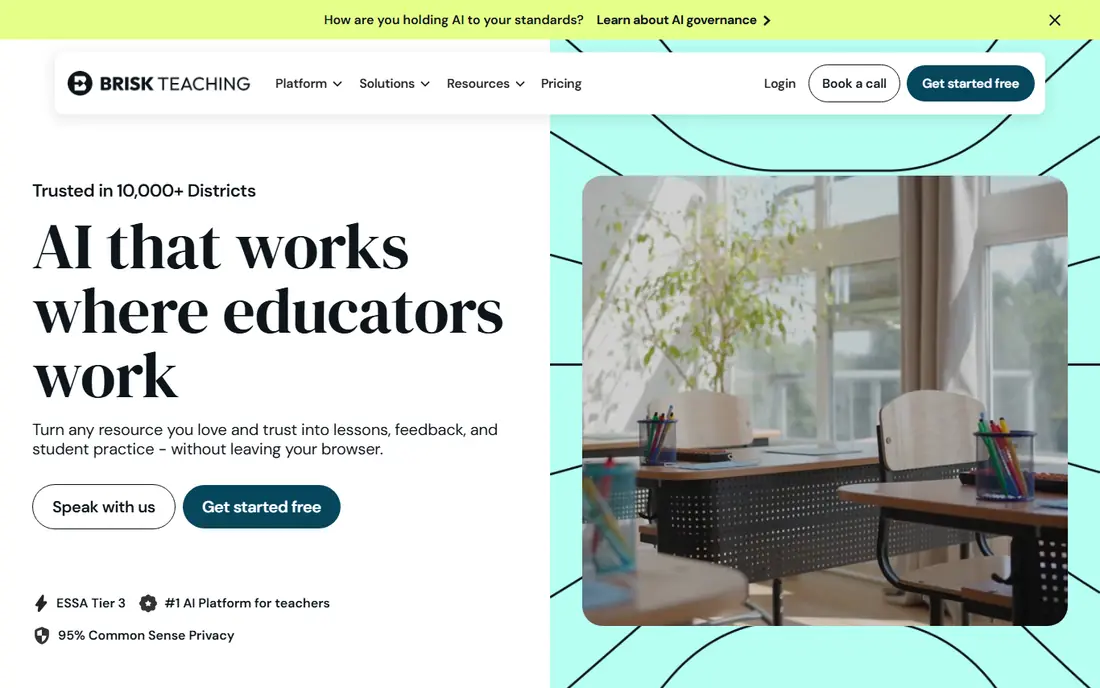
Brisk Teaching targets Worksheets from web pages and docs. Brisk Teaching works where numerous teachers already work.
Also, as a browser extension and web tool, it can turn an article you are reading or a document you have open into questions, a quiz, or a worksheet draft. That starting point is practical, since you are not pasting text into a blank prompt box. This comparison lists no price for Brisk Teaching; ask the vendor. A free plan is available with Brisk Teaching.
Points against: Free plan has usage pauses.
- Solid Google Classroom fit
- Produces materials from articles, videos, PDFs
- Some features need school or district plans
Wayground
Ideal for: Worksheets plus ready-made activities
Wayground is aimed squarely at Worksheets plus ready-made activities. Wayground, formerly Quizizz, pairs a large library with AI generation, so you can start from an existing activity or build a new one. That library is handy on a busy morning when a completely original worksheet is not needed.
Honest limits: AI output quality varies by topic.
Use the library for speed and the AI tools for customization, and watch the final answer key. The main limit is consistency. AI questions still need a teacher check, particularly for math notation, facts, and answer keys. AI tools can adapt or build activities, and you can assign them digitally with grading built in. No starting price is listed for Wayground here; confirm pricing on the vendor site. Free access exists with Wayground.
- Assignment and grading tools
- Large library of ready-made activities
- Premium individual pricing varies by region
Eduaide
Ideal for: Differentiated worksheets and resources
Eduaide targets differentiated worksheets and resources. Eduaide is a decent value pick for teachers who pay out of pocket.
Its worksheet tools sit alongside generators for rubrics, feedback, and other classroom resources, and the Pro price is lower than multiple bigger rivals. In practice, differentiation choices help you adjust reading level and support, which matters for mixed classes. The starting price for Eduaide: $5.99 per month. You can start on Eduaide without paying.
Where it is weaker: Free plan has restricted monthly generations. Where it shines: Plenty of resource types beyond worksheets.
- Differentiation and export choices
- Low entry price
- Interface can feel busy at first
Diffit
Ideal for: Leveled reading worksheets
Diffit serves leveled reading worksheets. Teachers who work chiefly in reading, ELA, or social studies will get the most from it.
Honest limits: Strongest for reading and ELA.
Upsides: Comprehension questions and vocabulary included. Math teachers can still use parts of it, but the reading focus is clear, so check whether your subject suits before you pay. Starting cost for Diffit: $14.99 per month. Diffit includes a free tier.
- Leveled passages at several reading levels
- Accepts PDF, URL
- Some exports need a premium plan
MagicSchool AI
Ideal for: All-in-one teacher toolkit
Think of MagicSchool AI for all-in-one teacher toolkit. The primary limit is that free generations are capped, so heavy users will need the Plus plan.
Drawbacks to consider: Worksheets are static documents instead of interactive assignments.
Price to start with MagicSchool AI: $12.99 per month. MagicSchool AI has a free plan.
- Worksheet generator with standards and level controls
- Student tools on premium plans
- Free plan has generation limits
QuestionWell
Ideal for: Question sets from source material
Pick QuestionWell if this describes you: question sets from source material. For worksheet creation alone, that narrow focus is a strength, not a weakness. Also, you can feed it a reading, a video, or a web page, then shape the questions it produces.
That focus keeps the workflow straightforward and avoids the distraction of dozens of unrelated tools. If you want lesson plans, rubrics, and parent emails in the same place, you will need another tool beside it. No starting price is listed for QuestionWell here; confirm pricing on the vendor site. You can start on QuestionWell without paying.
Where it is weaker: Narrower than all-in-one systems.
- Builds questions from readings, videos, websites
- Export to typical formats
- Pricing is not always published clearly
TeachTools
Ideal for: Private, print-ready worksheets
For private, print-ready worksheets, TeachTools is a natural candidate. It makes print-ready worksheets with answer keys, without requiring student accounts or collecting student data for the basic workflow. That simplicity is refreshing when you only need a clean sheet for tomorrow.
Beyond that, the limit is breadth. The premium plan is low cost and can be paused in summer, according to the vendor. Starting cost for TeachTools: $2 per month. You can start on TeachTools without paying.
Where it falls short: Free generations are restricted each month.
- Print-ready PDFs with answer keys
- Very low premium price
- Smaller tool set than large systems
Choosing AI platform for worksheet creation: what matters
Start with how you will use the worksheet. A printable sheet for homework needs clean layout and an answer key. As for the details, AI tools can invent details or set a level too high or too low.
A fast teacher edit is part of the workflow, not an optional additional. Beyond that, prefer tools with a clear education privacy policy, FERPA-aware design where relevant, and no unnecessary student accounts. For printable worksheets, a tool that needs no student data at all is frequently the simplest choice.
More specifically, a low monthly price can still add up if you pay through months you do not teach.
How we built this list
Pricing pages, product documentation and feature lists were the main sources, and every entry carries at least one honest drawback. Treat prices as a snapshot: vendors change plans often, so check the vendor site for the figure that applies today. Tools are placed by general fit for AI platform for worksheet creation, with price clarity and free access as tie-breakers. A different team can reasonably rank them differently.
What to check before you buy
- Ask Brisk Teaching, Wayground and QuestionWell for a written quote, since no starting price is shown.
- Check what the free option really includes: Edcafe AI, Brisk Teaching, Wayground and others offer a free plan, and usage caps differ.
- Before choosing Edcafe AI, weigh its main limit: newer than the largest rivals.
- Before rolling out TeachTools, verify the integrations your workflow depends on.
- Look at the help docs and support options for Eduaide before you commit.
Frequently asked questions
Do these tools publish their prices?
Not all of them. Brisk Teaching, Wayground and QuestionWell publish no starting price, so expect a quote request for those. The rest, Edcafe AI included, show a starting price, though seats and billing terms still change the final cost.
What is the best ai system for worksheet creation?
The first pick on this list is Edcafe AI, because it suits interactive worksheets and activities. Brisk Teaching is better for Worksheets from web pages and docs, and Wayground for Worksheets plus ready-made activities. Check price and limits against your own needs before choosing.
Can I try these tools before paying?
Often, yes. Edcafe AI, Brisk Teaching, Wayground and others have a free plan. Use your own data and a real task during the test, and check what the free tier or trial limits before you rely on it.
Is Edcafe AI the right pick for everyone comparing AI platform for worksheet creation?
No single tool suits every team. Edcafe AI comes first because it fits interactive worksheets and activities, while Brisk Teaching suits Worksheets from web pages and docs and Wayground suits Worksheets plus ready-made activities. Match the tool to your own size, budget and workflow before deciding.
Do these tools work for math worksheets?
Some do, but reading and ELA tools are more solid in this group. For math-heavy needs, test a tool with your actual problems before you commit to a premium plan.
How are the tools for AI platform for worksheet creation ordered?
Edcafe AI sits first and TeachTools last because the order follows typical fit for AI platform for worksheet creation, then price clarity and free access. It is a judgement call, so read each profile for fit and limits.