Best AI Platforms for Rapid App Prototyping

- Bolt.new, Lovable and Replit all start at $25 a month, while Cursor starts at $20, so the entry price is close across the leading tools.
- The plan price is only part of the bill on token and credit based tools, since heavy iteration can push monthly spend well past the headline figure.
- v0 is the strongest choice for polished React interfaces, Bubble is the strongest for no-code apps with real databases, and Glide is the fastest route from a spreadsheet to a working app.
- Free tiers are useful for a first test, but most of them limit publishing, custom domains or daily use, so budget for at least one month of an entry plan before you commit to a tool.
- Check export and lock-in before you build, because several tools keep your app on their hosting and offer no code export.
Quick comparison
| Product | Ideal for | Price from | Free version | |
|---|---|---|---|---|
 Bolt.new | browser-based full-stack prototypes | $25 per month (billed monthly, $18 per month billed annually) | Yes | Visit |
 v0 | polished React and Next.js interfaces | $30 per user/month (Plus plan) | Yes | Visit |
 Lovable | non-technical founders shipping web apps | $25 per month (billed monthly, $21 per month billed annually) | Yes | Visit |
 Replit | full projects with code, hosting and Agent | $25 per month (Core, $20 per month billed annually) | Yes | Visit |
 Cursor | developers who want AI inside a real editor | $20 per month (Pro, $16 per month billed annually) | Yes | Visit |
 Bubble | no-code apps with real databases and logic | $39 per month (Starter web, $32 per month billed annually) | Yes | Visit |
 Glide | data-driven apps from spreadsheets | $60 per month (Maker, $49 per month billed annually) | Yes | Visit |
 Softr | client portals on Airtable or Google Sheets | $25 per month (Basic, $19 per month billed annually) | Yes | Visit |
The best AI platforms for rapid app prototyping
Bolt.new
Ideal for: browser-based full-stack prototypes
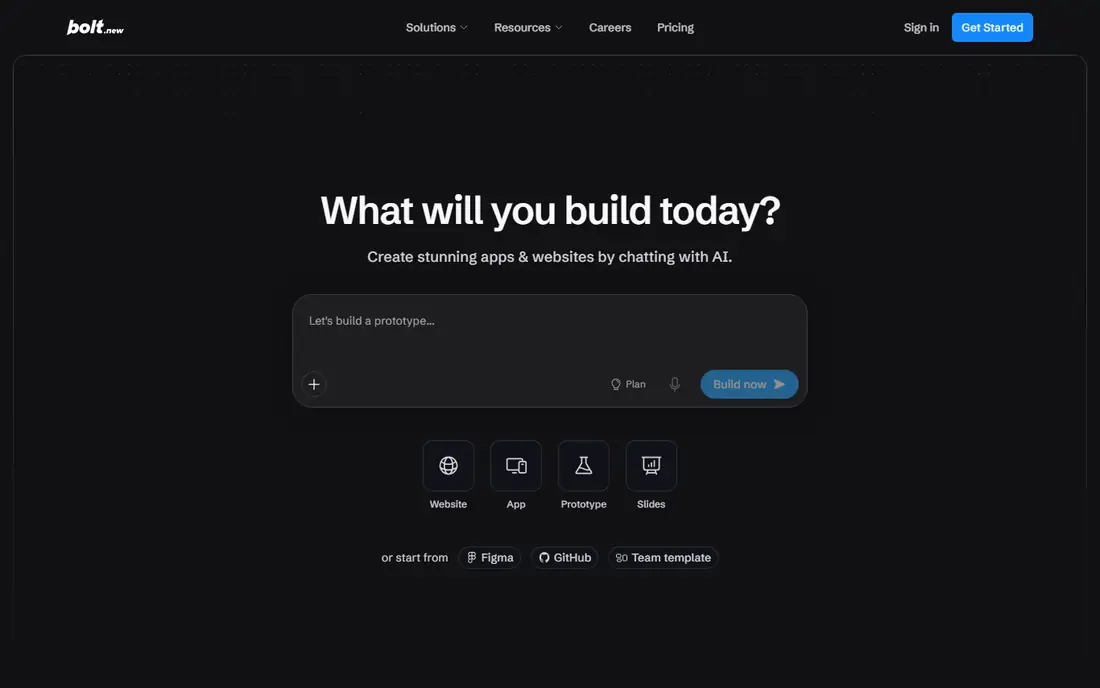
Bolt.new is the AI app builder from StackBlitz, and it runs completely in the browser, so you can go from a prompt to a working app without installing anything. You describe what you want in plain language, and Bolt generates the interface, the code and a database, then hosts the result for you. The free tier gives you 1 million tokens a month with a 300,000 token daily cap, which is enough to test the workflow and ship a small demo. Pro starts at $25 a month for 10 million tokens, removes the daily cap, adds a custom domain and removes Bolt branding.
The main thing to watch is the token meter. Bolt re-reads your project on every prompt, so larger projects cost more per message, and a long build session can burn through the monthly allowance faster than the plan price suggests. Bolt is a strong pick when you want the fastest path from an idea to a clickable prototype in the browser.
- Runs entirely in the browser with no setup
- Unused tokens roll over on Pro
- Costs scale with token use, so heavy iteration gets expensive
- No native mobile app export
v0
Ideal for: polished React and Next.js interfaces
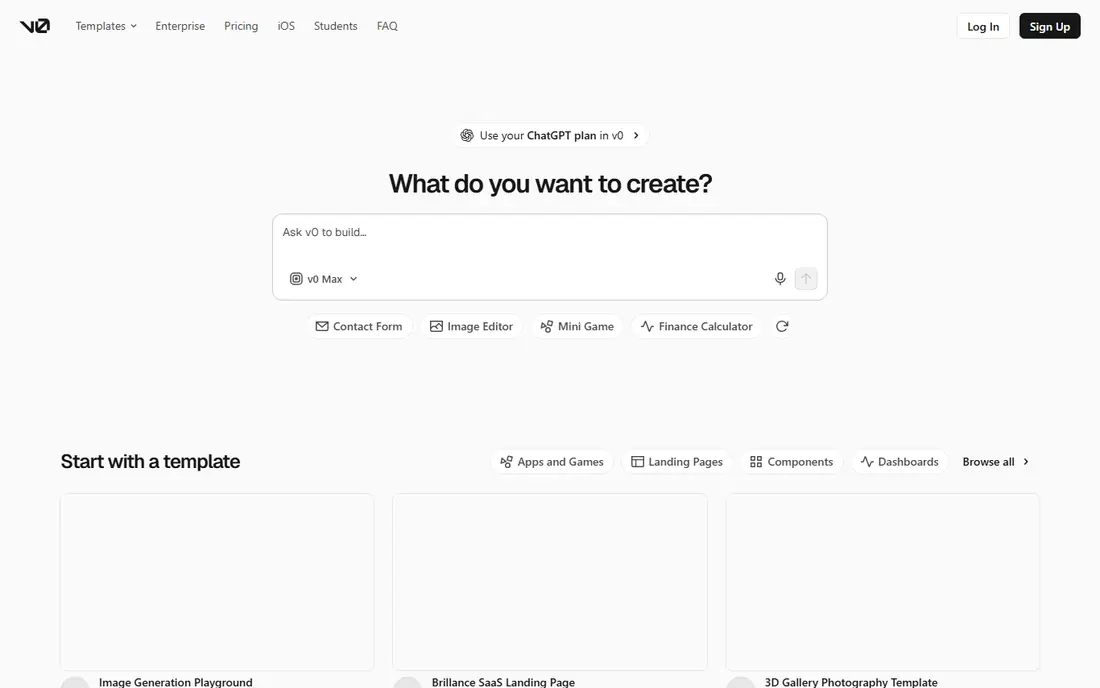
v0 is Vercel's AI tool for generating user interfaces, and it is the best option in this list when the look of the product matters most. It produces clean React components built on shadcn/ui and Tailwind CSS, and the output drops naturally into a Next.js project or deploys directly to Vercel hosting. You can start from a text prompt, a sketch or a Figma import, then iterate on the design in chat. The free tier includes $5 of monthly credits, which is enough for a few generations and a sense of the quality.
Pricing changed in 2026, and buyers should read the current page carefully. The older Premium plan at $20 a month is being sunset and is closed to new signups, so new accounts start on Free or on Plus at $30 per user a month, which includes $30 of monthly credits plus $2 of free daily credits when you log in. Credits map to token usage, so a long prompt or a large component costs more than a short one. v0 suits teams already in the Vercel ecosystem that want interface quality with little cleanup.
- Strong component quality with shadcn/ui and Tailwind
- Deploys straight to Vercel
- The $20 Premium plan is closing to new users, so new buyers start at $30
- Credit-based billing makes monthly cost hard to predict
Lovable
Ideal for: non-technical founders shipping web apps
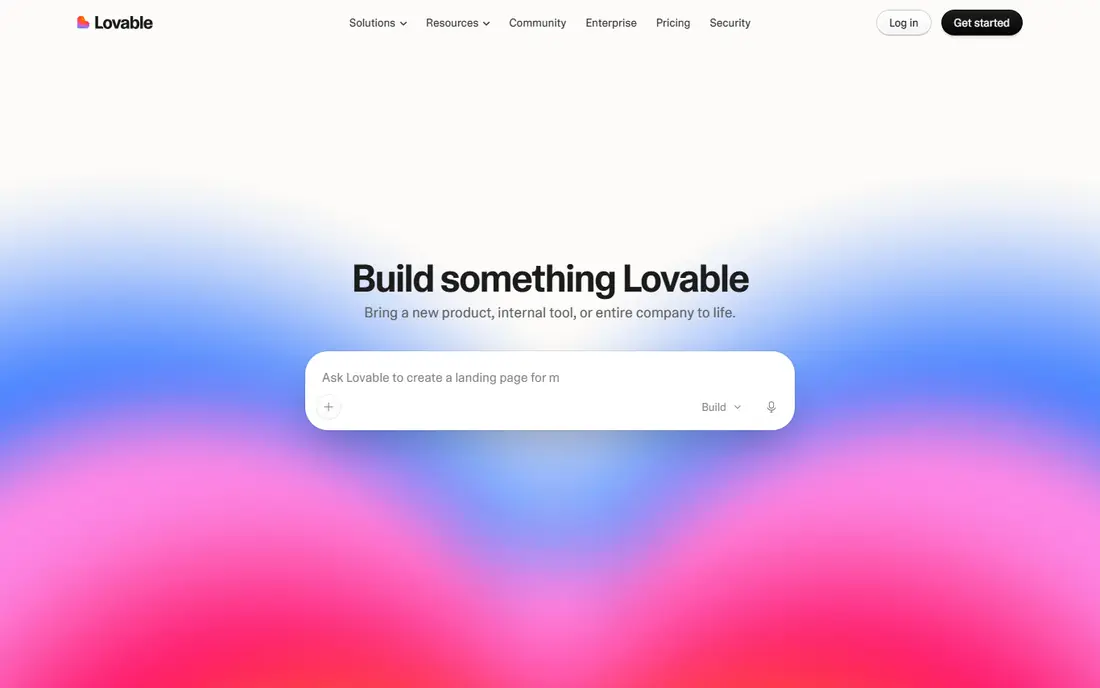
Lovable turns a written description into a full web app with hosting, a database through Supabase and user authentication, and it is built for people who do not write code. You chat with the builder, watch the app take shape, then publish it on a Lovable subdomain or your own domain. The free tier gives you 5 daily build credits, capped at 30 a month, plus monthly Cloud and AI grants. Pro starts at $25 a month for 100 monthly credits, and higher credit tiers scale up to 10,000 credits at $2,250 a month.
Lovable charges by credits, not by seat, so a five-person team on Pro pays $25, not $125, but a complex app can burn the 100-credit allowance quickly, and credits also cover hosting and your app's AI features after launch. Business at $50 gives you the same 100 credits as Pro, so you pay double for SSO and admin controls rather than capacity. Lovable suits a founder who wants to ship a real product without hiring a developer, as long as the credit budget is planned in advance.
- Per-workspace pricing with unlimited members
- Built-in hosting and Supabase integration
- Credits burn fast on complex builds
- Business at $50 adds controls, not capacity
Replit
Ideal for: full projects with code, hosting and Agent
Replit is a cloud development environment with an AI Agent built in, which makes it different from the prompt-to-app tools that hide the code. You can prompt the Agent to build an app, then open the generated code, edit it yourself, and deploy it from the same browser tab. Core costs $25 a month, or $20 a month billed annually, and includes about $25 of monthly usage credits, two parallel agents, Plan Mode and unlimited workspaces. The free Starter tier includes daily Agent credits and one published project, which is enough to learn the workflow.
The cost that catches people out is the Agent itself. Replit bills Agent work by effort under a checkpoint model, so a single complex build can burn through the included credits, and once they run out you drop to pay-as-you-go metering. Builders who iterate heavily routinely report monthly totals several times the sticker price. Replit fits someone who wants real code they can own and edit, plus hosting in the same place, and who sets a hard budget for Agent usage before starting a build.
- Cloud IDE, hosting and Agent in one place
- Collaborative editing with up to 5 collaborators on Core
- Agent bills by effort, so real monthly spend often runs past the plan price
- Deployments add usage charges
Cursor
Ideal for: developers who want AI inside a real editor
Cursor is an AI-powered code editor rather than a prompt-to-app website, and it belongs on this list because many prototypes start as real code in an editor. It offers agent mode, chat, tab completions and full codebase indexing, and it can build a working app from a prompt while letting you inspect and change every file it creates. The Hobby plan is free with no card required and covers Agent, Chat and Tab completions with limited usage. Pro costs $20 a month, or $16 a month billed annually, and adds extended agent limits, frontier-model access, MCP servers, skills, hooks and cloud agents.
Cursor moved to usage-based metering at model API rates in 2026, so the $20 fee buys an included allowance of roughly $20 of third-party model use, and anything beyond that bills in arrears. That makes Cursor cheap for steady daily use and unpredictable for a week of heavy prototyping, so track usage in the dashboard.
- Full codebase awareness and agent mode in a familiar editor
- Frontier models included on Pro
- Usage beyond the included allowance bills on demand
- The editor is code-first, so non-developers face a learning curve
Bubble
Ideal for: no-code apps with real databases and logic
Bubble is the most capable no-code platform in this list for apps that need real logic, user accounts and a database. You build with a visual editor, define data types and workflows by pointing and clicking, and the platform now includes an AI Agent that can generate the first version of an app from a description. The free plan lets you build and test without a time limit, but a live custom-domain site needs a subscription. Starter for web costs $39 a month, or $32 a month billed annually, and includes 175,000 workload units a month, a custom domain, recurring workflows and 1,000 AI credits a month.
The meter to understand is workload units, which measure the compute your app uses on page loads, database searches, workflows and API calls. A quiet MVP fits inside the Starter allowance, but a popular app will cross it and pay overage at about $0.30 per 1,000 workload units. Bubble has no code export, so your app stays on Bubble hosting, which is worth accepting when you need a serious product without writing code.
- Visual workflows and a real database with no code
- 175,000 workload units included on Starter
- Usage is metered in workload units, so busy apps cost more
- There is no code export
Glide
Ideal for: data-driven apps from spreadsheets
Glide turns a spreadsheet into a working app, and it is the fastest tool here when your data already lives in Google Sheets, Excel, Airtable or Glide Tables. You pick a data source, choose a layout, and Glide generates screens, forms and lists that stay in sync with the underlying rows. The newer GlideOS adds an AI builder that can create an app from a prompt, a PDF or a screenshot, while Glide Classic remains the original table-based builder. Maker costs $60 a month, or $49 a month billed annually, and includes 3 published apps, 2 editors, 500 updates a month and unlimited personal users.
Two limits matter more than the price. Maker only allows users with personal email domains such as Gmail or Outlook, so a user who needs to sign in with a work email forces a move to Business at $199 a month. Since October 31, 2025 the free tier can no longer publish live apps, so any real test with users needs at least the Explorer plan. Glide fits internal tools, community apps and customer portals where users sign in with personal email addresses.
- Turns Google Sheets or Glide Tables into working apps fast
- Unlimited personal users on Maker
- Work-email users need the $199 Business plan
- The free tier can no longer publish live apps
Softr
Ideal for: client portals on Airtable or Google Sheets
Softr builds client portals, internal tools and membership sites on top of data you already keep in Airtable, Google Sheets or its own built-in database. You drag blocks onto a page, connect them to your tables, and add user logins with different permission levels, so clients see only their own records. The free plan includes 5,000 records, 500 workflow actions a month and 5 AI credits. Basic costs $25 a month, or $19 a month billed annually, and adds a custom domain, conditional form logic, automated database backup, 50,000 records and 2,500 workflow actions a month.
Softr prices by workspace, not by seat, so a small team pays one plan price rather than one price per person, but the user caps still matter. Basic covers 1 builder, 5 team users and 5 client users, and each extra builder costs $6 a month. The bigger catch is data sources: SQL, HubSpot and Excel connections need Business, and Airtable sync is also gated to Business at $395 a month on monthly billing.
- Clean portals with user logins on data you already keep
- Unlimited apps on every plan
- Airtable sync needs the Business plan at $395
- Extra builder seats cost $6 a month each
How we chose
We compared the vendor pricing pages, plan tables and documentation for each tool, and we checked the free tier limits and the billing model behind every headline price. We gave weight to tools that publish a real price, that let a new user test the product without a card, and that cover the full path from a prompt to a live app. We did not run hands-on tests, and we did not rank tools on speed claims or on review scores from other sites. Prices change often in this category, so confirm every figure on the vendor site before you buy.
What to check before you buy
Start with the billing model, because it decides your real monthly cost more than the plan price does. Token and credit based tools charge for every prompt and rebuild, while workload and update based tools charge for what your live app does. Then check publishing limits on the free tier, since several tools block live publishing or custom domains until you subscribe. Check who counts as a user, because per-seat, per-workspace and per-email-domain pricing produce very different bills for the same team. Check export options too, because some tools keep your app on their hosting with no code export.
Use the table below to match a budget and team shape to a starting point.
| Your situation | Start here | Monthly cost to expect | | Solo founder, one app, tight budget | Lovable Pro or Bolt.new Pro | $25, plus credits or tokens if you iterate heavily | | Developer building real code | Cursor Pro | $20, plus on-demand usage past the allowance | | No-code app with database and logins | Bubble Starter or Softr Basic | $32 to $39 on Bubble, $19 to $25 on Softr | | App on a spreadsheet for a small team | Glide Maker | $49 to $60, unless users have work emails | | Team that needs polished UI in Next.js | v0 Plus | $30 per user, plus credits for large builds |
Also confirm the refund and cancellation terms, the support response time on the plan you buy, and whether the tool stores your data in a region that meets your requirements. Read the plan page twice and set a hard monthly budget in the tool's usage settings where the option exists.
Frequently asked questions
Which AI platform is best for rapid app prototyping?
The best choice depends on who is building. Lovable and Bolt.new suit non-technical founders who want a working app from a prompt, Cursor suits developers who want AI inside a real editor, and Bubble suits no-code builders who need a real database and user logins. Start with the free tier and build one small app end to end before you subscribe.
How much does rapid app prototyping cost per month?
Entry plans run from $20 to $60 a month, but the plan price is rarely the full bill. Token, credit and workload meters add charges as you build and as users arrive, so a busy month can cost two to four times the sticker price. Set a monthly budget cap, track usage weekly, and treat the first month as a test.
Can I prototype an app for free?
Yes, every tool in this guide offers a free tier, but the limits differ. Bolt.new gives 1 million tokens a month, Lovable gives 5 daily build credits, and v0 gives $5 of monthly credits. Some free tiers block live publishing or custom domains, so a free test proves the builder, not the finished product. Budget for one month of an entry plan before you judge a tool.
Do these tools let me export my code?
It depends on the tool. Cursor and Replit work with real code you can download and move elsewhere, and v0 output is standard React code. Bubble has no code export, so your app stays on Bubble. Bolt.new, Lovable, Glide and Softr let you export code or data in some form, but the app itself is tied to their hosting.
Which platform is best for a mobile app prototype?
Glide and Bubble are the strongest choices here, because both can produce phone-friendly apps, and Bubble also supports native iOS and Android builds on its mobile plans. Bolt.new, Lovable and v0 focus on web apps, though their output works in a mobile browser. If app store publishing is a hard requirement, confirm the mobile plan price and the build limits before you start.