How to Pick AI Podcast Editing Software: 8 Tools Compared

- 1
 Async (formerly Podcastle)Beginner-friendly AI studioVisit
- 2
 RiversideRemote studio recordingVisit
- 3
 Adobe PodcastAI speech enhancementVisit
- 4
 ResoundAutomatic edit draftsVisit
- 5
 DescriptAll-in-one text-based editingVisit
- This list starts with Async (formerly Podcastle), which is built for beginner-friendly AI studio.
- 6 of the 8 tools have a free plan, including Async (formerly Podcastle), Adobe Podcast, Resound and Descript.
- Podsqueeze has the lowest monthly starting price in this list: $8.99 per month.
- A fair warning about Resound: drafts still need human review.
Direct answer
Start with Async (formerly Podcastle) if you need beginner-friendly AI studio. Riverside fits remote studio recording; Adobe Podcast fits AI speech enhancement. Details, prices and limits for the rest of the 8 tools are below.
Quick comparison
| Product | Ideal for | Price from | Free version | |
|---|---|---|---|---|
| Async (formerly Podcastle) | Beginner-friendly AI studio | $11.99 a month (Essential) | Yes | Visit |
| Riverside | Remote studio recording | $24 per month (Pro, billed yearly) | Free trial | Visit |
| Adobe Podcast | AI speech enhancement | $9.99 per month (Premium) | Yes | Visit |
| Resound | Automatic edit drafts | $15 per month (Creator) | Yes | Visit |
| Descript | All-in-one text-based editing | $16 a month (Hobbyist, billed yearly) | Yes | Visit |
 Auphonic | Automatic audio post-production | $11 a month (S plan) | Yes | Visit |
 Cleanvoice | Filler and mouth-sound removal | $11 a month | Free trial | Visit |
 Podsqueeze | Present notes and repurposing | $8.99 per month (Starter) | Yes | Visit |
The 8 tools in detail
Choosing AI Podcast editing software usually comes down to price, fit and limits. This Ainotely guide sets 8 tools side by side on those three points, with the facts kept short and checkable.
Async (formerly Podcastle)
Ideal for: Beginner-friendly AI studio
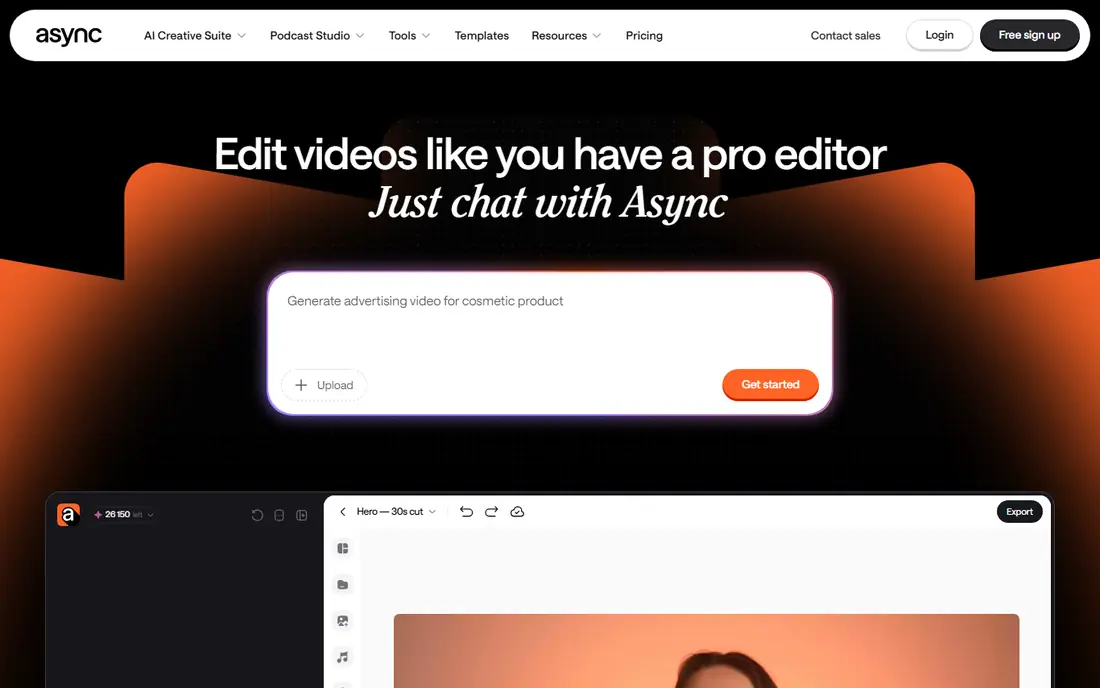
In short, Async (formerly Podcastle) is for beginner-friendly AI studio. Multi-track narrative editing, precise mixing, and advanced mastering are thinner here than in Descript or a traditional DAW. Integrations and export handle the standard podcast pipeline, and support is ticket-based.
Points against: Rebrand still settling in.
Also, teams should also note the rebrand is recent, so older tutorials and reviews reference the Podcastle name. Podcastle rebranded to Async in early 2026, and the product kept its core promise: a browser-based studio where beginners can record, edit, and enhance a podcast without learning a DAW. Async (formerly Podcastle) starts at: $11.99 per month. Async (formerly Podcastle) includes a free tier.
- Very approachable interface
- AI voices and text-to-speech included
- Advanced editing depth trails Descript
Riverside
Ideal for: Remote studio recording
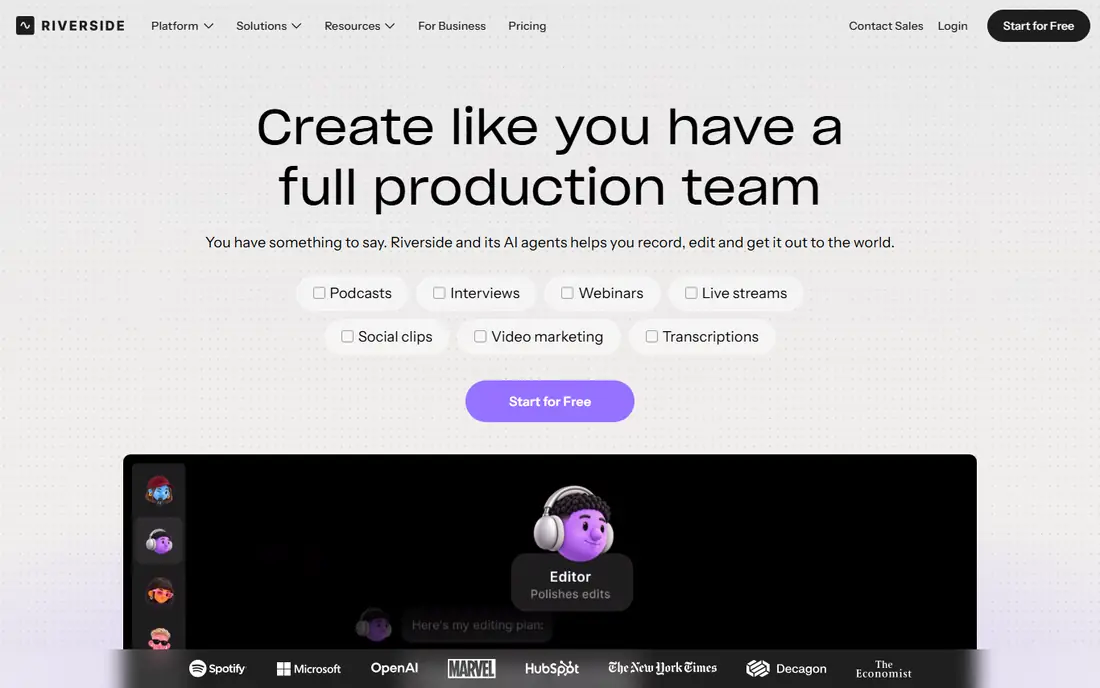
For remote studio recording, Riverside is a natural candidate. Pricing begins at $24 a month on annual billing for Pro, or $29 month to month. Each guest's audio and video are recorded locally on their own device, then uploaded.
So the final quality does not rely on anyone's internet connection. For interview podcasts and video displays, that design decision matters more than any editing trick. There is a free trial but no permanent free level, so budget from day one. Riverside cost at the entry level: $24 per month. Free access: Free trial.
Watch-outs: $29 per month when billed monthly.
- Video and audio in one session
- Local recording per guest for maximum quality
- Editing is lighter than Descript
Adobe Podcast
Ideal for: AI speech enhancement
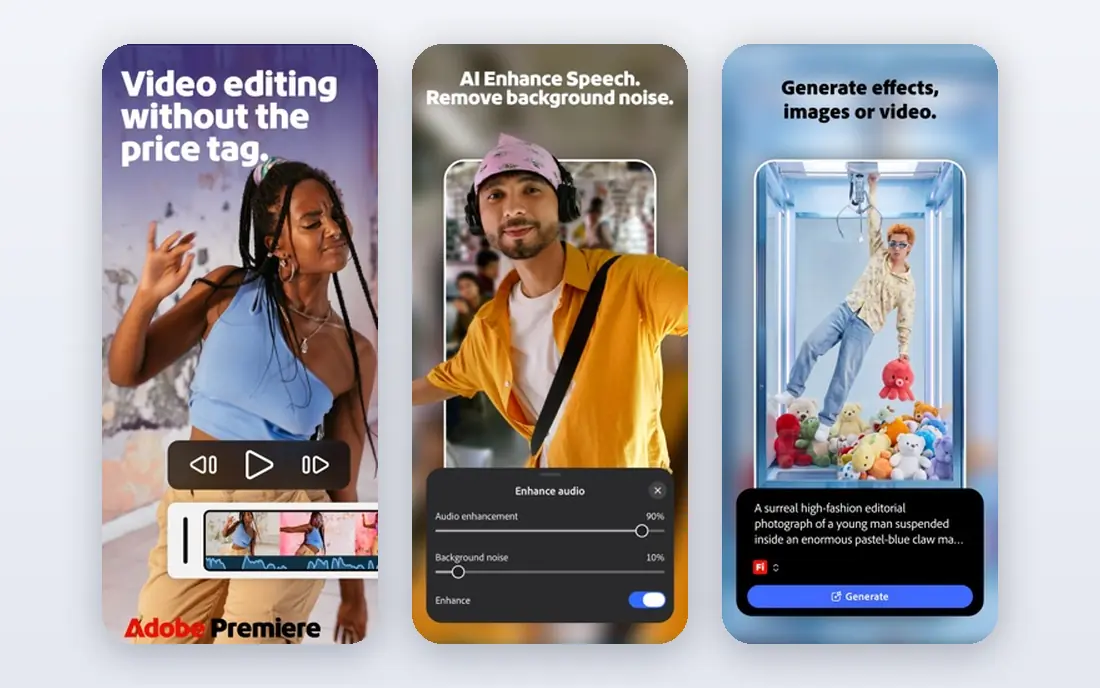
In short, Adobe Podcast is for AI speech enhancement. Adobe Podcast grew out of a research demo that went viral: upload noisy, echoey audio and get back something that sounds recorded in a treated room. As part of Adobe's ecosystem, it pairs naturally with Audition and Premiere for video podcasts.
The web studio itself is where most podcasters will live. The fit is specific. If you record guests on laptop mics in kitchens, it can save episodes. Also, treat it as a specialist: enhancement first, editing second. The free level limits processing time, which pushes regular publishers to Premium quickly. Starting cost for Adobe Podcast: $9.99 per month. A free plan is available with Adobe Podcast.
Drawbacks to consider: Full studio features need the premium level.
- Enhance Speech is strikingly decent on bad recordings
- Cheap entry
- Some tools still feel beta
Resound
Ideal for: Automatic edit drafts
Resound is designed for automatic edit drafts. You review the suggested edits in a clean interface, adjust what the AI got wrong, and export. From a buyer's view, Resound does not try to be a recording studio or a publishing system, which keeps it focused but means you will pair it with other tools.
For solo podcasters and small teams, skipping the rough cut saves the least enjoyable hours of production. More specifically, the Creator plan opens at $15 a month, and a free plan lets you test the workflow. Resound cost at the entry level: $15 per month. A free plan is available with Resound.
Drawbacks to consider: Drafts still need human review.
- Creates a first-cut edit automatically
- Simple to pick up
- Smaller feature set than all-in-one editors
Descript
Ideal for: All-in-one text-based editing
In short, Descript is for all-in-one text-based editing. You delete a sentence from the transcript and the audio follows, which makes cutting ums, tangents, and dead air feel like editing a draft rather than scrubbing waveforms. The Hobbyist plan at $16 a month on annual billing fits solo presents, with higher levels adding transcription hours and team collaboration.
Drawbacks to consider: Ramp-up time on advanced features.
For everyday use, power users of traditional DAWs at times find Descript's timeline less precise for music and complicated mixing. The transcription-based approach means accuracy relies on audio quality. Beyond that, a free plan exists for trying the core workflow. For everyday use, export choices are solid, with direct publishing to major podcast hosts and integrations for typical workflows. Price to start with Descript: $16 per month. Descript has a free plan.
- AI voices and overdub
- True text-based editing of audio and video
- Transcription hours capped on lower plans
Auphonic
Ideal for: Automatic audio post-production
Auphonic works best for automatic audio post-production. The free level processes 2 hours a month, which includes a weekly 30-minute present. The S plan at $11 a month raises the allowance.
Beyond that, upload a file and the service applies loudness normalization, leveling between speakers, noise and hum reduction, and encoding to podcast specifications. For everyday use, the distinction matters. On cost, Auphonic starts like this: $11 per month. Auphonic has a free plan.
Watch-outs: Not a full editor.
- Very good loudness and leveling automation
- Trusted by professionals
- Interface is utilitarian
Cleanvoice
Ideal for: Filler and mouth-sound removal
Choose Cleanvoice for filler and mouth-sound removal. Cleanvoice targets the most tedious part of podcast editing: removing ums, ahs, stutters, lip smacks, and long pauses. Also, support for several languages makes it handy for non-English displays, which numerous competitors deal with poorly.
In daily use, heavy publishers should check the minute allowances on each plan, since long interview displays consume them quick. More specifically, support is email-based. The value proposition is time: if filler removal eats two hours per episode, the subscription pays for itself. On cost, Cleanvoice starts like this: $11 per month. Free options: Free trial.
Trade-offs to know: No permanent free plan.
- Multi-language support
- Capable filler, stutter
- Per-minute pricing can add up on long displays
Podsqueeze
Ideal for: Present notes and repurposing
Podsqueeze serves display notes and repurposing. The Starter plan at $8.99 a month is the lowest premium entry here, and the free plan spans occasional use.
For podcasters whose bottleneck is promotion instead of editing, this is the right tool. The starting price for Podsqueeze: $8.99 per month. Free access exists with Podsqueeze.
Downsides: Centred on repurposing, not deep editing.
- Quick turnaround
- Generates present notes, chapters, clips
- Accuracy relies on source audio
How these tools were picked
For each of the 8 tools we noted price, free plan or trial, fit for AI Podcast editing software and the main limit, using vendor pages and documentation. Prices and plan limits come from vendor pages and can change, so confirm them on the vendor site before you buy. We ordered the tools by general fit, then by how clearly pricing is shown, then by free access. A buyer with unusual needs may reorder them.
Pre-purchase checklist
- Check the vendor page for the current price: Podsqueeze starts at $8.99 per month here, and seats or billing terms can move it.
- Read the fine print on the free plans from Async (formerly Podcastle), Adobe Podcast, Resound and others; seat, project and feature caps differ.
- Use real work to test the free trial from Riverside and Cleanvoice, rather than a demo project.
- Read the limits listed for Async (formerly Podcastle) first: rebrand still settling in.
- Ask Auphonic how an export works before you move any records in; an easy exit lowers the risk.
- Look at which plan of Adobe Podcast unlocks the features you need; entry tiers are often cut down.
Frequently asked questions
Is Async (formerly Podcastle) the right pick for everyone comparing AI Podcast editing software?
No single tool suits every team. Async (formerly Podcastle) comes first because it fits beginner-friendly AI studio, while Riverside suits remote studio recording and Adobe Podcast suits AI speech enhancement. Match the tool to your own size, budget and workflow before deciding.
What is the best AI podcast editing software overall?
Async (formerly Podcastle) is the pick this page puts first, mainly for beginner-friendly AI studio. If your situation differs, Riverside suits remote studio recording, and Adobe Podcast suits AI speech enhancement. Compare price and limits before you decide.
What is the cheapest option for AI Podcast editing software in this list?
On published monthly entry prices, Podsqueeze is the lowest here at $8.99 per month. Entry price is only part of the cost, because seats, add-ons and billing terms can change the total.
How are the tools for AI Podcast editing software ordered?
Async (formerly Podcastle) sits first and Podsqueeze last because the order follows typical fit for AI Podcast editing software, then price clarity and free access. It is a judgement call, so read each profile for fit and limits.
Do these tools publish their prices?
Yes. Every tool from Async (formerly Podcastle) to Podsqueeze shows a starting price, though seats, add-ons and billing terms still change the final cost.