Best AI Powered Accounting Automation Software

- 1
 QuickBooks OnlineUS small businesses, all roundVisit
- 2
 XeroTeams that want unlimited usersVisit
- 3
 FreshBooksFreelancers and service firmsVisit
- 4
 Zoho BooksMost accounting per dollarVisit
- 5
 WaveFree start for small firmsVisit
- QuickBooks Online is the best all round pick for US small businesses, with AI categorisation, receipt capture and the largest accountant network, from $38 a month.
- Xero is the best pick for teams that hate per seat pricing, since every plan includes unlimited users, from $25 a month.
- Zoho Books gives the most accounting per dollar, with a free plan under $50,000 of revenue and a Standard plan at $15 a month on annual billing.
- Wave is the best free start, with a free Starter plan and a Pro plan at $19 a month for receipt capture and faster payments.
- Bill.com and Vic.ai are the picks when invoice volume is the problem, since both use AI to read, code and route invoices without manual entry.
Quick comparison
| Product | Ideal for | Price from | Free version | |
|---|---|---|---|---|
| QuickBooks Online | US small businesses, all round | $38 per month | Free trial (30 days) | Visit |
| Xero | Teams that want unlimited users | $25 per month | Free trial (30 days) | Visit |
| FreshBooks | Freelancers and service firms | $23 per month | Free trial (30 days) | Visit |
| Zoho Books | Most accounting per dollar | $15 per month (billed annually) | Yes | Visit |
| Wave | Free start for small firms | $19 per month (Pro) | Yes | Visit |
 Bill.com | AI invoice capture and approvals | $45 per user/month | No | Visit |
 Ramp | Auto coding and spend control | $15 per user/month (Plus) | Yes | Visit |
 Vic.ai | AI invoice processing at scale | quote only | No | Visit |
The best AI powered accounting automation software
QuickBooks Online
Ideal for: US small businesses, all round
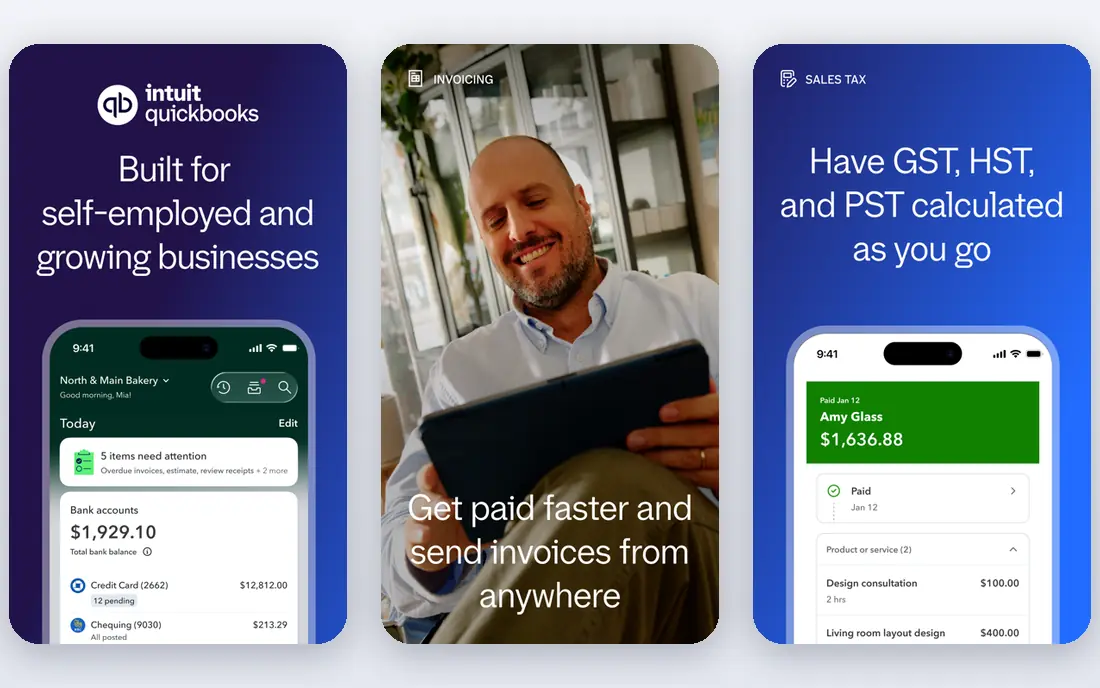
QuickBooks Online is the default accounting choice for US small businesses, and its AI does the routine work. It reads receipts, suggests categories for bank transactions, chases overdue invoices with reminders and predicts cash flow, so the books stay close to current without hours of manual entry each week. It also connects to payroll, payments and time tracking in the same login, and almost every US accountant already knows it.
Simple Start costs $38 a month and covers 1 user plus 2 accountant users, which is enough for a solo owner. The limits show as you grow. Essentials at $85 a month covers 3 users, Plus at $140 covers 5 users with inventory and project tracking, and Advanced at $340 covers 25 users. Prices rose on August 1, 2026 for Essentials, Plus and Advanced, so confirm the checkout price and ignore the first year discount when you budget.
- AI categorises bank transactions and receipts
- Largest US accountant and app network
- Only 1 user on Simple Start
- Price rises sharply on higher plans
Xero
Ideal for: Teams that want unlimited users
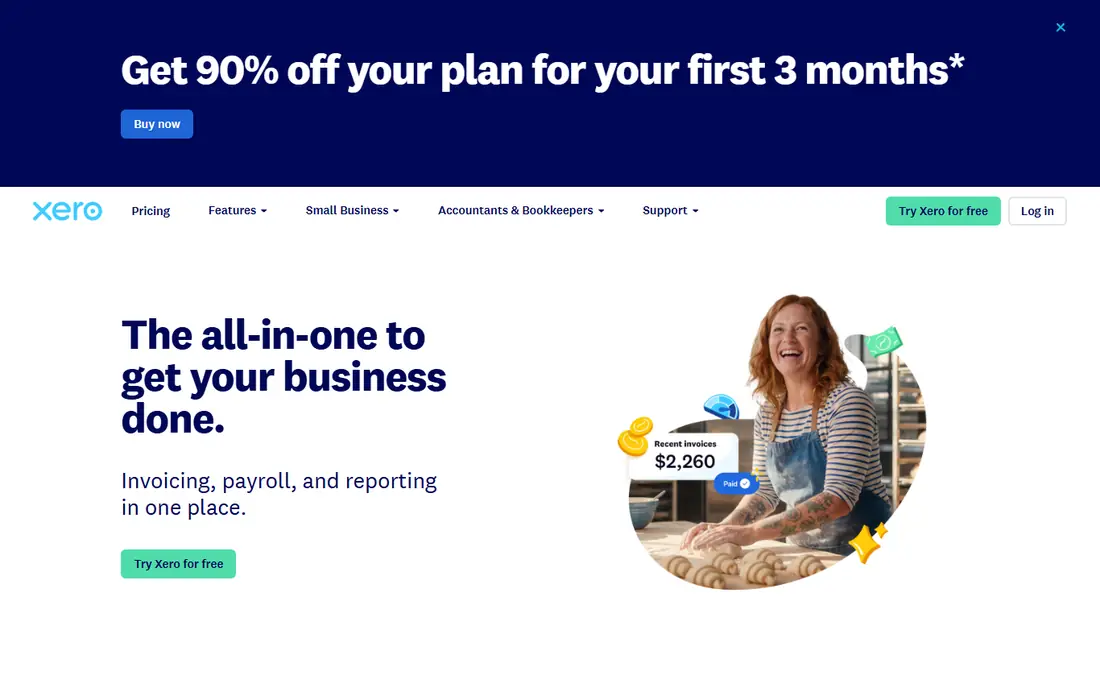
Xero suits a growing team because every plan includes unlimited users, so adding a bookkeeper or a manager costs nothing extra. Its bank reconciliation suggests matches for each transaction and learns from your choices, invoice reminders chase late payers automatically, and the Hubdoc capture tool reads receipts and bills into the ledger. Multi currency support and project tracking sit on the higher plans, which suits firms with clients abroad.
Early costs $25 a month and covers 20 invoices and 5 bills a month, Growing costs $55 a month with unlimited invoices and bills, and Established costs $90 a month with multi currency, expense claims and project tracking. The trade off is that payroll and 1099 e-filing need a partner add on in the US, and there is no free plan, only a 30 day trial. For a team that will outgrow per seat pricing, Xero is the cheaper long term choice.
- Unlimited users on every plan
- Bank reconciliation with AI suggestions
- No free plan, only a 30 day trial
- Payroll and 1099 filing need add ons
FreshBooks
Ideal for: Freelancers and service firms
FreshBooks is built for freelancers and service businesses that live in invoices. It creates polished invoices in minutes, sends automatic late payment reminders, captures receipts with a phone photo and categorises expenses, and it tracks time against clients so billing matches the work done. The interface is simple and the setup takes an afternoon, which is why solo owners pick it over a heavier ledger.
Lite costs $23 a month and covers up to 5 billable clients, Plus costs $43 a month for 50 clients and adds double entry accounting and bank reconciliation, and Premium costs $70 a month for unlimited clients. The Lite plan has no double entry ledger or bank reconciliation, which matters if your accountant needs a full trial balance, and each extra team member costs $11 a month. FreshBooks fits invoicing heavy work, not a firm that needs a full general ledger.
- Fast invoicing with late fee reminders
- Auto expense categorisation from receipts
- No double entry ledger on the Lite plan
- Extra team members cost $11 a month each
Zoho Books
Ideal for: Most accounting per dollar
Zoho Books gives a small business a full accounting system at a low price, with Zia AI watching for anomalies, auto categorising transactions and predicting when clients will pay. It handles invoicing, expenses, bank reconciliation, inventory and tax, and it connects to the rest of the Zoho suite, so a firm that already uses Zoho CRM or Zoho Mail gets one login for the whole back office. It also added native IRS e-filing for 1099 forms in January 2026.
The free plan covers 1 user plus 1 accountant for businesses under $50,000 of annual revenue, with 1,000 invoices a year. Standard costs $15 a month on annual billing and covers 3 users, while Professional at $40 and Premium at $60 add more users, automation and approval workflows. The limits are the smaller US accountant network compared with QuickBooks, and the fact that the deeper automation sits on the higher plans, but on price alone Zoho Books is hard to beat.
- Free plan under $50,000 of annual revenue
- Zia AI spots anomalies and predicts payments
- Best features need the higher plans
- Smaller US accountant network than QuickBooks
Wave
Ideal for: Free start for small firms
Wave is the best free start in this group. The Starter plan costs nothing and covers invoicing, accounting, bank connections and unlimited estimates, which is enough for a very small business to run its books. The Pro plan at $19 a month adds receipt capture with auto categorisation, faster payments and a few extras, while payroll is a separate add on. For a side business or a new firm with little revenue, Wave removes the monthly bill entirely.
The trade off is scope. Payroll is US only and costs extra, there is no multi currency support on the free plan, and the reporting is thinner than QuickBooks or Xero. Wave also suits a business that invoices in one currency and has simple books, not a firm with inventory, projects or staff abroad. If your books are simple and your budget is zero, start here and move to Xero or QuickBooks when the business outgrows it.
- Free Starter plan covers invoicing and accounting
- Receipt capture with auto categorisation
- Payroll costs extra and is US only
- No multi currency on the free plan
Bill.com
Ideal for: AI invoice capture and approvals
Bill.com, now part of the BILL suite, is built for businesses that receive a stack of invoices each week. Its AI reads each invoice, pulls out the vendor, the amount and the due date, codes it to the right account and routes it to the right approver, with a full audit trail for every step. Payments go out by ACH, card or check from the same screen, and it syncs with QuickBooks, Xero and other ledgers so the books update without retyping.
The entry price is $45 per user per month, and there is no free plan and no free trial, only a demo, so you buy on the strength of the sales call. The per user price also adds up fast on a larger team. Bill.com earns its price when invoice volume is the bottleneck, such as a firm processing hundreds of bills a month, and it is too much for a business that receives a handful of invoices a week.
- AI reads invoices and codes them automatically
- Approval routing with audit trail
- No free plan and no free trial
- Price is per user, so it adds up fast
Ramp
Ideal for: Auto coding and spend control
Ramp combines corporate cards, bill pay and accounting automation in one place. Its AI matches receipts to transactions, codes expenses to the right account, flags duplicate or unusual spending and closes the books faster by cutting the manual review queue. A finance lead can set spend limits per team, approve requests in Slack and see where the money went without chasing receipts by email.
The core plan is free and covers cards, payments and basic expense tools, while Plus costs $15 per user per month and adds deeper controls, custom workflows and more integrations. The limits are that Ramp is a spend platform with accounting automation, not a full ledger, so it still syncs to QuickBooks, Xero or NetSuite for the books themselves. It fits a business that wants to control spending and automate coding, not one looking for a standalone ledger.
- Free core plan with cards and payments
- Auto receipt matching and anomaly detection
- Accounting features are lighter than a full ledger
- Plus plan needed for deeper controls
Vic.ai
Ideal for: AI invoice processing at scale
Vic.ai is a specialist in AI invoice processing for finance teams that handle high volume. Its AI reads invoices in any format, codes them to the right account, matches them to purchase orders and routes them for approval, learning your rules as it goes so accuracy improves over time. It plugs into ERPs such as NetSuite, Sage Intacct and Microsoft Dynamics, and it gives finance leaders a dashboard of what is stuck and why.
The main drawback is transparency. Pricing is not published, so you cannot compare it with Bill.com without a sales call, and there is no free plan or trial, only a demo. That puts it out of reach for a small business that wants to sign up and start today. It fits a mid size finance team with hundreds of invoices a month and an ERP already in place, where the time saved on manual coding justifies a custom quote.
- AI reads and codes invoices with high accuracy
- Learns your approval rules over time
- Pricing is not published
- Needs a demo and a sales process to buy
How we chose
We compared vendor pricing pages, plan pages and help centres for each tool, and checked the free plan limits, the per user charges and the plan that carries the AI features, since several vendors put their best automation on higher plans. We favoured tools with a published price and a free plan or trial, and we noted the August 2026 QuickBooks price rise and the per user fees that decide the real monthly cost. We did not run hands on tests and we did not accept vendor accuracy claims at face value, so test each tool with your own invoices and bank feeds before you commit to a year.
What to check before you buy
Check how the tool charges you, since per user pricing punishes a growing team while a flat monthly price does not. Test the AI on your own documents, with your vendors, your invoice formats and your bank feeds, because a demo on clean data tells you little. Confirm the tool connects to your ledger and your payroll, and confirm who can approve what, since approval routing is where many automation projects stall. Finally, check the data policy for financial records, and confirm the export options, so you can leave with your books intact if you switch later.
| Business size and need | Best pick | Why it fits | | Solo owner, US, simple books | QuickBooks Online | Simple Start at $38 a month, huge accountant network | | Growing team, many users | Xero | Unlimited users, Early at $25 a month | | Freelancer, invoicing heavy | FreshBooks | Lite at $23 a month, fast invoices | | Tight budget, full accounting | Zoho Books | Free under $50,000 revenue, Standard at $15 a month | | Free start, simple books | Wave | Free Starter plan, Pro at $19 a month | | High invoice volume | Bill.com | AI capture and approvals, $45 a user a month | | Spend control and auto coding | Ramp | Free core plan, Plus at $15 a user a month |
Frequently asked questions
Which accounting software is best for a small business?
QuickBooks Online is the best all round pick for a US small business, at $38 a month for Simple Start, with AI categorisation and the largest accountant network. Xero is better for a team that wants unlimited users, and Zoho Books is better for a tight budget, with a free plan under $50,000 of annual revenue.
Is there free accounting software with AI features?
Yes. Wave has a free Starter plan with invoicing and accounting, and Zoho Books is free under $50,000 of annual revenue. Ramp has a free core plan with auto receipt matching and anomaly detection. The free plans cover the basics, and the deeper AI, such as approval routing and prediction, usually sits on a subscription plan.
How much does AI accounting software cost?
Entry prices in this guide run from free to $45 per user per month. QuickBooks Online starts at $38 a month, Xero at $25, FreshBooks at $23 and Zoho Books at $15 on annual billing. Bill.com starts at $45 per user per month, and Vic.ai is quote only, so budget by team size, not by the headline price alone.
Can AI do my bookkeeping for me?
AI can do much of the routine work, such as reading receipts, categorising transactions, chasing overdue invoices and flagging anomalies. A person still needs to review the categories, approve the bills and close the month, since AI can misread a vendor or a code. Treat AI as a helper that cuts the manual hours, not as a replacement for a bookkeeper or an accountant.
Does QuickBooks Online still cost $38 a month?
Yes, Simple Start lists at $38 a month, and that price was unchanged in the August 1, 2026 rise. Essentials lists at $85, Plus at $140 and Advanced at $340 a month. Intuit often offers a large discount for the first few months, so budget on the list price, since the discount expires and your books do not.