Proofpoint Email Protection comes first here, mainly for intent-based protection for people and data. For a different need, Mimecast Email Security covers unified email, data and AI security and Check Point Harmony Email & Collaboration covers API-based protection for Microsoft 365 and Gmail. The full list of 6 tools follows, with prices and free plan facts.
Ainotely put together this guide to AI-Powered email security platforms for readers who want a clear shortlist without reading every vendor page. It compares 6 tools on starting price, free plans, who each one suits and where each one falls short.
Key takeaways
Top of the list is Proofpoint Email Protection, which targets intent-based protection for people and data.
No starting price is shown for any of the 6 tools, Proofpoint Email Protection and Barracuda Email Protection included, so plan time for sales calls.
Proofpoint Email Protection, Barracuda Email Protection and the 4 others all need a premium plan or a trial, since no free plan is listed.
A fair warning about Proofpoint Email Protection: large product portfolio can complicate scoping.
For straightforward phishing and malware defense, Barracuda Email Protection is worth a look.
Best for: Intent-based protection for people and data
Choose Proofpoint Email Protection for intent-based protection for people and data. Proofpoint Email Protection is part of a broader agentic security system for people, data and AI, with intent-based protection pitched at every person and AI agent.
Proofpoint Email Protection does not show a starting price in this comparison, so check the vendor site for current pricing. On free options: Not stated.
Where it falls short: Large product portfolio can complicate scoping.
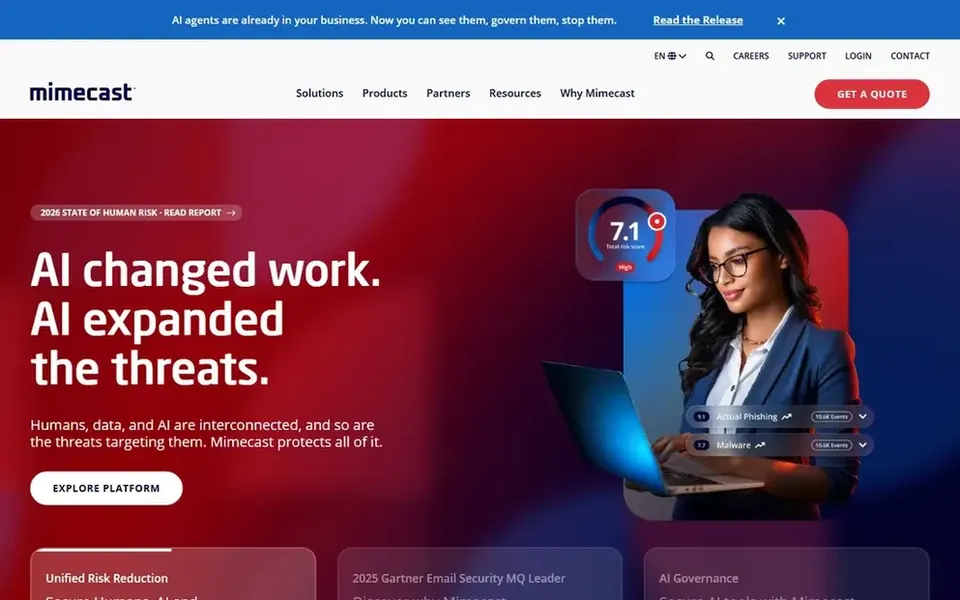
Mimecast Email Security is aimed squarely at unified email, data and AI security. Choose Mimecast for a unified system with governance and behavior controls.
Since the offering spans multiple options, setup and administration can be more involved than a single-purpose filter. The full benefit emerges when several modules are adopted. Pricing for Mimecast Email Security is not stated here, so ask the vendor for current figures. Free options: Not stated.
Limits to weigh: Consolidated system can take time to configure.
Best for: API-based protection for Microsoft 365 and Gmail
In short, Check Point Harmony Email & Collaboration is for API-based protection for Microsoft 365 and Gmail. Check Point Harmony Email & Collaboration, formerly Avanan, offers AI-powered protection against phishing, malware and business email compromise for Microsoft 365, Gmail and more.
In practice, teams without other Check Point products should compare standalone alternatives. Choose Harmony when smooth protection inside Microsoft 365 or Gmail is the priority. Check Point Harmony Email & Collaboration does not show a starting price in this comparison, so check the vendor site for current pricing. Free plan details: Not stated.
Limits to weigh: Best value within the wider Check Point ecosystem.
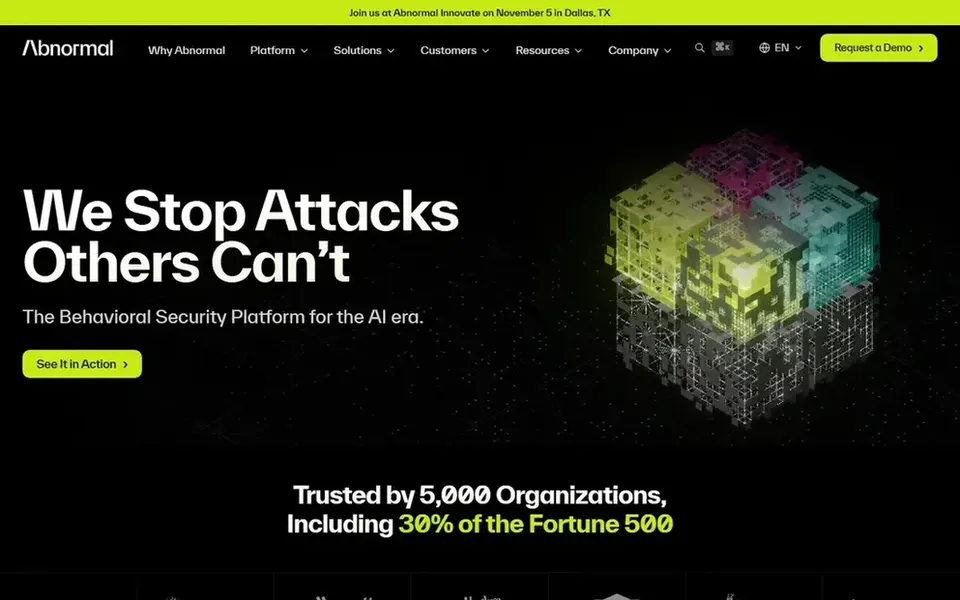
Where Abnormal Security fits: behavioral AI across email and identity. Choose Abnormal when email and identity anomaly detection is the priority and you want AI-driven triage instead of manual rule maintenance.
The main drawbacks: Focus is on Microsoft 365 and similar cloud email.
Its strength is behavioral detection rather than wide product consolidation, so teams wanting a single console for endpoint, network and data loss prevention may need extra tools. Check the vendor site for Abnormal Security pricing; none is listed in this comparison. As for free access: Not stated.
Think of Darktrace Email for interrupting in-progress email attacks. Darktrace Email is part of an AI cybersecurity system that interrupts in-progress cyber attacks in seconds, including ransomware, email phishing and threats to cloud environments and critical infrastructure.
Downsides: Behavioral approach may need tuning for some environments.
Upsides: Extends to cloud and critical infrastructure. More specifically, autonomous response also needs careful policy planning. Worth adding: pick Darktrace when live interruption of active attacks across email and infrastructure matters more than a standalone email gateway. This comparison lists no price for Darktrace Email; ask the vendor. Free options: Not stated.
Best for: Straightforward phishing and malware defense
Barracuda Email Protection is designed for straightforward phishing and malware defense. Barracuda Email Protection is an email security service centred on preventing phishing, malware and data breaches through advanced threat detection.
Watch-outs: Less emphasis on identity and AI agent security.
Its scope is primarily email, so organizations seeking identity analytics, AI agent security or deep data governance may need complementary products. Consider Barracuda when the requirement is dependable inbox defense instead of a consolidated security suite. This comparison lists no price for Barracuda Email Protection; ask the vendor. Trial and free access: Free trial.
Ask each vendor, from Proofpoint Email Protection to Barracuda Email Protection, for a written quote; none of them publishes a starting price.
Take the trial from Barracuda Email Protection and push a live task through it before you pay.
Before choosing Proofpoint Email Protection, weigh its main limit: large product portfolio can complicate scoping.
Look at the renewal terms for Check Point Harmony Email & Collaboration: auto-renewal, notice periods and price changes can matter more than the first-year price.
Total up the real monthly cost of Abnormal Security, including add-ons, extra users and usage-based fees.
How we picked
Selection started from tools commonly considered for AI-Powered email security platforms, then narrowed to 6 that have clear pricing information or a clear quote process. Where a price is missing, the vendor does not list one publicly or ties it to a quote. Always confirm before budgeting. The sequence is a judgement call: typical use case first, then pricing transparency, then free access. Use the profiles to check fit.
Every price and plan detail on this page comes from the vendors’ own websites. We did not run hands-on tests unless the text says so, and we do not publish star ratings or review scores. See how we score and our disclosure.
Keep your shortlist in one place
Paste prices, trial dates and notes from this guide into Ainotely, our AI note app. It files them into a topic and pulls out tasks like “cancel trial by Friday”. Free 7-day trial, no card needed.
AI-powered products use machine learning and behavioral analysis to detect anomalies for example unusual sender patterns or intent, instead of relying only on signatures and static rules. In daily use, the systems compared here describe AI or behavioral detection as core to their approach.
Does any tool for AI-Powered email security platforms here have a free plan?
A permanent free plan is not offered by Proofpoint Email Protection, Barracuda Email Protection or the other tools here. Barracuda Email Protection offer a trial. Plan a short evaluation period instead.
Should I choose a standalone email tool or a broader system?
A standalone email tool can be more straightforward to deploy and operate when inbox protection is the main requirement. Broader systems add identity, data and AI security but commonly need more configuration and operational maturity.
What should I check before buying an AI email security platform?
Confirm native support for your email provider, how detection and response are administered, and whether data governance and compliance features fit your needs. Also review integration with your existing security tools and the effort required to tune alerts.
How are the tools for AI-Powered email security platforms ordered?
Proofpoint Email Protection sits first and Barracuda Email Protection last because the order follows typical fit for AI-Powered email security platforms, then price clarity and free access. It is a judgement call, so read each profile for fit and limits.
Do these tools publish their prices?
No. None of the tools, from Proofpoint Email Protection to Barracuda Email Protection, shows a fixed starting price here, so budget time for quotes.