Best AI-Powered Presentation Tools in 2026: 8 Options Compared

- Gamma is our pick for most people because it turns a prompt or document into a clean deck fast.
- Beautiful.ai suits teams that want strict brand consistency without fiddling with layouts.
- SlidesAI and Plus AI are strong picks if you already live in Google Slides.
- AI drafts still need a human edit for facts, tone, and slide order before presenting.
Quick comparison
| Product | Ideal for | Price from | Free version | |
|---|---|---|---|---|
 Gamma | fast AI decks from a prompt | See website | Yes | Visit |
 Beautiful.ai | brand-consistent team decks | See website | Free trial | Visit |
 Tome | narrative AI presentations | See website | Yes | Visit |
 Pitch | collaborative team decks | See website | Yes | Visit |
 Canva | all-round design with AI help | See website | Yes | Visit |
 SlidesAI | AI decks inside Google Slides | See website | Yes | Visit |
 Plus AI | AI slides for Google Slides | See website | Free trial | Visit |
 Prezi | visual, non-linear presentations | See website | Yes | Visit |
The best ai-powered presentation tools
We compared official feature pages, pricing pages, and app listings for AI presentation tools that work in October 2026. Our pick for most people is Gamma, because its drafts need the least cleanup in our comparison, but design-focused and Google Slides users have strong options below.
Gamma
Ideal for: fast AI decks from a prompt
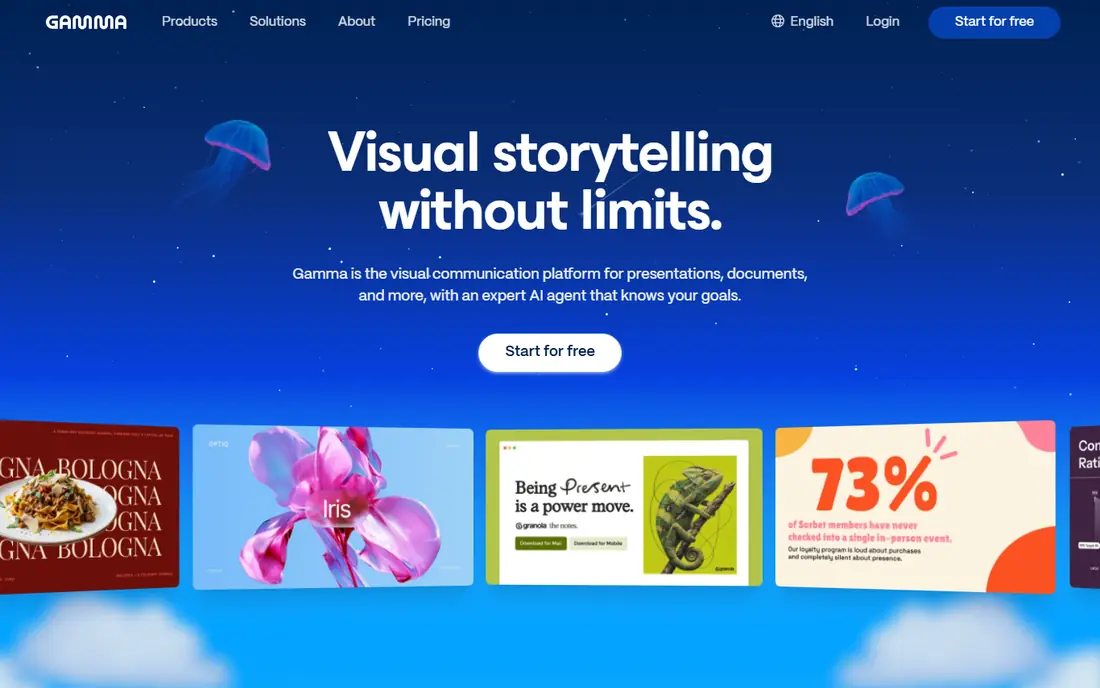
Gamma turns a prompt, outline, or document into a polished deck in minutes. Its strength is draft quality: slides arrive structured and readable, with little cleanup needed. Support quality matters when something breaks, so read the help pages and the refund or cancellation terms before paying. Note which features sit behind higher tiers, because the headline plan rarely includes everything shown on the marketing page.
The catch is free limits, since heavy users will hit credit caps and need a paid plan. Read the privacy policy for any product that holds personal or business data, and confirm who can see that data and how long it is kept.
Our view: if fast AI decks from a prompt is your main need, this option deserves a trial, with the trade-offs above kept in mind. Set a reminder to review the plan after the first month, when real usage shows whether the tier you picked still fits. A clean export path matters, so confirm you can take your data out in a usable format if you later switch.
- Fast draft generation
- Clean modern templates
- Easy sharing and export
- Free tier limits AI credits
- Advanced design control is limited
Beautiful.ai
Ideal for: brand-consistent team decks
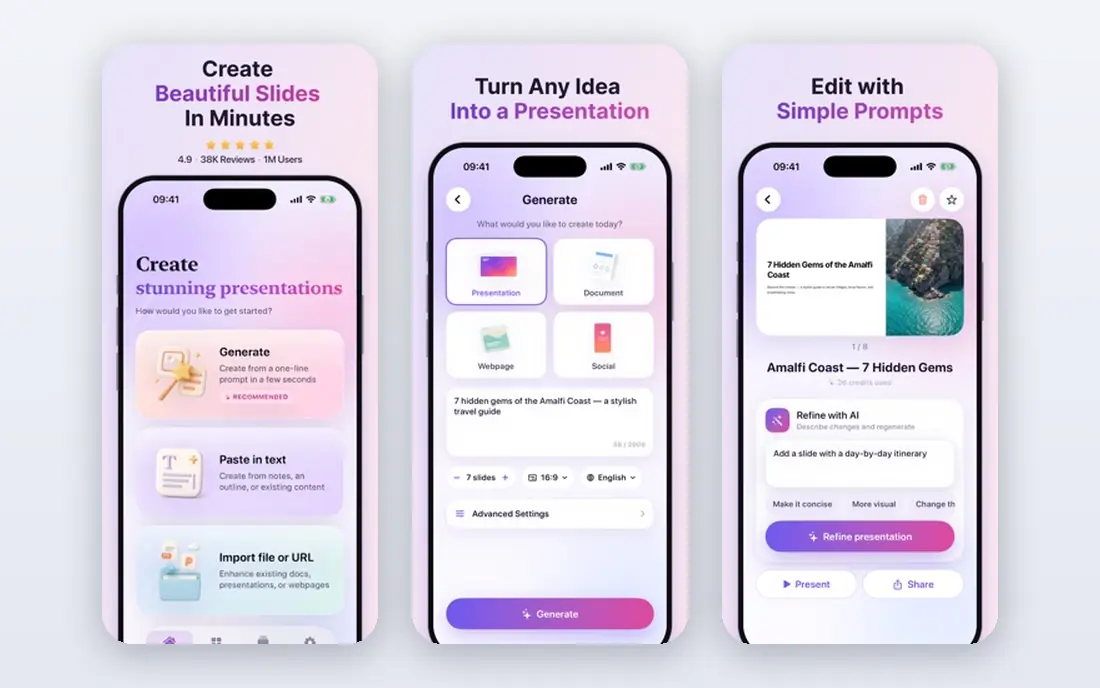
Beautiful.ai uses smart templates that adjust as you add content, so slides stay tidy. Its strength is consistency, which helps teams produce decks that look like they came from one designer. Watch for limits that only appear at scale, such as seats, projects, scans, or exports, since those decide the real monthly cost. If your team will use it daily, get one or two colleagues to try the same task in it and compare notes before you choose.
The catch is flexibility: if you want pixel-level control, its template rules may feel restrictive. A clean export path matters, so confirm you can take your data out in a usable format if you later switch.
Our view: this option is a strong candidate when brand-consistent team decks matters most, provided the limits above fit your budget. If you rely on it for work, confirm uptime, backup, and account recovery options before moving anything important into it. Check the pricing page before you commit, since plans and limits change and the page you see at signup is the one that counts.
- Smart templates that keep layouts tidy
- Brand controls
- Team collaboration
- Less free-form design freedom
- Pricing is team-oriented
Tome
Ideal for: narrative AI presentations
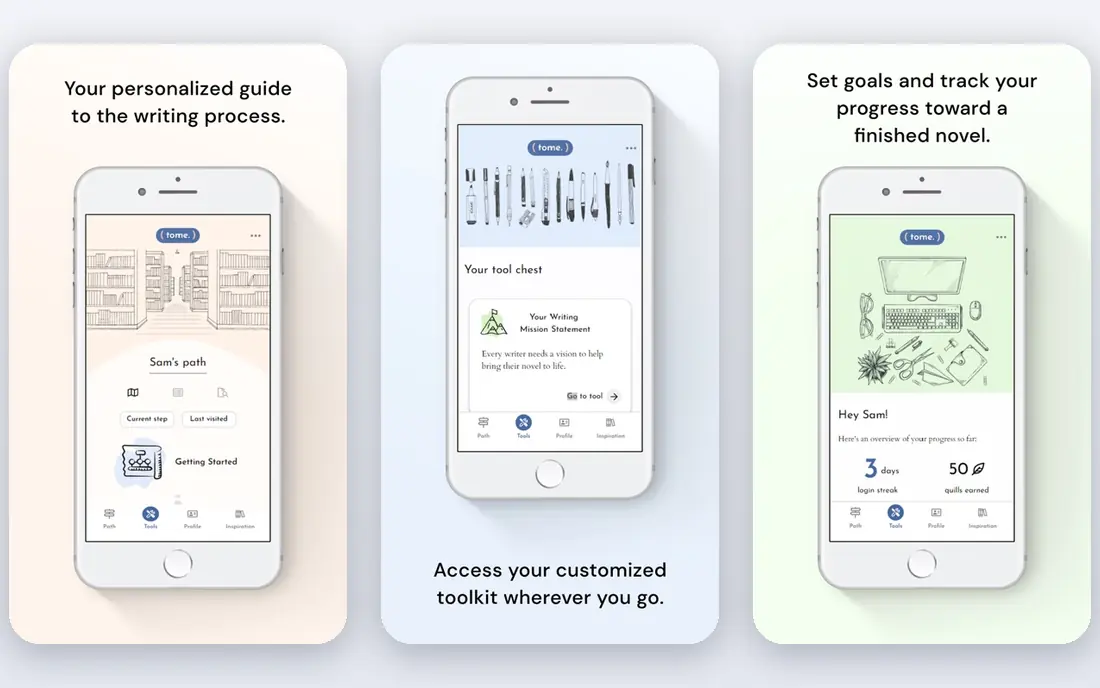
Tome builds narrative, page-based presentations from a prompt with AI-generated text and images. Its strength is storytelling flow, which suits pitches and updates more than dense data decks. Compare at least two options on the same task, using the same sample project or data, so the comparison stays honest. Check the pricing page before you commit, since plans and limits change and the page you see at signup is the one that counts.
The catch is format: teams tied to classic slide files should test exports first. Note which features sit behind higher tiers, because the headline plan rarely includes everything shown on the marketing page.
Our view: shortlist this option if narrative AI presentations is what you are buying for, and compare it head to head with one other option here. Look at how it handles your existing tools, because a product that fits your current setup saves more time than one with a longer feature list. If your team will use it daily, get one or two colleagues to try the same task in it and compare notes before you choose.
- Narrative page-based format
- AI drafting
- Fast sharing
- Format differs from classic slides
- Export options need checking
Pitch
Ideal for: collaborative team decks
Pitch is a collaborative deck tool with AI help for drafting and refining slides. Its strength is teamwork: multiple people can edit, comment, and track a deck in one place. Check the pricing page before you commit, since plans and limits change and the page you see at signup is the one that counts. A clean export path matters, so confirm you can take your data out in a usable format if you later switch.
The catch is that buyers who only want AI drafting may find its full platform more than they need. A short trial or a free tier, where one exists, tells you more in a week than any feature list can.
Our view: this option earns its place here for buyers who put collaborative team decks first, and it is worth a close look before you decide. If your team will use it daily, get one or two colleagues to try the same task in it and compare notes before you choose. Note which features sit behind higher tiers, because the headline plan rarely includes everything shown on the marketing page.
- Real-time collaboration
- Templates
- Analytics on deck views
- AI features are part of a broader platform
- Free tier has limits
Canva
Ideal for: all-round design with AI help
Canva adds AI drafting and design help to a huge template library for slides and more. Its strength is range: one account covers decks, social graphics, and documents. Support quality matters when something breaks, so read the help pages and the refund or cancellation terms before paying. Look at how it handles your existing tools, because a product that fits your current setup saves more time than one with a longer feature list.
The catch is depth: dedicated deck tools may offer stronger slide-specific controls. Read the privacy policy for any product that holds personal or business data, and confirm who can see that data and how long it is kept.
Our view: if all-round design with AI help is your main need, this option deserves a trial, with the trade-offs above kept in mind. Set a reminder to review the plan after the first month, when real usage shows whether the tier you picked still fits. Support quality matters when something breaks, so read the help pages and the refund or cancellation terms before paying.
- Huge template library
- Magic Studio AI features
- Easy for non-designers
- AI output still needs editing
- Pro features sit behind a paid plan
SlidesAI
Ideal for: AI decks inside Google Slides
SlidesAI generates Google Slides decks from pasted text, topics, or outlines. Its strength is fit for Google Workspace users, since decks land straight in Slides. Watch for limits that only appear at scale, such as seats, projects, scans, or exports, since those decide the real monthly cost. Compare at least two options on the same task, using the same sample project or data, so the comparison stays honest.
The catch is dependence on Slides: PowerPoint-first teams should check export results. A clean export path matters, so confirm you can take your data out in a usable format if you later switch.
Our view: this option is a strong candidate when AI decks inside Google Slides matters most, provided the limits above fit your budget. If you rely on it for work, confirm uptime, backup, and account recovery options before moving anything important into it. Set a reminder to review the plan after the first month, when real usage shows whether the tier you picked still fits.
- Works inside Google Slides
- Text-to-deck generation
- Multiple languages
- Tied to Google Slides
- Free tier limits decks per month
Plus AI
Ideal for: AI slides for Google Slides
Plus AI creates and edits Google Slides presentations from prompts and outlines. Its strength is editing: you can rewrite and restyle existing decks with AI, not just start new ones. Compare at least two options on the same task, using the same sample project or data, so the comparison stays honest. Read the privacy policy for any product that holds personal or business data, and confirm who can see that data and how long it is kept.
The catch is platform scope, since it does not serve PowerPoint-first workflows directly. Note which features sit behind higher tiers, because the headline plan rarely includes everything shown on the marketing page.
Our view: shortlist this option if AI slides for Google Slides is what you are buying for, and compare it head to head with one other option here. Look at how it handles your existing tools, because a product that fits your current setup saves more time than one with a longer feature list. A short trial or a free tier, where one exists, tells you more in a week than any feature list can.
- Google Slides integration
- Outline editing
- Template options
- Google Slides only
- Trial limits apply
Prezi
Ideal for: visual, non-linear presentations
Prezi offers a zooming, canvas-based presentation style with AI-assisted creation. Its strength is memorability: its movement-based format stands out from standard slide decks. Check the pricing page before you commit, since plans and limits change and the page you see at signup is the one that counts. If you rely on it for work, confirm uptime, backup, and account recovery options before moving anything important into it.
The catch is taste and setting: formal or data-heavy audiences may prefer classic slides. A short trial or a free tier, where one exists, tells you more in a week than any feature list can.
Our view: this option earns its place here for buyers who put visual, non-linear presentations first, and it is worth a close look before you decide. If your team will use it daily, get one or two colleagues to try the same task in it and compare notes before you choose. Watch for limits that only appear at scale, such as seats, projects, scans, or exports, since those decide the real monthly cost.
- Distinct zooming visual style
- AI-assisted creation
- Video presentation options
- Style does not suit every audience
- Learning curve for new users
How we picked these
We compared official feature pages, pricing pages, and public reviews for each tool. We looked for draft quality, template range, brand controls, export options, collaboration, and free tier limits. We did not run hands-on tests, and we judged drafts by vendor examples and reviewer reports.
How to pick an AI presentation tool
Start with your workflow. If you present in Google Slides or PowerPoint, pick a tool that exports cleanly to that format rather than locking you into its own player.
Test with your own content. Feed it a real outline or document and check whether the draft keeps your facts straight and your order logical.
Check brand controls early. Fonts, colours, and logo placement matter more than extra templates once you make decks every week.
Frequently asked questions
Can AI presentation tools make a full deck from a prompt?
Yes, most tools here generate an outline and slides from a short prompt or a pasted document. You should still edit facts, cut weak slides, and check the flow before presenting.
Which AI presentation tool is best for teams?
Beautiful.ai and Pitch suit teams that need shared templates and brand control, while Gamma suits fast individual drafting. Pick based on who edits and who approves decks.
Do these tools work with PowerPoint and Google Slides?
Most export to PowerPoint, and SlidesAI and Plus AI work inside Google Slides directly. Check export fidelity before committing, since charts and fonts can shift.
Are AI presentation tools free?
Most offer a free tier or trial with limited decks, slides, or AI credits. Regular users usually need a paid plan for full exports and higher limits.