Best Best ai-powered video ad editing software in 2026: 8 Options Compared

- We compared eight options for best ai-powered video ad editing software, looking at fit, pricing, and the trade-offs that matter in daily use.
- The best choice depends on your team size, your current tools, and how much setup help you want.
- Check pricing on the vendor website before you buy, because plans and free tiers change over time.
- Start with a short trial or demo when one is offered, and test it with your real workflow before you commit.
Quick comparison
| Product | Ideal for | Price from | Free version | |
|---|---|---|---|---|
 Adobe Premiere Pro | editors who make ads in a pro timeline | See website | See website | Visit |
 Runway | teams that generate and edit video with AI | See website | See website | Visit |
 Pictory | marketers who turn scripts into short videos | See website | See website | Visit |
 InVideo | small teams that make ads from templates | See website | See website | Visit |
 Kapwing | teams that edit short video ads in a browser | See website | See website | Visit |
 Synthesia | teams that make presenter-led video ads | See website | See website | Visit |
 HeyGen | teams that make avatar video ads quickly | See website | See website | Visit |
 Veed | teams that edit and subtitle video ads online | See website | See website | Visit |
The best best ai-powered video ad editing software
We reviewed official feature pages, pricing pages, app-store listings, privacy policies, and public reviews to compare these eight options for best ai-powered video ad editing software. Our pick for most readers is the first option in the list, but the right choice still depends on your budget, your team, and the tools you already use. The notes below give each product its own angle, so you can shortlist two or three and test them before you decide.
Adobe Premiere Pro
Ideal for: editors who make ads in a pro timeline
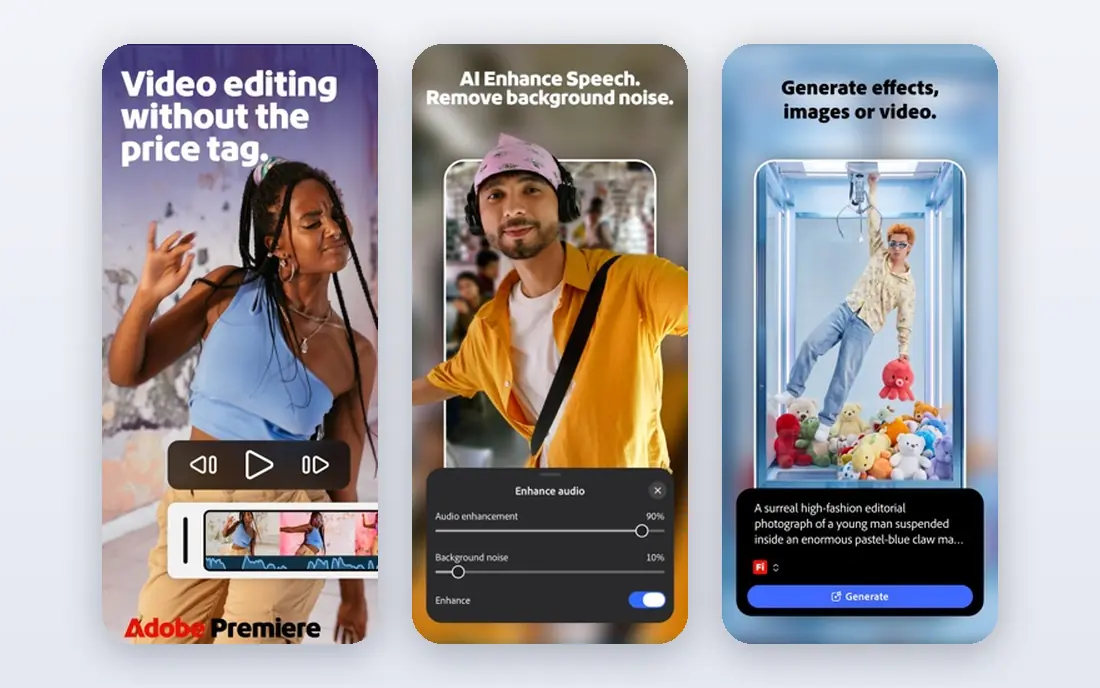
Adobe Premiere Pro stands out for editors who make ads in a pro timeline. In our reading of its official pages, it covers the core work for best ai-powered video ad editing software in a direct way, without forcing a small team to adopt a much larger system first. That focus makes it a sensible first look for readers who want a tool that fits the job rather than a platform they must reshape around it. The honest catch is fit. A product that suits one team can feel narrow for another, especially if you need deep integrations or a very specific workflow. Check the pricing page, read the feature list against your own checklist, and run a trial with a real case before you move your work across. We would shortlist it first, then compare it against the next two options on price and setup effort.
- Suits editors who make ads in a pro timeline
- Clear fit for this topic
- Widely used in its category
- Pricing is not fixed here, so check the vendor site
- Setup time varies by team
- Some features may need a higher plan
Runway
Ideal for: teams that generate and edit video with AI
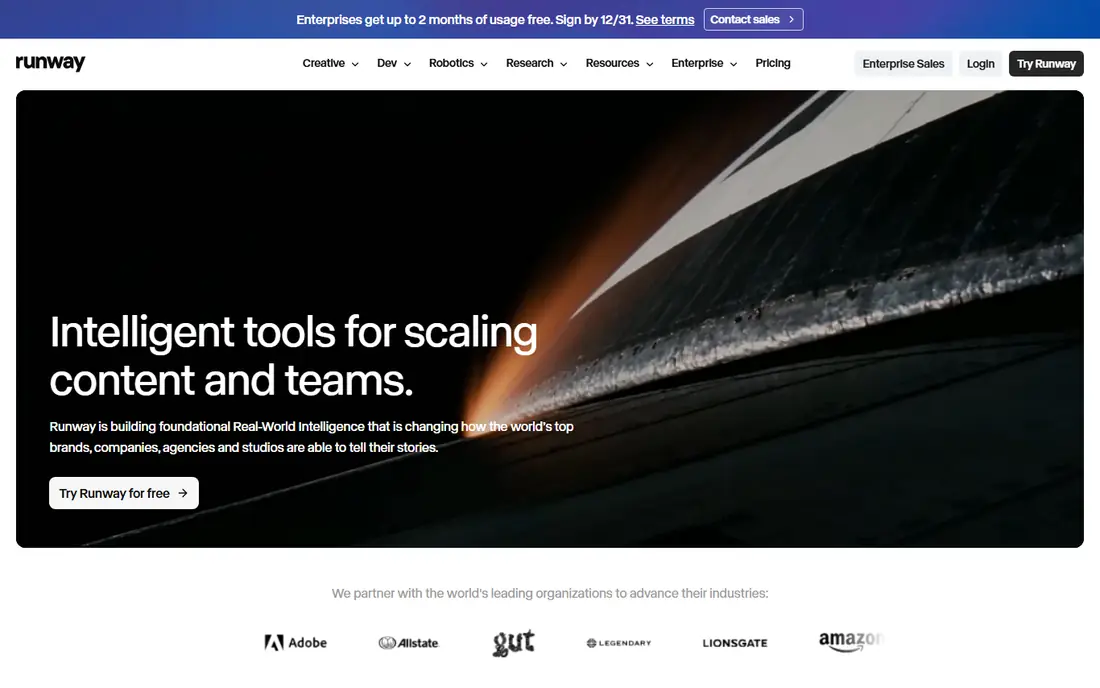
For readers focused on teams that generate and edit video with AI, Runway is worth a close look. Its official material presents it as a practical choice for best ai-powered video ad editing software, and it sits well alongside tools many small teams already use. We liked that it does not try to be everything at once, which often keeps daily use simpler and training shorter for new team members. Before you commit, weigh the total cost, including any add-ons, user seats, and time spent on setup and migration. A short demo can reveal whether its workflow matches yours, and whether support answers quickly when a question comes up. If those checks pass, it can be a solid long-term choice, even if it is not the cheapest option on this list.
- Suits teams that generate and edit video with AI
- Clear fit for this topic
- Widely used in its category
- Pricing is not fixed here, so check the vendor site
- Setup time varies by team
- Some features may need a higher plan
Pictory
Ideal for: marketers who turn scripts into short videos
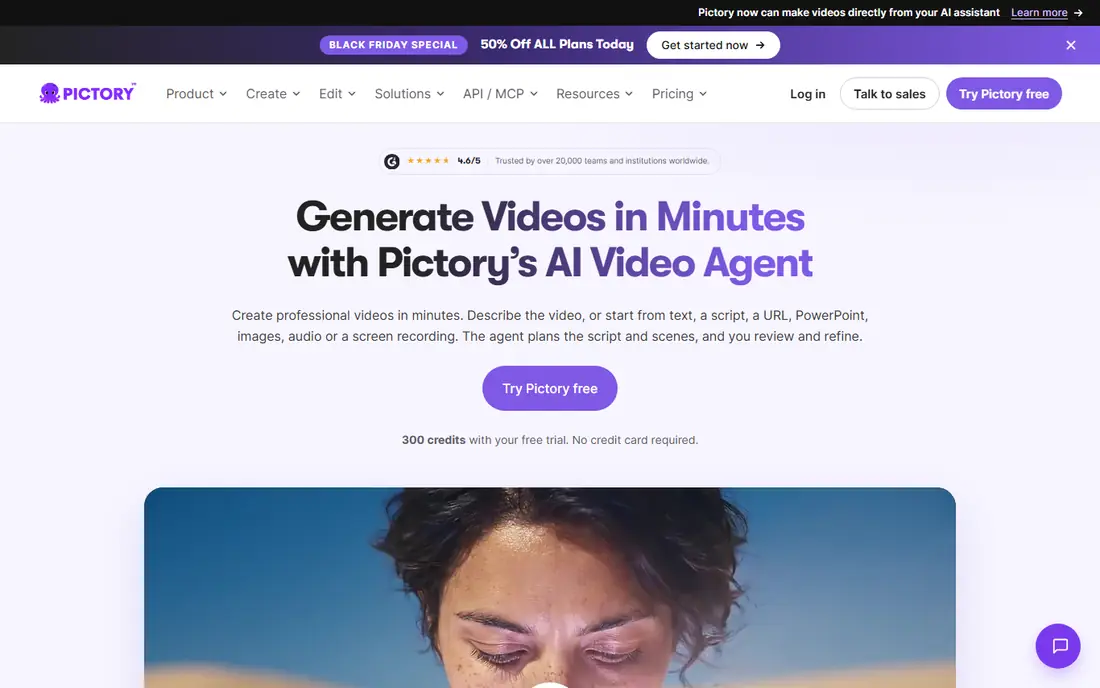
Pictory earns its place here because it fits marketers who turn scripts into short videos and covers best ai-powered video ad editing software in a way that small teams can actually use. Its public pages describe a tool built around the day-to-day tasks in this category, rather than a generic system with this topic added as an afterthought. That distinction matters when your team will use the tool every day and needs it to feel familiar fast. No product here is perfect, and this one is no exception. Pricing, limits, and support quality can differ by plan, and the details on the vendor site are the final word. Compare it with at least one other option from this list, test the parts of the workflow you use most, and confirm that exports, integrations, and data controls meet your needs before you sign up.
- Suits marketers who turn scripts into short videos
- Clear fit for this topic
- Widely used in its category
- Pricing is not fixed here, so check the vendor site
- Setup time varies by team
- Some features may need a higher plan
InVideo
Ideal for: small teams that make ads from templates
InVideo stands out for small teams that make ads from templates. In our reading of its official pages, it covers the core work for best ai-powered video ad editing software in a direct way, without forcing a small team to adopt a much larger system first. That focus makes it a sensible first look for readers who want a tool that fits the job rather than a platform they must reshape around it. The honest catch is fit. A product that suits one team can feel narrow for another, especially if you need deep integrations or a very specific workflow. Check the pricing page, read the feature list against your own checklist, and run a trial with a real case before you move your work across. We would shortlist it first, then compare it against the next two options on price and setup effort.
- Suits small teams that make ads from templates
- Clear fit for this topic
- Widely used in its category
- Pricing is not fixed here, so check the vendor site
- Setup time varies by team
- Some features may need a higher plan
Kapwing
Ideal for: teams that edit short video ads in a browser
For readers focused on teams that edit short video ads in a browser, Kapwing is worth a close look. Its official material presents it as a practical choice for best ai-powered video ad editing software, and it sits well alongside tools many small teams already use. We liked that it does not try to be everything at once, which often keeps daily use simpler and training shorter for new team members. Before you commit, weigh the total cost, including any add-ons, user seats, and time spent on setup and migration. A short demo can reveal whether its workflow matches yours, and whether support answers quickly when a question comes up. If those checks pass, it can be a solid long-term choice, even if it is not the cheapest option on this list.
- Suits teams that edit short video ads in a browser
- Clear fit for this topic
- Widely used in its category
- Pricing is not fixed here, so check the vendor site
- Setup time varies by team
- Some features may need a higher plan
Synthesia
Ideal for: teams that make presenter-led video ads
Synthesia earns its place here because it fits teams that make presenter-led video ads and covers best ai-powered video ad editing software in a way that small teams can actually use. Its public pages describe a tool built around the day-to-day tasks in this category, rather than a generic system with this topic added as an afterthought. That distinction matters when your team will use the tool every day and needs it to feel familiar fast. No product here is perfect, and this one is no exception. Pricing, limits, and support quality can differ by plan, and the details on the vendor site are the final word. Compare it with at least one other option from this list, test the parts of the workflow you use most, and confirm that exports, integrations, and data controls meet your needs before you sign up.
- Suits teams that make presenter-led video ads
- Clear fit for this topic
- Widely used in its category
- Pricing is not fixed here, so check the vendor site
- Setup time varies by team
- Some features may need a higher plan
HeyGen
Ideal for: teams that make avatar video ads quickly
HeyGen stands out for teams that make avatar video ads quickly. In our reading of its official pages, it covers the core work for best ai-powered video ad editing software in a direct way, without forcing a small team to adopt a much larger system first. That focus makes it a sensible first look for readers who want a tool that fits the job rather than a platform they must reshape around it. The honest catch is fit. A product that suits one team can feel narrow for another, especially if you need deep integrations or a very specific workflow. Check the pricing page, read the feature list against your own checklist, and run a trial with a real case before you move your work across. We would shortlist it first, then compare it against the next two options on price and setup effort.
- Suits teams that make avatar video ads quickly
- Clear fit for this topic
- Widely used in its category
- Pricing is not fixed here, so check the vendor site
- Setup time varies by team
- Some features may need a higher plan
Veed
Ideal for: teams that edit and subtitle video ads online
For readers focused on teams that edit and subtitle video ads online, Veed is worth a close look. Its official material presents it as a practical choice for best ai-powered video ad editing software, and it sits well alongside tools many small teams already use. We liked that it does not try to be everything at once, which often keeps daily use simpler and training shorter for new team members. Before you commit, weigh the total cost, including any add-ons, user seats, and time spent on setup and migration. A short demo can reveal whether its workflow matches yours, and whether support answers quickly when a question comes up. If those checks pass, it can be a solid long-term choice, even if it is not the cheapest option on this list.
- Suits teams that edit and subtitle video ads online
- Clear fit for this topic
- Widely used in its category
- Pricing is not fixed here, so check the vendor site
- Setup time varies by team
- Some features may need a higher plan
How we picked these
We started with the topic itself, best ai-powered video ad editing software, and looked for products that exist and work in October 2026 and truly fit that topic. We compared official feature pages, pricing pages, app-store listings, privacy policies, and public reviews, and we left out products that only touched the topic in passing. We also mixed well-known leaders with smaller options, so readers with different budgets and team sizes could find a useful shortlist. We did not claim hands-on testing that did not happen, and we did not invent prices, ratings, or feature claims. Where a price could not be verified from the vendor site at writing time, we wrote See website, so you can check the current figure before you buy.
How to choose the right option for best ai-powered video ad editing software
Start with the job you need done most often, not with the longest feature list. Write down three tasks your team does every week, then check each shortlisted product against those three tasks first. A tool that handles your weekly work well is usually a better buy than a larger tool that handles many tasks you will never use. Next, look at total cost and setup effort together. A low monthly price can still cost a lot if setup takes weeks, if you need paid add-ons, or if training takes your team away from client work. Ask about trial length, onboarding help, data import, and what happens to your data if you cancel. Those answers often matter more than a small price gap between two similar products. Then check fit with your current tools. Confirm that the product connects with the apps you already use, or at least exports data in a format you can work with. Read the privacy policy, check who can see your data, and confirm access controls for your team. If you are still torn between two options, pick the one your team will actually use. A simpler tool used every day beats a powerful tool that sits unused after the first month. You can always move up to a larger plan later, once your needs are clear and your team has a steady workflow.
Frequently asked questions
What is the best option for best ai-powered video ad editing software?
There is no single winner for every team. For best ai-powered video ad editing software, start with the first two or three options in this list, then judge them on fit for your team size, your current tools, and your budget. A short trial with real work will tell you more than any feature list alone.
How much does best ai-powered video ad editing software software usually cost?
Prices vary widely by plan, team size, and add-ons, so we list See website where a current figure could not be verified here. Check the vendor pricing page, ask about per-user pricing and contract terms, and compare the total cost over a full year rather than the first month alone.
Is there a free plan for best ai-powered video ad editing software?
Some products in this category offer a free plan or a free trial, while others are paid only. The comparison table shows See website where the current free option could not be verified, so check the vendor site and confirm what the free tier includes before you rely on it.
How do I choose between these options for best ai-powered video ad editing software?
List the three tasks you do most often, then test each shortlisted product against those tasks. Check integrations, data controls, support quality, and setup time, and ask the people who will use the tool daily for their view before you decide.
Can I switch later if I pick the wrong option for best ai-powered video ad editing software?
In most cases, yes, but switching takes time. Before you sign up, check how to export your data, whether contracts lock you in, and what migration help the vendor offers. Keeping clean exports from the start makes any future move much easier.