AI Powered Video Editing Tool in 2026: A Guide to 7 Tools

- 1
 CapCutShort-form social videoVisit
- 2
 Wondershare FilmoraBeginner-friendly YouTube editingVisit
- 3
 DescriptTalking-head and podcast editingVisit
- 4
 RunwayGenerative video and effectsVisit
- 5
 Adobe Premiere ProProfessional long-form editingVisit
- The list opens with CapCut, aimed at short-form social video.
- What to know about Wondershare Filmora first: free exports carry a watermark.
- 6 of the 7 tools have a free plan, including CapCut, Wondershare Filmora, Descript and Runway.
- For turning long videos into clips, Opus Clip is worth a look.
Direct answer
CapCut leads the list, best for short-form social video. Alternatives: Wondershare Filmora for beginner-friendly YouTube editing, and Descript for talking-head and podcast editing. Details, prices and limits for the rest of the 7 tools are below.
Quick comparison
| Product | Ideal for | Price from | Free version | |
|---|---|---|---|---|
| CapCut | Short-form social video | See website | Yes | Visit |
| Wondershare Filmora | Beginner-friendly YouTube editing | $49.99 per year | Yes | Visit |
| Descript | Talking-head and podcast editing | $16 per month (billed yearly) | Yes | Visit |
| Runway | Generative video and effects | $12 a month (billed yearly) | Yes | Visit |
| Adobe Premiere Pro | Professional long-form editing | $22.99 a month (billed annually) | Free trial | Visit |
 DaVinci Resolve | Color, audio, and pro editing value | Free | Yes | Visit |
 Opus Clip | Turning long videos into clips | $14.50 a month (billed yearly) | Yes | Visit |
The full AI powered video editing tool list
Ainotely compared 7 tools for AI powered video editing tool. The goal is a practical shortlist: published prices, free plan facts, best-fit use cases and honest limits for every entry.
CapCut
Ideal for: Short-form social video
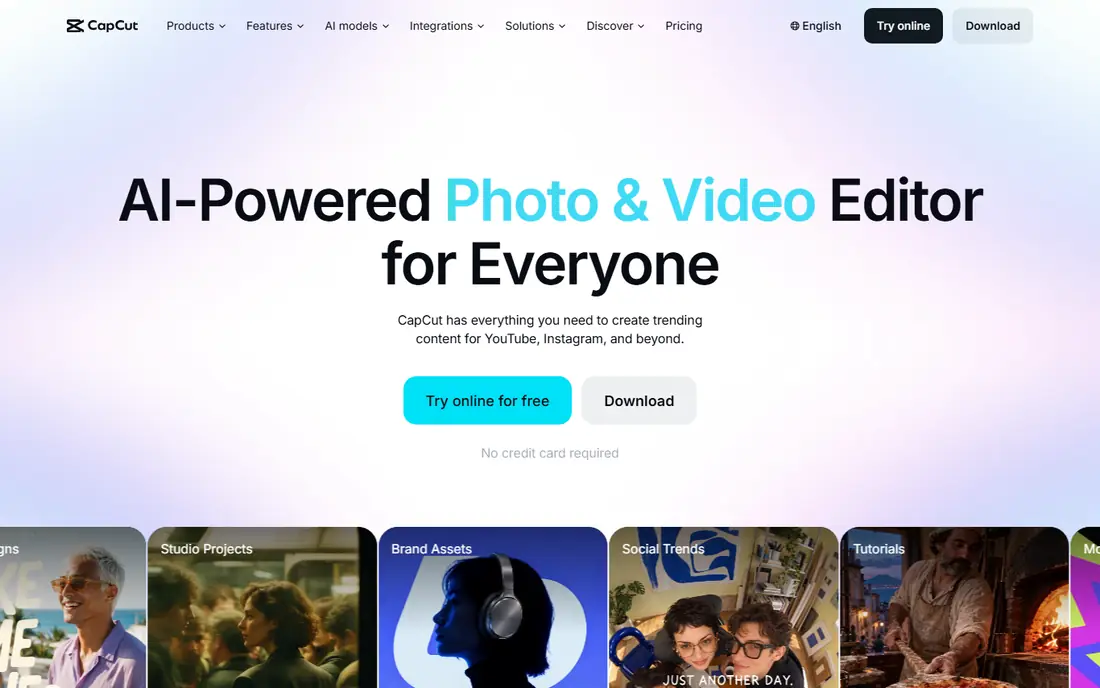
CapCut was built for short-form social video. CapCut also leans toward social formats instead of long documentaries or broadcast work.
Free exports and AI allowances are restricted, and the Pro plan is the realistic choice for creators who publish daily. Pricing for CapCut is not stated here, so ask the vendor for current figures. CapCut includes a free tier.
Watch-outs: Pro features need a premium plan.
- Mobile and desktop apps
- Templates and trending effects
- AI features and exports have usage limits
Wondershare Filmora
Ideal for: Beginner-friendly YouTube editing

Where Wondershare Filmora fits: beginner-friendly YouTube editing. Filmora targets beginners who want a desktop editor without the complexity of Premiere Pro or Resolve.
Limits to weigh: AI features use credits on some plans.
As for the details, for a new creator who wants a guided editor with room to grow, Filmora is a sensible middle step before moving to a professional suite. For everyday use, free exports bundle a watermark, so premium plans are needed for published work. On cost, Wondershare Filmora starts like this: $49.99 per year. Free access exists with Wondershare Filmora.
- Simple timeline for beginners
- Smart Short Clips and AI tools
- Free exports carry a watermark
Descript
Ideal for: Talking-head and podcast editing
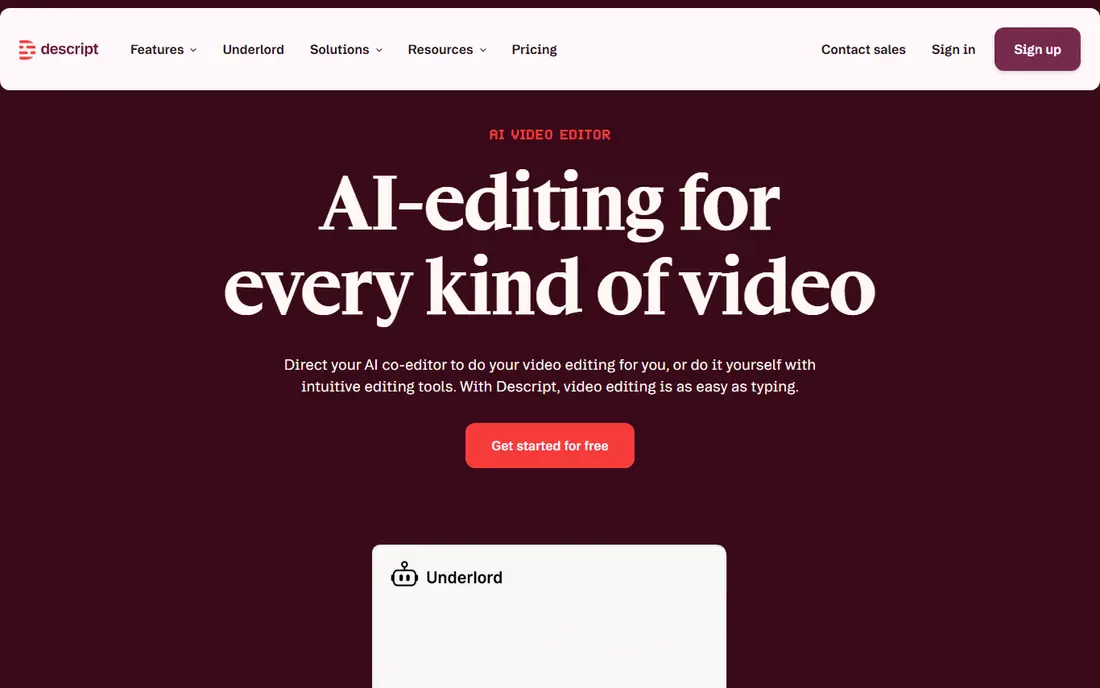
Pick Descript if this describes you: talking-head and podcast editing. Descript changes the first pass of editing for anyone who talks to a camera. Free and lower plans cap media hours and resolution, and AI features draw on credits or usage allowances.
Also, the tool transcribes the video, and deleting a sentence in the transcript removes it from the video. On top of that, for dialogue-led content, though, few tools shorten the rough cut as much. Beyond that, the limits matter for volume. Starting cost for Descript: $16 per month. A free plan is available with Descript.
Where it falls short: Less suited to complicated visual effects.
- Transcript-based editing
- Filler-word removal
- Media hours and AI credits limit heavy users
Runway
Ideal for: Generative video and effects
Runway is aimed squarely at Generative video and effects. Runway sits closer to a creative studio than a standard editor. As for the details, for ads, music videos, and experimental shorts, that range opens choices that a timeline editor alone cannot offer.
Each generation costs credits, and a project with numerous attempts can use a monthly allowance rapidly. In practice, results also vary, so a creator should budget time for retries and checks. Worth adding: creators can create b-roll, extend scenes, remove objects, and transform footage with prompts and brushes. On cost, Runway starts like this: $12 per month. A free plan is available with Runway.
Limits to weigh: Generation uses credits that run out fast.
What works well: Text-to-video generation.
- Browser-based workflow
- Inpainting and background tools
- Output needs review for artifacts
Adobe Premiere Pro
Ideal for: Professional long-form editing
In short, Adobe Premiere Pro is for professional long-form editing. Premiere Pro makes sense when a creator needs control over every part of a long video and can justify a monthly subscription.
Entry price for Adobe Premiere Pro: $22.99 per month. Free plan details: Free trial.
Where it falls short: Subscription cost.
- Transcript editing and auto reframe
- Wide format support
- Generative features use credits
DaVinci Resolve
Ideal for: Color, audio, and pro editing value
DaVinci Resolve serves color, audio, and pro editing value. DaVinci Resolve gives you an unusual deal: a full professional editor at no cost, with a one-time Studio license for advanced features.
Hardware demands are also higher than a browser editor. On top of that, color grading, Fairlight audio, and Fusion effects are built in, and Studio brings Neural Engine tools like Magic Mask and voice isolation. On cost, DaVinci Resolve starts like this: Free. You can start on DaVinci Resolve without paying.
The main drawbacks: Advanced AI tools need the premium Studio license.
- Capable color and audio tools
- Full free editor
- Steep ramp-up time
Opus Clip
Ideal for: Turning long videos into clips
Opus Clip works best for turning long videos into clips. Used as a first draft machine with a human final check, Opus Clip is a practical addition to a creator workflow. As for the details, Opus Clip answers a specific need: turning a long podcast or stream into short clips.
Where it is weaker: Clips need human review for context.
Worth adding: the output still needs review. Beyond that, the tool finds flags, reframes the video for vertical formats, layers on captions, and scores clips for likely attention. For creators who publish daily shorts from weekly long videos, that pipeline saves a large amount of manual scrubbing. Free credits include only a small amount of work. Opus Clip starts at: $14.50 per month. Opus Clip includes a free tier.
- Auto reframe and captions
- Virality scoring for clips
- Free credits are restricted
How the list was put together
The comparison looks at four things: starting price, free access, how well the feature set matches AI powered video editing tool, and the main limit of each tool. Where a vendor does not publish a price, the entry says quote. Where a price depends on seats or billing term, the entry says so. Tools are placed by general fit for AI powered video editing tool, with price clarity and free access as tie-breakers. A different team can reasonably rank them differently.
Things to verify first
- Confirm the entry price on the vendor page. For CapCut that means a quote rather than a fixed price.
- Look at free plan limits closely: CapCut, Wondershare Filmora, Descript and others have one, and the caps decide whether it is usable for real work.
- Take the trial from Adobe Premiere Pro and push a live task through it before you pay.
- Before choosing CapCut, weigh its main limit: AI features and exports have usage limits.
- Confirm minimum seats and billing terms with Adobe Premiere Pro before you commit to an annual plan.
- Look at which plan of Wondershare Filmora unlocks the features you need; entry tiers are often cut down.
Frequently asked questions
What is the cheapest option for AI powered video editing tool in this list?
On published monthly entry prices, Runway is the lowest here at $12 per month. Entry price is only part of the cost, because seats, add-ons and billing terms can change the total.
How are the tools for AI powered video editing tool ordered?
CapCut sits first and Opus Clip last because the order follows typical fit for AI powered video editing tool, then price clarity and free access. It is a judgement call, so read each profile for fit and limits.
Is CapCut the right pick for everyone comparing AI powered video editing tool?
No single tool suits every team. CapCut comes first because it fits short-form social video, while Wondershare Filmora suits beginner-friendly YouTube editing and Descript suits talking-head and podcast editing. Match the tool to your own size, budget and workflow before deciding.
Do AI video editors replace human editing?
No. AI accelerates captions, rough cuts, clip selection, and cleanup, but a person still needs to check story, context, pacing, and accuracy. The best results come from using AI for the first draft and a human for the final review.
Do these tools publish their prices?
Not all of them. CapCut publishes no starting price, so expect a quote request for it. The rest, Wondershare Filmora included, show a starting price, though seats and billing terms still change the final cost.