Best AI Research Platforms for Data Analysts in 2026: 8 Platforms Compared

- 1
 PerplexityFast cited answersVisit
- 2
 ElicitAcademic literature researchVisit
- 3
 ConsensusEvidence-based answersVisit
- 4
 SciteCitation context checkingVisit
- 5
 Semantic ScholarFree academic searchVisit
- Analysts need two kinds of research help: finding trustworthy sources and working with data, and the best tools cover one of those jobs deeply.
- Perplexity and Consensus suit fast cited answers, while Elicit and Scite suit deeper academic literature work.
- Julius AI and ChatGPT help analysts clean, chart, and question datasets directly, which is a different job from literature search.
- Citations do not guarantee accuracy, so every AI-generated claim that matters should be checked against the original source before it reaches a report.
- Our pick for most analysts is a combination: Perplexity for quick research and Julius AI for hands-on data work.
Quick comparison
| Product | Ideal for | Price from | Free version | |
|---|---|---|---|---|
| Perplexity | Fast cited answers | See website | Yes | Visit |
| Elicit | Academic literature research | See website | Yes | Visit |
| Consensus | Evidence-based answers | See website | Yes | Visit |
| Scite | Citation context checking | See website | Yes | Visit |
| Semantic Scholar | Free academic search | See website | Yes | Visit |
 ResearchRabbit | Literature discovery | See website | Yes | Visit |
 ChatGPT | General analysis help | See website | Yes | Visit |
 Julius AI | Data analysis and charts | See website | Free trial | Visit |
The best AI research platforms for data analysts
Data analysts research in two directions: outward, to find studies, benchmarks, and definitions, and inward, to make sense of their own datasets. The platforms below were compared on source quality, citation handling, data analysis features, and how well each one fits an analyst's daily workflow.
Perplexity
Ideal for: Fast cited answers
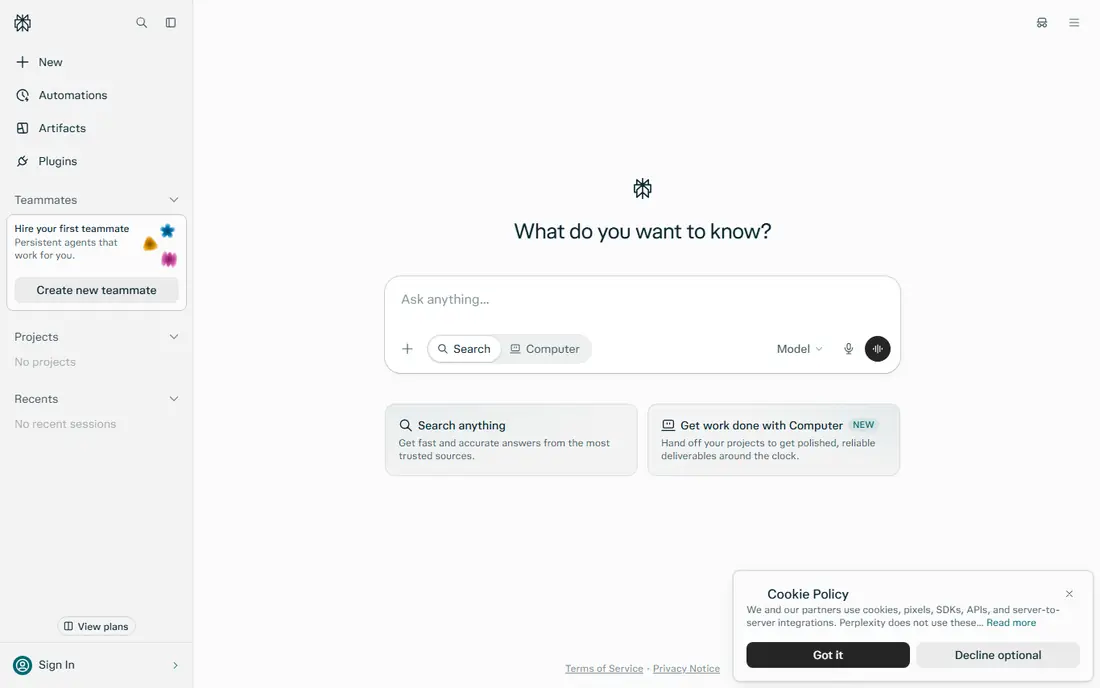
Perplexity answers questions with sources cited inline, which makes it the fastest way for an analyst to get an oriented answer with somewhere to verify it. Ask for a benchmark, a definition, or a market figure, and it returns a summary plus the pages it drew on. Follow-up questions keep the thread, so an analyst can narrow from a broad topic to a specific figure without starting over.
The risk is trusting the summary. Citations can point to weak sources, and an AI summary can soften a caveat that matters. Treat Perplexity as a research starting point: useful for orientation and for finding sources, but every number that enters a report should be opened and checked at the source.
- Answers with inline citations
- Fast web research
- Follow-up questions keep context
- Citations need checking
- Depth varies by topic and source quality
Elicit
Ideal for: Academic literature research
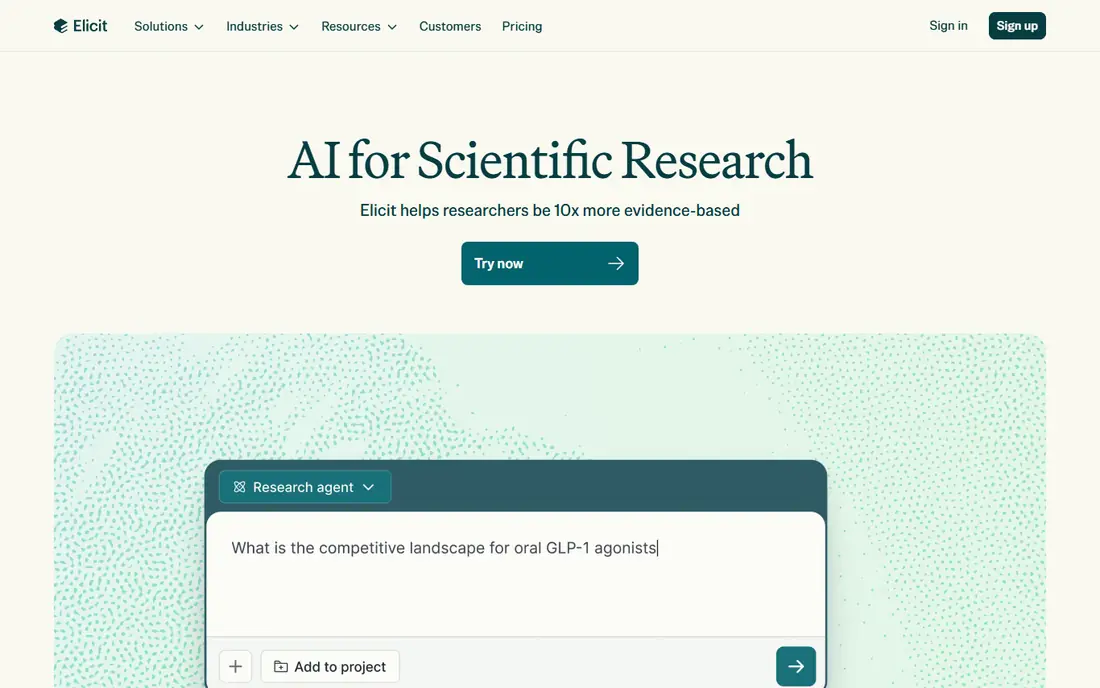
Elicit is built for research questions that academic papers can answer. It searches a large paper database, extracts findings, methods, and outcomes into a comparable table, and helps analysts see where studies agree or disagree. For an analyst writing a literature-backed section of a report, that structured extraction saves hours of manual reading.
It is not a general web search tool, and it will not help with market data or company figures that live outside papers. Its paid tiers add more papers and features. For evidence-heavy work, though, Elicit is one of the most practical AI research tools available.
- Searches academic papers
- Extracts key findings into tables
- Good for systematic questions
- Focused on academic literature, not general web research
- Deeper features are paid
Consensus
Ideal for: Evidence-based answers
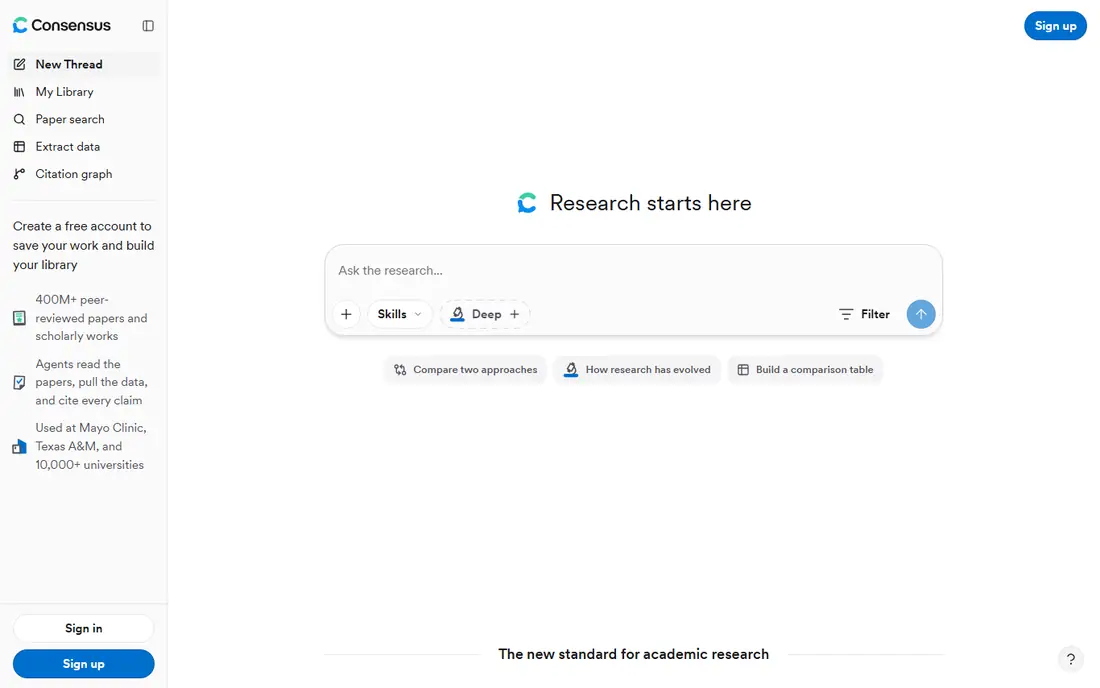
Consensus answers questions using peer-reviewed papers, and it shows how much the evidence agrees, which is a useful signal for analysts. Instead of a single confident answer, it presents the underlying studies and a sense of consensus, helping readers judge how settled a finding really is. That framing suits analysts who must present uncertainty honestly.
Its scope is academic, so it will not answer questions about vendors, prices, or market sizes. For questions where published research is the right evidence, Consensus gives a cleaner starting point than a general chatbot, with sourcing that is easier to audit.
- Answers drawn from peer-reviewed research
- Shows agreement levels
- Clear sourcing
- Limited to research literature
- Less useful for business or market questions
Scite
Ideal for: Citation context checking
Scite answers a question analysts often skip: does the paper being cited actually support the claim? Its citation statements classify how later papers cite a work, showing supporting, mentioning, or disputing references. That context helps an analyst avoid leaning on a study that later research contradicted, which is a real risk in fast-moving fields.
The tool takes some learning, and its most useful features sit behind paid plans. For verification work, though, it is distinctive: most research tools help you find papers, while Scite helps you judge whether to trust them.
- Shows whether citations support or dispute a claim
- Large citation database
- Useful for verification
- Interface takes learning
- Full features need a paid plan
Semantic Scholar
Ideal for: Free academic search
Semantic Scholar is a free academic search engine with a very large paper database and tools for exploring citations and authors. Analysts can search by topic, filter by field and date, and follow citation trails to related work. Its API also lets teams pull paper data into their own tools, which is useful for larger research projects.
It does not generate AI answers in the way Perplexity or Elicit do, so it suits analysts who prefer to read and judge sources themselves. As a free, reliable backbone for literature search, it is hard to beat, and it pairs well with an AI tool that summarizes what it finds.
- Free academic search
- Large paper database
- API for programmatic access
- No AI answer generation in the core search
- Interface is plain
ResearchRabbit
Ideal for: Literature discovery
ResearchRabbit helps analysts discover literature visually. Start with a few relevant papers, and it maps related work, authors, and connections, revealing papers a keyword search might miss. That exploration is valuable early in a project, when an analyst is still learning what the literature actually covers.
It is a discovery tool, not an answer engine: it will not summarize findings or answer a question directly. It works best when the analyst already has seed papers and wants to expand outward. For that job, and at no cost, it is a useful addition to the research toolkit.
- Visual literature maps
- Free to use
- Finds related papers from seed papers
- Discovery-focused, not an answer engine
- Needs seed papers to work well
ChatGPT
Ideal for: General analysis help
ChatGPT is the generalist on this list, useful for brainstorming analysis approaches, writing code for data cleaning, explaining statistical concepts, and drafting report language. Analysts can paste a dataset summary or a code error and get a workable next step, which speeds up the messy middle of analysis work. Its paid tiers add stronger models and larger context.
The weakness is reliability on facts. ChatGPT can state figures and citations that sound right but are not, so it should never be the source for a number in a report. Used for method, code, and drafting, with facts verified elsewhere, it is a strong productivity aid.
- Flexible help with analysis, code, and writing
- Large context for documents
- Broad knowledge
- Can produce confident but wrong figures
- Needs careful prompting and verification
Julius AI
Ideal for: Data analysis and charts
Julius AI works directly with an analyst's own data. Upload a spreadsheet or connect a data file, ask questions in plain language, and it produces charts, summaries, and calculations. That conversational layer helps analysts explore a dataset quickly, test a hypothesis, or build a chart for a presentation without writing code for every step.
Every output still needs checking, since an AI can misread a column, mishandle a filter, or chart the wrong aggregation. Analysts should verify Julius results against the raw data before sharing them. As an exploration and visualization helper, though, it shortens the path from raw file to first insight.
- Analyzes uploaded spreadsheets and data files
- Generates charts
- Answers questions about your data
- Results need checking against the raw data
- Usage limits on lower tiers
How we picked these
We compared official feature pages, pricing pages, and documentation for AI research and analysis platforms, focusing on source quality, citation handling, literature coverage, and direct data analysis features. We favored tools that are actively maintained and transparent about their sources, and we included both literature tools and data tools because analysts need both kinds of help.
What to check before you rely on one
Decide whether your main need is finding sources or analyzing data, since few tools do both well. For literature work, check database coverage in your field and whether the tool shows its sources clearly. For data work, test with a real file, including messy columns and missing values, and compare the AI output against a manual check.
Set a verification rule for your team: no AI-generated figure enters a report without opening the original source or re-running the calculation. Also review privacy terms before uploading sensitive datasets, since some tools retain or process uploaded files on their servers.
Another practical step is to test support before you depend on it. Send a question during the trial and note how fast and how helpfully the team responds, since that response is a preview of what you will get when something breaks at an awkward moment. Also check the documentation and community: clear guides and an active user community can solve many problems without waiting for support at all. If the service handles important data or money, review its security and privacy pages too, and confirm that its practices match your requirements. A product that is strong on features but weak on support or security can cost far more in stress and risk than it saves in subscription fees.
Frequently asked questions
Which AI research tool is best for data analysts?
Perplexity is the best general starting point for fast, cited research, while Julius AI is best for working directly with datasets. Most analysts benefit from both, plus a literature tool like Elicit for academic questions.
Can AI research tools replace reading the original papers?
No. They are best used to find and summarize papers, but important claims should be checked in the original source. Summaries can miss caveats, and citations can point to weaker evidence than they appear to.
Are these tools safe for confidential company data?
That depends on the tool's privacy terms and your company's policy. Avoid uploading sensitive or regulated data to a tool unless you have checked its data handling terms and your organization approves it.
Do free plans cover serious research work?
Free plans are enough for occasional research and for testing a tool, but heavy users usually need a paid tier for more queries, papers, or data capacity. Start free, then upgrade only when limits actually slow your work.
How do I avoid AI hallucinations in research?
Ask for sources, open them, and cross-check important figures in a second source. Prefer tools that cite peer-reviewed papers or primary sources, and treat any uncited figure as unverified until you confirm it yourself.
Should I try a free plan or trial first for best ai research platforms for data analysts?
Yes, whenever one is available. A trial with your real data and real tasks reveals fit, speed, and ease of use in a way no sales page can, and it often surfaces deal-breakers early, such as a missing integration or a confusing workflow. Use the trial actively rather than just browsing: complete a typical task end to end, contact support once, and check how easy it is to export your work if you decide to leave.