Best AI Search Tools (2026): 7 Options Compared

- 1
 Microsoft CopilotPeople in Microsoft 365 and WindowsVisit
- 2
 You.comPeople who want AI answers plus traditional resultsVisit
- 3
 Google GeminiPeople in the Google ecosystemVisit
- 4
 GleanBusinesses that require search across work appsVisit
- 5
 CoveoFirms that require search for customers and staffVisit
- Microsoft Copilot sits first on this list: people in Microsoft 365 and Windows.
- ChatGPT Search is the one to check for people who already use ChatGPT.
- The lowest published monthly entry price here is $19.99 per month, from Google Gemini.
- One limit worth knowing about Glean: enterprise pricing not published.
- Only 5 of the 7 tools have a free plan (Microsoft Copilot, You.com, Google Gemini, Perplexity, ChatGPT Search), so check the caps.
Direct answer
If you need people in Microsoft 365 and Windows, Microsoft Copilot is the first tool to look at here. Look at You.com for people who want AI answers plus traditional results, and at Google Gemini for people in the Google ecosystem. All 7 tools are compared below on price, free plan and limits.
Quick comparison
| Product | Ideal for | Price from | Free version | |
|---|---|---|---|---|
| Microsoft Copilot | People in Microsoft 365 and Windows | Free | Yes | Visit |
| You.com | People who want AI answers plus traditional results | See website | Yes | Visit |
| Google Gemini | People in the Google ecosystem | $19.99 a month | Yes | Visit |
| Glean | Businesses that require search across work apps | See website | No | Visit |
| Coveo | Firms that require search for customers and staff | See website | No | Visit |
 Perplexity | People who want cited web answers quick | $20 per month | Yes | Visit |
 ChatGPT Search | People who already use ChatGPT | $20 a month | Yes | Visit |
Tool-by-tool breakdown
Choosing AI search tools usually comes down to price, fit and limits. This Ainotely guide sets 7 tools side by side on those three points, with the facts kept short and checkable.
Microsoft Copilot
Ideal for: People in Microsoft 365 and Windows
Microsoft Copilot works best for people in Microsoft 365 and Windows. Before you commit, check the current pricing page and the limits that apply to your volume, your team size, or your use case, since those details change how much value you actually get.
Honest limits: Answers vary outside Microsoft apps.
If you do not use Microsoft apps, a standalone answer engine like Perplexity may feel simpler and more focused. Microsoft Copilot starts at: Free. Microsoft Copilot includes a free tier.
- Web search through Bing
- Works with Word, Excel, Outlook
- Full Microsoft 365 features need a premium plan
You.com
Ideal for: People who want AI answers plus traditional results
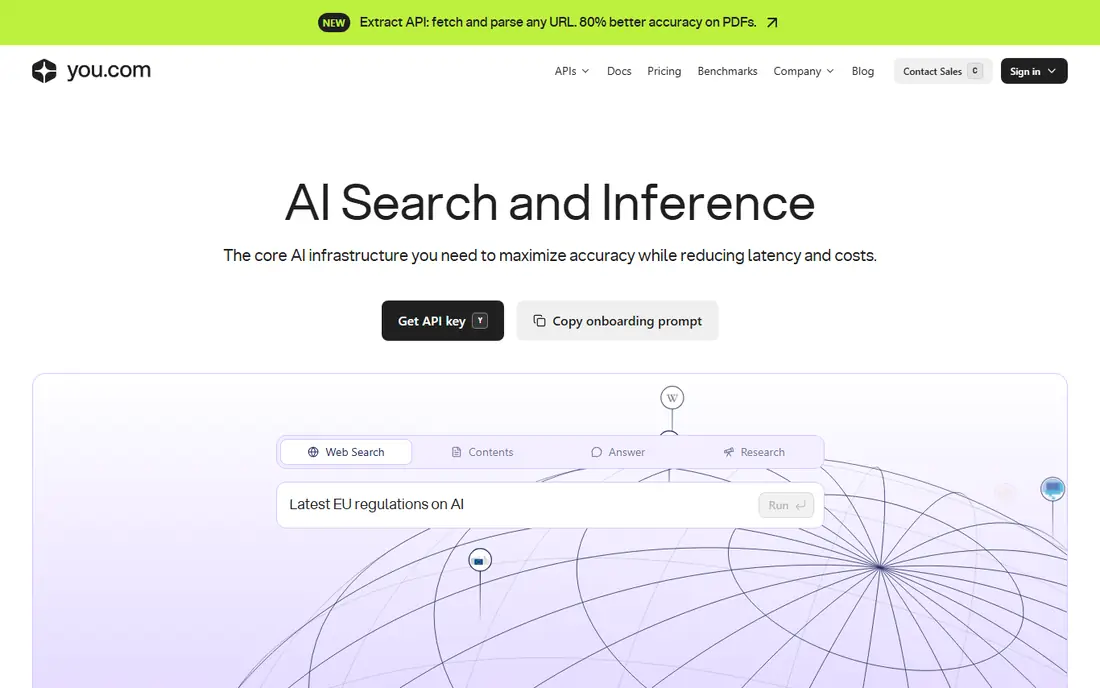
You.com targets people who want AI answers plus traditional results. That blend fits a person who likes to see both the answer and the links behind it.
Honest limits: Consumer pricing has changed over time.
No starting price is listed for You.com here; confirm pricing on the vendor site. You.com offers a free plan.
- AI answers with sources
- Custom modes
- Some features are developer focused
Google Gemini
Ideal for: People in the Google ecosystem
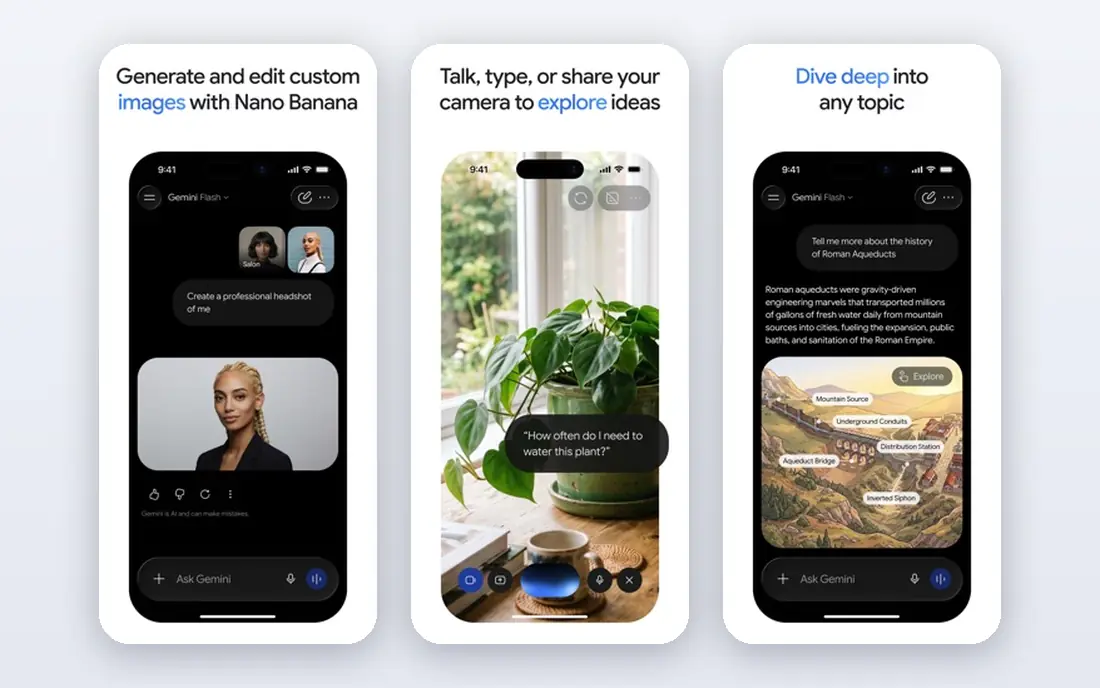
Choose Google Gemini for people in the Google ecosystem. Gemini benefits from Google Search and from access to Google apps on premium plans. For everyday use, for Android and Workspace users, that fit is hard to ignore.
Beyond that, check what data the assistant can access and how history is stored before you use it for sensitive work. From a buyer's view, you can ask about a document, search the web, and draft a reply without leaving the Google world. Google Gemini starts at: $19.99 per month. Google Gemini has a free plan.
Honest limits: Privacy settings need a careful check.
- Multimodal search
- Google Search integration
- Best features need a Google AI plan
Glean
Ideal for: Businesses that require search across work apps
Choose Glean for companies that require search across work apps. Think of this as the specialist on the list. Glean helps employees find answers in company documents, chats, tickets, and drives, with results that respect existing permissions.
Drawbacks to consider: Enterprise pricing not published.
That permission awareness matters: a person should not see a document they cannot normally access just because search found it. For everyday use, before you commit, check the current pricing page and the limits that apply to your volume, your team size, or your use case, since those details change how much value you actually get. It is priced and sold to firms, so an individual should not shortlist it as a personal search engine. No starting price is listed for Glean here; confirm pricing on the vendor site. Glean does not include a free plan.
- Search across company apps
- AI answers grounded in work documents
- Not a consumer search tool
Coveo
Ideal for: Firms that require search for customers and staff
For firms that require search for customers and staff, Coveo is a natural candidate. This is worth a closer look before you settle.
What to check first: Setup needs technical work.
Coveo powers search on company websites, support portals, and internal tools, with AI relevance and analytics. On top of that, a customer can find a help article quicker, and a support team can see which queries fail. Check the vendor site for Coveo pricing; none is listed in this comparison. Coveo does not include a free plan.
- Relevance tuning
- Analytics for search behaviour
- Enterprise pricing not published
Perplexity
Ideal for: People who want cited web answers quick
Pick Perplexity if this describes you: people who want cited web answers quick. Follow up questions keep the thread going, which helps when a topic needs narrowing.
Points against: Answers can still cite weak sources.
As for the details, before you commit, check the current pricing page and the limits that apply to your volume, your team size, or your use case, since those details change how much value you actually get. On cost, Perplexity starts like this: $20 per month. Perplexity has a free plan.
- Follow up questions
- Research modes for deeper queries
- Free plan has limits on advanced queries
ChatGPT Search
Ideal for: People who already use ChatGPT
Where ChatGPT Search fits: people who already use ChatGPT. ChatGPT Search brings live web results into the assistant numerous people already use for writing and analysis. That continuity is its central advantage over a separate search site.
For pure research, compare its citations with Perplexity, since the best tool relies on whether you need writing help or research depth. Before you commit, check the current pricing page and the limits that apply to your volume, your team size, or your use case, since those details change how much value you actually get. Price to start with ChatGPT Search: $20 per month. A free plan is available with ChatGPT Search.
The main drawbacks: Search quality varies by query.
- Cited answers
- Web search inside ChatGPT
- Deeper features need Plus
Choosing AI search tools: what matters
For work, check permissions and data handling before you link company documents. As for the details, for a product, budget developer time, since even a decent search API needs tuning to feel fast and relevant.
How we chose
For each of the 7 tools we noted price, free plan or trial, fit for AI search tools and the main limit, using vendor pages and documentation. Plan names, prices and limits change often. Treat the figures here as a starting point and verify them with the vendor. Tools are placed by general fit for AI search tools, with price clarity and free access as tie-breakers. A different team can reasonably rank them differently.
What to confirm before you sign up
- Get a written quote from You.com, Glean and Coveo; the list shows no starting price for them.
- Look at free plan limits closely: Microsoft Copilot, You.com, Google Gemini and others have one, and the caps decide whether it is usable for real work.
- Read the limits listed for Microsoft Copilot first: full Microsoft 365 features need a premium plan.
- Compare total cost, not headline price: for ChatGPT Search, add extra seats, add-ons and any usage-based charges.
- Confirm the exact Coveo plan that includes your must-have features.
Frequently asked questions
Are AI search answers steady?
They are handy for a first pass, but they can be wrong or cite weak sources. For medical, legal, or financial decisions, use primary sources.
Is Perplexity free?
Yes, Perplexity provides a free plan with restricted advanced queries, and Pro costs $20 a month for more advanced searches and features. Start free and upgrade only if you hit the limits commonly.
Which options for AI search tools have a free plan?
On this list, Microsoft Copilot, You.com, Google Gemini, Perplexity and ChatGPT Search include a free plan. Caps on seats, usage or features are common, so test the free plan against your real workload.
Can AI search replace Google?
For plenty of research questions, an AI answer with citations is quicker than scanning links. For shopping, maps, local results, and very specific pages, traditional search still works better. From a buyer's view, most people will use both.
What is the cheapest option for AI search tools in this list?
On published monthly entry prices, Google Gemini is the lowest here at $19.99 per month. Entry price is only part of the cost, because seats, add-ons and billing terms can change the total.
Is Microsoft Copilot the right pick for everyone comparing AI search tools?
No single tool suits every team. Microsoft Copilot comes first because it fits people in Microsoft 365 and Windows, while You.com suits people who want AI answers plus traditional results and Google Gemini suits people in the Google ecosystem. Match the tool to your own size, budget and workflow before deciding.