AskYourPDF comes first here, mainly for PDF chat and AI form filling. Listed starting prices: AskYourPDF from $11.99 per month. Microsoft Copilot is the stronger choice for AI chat for document tasks across Microsoft apps, while ChatGPT suits general-purpose document review and Q&A. The full list of 5 tools follows, with prices and free plan facts.
Ainotely compared 5 AI software for reviewing long documents. The goal is a practical shortlist: published prices, free plan facts, best-fit use cases and honest limits for every entry.
Key takeaways
AskYourPDF sits first on this list: PDF chat and AI form filling.
AskYourPDF, ChatGPT: these are the 2 tools out of 5 that offer a free plan.
For AI-assisted document analysis within Google ecosystem, Gemini is worth a look.
The cheapest monthly starting price in the list is $11.99 per month, offered by AskYourPDF.
AskYourPDF is a good fit for PDF chat and AI form filling. AskYourPDF is an AI chatbot for your website and PDF AI tools that lets you chat with any PDF, auto fill PDF forms, and more. It is handy for reviewing long documents by asking questions and getting summaries.
Points against: May need setup for advanced choices.
AskYourPDF concentrates on PDFs, so it may not be right for other document formats. Pick AskYourPDF when you want PDF chat combined with form-filling capabilities. Price to start with AskYourPDF: $11.99 per month. AskYourPDF offers a free plan.
Best for: AI chat for document tasks across Microsoft apps
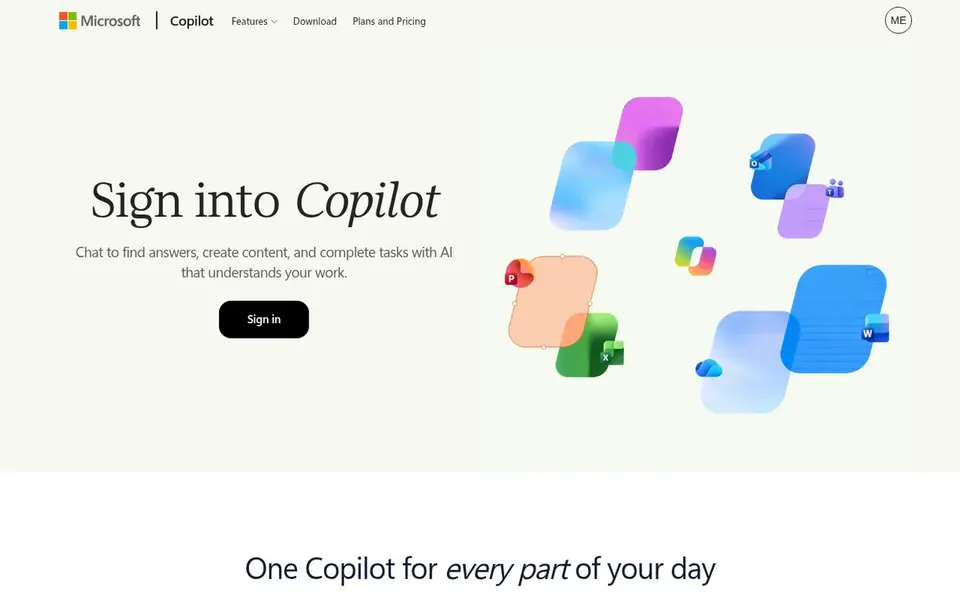
Choose Microsoft Copilot for AI chat for document tasks across Microsoft apps. Microsoft Copilot is AI built to help you get things done, offering chat that works across your day. It can assist with document review by summarizing, generating insights, and answering questions, notably within Microsoft 365 applications.
Upsides: Familiar interface for Microsoft users.
Downsides: Document review features may vary by app. For everyday use, otherwise, Copilot is a solid choice for general document assistance within the Microsoft ecosystem. Copilot's document review capabilities might be less specialized than dedicated PDF AI tools, and features can differ across apps. This comparison lists no price for Microsoft Copilot; ask the vendor. Trial and free access: Not stated.
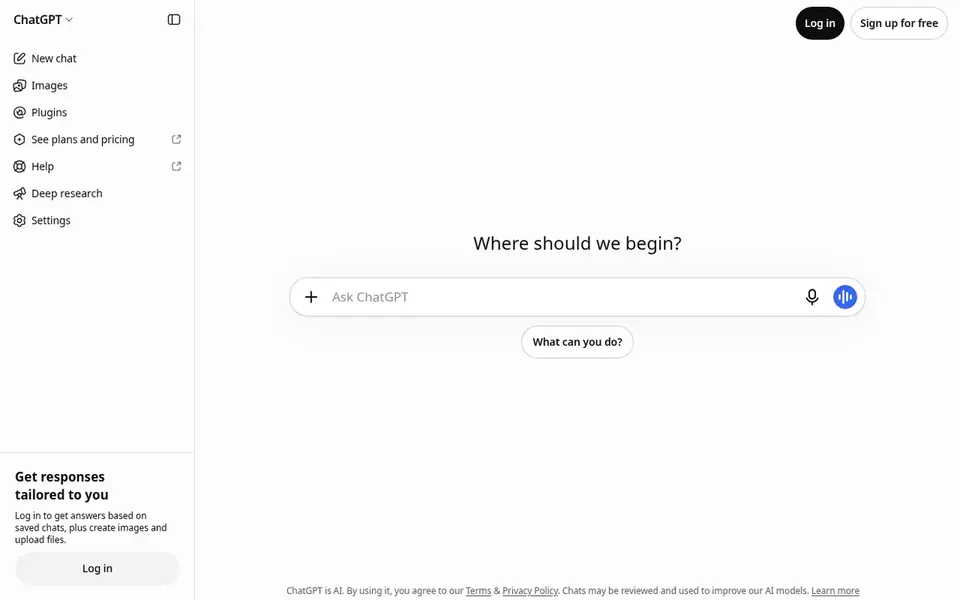
ChatGPT is built with general-purpose document review and Q&A in mind. For long documents, you can upload files and ask for summaries, key points, or specific details.
Even so, ChatGPT may not be optimized for very large or complicated PDFs, and it needs manual uploads. This comparison lists no price for ChatGPT; ask the vendor. Free access exists with ChatGPT.
Downsides: Output quality relies on prompt clarity.
ChatPDF targets fast PDF chat and summarization. ChatPDF brings ChatGPT-style intelligence to PDF understanding, allowing you to summarize, chat, and analyze documents.
Honest limits: May have constraints on document size.
In daily use, ChatPDF is restricted to PDFs and may have restrictions on document length or complexity. No starting price is listed for ChatPDF here; confirm pricing on the vendor site. As for free access: Not stated.
Best for: AI-assisted document analysis within Google ecosystem
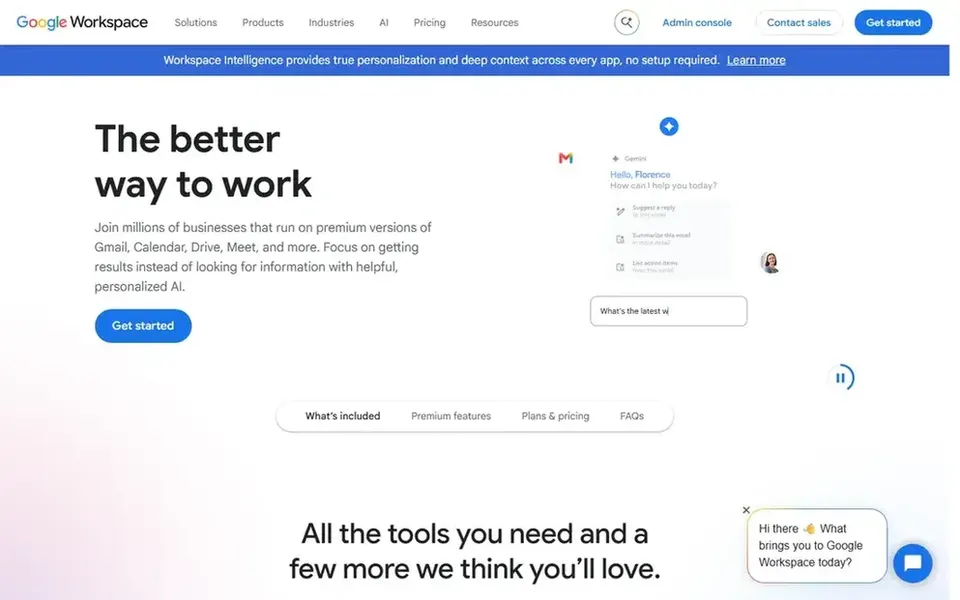
Gemini serves AI-assisted document analysis within Google ecosystem. Gemini is Google's AI assistant that can help with document review through conversational prompts. Worth adding: Gemini may not offer specialized document review features like PDF annotation or source citation.
Points against: May need Google account for full access.
On top of that, for heavy document-centric work, a dedicated tool like ChatPDF might be more efficient. Consider Gemini for lighter review tasks or when you need an AI assistant that links up with other Google services. Pricing for Gemini is not stated here, so ask the vendor for current figures. Trial and free access: Not stated.
Ask Microsoft Copilot, ChatGPT, ChatPDF and Gemini for a written quote, since no starting price is shown.
Check what the free option really includes: AskYourPDF and ChatGPT offer a free plan, and usage caps differ.
Read the limits listed for AskYourPDF first: PDF-centric features.
Test how quickly AskYourPDF answers a pre-sales question; it hints at how support will feel later.
Check how data leaves Microsoft Copilot: formats, limits and whether exports are available on every plan.
How we picked
For each of the 5 tools we noted price, free plan or trial, fit for AI software for reviewing long documents and the main limit, using vendor pages and documentation. Where a price is missing, the vendor does not list one publicly or ties it to a quote. Always confirm before budgeting. The order reflects how well each tool fits the most common buying scenario for AI software for reviewing long documents, then price clarity, then free plan access. It is a starting point, not a verdict.
Every price and plan detail on this page comes from the vendors’ own websites. We did not run hands-on tests unless the text says so, and we do not publish star ratings or review scores. See how we score and our disclosure.
Keep your shortlist in one place
Paste prices, trial dates and notes from this guide into Ainotely, our AI note app. It files them into a topic and pulls out tasks like “cancel trial by Friday”. Free 7-day trial, no card needed.
Which options for AI software for reviewing long documents have a free plan?
On this list, AskYourPDF and ChatGPT include a free plan. Caps on seats, usage or features are common, so test the free plan against your real workload.
Is AskYourPDF the right pick for everyone comparing AI software for reviewing long documents?
No single tool suits every team. AskYourPDF comes first because it fits PDF chat and AI form filling, while Microsoft Copilot suits AI chat for document tasks across Microsoft apps and ChatGPT suits general-purpose document review and Q&A. Match the tool to your own size, budget and workflow before deciding.
Can I try these tools before paying?
Often, yes. AskYourPDF and ChatGPT have a free plan. Use your own data and a real task during the test, and check what the free tier or trial limits before you rely on it.
Do these tools publish their prices?
Not all of them. Microsoft Copilot, ChatGPT, ChatPDF and Gemini publish no starting price, so expect a quote request for those. The rest, AskYourPDF included, show a starting price, though seats and billing terms still change the final cost.