Best AI Stock Trading Apps in 2026: 8 Apps Compared

- 1
 Trade IdeasAI scanning for active tradersVisit
- 2
 TrendSpiderAI charting and backtestingVisit
- 3
 TickeronAI ratings and forecastsVisit
- 4
 DanelfinAI stock scores for investorsVisit
- 5
 AlpacaAPI trading and automationVisit
- Trade Ideas and TrendSpider lead for active traders who want AI scanning and backtesting.
- Tickeron and Danelfin suit investors who want AI ratings and forecasts for stock selection.
- Alpaca and Composer suit traders who want to automate strategies with code or visual rules.
- AI signals do not guarantee profits, so paper-trade any tool before risking real money.
Quick comparison
| Product | Ideal for | Price from | Free version | |
|---|---|---|---|---|
| Trade Ideas | AI scanning for active traders | See website | Free trial | Visit |
| TrendSpider | AI charting and backtesting | See website | Free trial | Visit |
| Tickeron | AI ratings and forecasts | See website | Free trial | Visit |
| Danelfin | AI stock scores for investors | See website | Free trial | Visit |
| Alpaca | API trading and automation | Free | Yes | Visit |
 Composer | Visual automated strategies | See website | Free trial | Visit |
 Magnifi | AI investing assistant | See website | Free trial | Visit |
 LevelFields | Event-driven AI signals | See website | Free trial | Visit |
The best ai stock trading app
We compared AI trading tools on signals, screening, backtesting, automation and pricing. No tool here guarantees returns, and past signals do not predict future results, so we judged tools on transparency and workflow rather than promised performance. Our pick for active traders is Trade Ideas, with TrendSpider as the charting-led alternative.
This is not financial advice. Trading carries risk, including loss of capital, and AI signals do not guarantee profits. Paper-trade before risking real money, and consider independent financial advice.
Trade Ideas
Ideal for: AI scanning for active traders
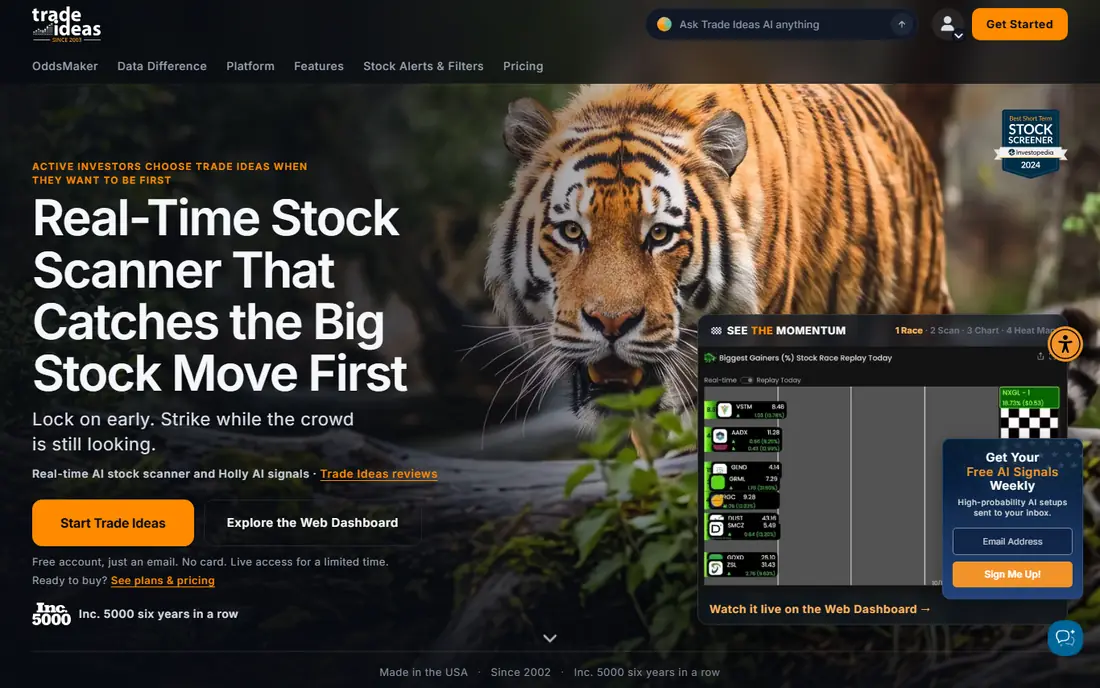
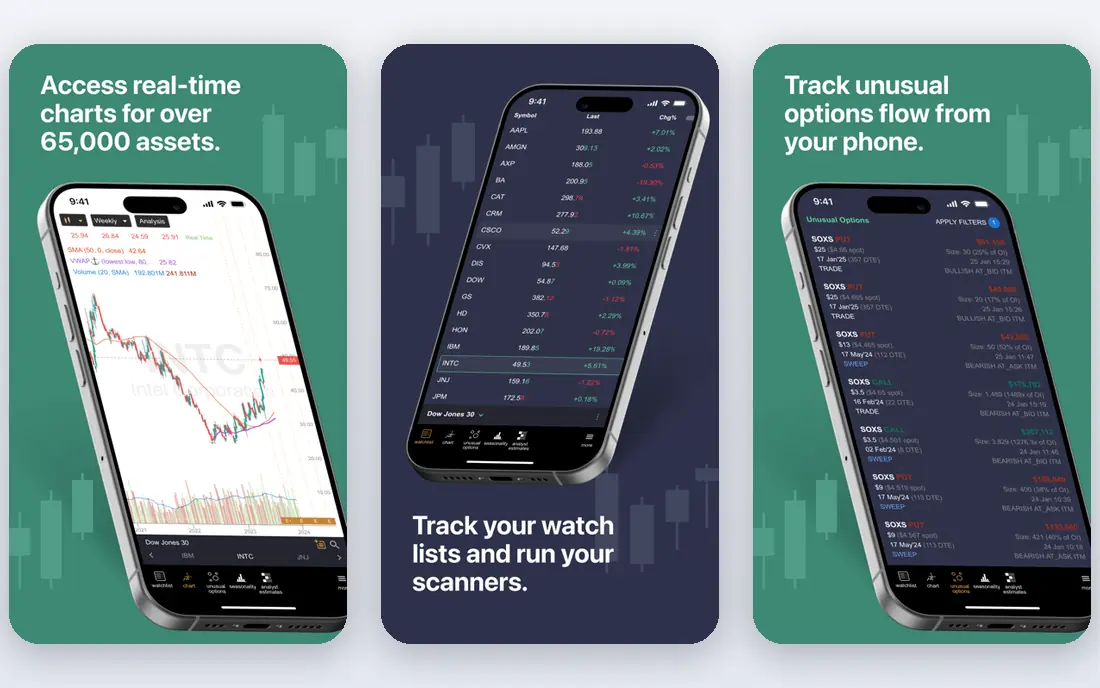
Trade Ideas offers AI-powered scanning that surfaces stock setups in real time, with backtesting to check how signals performed historically. That combination suits active traders who want ideas plus evidence. The subscription costs real money and the learning curve is steep, so beginners should trial it with paper trading first.
For most readers, the deciding question with Trade Ideas is fit rather than raw feature count. Check the plan limits that matter to you, such as seats, usage caps and what happens when a trial ends, before you commit to a paid tier. If the free tier or trial covers your core task, use it for a full week of real work before paying, and keep an eye on renewal terms and cancellation steps. That short test usually tells you more than any feature list, and it keeps the choice grounded in how you actually work day to day.
- AI-powered stock scanning
- Backtesting
- Real-time alerts
- Subscription cost
- Learning curve for beginners
TrendSpider
Ideal for: AI charting and backtesting
TrendSpider automates chart analysis, detecting trendlines, patterns and indicators, with backtesting and alerts. That automation saves charting time for technical traders. The depth can overwhelm beginners, and full features need a paid plan, so start with the core scanning tools before exploring advanced features.
For most readers, the deciding question with TrendSpider is fit rather than raw feature count. Check the plan limits that matter to you, such as seats, usage caps and what happens when a trial ends, before you commit to a paid tier. If the free tier or trial covers your core task, use it for a full week of real work before paying, and keep an eye on renewal terms and cancellation steps. That short test usually tells you more than any feature list, and it keeps the choice grounded in how you actually work day to day.
- Automated chart analysis
- Backtesting
- Alerts
- Subscription cost
- Depth can overwhelm beginners
Tickeron
Ideal for: AI ratings and forecasts
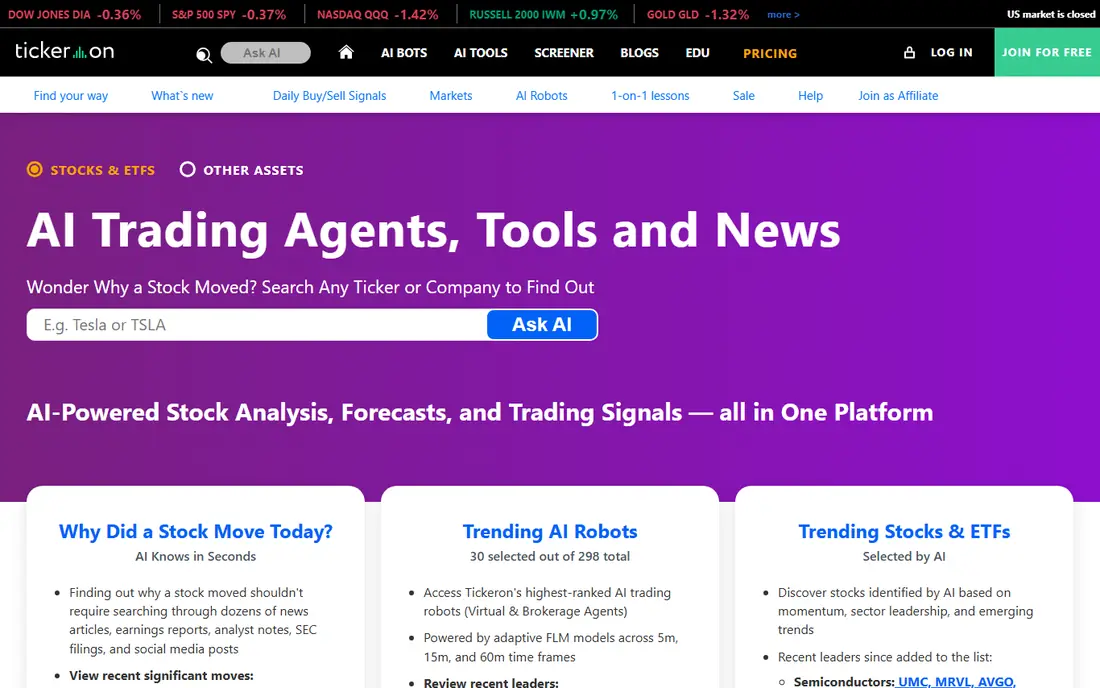
Tickeron provides AI ratings, pattern recognition and forecasts for stocks, ETFs and crypto, helping investors shortlist ideas. That breadth suits investors who want a second opinion on picks. Forecasts are probabilistic, not guarantees, and full access needs a subscription, so treat ratings as research, not instructions.
For most readers, the deciding question with Tickeron is fit rather than raw feature count. Check the plan limits that matter to you, such as seats, usage caps and what happens when a trial ends, before you commit to a paid tier. If the free tier or trial covers your core task, use it for a full week of real work before paying, and keep an eye on renewal terms and cancellation steps. That short test usually tells you more than any feature list, and it keeps the choice grounded in how you actually work day to day.
- AI ratings for stocks and ETFs
- Pattern recognition
- Forecasts
- Forecast accuracy varies
- Subscription for full access
Danelfin
Ideal for: AI stock scores for investors
Danelfin scores stocks and ETFs using AI, with explainable factors showing what drives each score. That transparency helps investors understand a rating rather than blindly following it. Coverage varies by market, and full scores need a paid plan, so check your markets during trial.
For most readers, the deciding question with Danelfin is fit rather than raw feature count. Check the plan limits that matter to you, such as seats, usage caps and what happens when a trial ends, before you commit to a paid tier. If the free tier or trial covers your core task, use it for a full week of real work before paying, and keep an eye on renewal terms and cancellation steps. That short test usually tells you more than any feature list, and it keeps the choice grounded in how you actually work day to day.
- AI scores for stocks and ETFs
- Explainable factors
- Portfolio tools
- Coverage varies by market
- Full scores need a paid plan
Alpaca
Ideal for: API trading and automation
Alpaca offers commission-free API trading with paper trading, letting developers automate strategies in code. That developer focus suits traders who want to build and test their own AI models. It needs coding skill and it is not a signal service, so users wanting ready-made picks should look at Trade Ideas or Tickeron instead.
For most readers, the deciding question with Alpaca is fit rather than raw feature count. Check the plan limits that matter to you, such as seats, usage caps and what happens when a trial ends, before you commit to a paid tier. If the free tier or trial covers your core task, use it for a full week of real work before paying, and keep an eye on renewal terms and cancellation steps. That short test usually tells you more than any feature list, and it keeps the choice grounded in how you actually work day to day.
- Commission-free API trading
- Paper trading
- Developer friendly
- Needs coding skill
- Not a signal service
Composer
Ideal for: Visual automated strategies
Composer lets users build trading strategies visually, without code, then backtest and automate them. That visual approach opens automation to non-programmers. Available assets vary, and automated trading carries real risk, so backtest thoroughly and start small before scaling any strategy.
For most readers, the deciding question with Composer is fit rather than raw feature count. Check the plan limits that matter to you, such as seats, usage caps and what happens when a trial ends, before you commit to a paid tier. If the free tier or trial covers your core task, use it for a full week of real work before paying, and keep an eye on renewal terms and cancellation steps. That short test usually tells you more than any feature list, and it keeps the choice grounded in how you actually work day to day.
- Build strategies visually
- Backtesting
- Automated trading
- Available assets vary
- Automation carries risk
Magnifi
Ideal for: AI investing assistant
Magnifi offers an AI investing assistant that answers questions, screens stocks and gives portfolio insights in plain language. That conversational style suits newer investors who want explanations alongside data. It is a newer platform, and depth varies by topic, so verify important claims against primary sources.
For most readers, the deciding question with Magnifi is fit rather than raw feature count. Check the plan limits that matter to you, such as seats, usage caps and what happens when a trial ends, before you commit to a paid tier. If the free tier or trial covers your core task, use it for a full week of real work before paying, and keep an eye on renewal terms and cancellation steps. That short test usually tells you more than any feature list, and it keeps the choice grounded in how you actually work day to day.
- AI assistant for investing questions
- Screening
- Portfolio insights
- Newer platform
- Depth varies by topic
LevelFields
Ideal for: Event-driven AI signals
LevelFields focuses on event-driven signals, such as earnings, regulatory changes and market events, with scenario analysis and alerts. That event lens suits traders who react to news. Signals still need interpretation, since an event does not guarantee a price move, and full access needs a subscription.
For most readers, the deciding question with LevelFields is fit rather than raw feature count. Check the plan limits that matter to you, such as seats, usage caps and what happens when a trial ends, before you commit to a paid tier. If the free tier or trial covers your core task, use it for a full week of real work before paying, and keep an eye on renewal terms and cancellation steps. That short test usually tells you more than any feature list, and it keeps the choice grounded in how you actually work day to day.
- Event-driven stock signals
- Scenario analysis
- Alerts
- Subscription cost
- Event signals need interpretation
How we picked these
We compared official feature pages, pricing pages, app store listings, privacy policies and public reviews for each option below. We kept only products that exist and work now, that fit the topic directly, and whose official homepage we could confirm. Where a price was not published clearly, we wrote See website rather than guessing, and we favoured options with a free tier or trial where one exists.
Using AI trading tools without losing discipline
Paper-trade first, for at least a month. Run any AI signals in a paper account, track wins, losses and drawdowns, and only fund a strategy that survives that test. Skipping paper trading is the fastest way to turn a promising tool into a costly lesson.
Never follow a signal blindly. Check what drives it, whether it fits your risk tolerance and time horizon, and how it performed in different market conditions. A signal that works in a bull market may fail in a volatile one.
Size positions so a loss does not hurt badly. AI tools do not remove market risk, and used or concentrated bets can wipe out gains quickly. Set stop rules before you trade, and respect them even when a signal looks tempting.
Frequently asked questions
What is the best AI stock trading app?
Trade Ideas leads for active traders wanting AI scanning and backtesting, while TrendSpider suits charting-led traders. Tickeron and Danelfin suit investors wanting AI ratings, and Alpaca suits developers automating strategies.
Can AI predict stock prices?
No, AI can surface patterns, ratings and signals, but it cannot guarantee future prices. Markets are uncertain, and signals should be treated as research to test, not as predictions to follow blindly.
Is AI stock trading safe?
Trading always carries risk, including loss of capital, and AI tools do not remove that risk. Paper-trade first, size positions carefully, and never invest money you cannot afford to lose.
Are AI trading apps free?
Some offer free tiers or trials, such as Alpaca for API trading, but most signal and scanning tools need paid plans. Trial each tool with paper trading before paying.
Should beginners use AI trading tools?
Beginners can use them for learning and screening, but should start with paper trading and education, not real-money automation. Tools such as Magnifi explain concepts well, while active scanning tools suit more experienced traders.