Best AI Study Tools in 2026: 8 Apps Compared

- 1
 QuizletFlashcards and practice testsVisit
- 2
 KnowtFree AI flashcardsVisit
- 3
 StudyFetchAll-in-one AI study systemVisit
- 4
 MindgraspTurning lectures into notes and quizzesVisit
- 5
 NotebookLMStudying from your own sourcesVisit
- Quizlet and Knowt remain the easiest starting points for flashcards, with large shared libraries and free modes.
- StudyFetch and Mindgrasp turn your own notes and lectures into full study systems, including quizzes and tutors.
- NotebookLM is the strongest choice for studying from your own documents, since answers stay tied to your sources.
- Anki is still the best free spaced repetition tool, but it asks more setup effort than the newer AI apps.
Quick comparison
| Product | Ideal for | Price from | Free version | |
|---|---|---|---|---|
| Quizlet | Flashcards and practice tests | See website | Yes | Visit |
| Knowt | Free AI flashcards | See website | Yes | Visit |
| StudyFetch | All-in-one AI study system | See website | Yes | Visit |
| Mindgrasp | Turning lectures into notes and quizzes | See website | Yes | Visit |
| NotebookLM | Studying from your own sources | Free | Yes | Visit |
 Anki | Serious spaced repetition | Free | Yes | Visit |
 Brainscape | Confidence-based flashcard study | See website | Yes | Visit |
 Chegg Study | Step-by-step homework help | See website | No | Visit |
The best AI study tools
AI study tools promise to turn a pile of notes, slides or lecture recordings into flashcards, quizzes and summaries in minutes. The eight apps below all do some version of that, but they differ in how much they cost, how well they handle your own material, and whether they help you actually remember it. We compared official feature pages, pricing pages and app listings to find the best fit for different kinds of students.
Quizlet
Ideal for: Flashcards and practice tests

Quizlet is the default flashcard app for a reason: it is simple, it works everywhere, and millions of shared sets mean you rarely start from a blank page. Its Learn mode, practice tests and games turn a term list into active practice, and you can now generate materials from your own notes as well.
The free version covers the core flashcard experience, while the paid plan adds AI-generated practice and ad-free study. Shared sets still need a quick check before an exam, since anyone can publish one. For most students, Quizlet is the safe first pick, and the one classmates are most likely already using.
- Huge library of shared study sets
- Multiple study modes including Learn and Test
- Works on web, iOS and Android
- Many AI features sit behind the paid plan
- Quality of shared sets varies
Knowt
Ideal for: Free AI flashcards
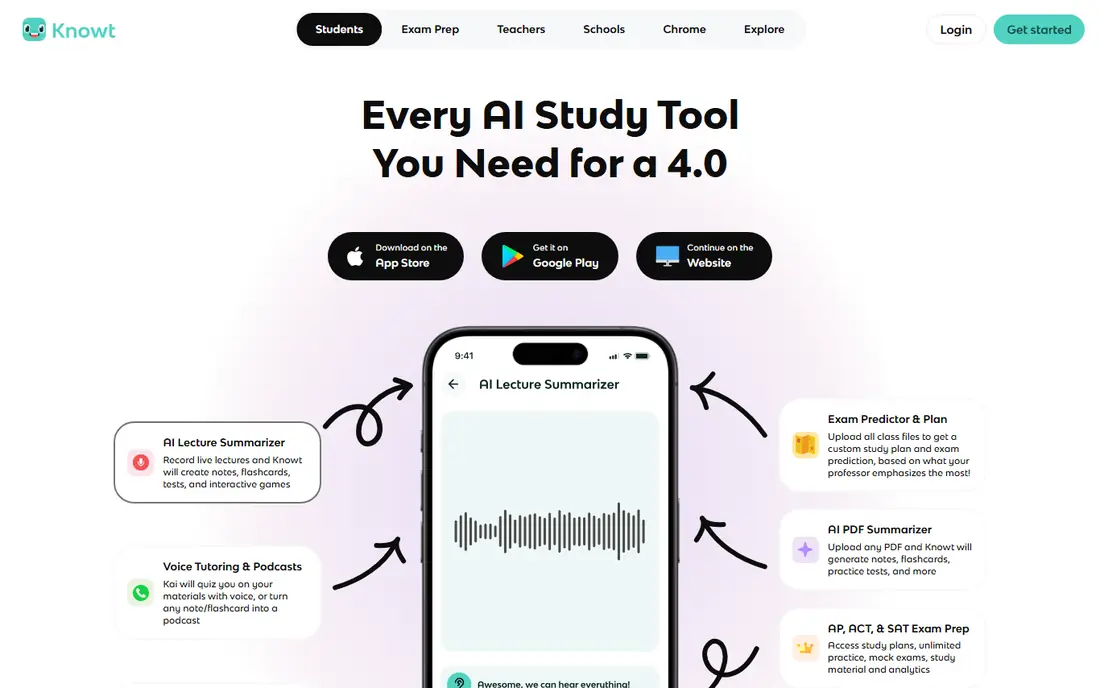
Knowt built its name as a free alternative to Quizlet, and the free tier is genuinely generous: unlimited rounds of learn mode, matching and practice tests, plus spaced repetition. It also imports Quizlet sets, YouTube videos and PDFs, so switching costs are low if you already have materials elsewhere.
The tradeoff is library depth. Quizlet still has more shared sets, and Knowt reserves some AI features for paying users. For a student on a budget who mostly studies from their own notes, though, Knowt is hard to beat on value.
- Free learn mode, matching game and practice tests
- Imports Quizlet sets in a couple of clicks
- AI creates notes and flashcards from videos and PDFs
- Smaller shared library than Quizlet
- Some advanced AI features need a paid plan
StudyFetch
Ideal for: All-in-one AI study system
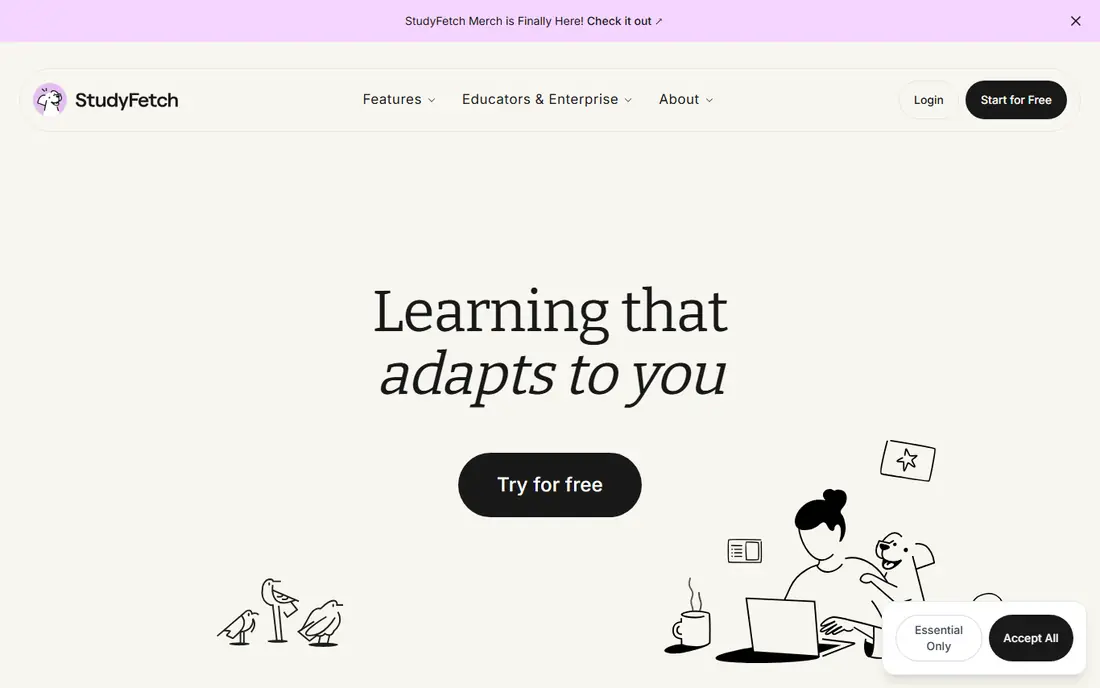
StudyFetch takes your slides, PDFs, lecture recordings or YouTube links and turns them into a structured study plan with flashcards, quizzes, practice tests and an AI tutor called Sparky. The plan orders topics for you, which helps when a course feels like an unstructured pile of files.
Getting started is free, and the paid plan opens the full system. As with every AI study tool, generated questions can contain errors, so treat the output as a draft to verify against your course material, not as a textbook. For students who want one place for everything, StudyFetch is a strong pick.
- Builds flashcards, quizzes, notes and games from your materials
- AI tutor answers questions about your content
- Study plans with a cram mode
- Full features need a paid plan
- AI output still needs checking against your notes
Mindgrasp
Ideal for: Turning lectures into notes and quizzes
Mindgrasp organizes study around sessions: one per lecture, chapter or exam topic. Upload a file or record a lecture, and it produces structured notes, a summary, flashcards, quizzes and a tutor you can question at any hour. That session structure keeps materials tidy across a busy semester.
The free starting point lets you test the workflow, with paid plans for heavier use. Mindgrasp suits students who fall behind on notes, since it converts raw lecture content into something reviewable the same day. Just double-check AI summaries against your own notes before exam week.
- Records lectures and uploads many file types
- Generates notes, summaries, flashcards and quizzes in one session
- Progress tracking per session
- Plans are subscription based
- Tutor answers should be verified for exam-critical facts
NotebookLM
Ideal for: Studying from your own sources
NotebookLM, now called Gemini Notebook, works differently from most study apps: you upload your textbooks, notes and papers, and it answers questions using only those sources, with citations back to the text. That grounding makes it unusually trustworthy for revision, since you can check every answer against the original page.
It also turns sources into audio overviews, mind maps and slide decks, which helps for review on the move. It is not a flashcard app, so many students pair it with Anki or Quizlet: NotebookLM for understanding, flashcards for memorization. As a free Google tool, it is an easy addition to any study setup.
- Answers are grounded in documents you upload
- Audio overviews turn readings into listenable summaries
- Mind maps and slide decks from sources
- Needs a Google account
- Less of a flashcard or quiz tool than dedicated study apps
Anki
Ideal for: Serious spaced repetition
Anki is the long-standing favorite for students who need to retain a lot for a long time, from medical students to language learners. Its spaced repetition algorithm schedules each card just before you are likely to forget it, and it handles decks of tens of thousands of cards without fuss.
The interface looks plain next to newer apps, and setup takes an evening of learning. The desktop and Android versions are free, while the official iOS app is paid. If your goal is durable memory rather than quick cramming, Anki remains the benchmark, and AI tools can generate cards to import into it.
- Powerful spaced repetition scheduling
- Free on desktop and Android, with sync
- Huge community of shared decks and add-ons
- Dated interface and a learning curve
- IOS app is paid
- No built-in AI generation
Brainscape
Ideal for: Confidence-based flashcard study
Brainscape asks you to rate your confidence in each answer from one to five, and it repeats cards based on that self-rating. That small difference makes study sessions feel deliberate, and it works well for long courses where you need to know what you truly know, not just what you guessed right.
Making and studying flashcards is free, and certified decks from publishers cover many exams and languages. Unlimited AI flashcard creation sits on the paid plan. Brainscape fits students who find gamified apps distracting and want a steady, serious study routine.
- Free to make and study unlimited flashcards
- Certified decks made by experts
- Self-rated confidence drives repetition
- Paid plan needed for unlimited AI creation and certified content
- Interface is more serious than playful
Chegg Study
Ideal for: Step-by-step homework help
Chegg Study is less a flashcard app and more a homework help library, with step-by-step solutions across dozens of subjects. When you are stuck on a problem type, seeing a worked solution can unblock an evening of study, and the explanations often teach the method rather than just the answer.
The honest risk is misuse. Copying solutions without working through them feels productive and teaches little, so Chegg works best as a checking tool after you have attempted the problem yourself. It is a paid subscription, so weigh it against free options unless you regularly need worked solutions.
- Expert-verified solutions across many subjects
- Step-by-step explanations, not just answers
- Useful for checking your own working
- Subscription only, with no full free plan
- Tempting to copy answers instead of learning
How we picked these
We compared official feature pages, pricing pages and app store listings for each tool, focusing on what students actually do: create flashcards, test themselves, understand difficult material and stick to a routine. We favored tools that work from your own course materials, since generic AI answers are less useful than answers tied to what your teacher actually set.
We also checked free tiers carefully, because student budgets are real. A tool made this list only if it is available today, has a working free tier or trial, and offers something beyond a generic chatbot: flashcards, spaced repetition, source-grounded answers or a structured study plan.
How to use AI study tools without fooling yourself
Use AI to create practice, not to replace it. The learning happens when you try to recall an answer, get it wrong, and correct yourself. Tools that only summarize or re-read material feel efficient but build weaker memory than flashcards and practice tests. A good routine is to generate questions from your notes, then answer them closed-book.
Check AI output before you trust it
AI study tools can invent facts, misstate formulas and simplify tricky ideas past the point of correctness. Before exam week, scan generated cards and quizzes against your textbook or lecture notes, and fix errors on the spot. That checking pass is itself useful study, so do not skip it.
Match the tool to the task
Flashcards suit facts, vocabulary and definitions. Source-grounded tools like NotebookLM suit essays and dense readings. Tutors suit confusion about a concept, not answer lookup. Using one tool for everything is usually worse than pairing two: for example, NotebookLM for understanding plus Anki or Knowt for memorization.
Keep the routine small and daily
Twenty focused minutes a day beats a five-hour session the night before an exam, and spaced repetition tools are built for exactly that pattern. Pick one app as your daily habit, set a reminder, and keep the streak modest enough to survive busy weeks.
Frequently asked questions
What is the best AI study app for students?
For most students, Quizlet or Knowt covers flashcards and practice tests well, and both have free tiers. If you study from dense course files, add NotebookLM for source-grounded answers, or StudyFetch or Mindgrasp for a full system built from your materials.
Are AI study tools free?
Many offer free tiers: Quizlet, Knowt, Anki on desktop and Android, Brainscape and NotebookLM all let you study without paying. Paid plans usually add unlimited AI generation, more uploads or ad-free study, so start free and upgrade only when you hit a real limit.
Can AI study tools replace textbooks and lectures?
No. They work best as a layer on top of your course materials, turning what you were already given into practice. AI summaries can miss nuance and sometimes invent details, so keep the textbook and lecture notes as the source of truth.
How do I use AI to study without cheating?
Use AI to generate practice questions, explain concepts and test yourself, and do the work closed-book before checking answers. Copying AI answers into assignments is academic misconduct at most schools, and it teaches nothing either. If your school has an AI policy, read it first.
Is Anki or Quizlet better for exams?
Anki is stronger for long-term retention over months, thanks to its scheduling algorithm, while Quizlet is easier to start and has more shared sets and game modes. For a single exam in a few weeks, either works; for a multi-year course like medicine, Anki usually wins.