Best AI Text to Speech Tools in 2026: 8 Tools Compared

- 1
 Murf AIScripted video voiceoverVisit
- 2
 SpeechifyListening and studio voiceoverVisit
- 3
 WellSaid LabsConsistent brand narrationVisit
- 4
 NaturalReaderSimple, low-cost reading aloudVisit
- 5
 FlikiSocial video with voiceVisit
- Murf AI is our pick for scripted narration, with a visual studio, timeline editing and clear per-minute billing for video and course creators.
- Speechify suits people who mainly listen to text, while its Studio product is a separate paid path for creating voiceover and dubbing.
- WellSaid Labs and Resemble AI fit teams that need consistent brand voices, with cloning and control options that casual tools do not offer.
- Two famous names from older lists, PlayHT and Lovo, are no longer reliable choices in October 2026, so we left them out of this list entirely.
Quick comparison
| Product | Ideal for | Price from | Free version | |
|---|---|---|---|---|
| Murf AI | Scripted video voiceover | $29 per month | Yes | Visit |
| Speechify | Listening and studio voiceover | $29 per month | Yes | Visit |
| WellSaid Labs | Consistent brand narration | $19 per month | Yes | Visit |
| NaturalReader | Simple, low-cost reading aloud | See website | Yes | Visit |
| Fliki | Social video with voice | See website | Yes | Visit |
 Resemble AI | Voice cloning and API use | See website | No | Visit |
 Cartesia | Real-time voice and agents | $5 per month | Yes | Visit |
 Descript | Editing audio with text | See website | Yes | Visit |
The best ai text to speech tools
Text to speech now covers two different jobs: turning written text into audio you can listen to, and producing voiceover you can publish. The tools below split along that line, so start from your job, not from a single quality ranking. We compared official pricing pages, free tiers, cloning rules and studio features.
Murf AI
Ideal for: Scripted video voiceover
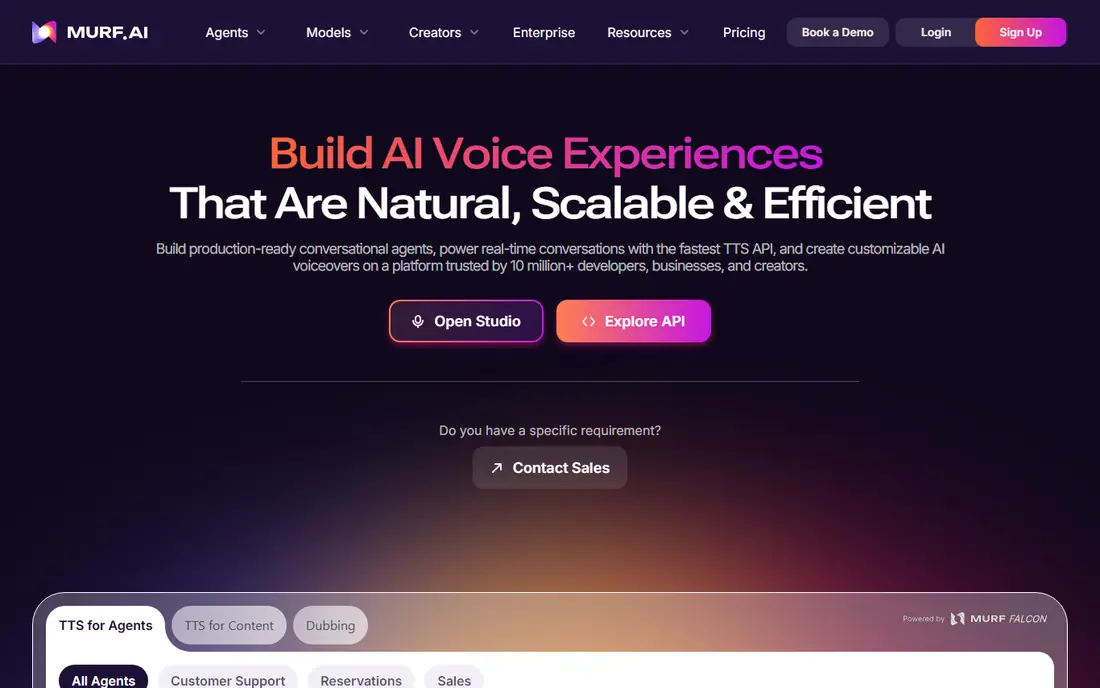
Murf AI is built for creators who write a script first and then produce a finished voice track. The studio lets you place voice clips on a timeline, add background music and line up narration with slides, which suits course lessons, explainers and training videos. Published pricing summaries list the Creator plan at about 29 dollars per month, or about 19 dollars per month on annual billing, with a limited free tier for testing voices.
The honest limit is cloning. If you need a copy of your own voice, Murf gates that to enterprise plans, so personal creators should look at Resemble AI or Cartesia instead. Murf also bills by minutes, which is easy to forecast, but long projects still need a plan with enough generation time each month.
- Visual studio with timeline editing
- Slide sync for presentations
- Predictable minute-based billing
- Voice cloning is limited to higher plans
- Raw realism trails the most natural voices in this list
Speechify
Ideal for: Listening and studio voiceover
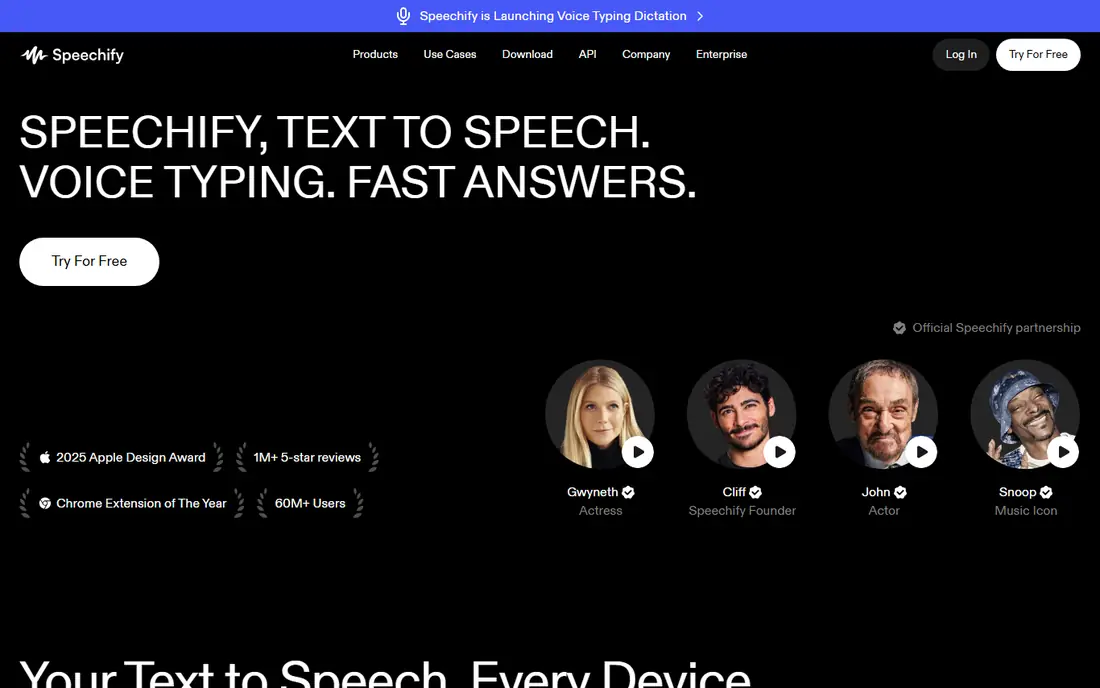
Speechify began as a reading tool, and that is still its best job. The app reads articles, PDFs and documents aloud in natural voices, with speed controls and a library that follows you across devices. Published summaries list Premium at about 29 dollars per month, or about 11.58 dollars per month on annual billing, with a free tier that includes basic voices.
Speechify Studio is a different product for creating voiceover, dubbing and avatars, with its own pricing and credit system. That split confuses buyers, so check which product you are pricing before you pay. If your main need is listening, the reader alone is enough, and you should not pay Studio prices for it.
- Strong reading app for documents and web pages
- Studio adds voiceover and dubbing
- Basic voices free
- Reader pricing and Studio pricing are easy to confuse
- Studio is costly for casual creators
WellSaid Labs
Ideal for: Consistent brand narration
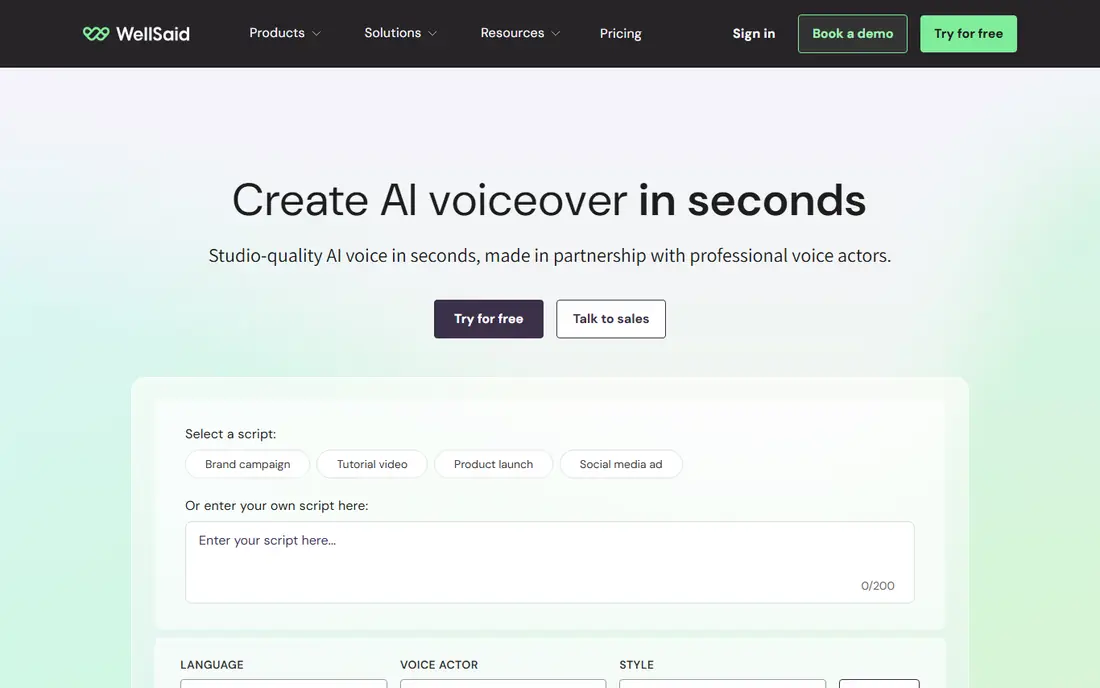
WellSaid Labs targets teams that need the same voice across many videos, courses or product tours. Its voices sound controlled and consistent rather than dramatic, which is exactly what training and corporate narration needs. Published summaries list the Starter plan at about 19 dollars per month, or about 10 dollars per month on annual billing, with a free trial that includes a few download minutes per month.
The catch is scope. WellSaid is strongest in English and in formal narration, so multilingual marketing teams may need a second tool. Paid plans allow unlimited generation with download caps, so count how many finished minutes you must export each month before choosing a tier.
- Steady, professional English voices
- Download-minute metering
- Custom brand voices on higher plans
- Language range is narrower than global rivals
- Cloning and custom voices need higher tiers
NaturalReader
Ideal for: Simple, low-cost reading aloud
NaturalReader is the quiet, practical option. It reads your documents aloud without a studio learning curve, which suits students, researchers and anyone who absorbs long text better by listening. A free tier covers basic listening, and paid tiers add more voices and features at a modest price, so check the current pricing page before you commit.
The limit is expression. NaturalReader will not produce a dramatic ad voice or a cloned presenter, and it is not built for publishing polished voiceover. Buy it for personal listening and study, and pair it with Murf or WellSaid if you also need to publish audio.
- Easy to start
- Reads PDFs, documents and web pages
- Low-cost paid tiers
- Voices are less expressive than leading studio tools
- No serious cloning path
Fliki
Ideal for: Social video with voice
Fliki suits creators who publish short social videos every week. You paste a script, pick a voice, add stock visuals or your own images, and export a clip without opening a full video editor. A free tier lets you test the workflow, and paid plans add minutes, premium voices and commercial use, so confirm the tier that covers your publishing volume.
The trade-off is polish. Template-driven video looks fine for social feeds, but it will not match a custom edit for a brand campaign. Use Fliki for volume and speed, and keep a studio tool for hero videos that need careful direction.
- Turns scripts into short videos with voice
- Large voice library
- Fast path from text to a finished clip
- Video templates can feel generic
- Voice cloning and premium voices sit on higher tiers
Resemble AI
Ideal for: Voice cloning and API use
Resemble AI is the developer and brand-safety pick. It clones voices with consent controls, adds watermarking to generated audio and offers detection tools, which matters for teams that must prove what is synthetic. Pricing is usage based, with a free Flex entry path and per-second rates for generation, so heavy users should model their monthly minutes before committing.
The weakness is the creator experience. If you want a timeline studio and one-click video export, Murf or Fliki will feel faster. Resemble earns its place when cloning quality, API control and provenance matter more than a pretty editor.
- Voice cloning with watermarking and detection tools
- API-first design
- Flexible pay-as-you-go path
- Dashboard feels less polished than creator studios
- Cloning add-ons add cost
Cartesia
Ideal for: Real-time voice and agents
Cartesia is built for live voice: agents, assistants and apps that must speak back in under a second. Published summaries list the Pro plan from about 5 dollars per month, with a free credit allowance for testing, and cloning from a short sample on paid tiers. That combination makes it the cheapest serious entry point for real-time voice work.
The catch is that Cartesia is an API platform, not a studio. Solo creators who want to paste a script and export an MP3 will find Murf simpler. Developers and product teams, by contrast, get speed and control that studio tools cannot match.
- Very low latency for live voice
- Instant cloning from a short sample
- Low entry price
- API-first, so non-developers need a wrapper product
- Real-time use can raise usage costs fast
Descript
Ideal for: Editing audio with text
Descript is different from every other tool here. You edit a recording by editing its transcript, which makes cutting filler words, fixing mistakes and producing a podcast far faster than waveform editing. Overdub lets you create a synthetic copy of your own voice for small corrections, with consent steps built in, and a free tier covers basic transcription time.
The limit is focus. Descript is an editor first and a voice generator second, so pure narration projects may be cheaper in Murf or WellSaid. If you already record and edit spoken content, Descript replaces several tools at once and is hard to beat for that workflow.
- Edit audio and video by editing text
- Overdub voice cloning for your own voice
- Full podcast and video workflow
- Voice quality is good but not the most natural in this list
- Cloning needs a paid plan and voice consent
How we picked these
We compared official pricing pages, free tiers, cloning rules and studio features, and we checked which tools are still operating in October 2026. We removed PlayHT and Lovo after October 2026 reports described PlayHT as sunset following an acquisition and Lovo as unavailable after a bankruptcy filing, since listing a dead product would waste reader money. We did not run a rated voice test, and we did not rely on a single review source for any price.
What to check before you buy
Start with consent and rights. Only clone a voice you own or have clear permission to copy, and keep that permission in writing. Commercial use, broadcast use and client work often sit on different tiers, so read the licence for your exact plan, not just the marketing page. If a tool cannot explain its cloning consent steps clearly, do not use it for client audio.
Next, count your real monthly output. Free tiers are generous for testing but small for publishing, and credit systems make a 10-minute video cost more than the headline price suggests. Estimate finished minutes per month, add a margin for retakes, and pick the tier that covers that total. A cheaper plan that forces constant top-ups is not cheaper.
Finally, listen before you pay for a year. Generate the same paragraph in each shortlisted tool, play it on phone speakers and headphones, and check names, numbers and pauses in your own script. Annual billing saves money, but only after a month of real use proves the voice fits your content.
Frequently asked questions
What is the best free AI text to speech tool?
Murf AI, Speechify, NaturalReader, Fliki and Cartesia all offer free tiers, but each free tier is limited in minutes, voices or exports. For listening, NaturalReader and Speechify are the easiest free starts. For creating voiceover, Murf gives the clearest free test of a studio workflow.
Which tool has the most natural voices?
Voice quality is subjective and changes with each model release, so shortlist two or three tools and test the same script in each. Murf and WellSaid lead for scripted narration, Resemble AI and Cartesia lead for cloning, and Speechify leads for long-form listening. Your script type matters as much as the model.
Can I clone my own voice legally?
Yes, when the voice is yours and the tool verifies your consent, as Descript, Resemble AI and Cartesia require. Cloning someone else without permission can break the law and the tool terms, and it can harm that person. Keep consent records and check the commercial licence for your plan.
Do I need a paid plan for commercial use?
Most free tiers limit commercial use or add watermarks, so check the licence before publishing client work or monetised videos. Paid plans on Murf, WellSaid, Fliki and Resemble AI include commercial rights for generated audio, but the exact scope varies by tier.
Why are PlayHT and Lovo not on this list?
October 2026 reports describe PlayHT as sunset after its team was acquired, and Lovo as unavailable after a bankruptcy filing. We left both out because readers should not pay for a product that may stop working. If either returns, we will reassess it on its own merits.