7 Top AI Tool for Email Writing Choices Compared (2026)

- This list starts with Flowrite, which is built for short professional replies.
- Only 4 of the 7 tools have a free plan (Shortwave, ChatGPT, Grammarly, Rytr), so check the caps.
- What to know about Flowrite first: no permanent free plan is listed.
- Missive is the one to check for team inbox with AI drafts.
- The lowest published monthly entry price here is $14 per user per month, from Missive.
Direct answer
Start with Flowrite if you need short professional replies. Shortwave fits AI inbox and thread search; Superhuman fits quick inbox with AI drafts. The full list of 7 tools follows, with prices and free plan facts.
Quick comparison
| Product | Ideal for | Price from | Free version | |
|---|---|---|---|---|
 Flowrite | Short professional replies | See website | No | Visit |
 Shortwave | AI inbox and thread search | Free | Yes | Visit |
 Superhuman | Quick inbox with AI drafts | $30 per month | Free trial | Visit |
 ChatGPT | Drafts from scratch | Free | Yes | Visit |
 Grammarly | Editing and tone polish | Free | Yes | Visit |
 Rytr | Budget drafting | Free | Yes | Visit |
 Missive | Team inbox with AI drafts | $14 per user per month | Free trial | Visit |
Our 7 picks for AI tool for email writing
Short on time? The summary and table above give the quick view of 7 tools for AI tool for email writing, and the profiles that follow give the detail behind each entry.
Flowrite
Ideal for: Short professional replies
Think of Flowrite for short professional replies. Flowrite solves a specific problem: turning a short note for example "confirm Tuesday, ask for agenda" into a full, polite email. As for the details, if you need drafts from scratch, ChatGPT or Rytr will provide you more range.
Reasons to shortlist it: Turns short instructions into full professional emails.
From a buyer's view, if short professional replies are your primary pain, Flowrite is worth a look. For everyday use, the downside is that Flowrite is narrow by design. Flowrite does not show a starting price in this comparison, so check the vendor site for current pricing. No free plan comes with Flowrite. What to check first: No permanent free plan is listed.
- Concentrated on replies
- Browser extension works where you write
- Pricing has changed over time, so check the current page before you pay
Shortwave
Ideal for: AI inbox and thread search
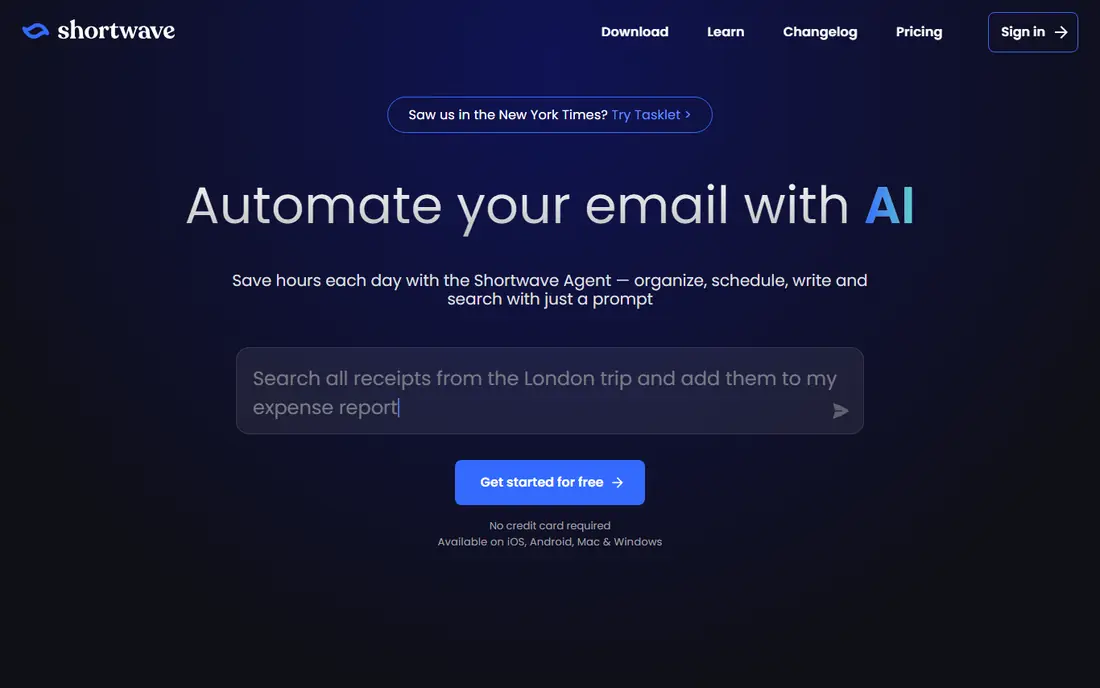
Choose Shortwave for AI inbox and thread search. If you only need a writer, Grammarly or ChatGPT will be more straightforward and less expensive. If you use Gmail, Shortwave feels native and quick.
Also, Shortwave is an AI inbox for Gmail users who require to find and answer email quick. Its search understands threads, not just keywords, and its summaries help you catch up on a long conversation without reading every message. As for the details, the Gmail focus is both a strength and a limit. Price to start with Shortwave: Free. Shortwave offers a free plan.
Downsides: Made for Gmail, so Outlook users should look elsewhere.
- AI search across threads and attachments
- Free level for entry-level use
- Advanced AI features need a premium plan
Superhuman
Ideal for: Quick inbox with AI drafts
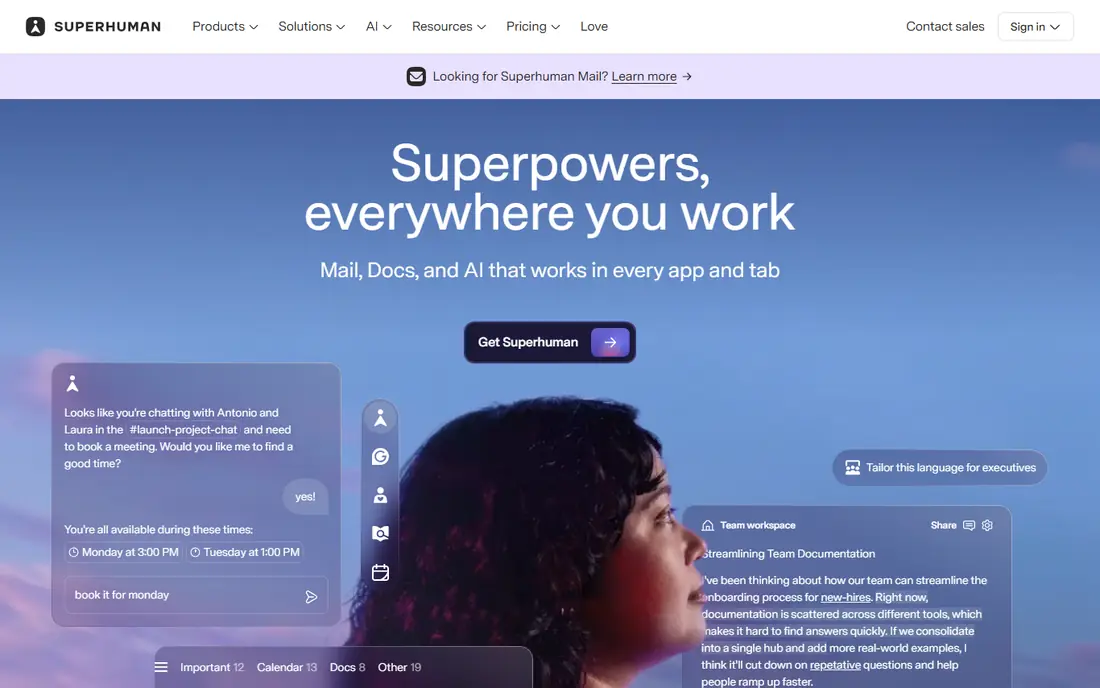
Superhuman is a good fit for quick inbox with AI drafts. Superhuman is an email client, not just a writing add on, and that changes the experience. In daily use, if email is your central work tool.
Trade-offs to know: not a full inbox.
You want speed plus AI drafting in one place, Superhuman is a solid, if expensive, pick. From a buyer's view, auto drafts can turn a short note into a full reply. You can edit before sending, which keeps you in control. If you only need help drafting a handful of emails a week, a less expensive tool will do. For everyday use, if you spend hours in email each day, that speed brings up. Also, at $30 a month on monthly billing, Superhuman is a premium tool for people who live in email. Starting cost for Superhuman: $30 per month. Trial and free access: Free trial.
- Capable for people who process hundreds of emails
- Very quick keyboard driven inbox
- No permanent free plan, only a trial
ChatGPT
Ideal for: Drafts from scratch
ChatGPT targets drafts from scratch. Provide it the context, the goal, and the tone you want, and it will produce a workable email in seconds. It is notably handy for delicate emails, where you need a polite decline, a firm follow up, or a short apology.
You want to see a handful of tone choices before you choose. The main limit is that ChatGPT does not know your inbox, your calendar, or your past emails except when you paste that context in. The starting price for ChatGPT: Free. A free plan is available with ChatGPT.
Downsides: Drafts need a human edit for facts, names, dates.
- Capable for first drafts, rewrites
- Tone changes
- Not built into your inbox by default
Grammarly
Ideal for: Editing and tone polish
Grammarly works best for editing and tone polish. Grammarly is the tool most people already have, and for email it earns that place. That last part matters for work email, where a blunt draft can read as rude, and a vague draft can read as unsure.
The main drawbacks: Free AI prompts run out quick if you draft frequently.
Strengths: Tone and clarity suggestions are practical.
It can create text from a prompt, but its strength is improving text you have started. More specifically, if you frequently stare at a blank compose window, pair Grammarly with ChatGPT for the first draft, then use Grammarly to polish it. As for the details, Pro opens at $12 a month on annual billing, which is fair if you write email all day. Price to start with Grammarly: Free. You can start on Grammarly without paying.
- Free plan bundles a monthly AI prompt allowance
- Works across Gmail, Outlook
- Not blank page drafting
Rytr
Ideal for: Budget drafting
In short, Rytr is for budget drafting. For a freelancer or small business owner who writes numerous similar emails, that low price and straightforward editor can be enough.
Trade-offs to know: Free plan permits 10,000 characters a month.
Its premium plan is low cost compared to most rivals, and it supplies plenty of tones and templates for email, from formal to friendly. More specifically, the free plan is restricted by characters, not by emails, so long drafts will use it up quick. Rytr cost at the entry level: Free. A free plan is available with Rytr.
- Low premium price for unlimited drafting
- Straightforward web editor for fast drafts
- Like all AI drafts
Missive
Ideal for: Team inbox with AI drafts
Missive is built with team inbox with AI drafts in mind. If your team shares support or sales email, test Missive with a real inbox for a week.
More specifically, you can assign emails, chat inside a thread, and draft replies together, without forwarding emails or losing context. Missive starts at: $14 per user per month. Free access: Free trial.
Honest limits: No permanent free plan, only a trial.
Best features of Missive: Works across Gmail, Outlook.
- Shared inboxes with team chat and assignments
- Other channels
- AI features on higher levels need a closer look at pricing
What AI tool for email writing costs
Start with where you write. If you write in Apple Mail or Outlook, pick a tool that works there. Test the tool inside your real inbox for a week, with real emails, before you pay for a year.
In practice, next, check the limits that matter: monthly AI prompts, emails a month, or characters a month. In practice, a tool with 5 free emails per month is not a free tool for daily use, and a tool with 100 prompts per month may run out if you draft commonly. Also check whether the tool learns from your emails, and read its privacy policy, since email contains sensitive information.
If a tool trains on your data in a way you do not accept, pick another one. For everyday use, always provide the tool the key facts: who, what, when, and what you want to happen next.
How we compared the tools
For each of the 7 tools we noted price, free plan or trial, fit for AI tool for email writing and the main limit, using vendor pages and documentation. Treat prices as a snapshot: vendors change plans often, so check the vendor site for the figure that applies today. The sequence is a judgement call: typical use case first, then pricing transparency, then free access. Use the profiles to check fit.
Things to verify first
- Ask Flowrite for a written quote, since no starting price is shown.
- Look at free plan limits closely: Shortwave, ChatGPT, Grammarly and Rytr have one, and the caps decide whether it is usable for real work.
- Take the trial from Superhuman and Missive and push a live task through it before you pay.
- Read the limits listed for Flowrite first: no permanent free plan is listed.
- Let daily users try Superhuman on real work; their feedback beats any feature checklist.
- Test the integrations you rely on with Flowrite before committing; some connectors sit on upper tiers.
Frequently asked questions
Which options for AI tool for email writing have a free plan?
On this list, Shortwave, ChatGPT, Grammarly and Rytr include a free plan. Caps on seats, usage or features are common, so test the free plan against your real workload. Several others offer a trial instead.
What is the best ai tool for writing emails?
The first pick on this list is Flowrite, because it suits short professional replies. Shortwave is better for AI inbox and thread search, and Superhuman for quick inbox with AI drafts. Check price and limits against your own needs before choosing.
How are the tools for AI tool for email writing ordered?
Flowrite sits first and Missive last because the order follows typical fit for AI tool for email writing, then price clarity and free access. It is a judgement call, so read each profile for fit and limits.
What is the cheapest option for AI tool for email writing in this list?
On published monthly entry prices, Missive is the lowest here at $14 per user per month. Entry price is only part of the cost, because seats, add-ons and billing terms can change the total.
Do these tools publish their prices?
Not all of them. Flowrite publishes no starting price, so expect a quote request for it. The rest, Shortwave included, show a starting price, though seats and billing terms still change the final cost.