Best AI Tool for Proposal Writing in 2026: 8 Options Compared

- 1
 LoopioTeams that answer RFPs and security questionnairesVisit
- 2
 ResponsiveTeams that want AI-assisted RFP responsesVisit
- 3
 QorusDocsFirms that build proposals inside Microsoft 365Visit
- 4
 PandaDocSales teams that want proposals plus e-signaturesVisit
- 5
 ProposifySales teams that want polished client proposalsVisit
- Loopio and Responsive are strongest for formal RFP responses.
- PandaDoc and Proposify suit sales teams building client proposals.
- QorusDocs suits firms that build proposals inside Microsoft tools.
- Better Proposals and GetAccept suit smaller teams that want simple, polished proposals.
- Always review AI drafts for accuracy, since outdated content is a common proposal risk.
Quick comparison
| Product | Ideal for | Price from | Free version | |
|---|---|---|---|---|
| Loopio | Teams that answer RFPs and security questionnaires | See website | No | Visit |
| Responsive | Teams that want AI-assisted RFP responses | See website | No | Visit |
| QorusDocs | Firms that build proposals inside Microsoft 365 | See website | No | Visit |
| PandaDoc | Sales teams that want proposals plus e-signatures | See website | Free trial | Visit |
| Proposify | Sales teams that want polished client proposals | See website | Free trial | Visit |
 Better Proposals | Small teams that want simple, attractive proposals | See website | Free trial | Visit |
 GetAccept | Sales teams that want proposals plus deal tracking | See website | Free trial | Visit |
 Conga | Larger firms that want proposals inside Salesforce | See website | No | Visit |
The best AI tools for proposal writing
AI proposal writing tools help teams answer RFPs, build sales proposals, and reuse approved content without starting from a blank page each time. The best tools keep content accurate, track what has been approved, and make collaboration simple across a deadline.
We compared RFP response platforms with proposal builders that add AI drafting. If you answer formal RFPs often, a response platform will help most. If you build sales proposals for clients, a proposal builder may be enough.
Loopio
Ideal for: Teams that answer RFPs and security questionnaires

Loopio is a strong fit for teams that answer RFPs and security questionnaires. Its strengths include strong content library, good RFP workflows, and clear collaboration. That combination is why it earned a place on this list, and why it may suit you if those points match your priorities. When we lined up the official feature pages, this one stood out for the balance it strikes between depth and ease of use. Pricing is listed as see website, and the free plan is no, so check the vendor page for the current details that apply to your team size and region. The trade-off is worth naming plainly. Watch for pricing is by quote, and for setup needs content work. If neither of those is a deal breaker for you, Loopio is a sensible shortlist candidate, and a short trial with a real task will tell you more than any feature list can.
- Strong content library
- Good RFP workflows
- Clear collaboration
- Pricing is by quote
- Setup needs content work
Responsive
Ideal for: Teams that want AI-assisted RFP responses
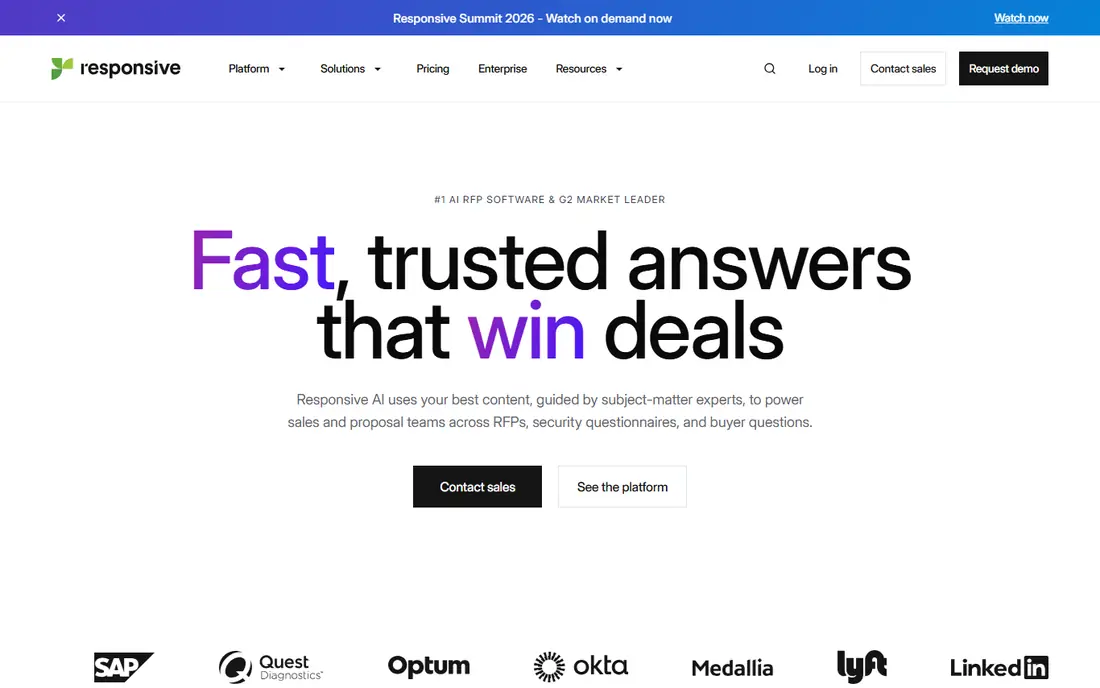
Responsive is a strong fit for teams that want AI-assisted RFP responses. Its strengths include aI-assisted response drafting, strong content library, and good integrations. That combination is why it earned a place on this list, and why it may suit you if those points match your priorities. On paper, the feature set looks broad, and the pricing page is the place to confirm what sits behind each tier before you commit. Pricing is listed as see website, and the free plan is no, so check the vendor page for the current details that apply to your team size and region. The trade-off is worth naming plainly. Watch for pricing is by quote, and for setup needs planning. If neither of those is a deal breaker for you, Responsive is a sensible shortlist candidate, and a short trial with a real task will tell you more than any feature list can.
- AI-assisted response drafting
- Strong content library
- Good integrations
- Pricing is by quote
- Setup needs planning
QorusDocs
Ideal for: Firms that build proposals inside Microsoft 365
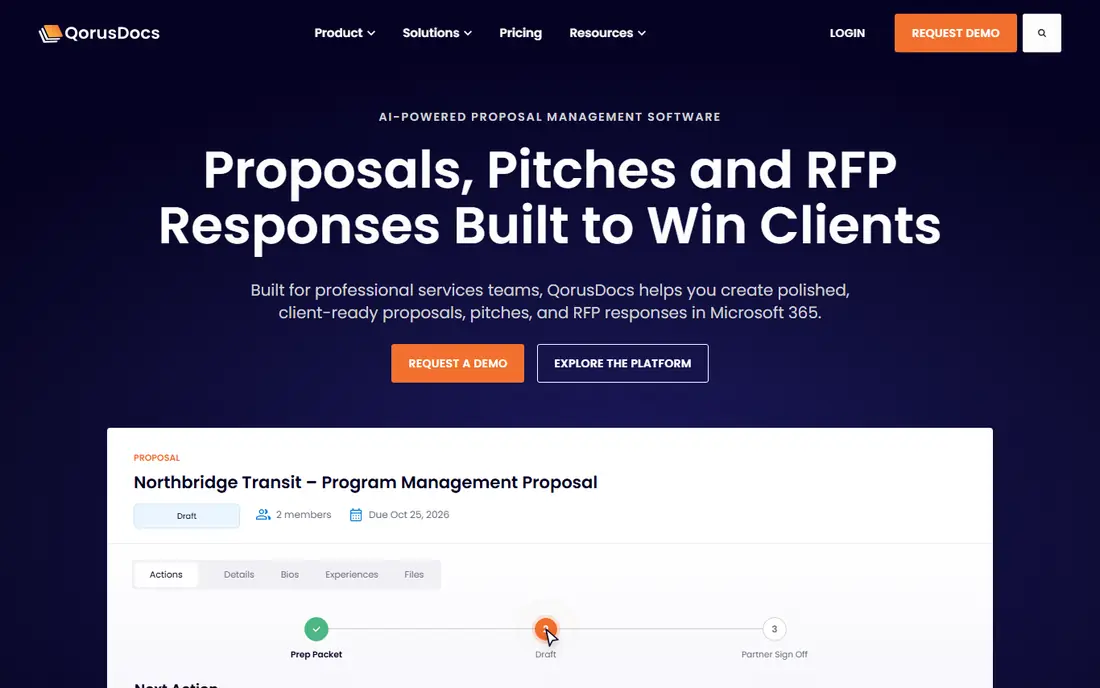
QorusDocs is a strong fit for firms that build proposals inside Microsoft 365. Its strengths include deep Microsoft integration, good content reuse, and clear proposal tools. That combination is why it earned a place on this list, and why it may suit you if those points match your priorities. We paid close attention to how clearly the vendor explains limits, because a tool that hides its limits tends to disappoint later. Pricing is listed as see website, and the free plan is no, so check the vendor page for the current details that apply to your team size and region. The trade-off is worth naming plainly. Watch for best inside Microsoft workflow, and for pricing is by quote. If neither of those is a deal breaker for you, QorusDocs is a sensible shortlist candidate, and a short trial with a real task will tell you more than any feature list can.
- Deep Microsoft integration
- Good content reuse
- Clear proposal tools
- Best inside Microsoft workflow
- Pricing is by quote
PandaDoc
Ideal for: Sales teams that want proposals plus e-signatures
PandaDoc is a strong fit for sales teams that want proposals plus e-signatures. Its strengths include proposals plus e-signatures, good templates, and clear tracking. That combination is why it earned a place on this list, and why it may suit you if those points match your priorities. Compared with the other options here, this one takes a narrower approach, and that focus is either a strength or a limit depending on your needs. Pricing is listed as see website, and the free plan is free trial, so check the vendor page for the current details that apply to your team size and region. The trade-off is worth naming plainly. Watch for pricing is per user, and for aI features need higher tiers. If neither of those is a deal breaker for you, PandaDoc is a sensible shortlist candidate, and a short trial with a real task will tell you more than any feature list can.
- Proposals plus e-signatures
- Good templates
- Clear tracking
- Pricing is per user
- AI features need higher tiers
Proposify
Ideal for: Sales teams that want polished client proposals
Proposify is a strong fit for sales teams that want polished client proposals. Its strengths include clean proposal templates, good tracking, and simple collaboration. That combination is why it earned a place on this list, and why it may suit you if those points match your priorities. The public reviews we read tended to praise the core workflow while noting the same trade-offs we list below. Pricing is listed as see website, and the free plan is free trial, so check the vendor page for the current details that apply to your team size and region. The trade-off is worth naming plainly. Watch for pricing is per user, and for rFP features are lighter. If neither of those is a deal breaker for you, Proposify is a sensible shortlist candidate, and a short trial with a real task will tell you more than any feature list can.
- Clean proposal templates
- Good tracking
- Simple collaboration
- Pricing is per user
- RFP features are lighter
Better Proposals
Ideal for: Small teams that want simple, attractive proposals
Better Proposals is a strong fit for small teams that want simple, attractive proposals. Its strengths include simple proposal builder, good templates, and clear tracking. That combination is why it earned a place on this list, and why it may suit you if those points match your priorities. For a team that wants to start small, the free tier or trial is worth testing with a real task before any wider rollout. Pricing is listed as see website, and the free plan is free trial, so check the vendor page for the current details that apply to your team size and region. The trade-off is worth naming plainly. Watch for feature depth is lighter, and for pricing is per user. If neither of those is a deal breaker for you, Better Proposals is a sensible shortlist candidate, and a short trial with a real task will tell you more than any feature list can.
- Simple proposal builder
- Good templates
- Clear tracking
- Feature depth is lighter
- Pricing is per user
GetAccept
Ideal for: Sales teams that want proposals plus deal tracking
GetAccept is a strong fit for sales teams that want proposals plus deal tracking. Its strengths include proposals plus deal rooms, good tracking, and clear e-signatures. That combination is why it earned a place on this list, and why it may suit you if those points match your priorities. We looked at integrations and support options as well, since a tool rarely works alone in a real workflow. Pricing is listed as see website, and the free plan is free trial, so check the vendor page for the current details that apply to your team size and region. The trade-off is worth naming plainly. Watch for pricing is per user, and for rFP depth is lighter. If neither of those is a deal breaker for you, GetAccept is a sensible shortlist candidate, and a short trial with a real task will tell you more than any feature list can.
- Proposals plus deal rooms
- Good tracking
- Clear e-signatures
- Pricing is per user
- RFP depth is lighter
Conga
Ideal for: Larger firms that want proposals inside Salesforce
Conga is a strong fit for larger firms that want proposals inside Salesforce. Its strengths include deep Salesforce integration, strong document tools, and good enterprise scale. That combination is why it earned a place on this list, and why it may suit you if those points match your priorities. The documentation and help pages gave us a good sense of how much setup this one needs in the first week. Pricing is listed as see website, and the free plan is no, so check the vendor page for the current details that apply to your team size and region. The trade-off is worth naming plainly. Watch for pricing is by quote, and for best inside Salesforce workflow. If neither of those is a deal breaker for you, Conga is a sensible shortlist candidate, and a short trial with a real task will tell you more than any feature list can.
- Deep Salesforce integration
- Strong document tools
- Good enterprise scale
- Pricing is by quote
- Best inside Salesforce workflow
How we picked these
We compared official feature pages, pricing pages, app store listings, privacy policies, and public reviews for each option. We kept only products that exist and work in October 2026 and that truly fit the topic, and we left out options whose pricing or core features we could not verify. Where a price was unclear, we wrote See website rather than guessing a number. We also weighed who each product is really for, how clear its limits are, and how it handles privacy and support. Our pick for most people is the option that balances those points best, not the one with the longest feature list. Your shortlist should still reflect your budget, your team size, and the one task you need done every week.
How to pick the right option for you
Start with your content library, not the AI. Gather your approved answers, case studies, pricing notes, and legal language, and check what is outdated. AI that draws on stale content will produce confident, wrong proposals, so cleaning the library is the highest-value step. Set approval rules before a deadline. Decide who can approve pricing, legal terms, and technical claims, and make those checks part of the workflow. A proposal that skips approval to meet a deadline can create commitments your team cannot keep. Track what happens after you send. Use proposal analytics to see what clients open and where they spend time, then follow up on the sections that drew attention. That feedback also tells you which content to improve for the next proposal.
Frequently asked questions
What is the best AI tool for proposal writing?
Loopio and Responsive suit formal RFP responses, while PandaDoc and Proposify suit sales proposals. QorusDocs suits firms working inside Microsoft 365.
Can AI write a whole proposal?
It can draft and suggest, but you should review every claim, price, and date. Proposals are commitments, so human approval matters more here than in casual writing.
What is RFP response software?
It is software that helps teams answer requests for proposals by reusing approved content, tracking questions, and collaborating on deadlines. Loopio and Responsive are built for this work.
How much does proposal software cost?
Pricing varies from per-user plans with trials to quotes for enterprise RFP platforms. Check the vendor site for the tier that covers your team and volume.