6 AI Tool to Generate Video from Text Options Ranked for 2026

- Pika takes the first slot, best suited to quick, playful clips and effects.
- Free plans are common here: 6 of 6 tools have one, including Pika, Kling AI, Google Flow (Veo) and Hailuo.
- Check the limits for Hailuo before you commit: prices and credit costs differ between app and website, top end realism sits a step below Kling, sound features trail the leaders.
- InVideo suits full marketing videos assembled for you.
Direct answer
Pika comes first here, mainly for quick, playful clips and effects. Kling AI is better for realistic motion and native audio, and Google Flow (Veo) is better for top prompt detail with sound included. The remaining 3 options are covered below with prices and limits.
Quick comparison
| Product | Ideal for | Price from | Free version | |
|---|---|---|---|---|
 Pika | Quick, playful clips and effects | $8/month | Yes | Visit |
 Kling AI | Realistic motion and native audio | $10/month | Yes | Visit |
 Google Flow (Veo) | Top prompt detail with sound included | $19.99/month | Yes | Visit |
 Hailuo | Literal prompt following on a budget | $9.99/month | Yes | Visit |
 Runway | Directed, refined clips for production | $15/month | Yes | Visit |
 InVideo | Full marketing videos assembled for you | See website | Yes | Visit |
AI Tool to Generate Video from Text profiles
Ainotely compared 6 tools for AI tool to generate video from text. The goal is a practical shortlist: published prices, free plan facts, best-fit use cases and honest limits for every entry.
Pika
Ideal for: Quick, playful clips and effects
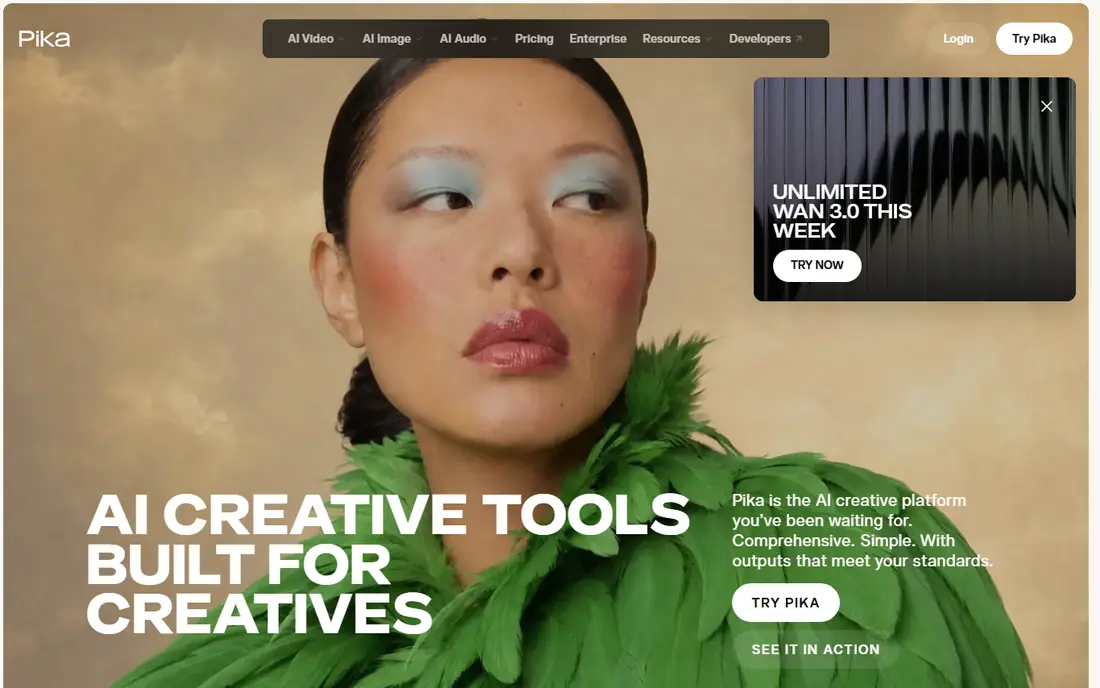
Pika is a good fit for quick, playful clips and effects. Its text to video is the friendliest on this page. Its effects library turns plain footage and stills into melting, exploding, inflating clips that perform well on social feeds.
The ceiling is real: faces soften, characters drift, and anything resembling a serious product film belongs on the tools above. Worth adding: pricing is the counterweight, with Standard at $8 per month billed annually. Pika cost at the entry level: $8/month. Free access exists with Pika.
Watch-outs: Realism and character consistency trail Kling and Runway.
- The quickest route from a sentence to a moving clip
- Pikaffects produce stylised transformations in one tap
- Commercial use is reserved for the Pro plan
Kling AI
Ideal for: Realistic motion and native audio
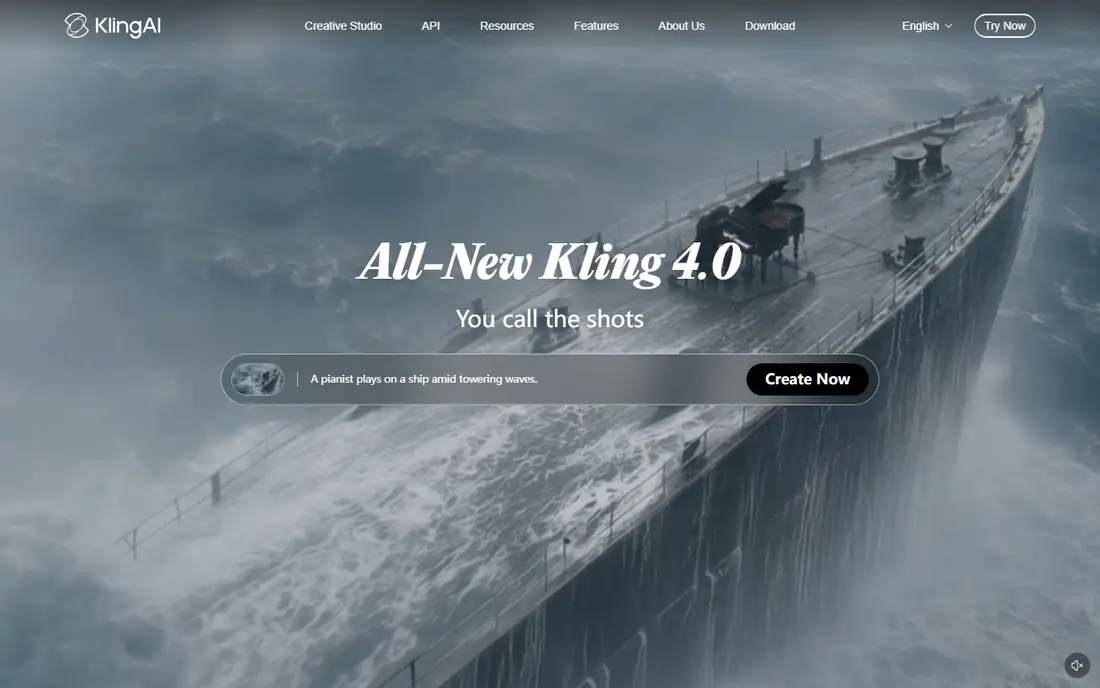
Kling AI is a good fit for realistic motion and native audio. Kling, built by Kuaishou, is the tool that made realistic AI video cheap. Its current model manages bodies, cloth and water with unusual physical sense, runs longer clips than most rivals, can cut between shots inside one generation, and adds sound with lip sync instead of leaving you a silent film.
As for the details, for narrative clips and product scenes, that combination is why comparison tests through 2026 keep placing it at or near the top for value. If you can buy one subscription to learn text to video properly this year, Kling is the hardest to argue against. Entry price for Kling AI: $10/month. Kling AI offers a free plan.
Highlights: current model creates up to 15 seconds with multi shot sequences.
Downsides: Promotional and renewal prices differ, so the checkout figure rules.
- Free credits arrive daily for steady practice
- Motion and physics read as the most believable at this price
- The interface can overwhelm a first time user
Google Flow (Veo)
Ideal for: Top prompt detail with sound included
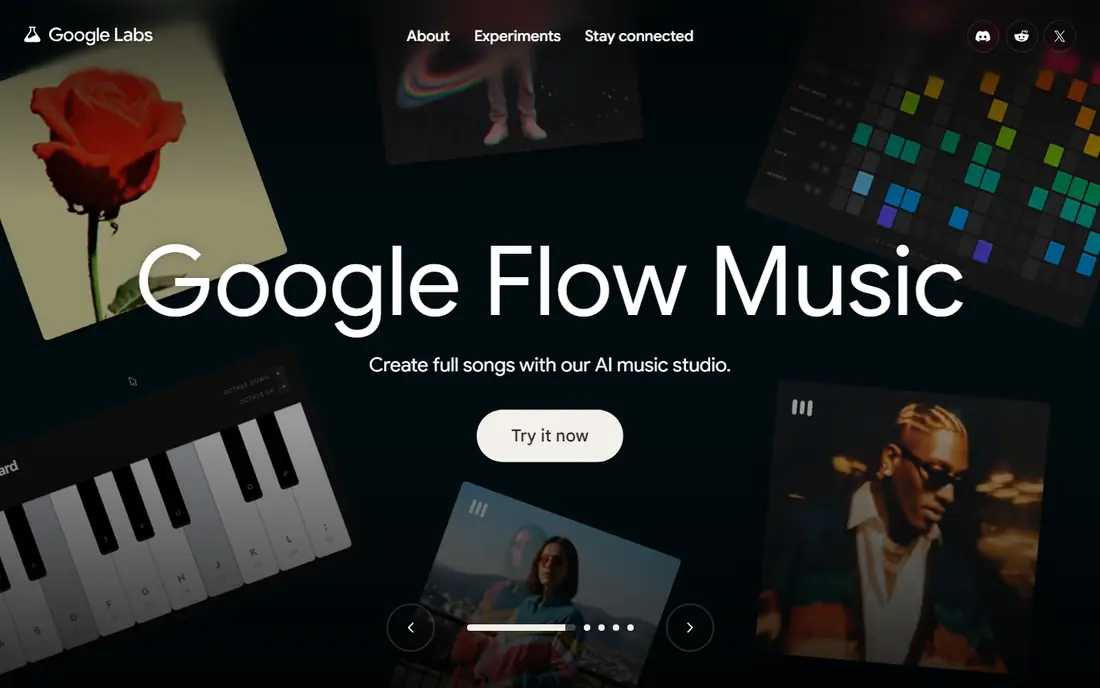
In short, Google Flow (Veo) is for top prompt detail with sound included. Google's Veo line, used through the Flow filmmaking tool, is where text to video quality arguments currently end.
Also, Veo follows dense prompts closely, keeps subjects coherent, and creates dialogue and sound effects with the picture, which removes the separate audio step Runway leaves you. On cost, Google Flow (Veo) starts like this: $19.99/month. Google Flow (Veo) includes a free tier.
Watch-outs: credits and model versions differ between Flow and other Google surfaces.
- Daily free credits in Flow for Google AI subscribers in supported regions
- Flow brings scene building with frames and ingredients to reuse
- Full volume access needs the $99.99 to $199.99 AI Ultra levels
Hailuo
Ideal for: Literal prompt following on a budget
Hailuo works best for literal prompt following on a budget. Write a specific scene with a specific camera move, and Hailuo follows the instruction more literally than models that prefer to improvise, which makes it the best budget teacher: change one phrase and the output change is visible, so your prompting improves quick.
It will not out render Kling on a flagship scene. Beyond that, MiniMax's Hailuo built its following on obedience. What you pay to start with Hailuo: $9.99/month. Hailuo offers a free plan.
Where it falls short: Prices and credit costs differ between app and website.
- Expressive faces and character motion at a low price
- Daily free credits support regular practice
- Sound features trail the leaders
Runway
Ideal for: Directed, refined clips for production
Runway targets Directed, refined clips for production. Runway is the professional's text to video tool since it treats the prompt as the start of direction, not the entire of it. Its current generation models produce the most steady motion and detail in this class.
Limits to weigh: gone in an afternoon of learning; free credits are a one time 125.
Reasons to shortlist it: built in editor finishes clips without a second tool; camera controls.
The surrounding tools let you set camera movement, paint motion onto a region, anchor characters with references and then edit the takes in a timeline. From a buyer's view, draft at low settings, lock the shot, then render the keeper at full quality, or the subscription will teach you that workflow the costly way. For a marketer or editor producing finished clips, that control is the difference between a demo and a deliverable. As for the details, the meter is the discipline. Starting cost for Runway: $15/month. Runway has a free plan.
- Hosts several rival models under one subscription for testing
- Motion Brush and references go beyond the raw prompt
- Credits burn at roughly 12 per second on the flagship model, no native audio, so dialogue and sound are separate work
InVideo
Ideal for: Full marketing videos assembled for you
Choose InVideo for full marketing videos assembled for you. Rather than one generated shot, it assembles an entire marketing video from your prompt: script drafted, scenes sourced or generated, voiceover and music added, captions burned in.
The trade is control and consistency: stock footage and generated clips sit side by side, and fine direction is restricted compared to Runway or Flow. InVideo revised its pricing during 2026, which is why this entry says See website. Check the vendor site for InVideo pricing; none is listed in this comparison. InVideo includes a free tier.
Trade-offs to know: less prompt level control than the model first tools.
- Voice and music
- Templates and brand kits keep a series consistent
- Pricing changed during 2026, so confirm the current plan before budgeting
What went into this list
The comparison looks at four things: starting price, free access, how well the feature set matches AI tool to generate video from text, and the main limit of each tool. Where a price is missing, the vendor does not list one publicly or ties it to a quote. Always confirm before budgeting. The sequence is a judgement call: typical use case first, then pricing transparency, then free access. Use the profiles to check fit.
Before you commit
- Ask InVideo for a written quote, since no starting price is shown.
- Check what the free option really includes: Pika, Kling AI, Google Flow (Veo) and others offer a free plan, and usage caps differ.
- Read the limits listed for Pika first: realism and character consistency trail Kling and Runway, commercial use is reserved for the Pro plan, clips top out short, so it fits moments, not stories.
- Let daily users try Runway on real work; their feedback beats any feature checklist.
- Confirm minimum seats and billing terms with InVideo before you commit to an annual plan.
Frequently asked questions
Can I try these tools before paying?
Often, yes. Pika, Kling AI, Google Flow (Veo) and others have a free plan. Use your own data and a real task during the test, and check what the free tier or trial limits before you rely on it.
Can I use these videos for ads and client work?
On the right level, yes. Premium plans at Runway and Luma contain commercial use. Pika reserves it for Pro; Kling bars it on free accounts; and stock based tools like InVideo license their library under their own terms. Read the licence attached to the plan that generated the final clip before publishing anything commercial.
Which options for AI tool to generate video from text have a free plan?
6 of the 6 tools have a free plan, including Pika, Kling AI, Google Flow (Veo) and Hailuo. Free plans usually cap users, projects or features, so check the limits on the vendor page.
What is the cheapest option for AI tool to generate video from text in this list?
On published monthly entry prices, Pika is the lowest here at $8/month. Entry price is only part of the cost, because seats, add-ons and billing terms can change the total.
Is Pika the right pick for everyone comparing AI tool to generate video from text?
No single tool suits every team. Pika comes first because it fits fast, playful clips and effects, while Kling AI suits realistic motion and native audio and Google Flow (Veo) suits top prompt detail with sound included. Match the tool to your own size, budget and workflow before deciding.
Do any of these tools create sound and dialogue?
Runway and Luma produce silent clips, so voice and music are added in an editor or a separate audio tool. More specifically, if your format needs talking characters, that difference should drive the shortlist.