The 7 Best AI Tools for Beginners to Shortlist in 2026

- 1
 CanvaSimple AI designVisit
- 2
 PerplexityCited research answersVisit
- 3
 NotionNotes and workspace with AIVisit
- 4
 GrammarlyEveryday writing helpVisit
- 5
 Google GeminiGoogle users and free research toolsVisit
- Canva sits first on this list: simple AI design.
- Free plans are common here: 7 of 7 tools have one, including Canva, Perplexity, Notion and Grammarly.
- For Windows and Microsoft 365 users, Microsoft Copilot is worth a look.
- Check the limits for Perplexity before you commit: it is an answer engine, not a writing tool, so it does not produce your deliverables, and the free level gives only a handful of Pro searches a day.
Direct answer
For easy AI design, Canva is where this list starts. For a different need, Perplexity covers cited research answers and Notion covers notes and workspace with AI. Prices, free plans and limits for all 7 tools follow.
Quick comparison
| Product | Ideal for | Price from | Free version | |
|---|---|---|---|---|
| Canva | Simple AI design | Free; Pro $15 a month per user, third-party reported, checked 13 Nov 2026 | Yes | Visit |
| Perplexity | Cited research answers | Free; Pro $20 a month, $17 on annual billing, third-party reported, checked 13 Nov 2026 | Yes | Visit |
| Notion | Notes and workspace with AI | Free; Plus $10 per member a month on annual billing, third-party reported, checked 13 Nov 2026 | Yes | Visit |
| Grammarly | Everyday writing help | Free; Pro $12 per month on annual billing, third-party reported, checked 13 Nov 2026 | Yes | Visit |
| Google Gemini | Google users and free research tools | Free; AI Pro $19.99 a month, third-party reported, checked 13 Nov 2026 | Yes | Visit |
 ChatGPT | All-round AI for beginners | Free; Plus $20 a month, third-party reported, checked 13 Nov 2026 | Yes | Visit |
 Microsoft Copilot | Windows and Microsoft 365 users | Free; Pro $20 per month, third-party reported, checked 13 Nov 2026 | Yes | Visit |
The full AI tools for beginners list
This Ainotely guide covers 7 AI tools for beginners. Each profile lists a starting price, free plan details, strengths and drawbacks, so you can drop poor fits quickly.
Canva
Ideal for: Simple AI design
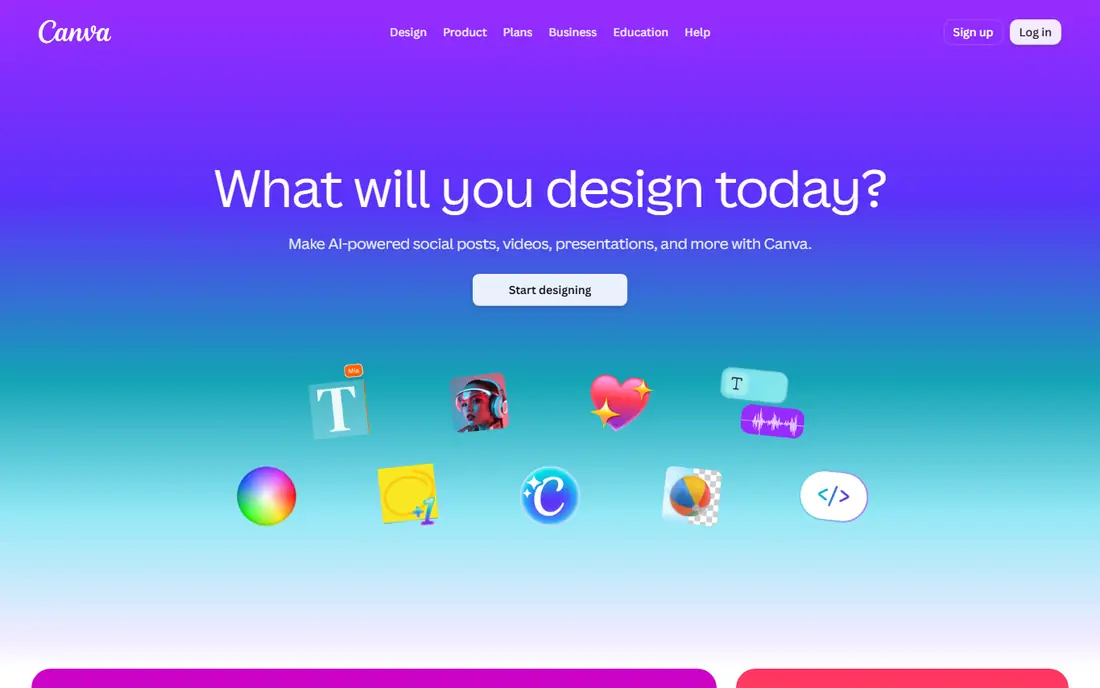
Canva is aimed squarely at simple AI design. Its Magic Studio AI writes text, produces images and recommends layouts inside a template library that includes social posts, presentations, flyers and resumes. So a beginner can produce a decent design in minutes.
In practice, pick Canva when you need visuals for social media, school or a small business, and pair it with ChatGPT for the words that go in the design. The free level includes most everyday design, and Pro costs $15 per month per user, or $12 per month on annual billing based on one comparison, so check the toggle before you pay. What you pay to start with Canva: Free. You can start on Canva without paying.
Watch-outs: the annual price of $12 per month conflicts with the $15 monthly figure, so check the billing toggle.
- Pro is $15 per month per user
- Easiest design tool here for a beginner, with Magic Studio AI for text
- AI features are spread across plans and some need Pro
Perplexity
Ideal for: Cited research answers
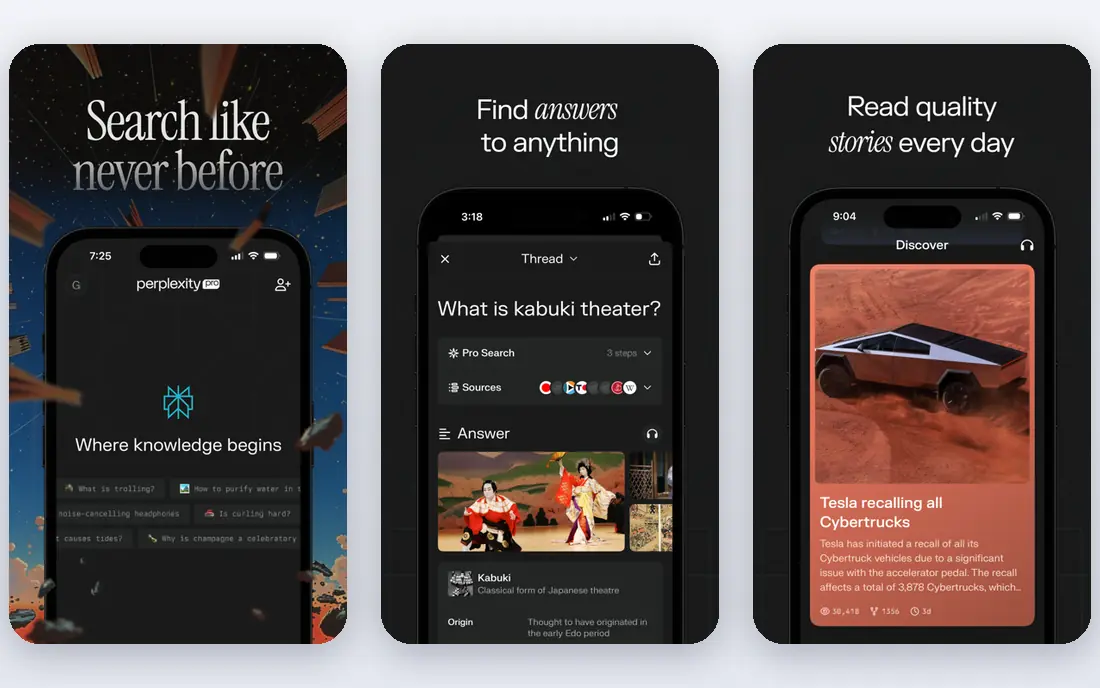
For cited research answers, Perplexity is a natural candidate. The free level manages most casual research, with a handful of Pro searches a day, and Pro costs $20 per month, or $17 on annual billing, for more searches and model choice.
Downsides: the free level hands only a handful of Pro searches a day.
In practice, pick Perplexity when your question is what is true and where it was published. Starting cost for Perplexity: Free. Perplexity includes a free tier.
- Free level provides away citations on every answer
- Every answer carries citations you can click to check
- Not a writing tool, so it does not produce your deliverables
Notion
Ideal for: Notes and workspace with AI
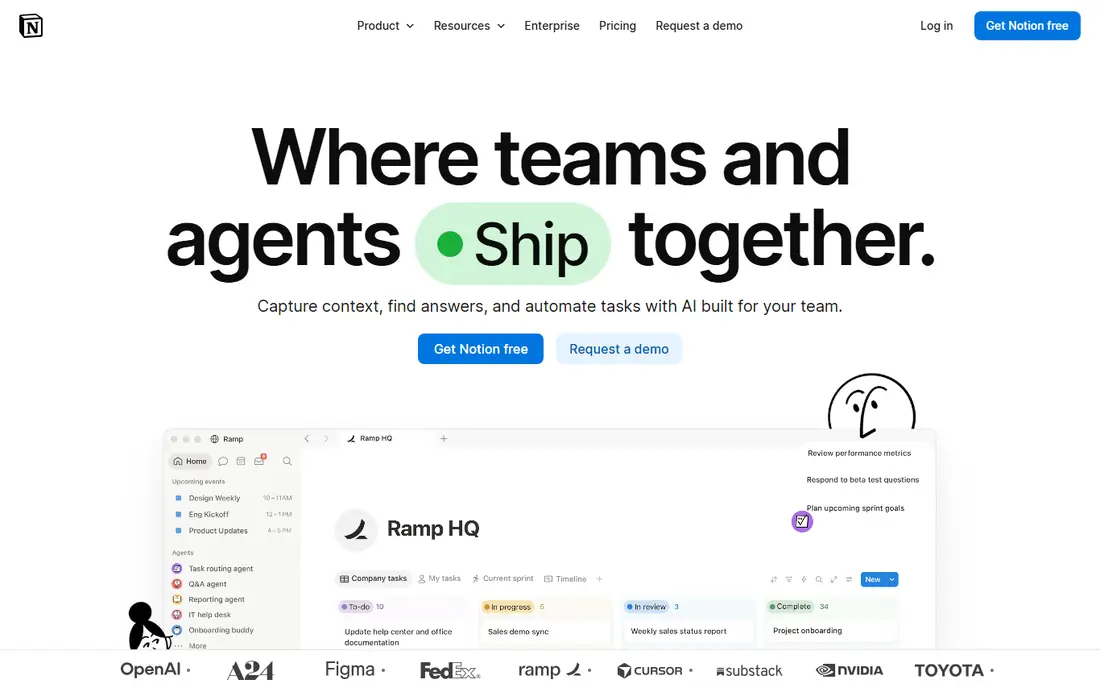
Pick Notion if this describes you: notes and workspace with AI. It is free for one person, and Plus costs $10 a member per month on annual billing, or $12 on monthly billing.
For everyday use, the main limit is AI: Notion retired the standalone AI add-on in 2025 and moved full Notion AI, including Agents, AI Meeting Notes and Enterprise Search, into the Business level at $20 a member per month, whereas Free and Plus get only a trial. That doubles the cost for a beginner who wants AI inside Notion. Notion cost at the entry level: Free. Notion has a free plan.
- Free for one person, Plus at $10 a member per month on annual billing
- Clean interface that beginners learn quickly
- Full Notion AI lives on the Business level at $20 a member per month, whereas Free and Plus get only a trial of AI, so a beginner who wants AI in Notion must pay double the Plus price
Grammarly
Ideal for: Everyday writing help
Grammarly is built with everyday writing help in mind. It checks spelling and grammar in email, Docs and the browser. So you do not have to open a separate tool, and Pro layers on tone, clarity and AI drafting.
Pro is listed at $12 per month on annual billing, or $144 per year, but monthly billing is listed at $30 a month. So the gap is large and worth checking before you subscribe. Starting cost for Grammarly: Free. Grammarly has a free plan.
Watch-outs: Prices conflict across sources, with Pro listed at $12 per month on annual billing and $30 per month on monthly billing.
- Pro brings tone
- Clarity and AI drafting
- The AI drafting is weaker than a full chatbot for long documents
Google Gemini
Ideal for: Google users and free research tools
In short, Google Gemini is for Google users and free research tools. Its free level is the most ample here by feature count, giving away Deep Research, image generation, Gemini Live, Canvas and Gems. It works natively inside Gmail, Docs and Drive, so you can draft and summarise without leaving your inbox.
For everyday use, AI Pro costs $19.99 per month and brings a 1,000,000 token context window, 5 TB of storage, and family sharing for up to five other people. Note that Google tightened the free level in October 2026, so heavy users will feel the limits. Google Gemini pricing: Free. Google Gemini includes a free tier.
Where it falls short: Free level was tightened in October 2026 to a lighter model.
- Image generation
- Docs and Drive
- The AI Plus level at $4.99 is simple to miss behind the Pro upsell
ChatGPT
Ideal for: All-round AI for beginners
ChatGPT is designed for all-round AI for beginners. Plus costs $20 per month and raises those limits, whereas a less expensive Go level is listed at $8 per month.
The main drawbacks: the Pro level begins at $100 per month, which is far beyond what a beginner needs.
Pick ChatGPT first, and add a specialist tool only when you hit a gap it cannot fill. Price to start with ChatGPT: Free. ChatGPT offers a free plan.
- Image generation
- Broadest ecosystem with writing
- Free level is very restricted on the newest model
Microsoft Copilot
Ideal for: Windows and Microsoft 365 users
Microsoft Copilot serves Windows and Microsoft 365 users. It is built into Windows, Edge and Microsoft 365, so you can ask questions, draft emails and summarise documents without opening a new app.
Honest limits: Less capable than ChatGPT for image work and long writing.
The free level bundles web search with citations. In daily use, for image work and long-form writing, ChatGPT is more solid, and for cited research, Perplexity is more focused. Entry price for Microsoft Copilot: Free. Free access exists with Microsoft Copilot.
- Familiar interface for Office users
- Built into Windows
- The business level for Microsoft 365 costs $30 per user per month, which is steep for a beginner
How much to budget for AI tools for beginners
A beginner who pays for one $20 plan per month spends $240 a year, so start free, use the free level for a handful of weeks, and pay only when you hit a limit that slows your work, like the daily message cap or the upload limit.
A closer look at AI tools for beginners
Start with one AI tool, since learning one interface well beats collecting five logins you barely use. Add a second tool only when you hit a real gap: Perplexity when you need cited research, Canva when you need design, or Grammarly when you write every day.
Starting free with AI tools for beginners
The tools here all publish privacy pages, and premium business plans typically offer more solid data controls. For a beginner, the practical rule is straightforward: use AI for drafts and ideas, keep private data out, and check important facts against a source you trust.
How these tools were picked
Selection started from tools commonly considered for AI tools for beginners, then narrowed to 7 that have clear pricing information or a clear quote process. Plan names, prices and limits change often. Treat the figures here as a starting point and verify them with the vendor. The ranking is editorial: typical fit first, then clear pricing, then free access. If your needs are unusual, read the profiles rather than relying on position.
What to confirm before you sign up
- Check the current price for Canva, Microsoft Copilot and the rest on each vendor page, since seats and billing terms change the total.
- Check what the free option really includes: Canva, Perplexity, Notion and others offer a free plan, and usage caps differ.
- Read the limits listed for Canva first: AI features are spread across plans and some need Pro, and the annual price of $12 per month conflicts with the $15 monthly figure, so check the billing toggle.
- Make sure Google Gemini lets you export your data in a format another tool can read.
- Ask Perplexity about contract length, onboarding fees and user minimums before you sign.
Frequently asked questions
How are the tools for AI tools for beginners ordered?
The order follows typical fit for AI tools for beginners, with Canva first and Microsoft Copilot last, then price clarity and free access. It is editorial judgement, not a score, so another team could rank the tools differently.
Can I try these tools before paying?
Often, yes. Canva, Perplexity, Notion and others have a free plan. Use your own data and a real task during the test, and check what the free tier or trial limits before you rely on it.
What is the best free AI tool for beginners?
For most readers this guide would start with Canva, built for simple AI design. Perplexity is the alternative for cited research answers, and Notion for notes and workspace with AI. The right answer depends on budget and workflow.
Do I need to pay for an AI tool as a beginner?
Pay $20 per month only when you hit a limit that slows your work, like the daily message cap, the upload limit, or the number of Pro searches.
Which AI tool is easiest for someone who has never used AI?
ChatGPT is the easiest first AI tool, since you type a question and get an answer, and almost every tutorial online uses it.
Which options for AI tools for beginners have a free plan?
On this list, 7 of 7 tools include a free plan, among them Canva, Perplexity, Notion and Grammarly. Caps on seats, usage or features are common, so test the free plan against your real workload.