The 7 Best AI Tools for Building Websites to Shortlist in 2026

- GoDaddy Website Builder takes the first slot, best suited to domain, hosting and site in one place.
- What to know about GoDaddy Website Builder first: sites cannot be moved to another host.
- Free plans exist at 4 of 7 tools (GoDaddy Website Builder, Jimdo, Webflow, Wix).
- For design-led brands and portfolios, Squarespace is worth a look.
- Hostinger Website Builder has the lowest monthly starting price in this list: $2.99 per month.
Direct answer
Start with GoDaddy Website Builder if you need domain, hosting and site in one place. Jimdo is the stronger choice for straightforward sites for solo owners, while 10Web suits AI-built WordPress sites. The full list of 7 tools follows, with prices and free plan facts.
Quick comparison
| Product | Ideal for | Price from | Free version | |
|---|---|---|---|---|
 GoDaddy Website Builder | Domain, hosting and site in one place | See website | Yes | Visit |
 Jimdo | Straightforward sites for solo owners | $11 a month | Yes | Visit |
 10Web | AI-built WordPress sites | $10 a month | Free trial | Visit |
 Webflow | Design control with a CMS | $14 a month | Yes | Visit |
 Wix | All-round small business sites | $17 per month | Yes | Visit |
 Hostinger Website Builder | Lowest-cost straightforward sites | $2.99 per month | No | Visit |
 Squarespace | Design-led brands and portfolios | $19 a month | Free trial | Visit |
Our 7 AI tools for building websites
If you are comparing AI tools for building websites, this page covers 7 tools in one place: what each is best for, what it costs to start, whether it has a free plan, and the main limit to know about.
GoDaddy Website Builder
Ideal for: Domain, hosting and site in one place

For domain, hosting and site in one place, GoDaddy Website Builder is a natural candidate. Its AI tools draft a starting site, and built-in tools handle appointments, keeps and marketing basics.
Where it falls short: Design choices are simpler than design-led builders.
More specifically, if you already use GoDaddy for your domain, the convenience may outweigh those limits. If design control or portability matters more, Wix, Squarespace or 10Web will serve you better. Check the vendor site for GoDaddy Website Builder pricing; none is listed in this comparison. GoDaddy Website Builder includes a free tier. What GoDaddy Website Builder does well: hosting and site builder in one account.
- Domain
- AI-assisted setup
- Sites cannot be moved to another host
Jimdo
Ideal for: Straightforward sites for solo owners

Jimdo serves simple sites for solo owners. Its AI-assisted builder asks a handful of questions, drafts a starting site, and lets you edit text, images and sections in a straightforward editor. More specifically, check contract terms and domain renewal costs for your region before you pay.
The main drawbacks: Separate tracks for websites and shops.
The free plan is enough to test whether the workflow suits you. It will not satisfy a designer who wants full control, and moving between a website plan and a shop plan is not as smooth as it should be. In daily use, for an entry-level informational site or a small shop, Jimdo does the job at a fair price. Jimdo starts at: $11 per month. A free plan is available with Jimdo.
- AI-assisted builder for a fast starting site
- Free plan for testing
- Design adaptability is restricted on lower plans
10Web
Ideal for: AI-built WordPress sites
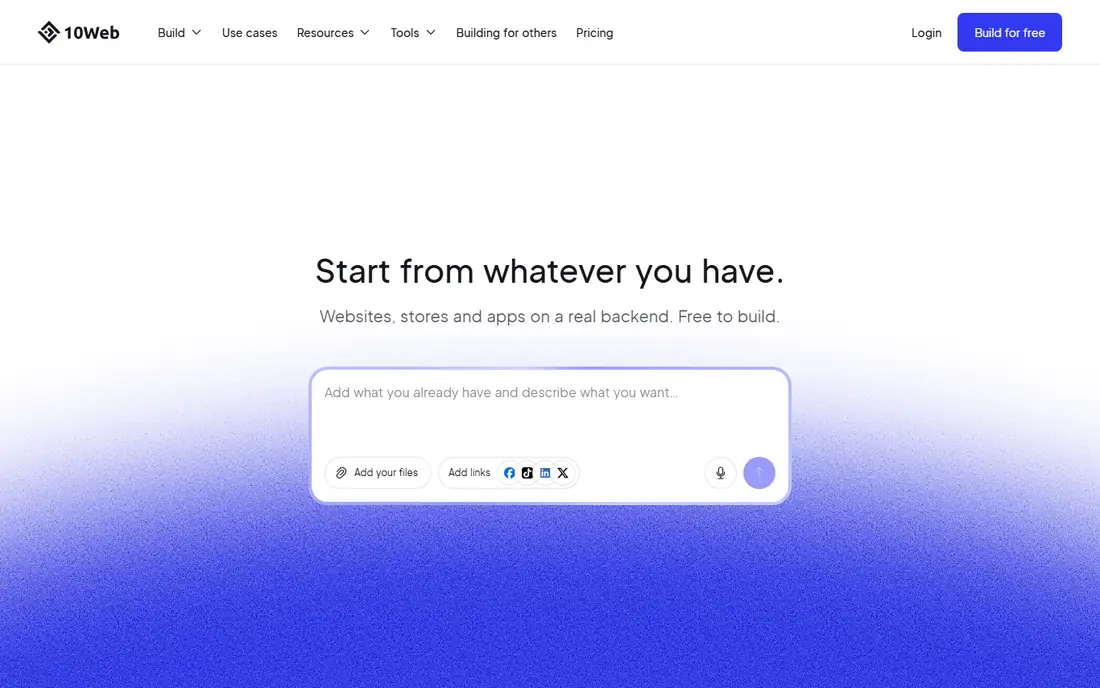
Think of 10Web for AI-built WordPress sites. If you want a site you never think about again, a closed builder may suit you better. Updates, plugins and backups are part of owning a WordPress site, even with managed hosting.
Strengths: URL or file.
What to check first: Monthly billing costs more than annual billing.
Also, 10Web is the pick for people who want AI speed plus WordPress ownership. Unlike closed builders, it creates a genuine WordPress site, so you keep the content, the plugins and the choice to move hosts later. That ownership matters if you plan to grow the site, add complicated features or hire a developer one day. 10Web cost at the entry level: $10 per month. Free options: Free trial.
- AI generation from a prompt
- Builds real WordPress sites you can move and extend
- WordPress layers on upkeep for example updates and plugins
Webflow
Ideal for: Design control with a CMS
Webflow is a good fit for design control with a CMS. Webflow is the builder for people who want design control without writing code by hand.
In practice, designers, agencies and expanding startups often choose it for that reason. On top of that, beginners should budget learning time. On cost, Webflow starts like this: $14 per month. Webflow includes a free tier.
The main drawbacks: Site and workspace costs can stack.
- AI tools for building and editing
- In-depth visual design control with a real CMS
- Ecommerce is a separate add-on
Wix
Ideal for: All-round small business sites
Think of Wix for all-round small business sites. Higher plans also contain the features plenty of companies need, so price the plan that suits your real needs, not just the entry plan. Wix is my pick for most small companies since it spans the entire job in one place.
What to check first: Sites cannot be moved to another host.
Its AI tools draft a site from your answers, then hand you an editor where you can move sections, change copy and add features for example bookings or a store. The free plan lets you test that workflow before you pay for a custom domain. Wix cost at the entry level: $17 per month. A free plan is available with Wix.
- Free plan for testing
- Large app market for bookings
- Prices vary by location
Hostinger Website Builder
Ideal for: Lowest-cost straightforward sites
Hostinger Website Builder makes the most sense for lowest-cost straightforward sites. Hostinger Website Builder wins on entry cost, full stop. In daily use, for a new side business or a straightforward brochure site, that low starting price is hard to argue with.
Also, read the renewal price before you commit, since the headline rate applies to a long pre-purchased term and the renewal is higher. You get hosting, an AI builder and a straightforward drag-and-drop editor in one bill. An entry-level business site can be live the same day. Hostinger Website Builder pricing: $2.99 per month. Hostinger Website Builder has no permanent free option.
Points against: Best price needs a long pre-purchased term.
- Free domain on some longer terms
- AI site generation in minutes
- No lasting free plan
Squarespace
Ideal for: Design-led brands and portfolios
Squarespace was built for design-led brands and portfolios. For photographers, restaurants, consultants and creative brands, that polish is worth paying for. Its Blueprint AI tool builds a multi-page starting site, and its templates keep fonts, spacing and image styles consistent without much manual work.
Where it is weaker: No lasting free plan, only a trial.
In daily use, there is no free plan to keep, and the entry plan has limits on store features and fees. If you need the cheapest possible web presence, look at Hostinger or Jimdo first. More specifically, if design is your top priority and you plan to publish a portfolio or a brand site, Squarespace earns its price. The starting price for Squarespace: $19 per month. On free options: Free trial.
- Refined templates and Blueprint AI site generation
- Built-in commerce and scheduling tools
- Some marketing tools are separate subscriptions
Selecting AI tools for building websites: the practical checks
Start with the job your site must do. As for the details, a brochure site, a booking site, a portfolio and a store need different features. The cheapest builder that includes your job beats a fancier one that misses it.
As for the details, write down whether you need payments, bookings, a blog, a store or a contact form before you compare plans, since those features commonly sit on higher levels. For everyday use, then check the total cost for year two, not just the first-year offer. AI copy is a starting draft, not a finished page, so edit the facts, replace stock photos with your own where you can, and check the site on a phone before you publish.
How the list was put together
The comparison looks at four things: starting price, free access, how well the feature set matches AI tools for building websites, and the main limit of each tool. Figures are shown as the vendors publish them. Billing terms, seat minimums and add-ons can change the real cost. Tools are placed by general fit for AI tools for building websites, with price clarity and free access as tie-breakers. A different team can reasonably rank them differently.
Questions to settle before buying
- Get a written quote from GoDaddy Website Builder; the list shows no starting price for them.
- Check what the free option really includes: GoDaddy Website Builder, Jimdo, Webflow and Wix offer a free plan, and usage caps differ.
- Take the trial from 10Web and Squarespace and push a live task through it before you pay.
- Before choosing GoDaddy Website Builder, weigh its main limit: sites cannot be moved to another host.
- A short pilot of Jimdo with your real workflow tells you more than a feature table.
- Before rolling out Hostinger Website Builder, verify the integrations your workflow depends on.
Frequently asked questions
Which options for AI tools for building websites have a free plan?
GoDaddy Website Builder, Jimdo, Webflow and Wix offer a free plan in this list. Free plans usually cap users, projects or features, so check the limits on the vendor page. Several others offer a trial instead.
Do AI website builders help with search engines?
Most bundle entry-level SEO tools like page titles, descriptions and mobile-friendly layouts, but they do not guarantee rankings. Clear page titles, honest business details, quick loading and handy content still matter more than any AI label on the plan.
What is the best AI website builder for WordPress?
For most readers this guide would start with GoDaddy Website Builder, built for domain, hosting and site in one place. Jimdo is the alternative for straightforward sites for solo owners, and 10Web for AI-built WordPress sites. The right answer depends on budget and workflow.
What is the cheapest option for AI tools for building websites in this list?
On published monthly entry prices, Hostinger Website Builder is the lowest here at $2.99 per month. Entry price is only part of the cost, because seats, add-ons and billing terms can change the total.
Do these tools publish their prices?
Not all of them. GoDaddy Website Builder publishes no starting price, so expect a quote request for it. The rest, Jimdo included, show a starting price, though seats and billing terms still change the final cost.
Is GoDaddy Website Builder the right pick for everyone comparing AI tools for building websites?
No single tool suits every team. GoDaddy Website Builder comes first because it fits domain, hosting and site in one place, while Jimdo suits simple sites for solo owners and 10Web suits AI-built WordPress sites. Match the tool to your own size, budget and workflow before deciding.